
1. Introduction
This manual provides essential information for the safe and efficient use of your Baseus 100W 6.6ft Retractable USB C to USB C Fast Charging Cable. This cable is designed for high-speed charging of compatible USB-C devices, offering convenience and portability with its retractable design.
Key features include 100W Power Delivery for fast charging laptops, tablets, and smartphones, a 6.6ft (2-meter) length with 7-stage length presets, and a compact, lightweight design for clutter-free use and storage. Please note that this cable supports data transfer at 480Mbps (USB 2.0) but does NOT support video transmission.
2. Product Overview

Figure 2.1: Baseus 100W 6.6ft Retractable USB C Cable (Black)

Figure 2.2: Overview of the Baseus 100W USB-C Fast Charging Cable highlighting its compatibility with various USB-C devices like MacBooks, iPhones, Samsung, and Google Pixel devices.
3. Setup
3.1 Extending the Cable
To extend the cable, gently pull both USB-C connectors simultaneously away from the central housing. The cable features a 7-stage length preset. Pull to the desired length until it locks into place. Avoid pulling only one side, as this may cause the internal mechanism to jam or retract unevenly.
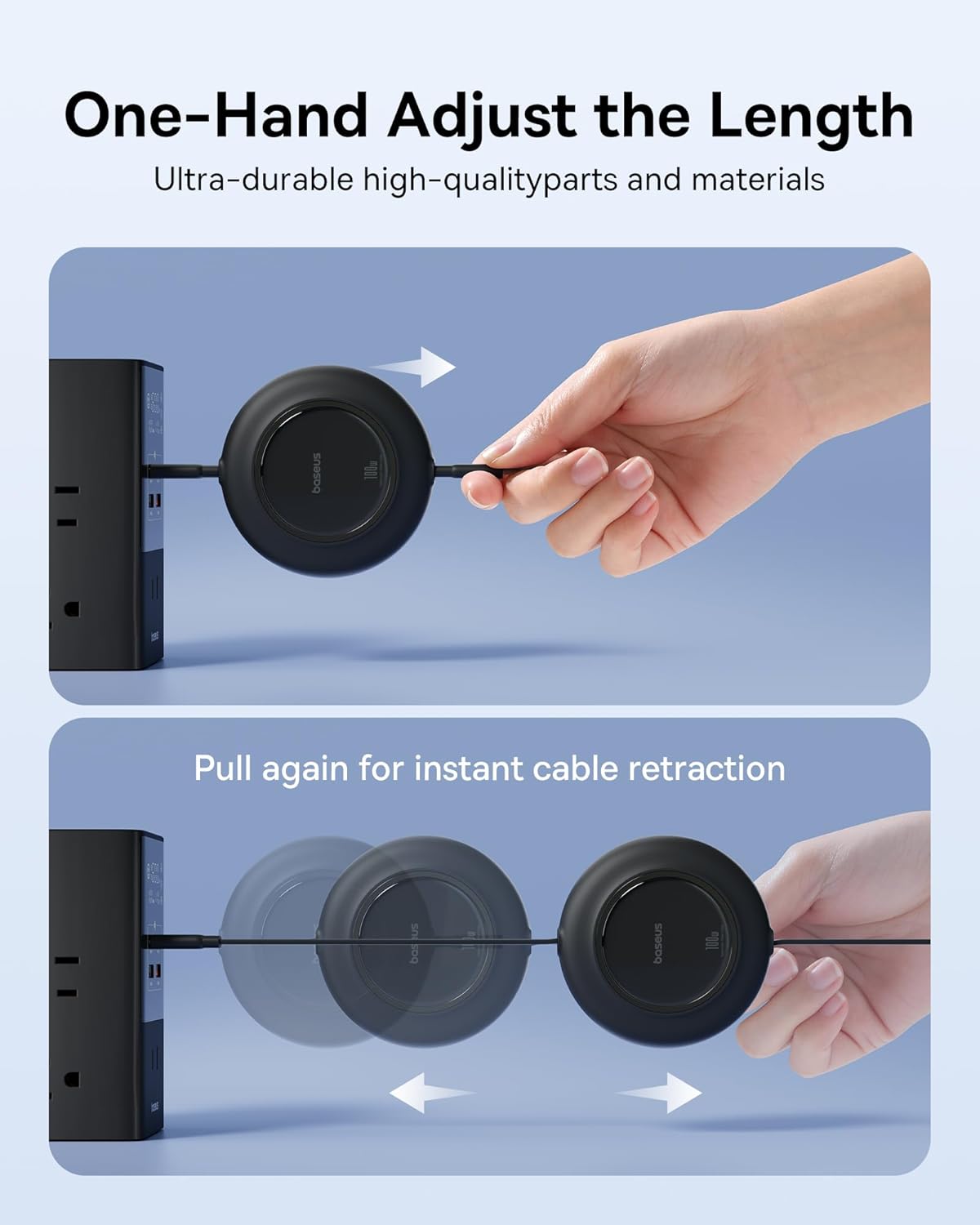
Figure 3.1: Demonstrates how to extend the cable by pulling both ends from the central unit.
3.2 Retracting the Cable
To retract the cable, gently pull both connectors slightly further out, then release. The cable will automatically retract into the central housing. Ensure both ends retract smoothly to prevent tangling.
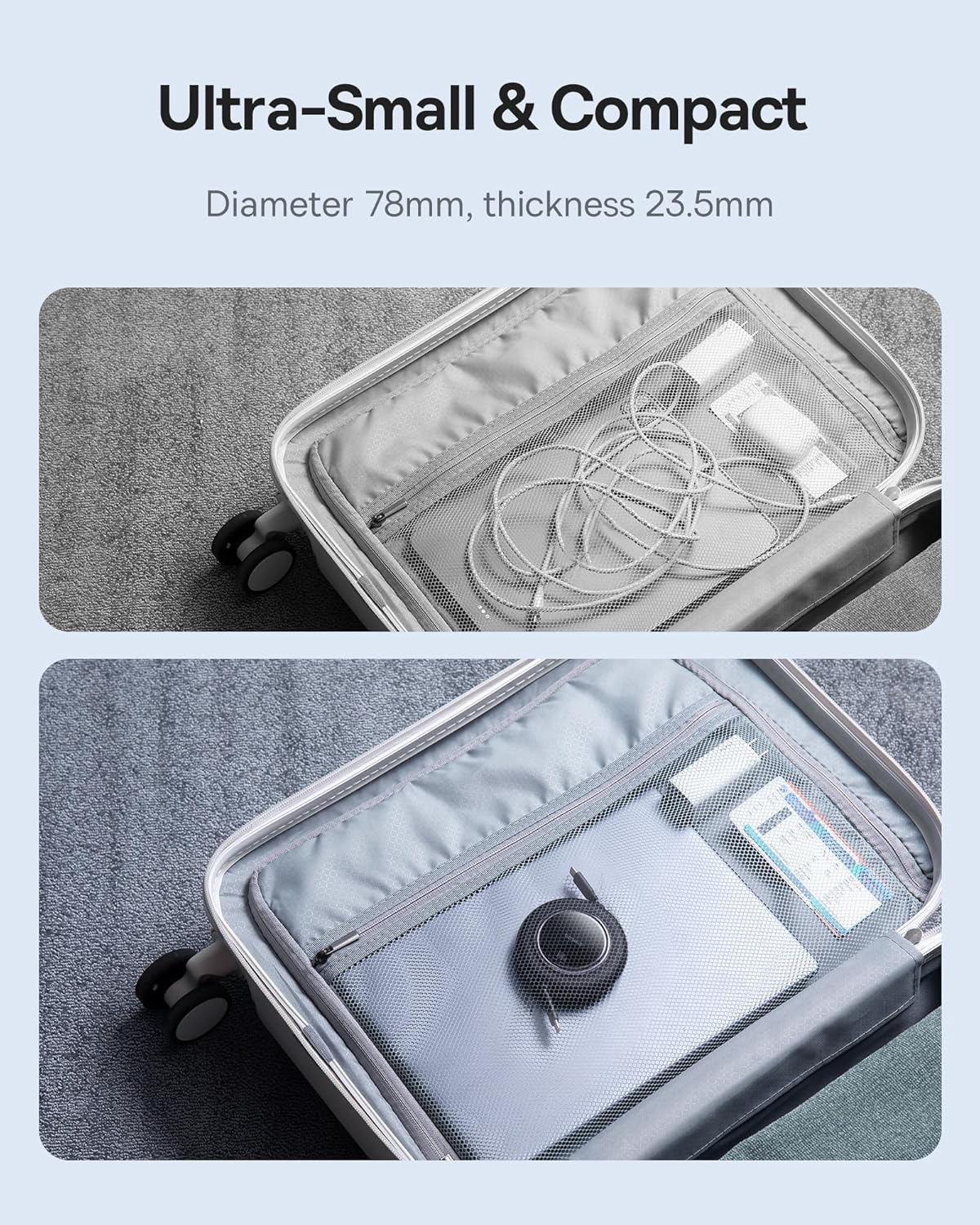
Figure 3.2: Illustrates the retraction mechanism of the cable, showing it neatly winding back into the compact housing.
4. Operating Instructions
4.1 Connecting for Charging
Connect one USB-C end of the cable to a compatible power adapter (not included) and the other USB-C end to your device (e.g., smartphone, tablet, laptop). Ensure your power adapter supports Power Delivery (PD) for optimal 100W fast charging speeds. The cable is designed to provide up to 100W of power.
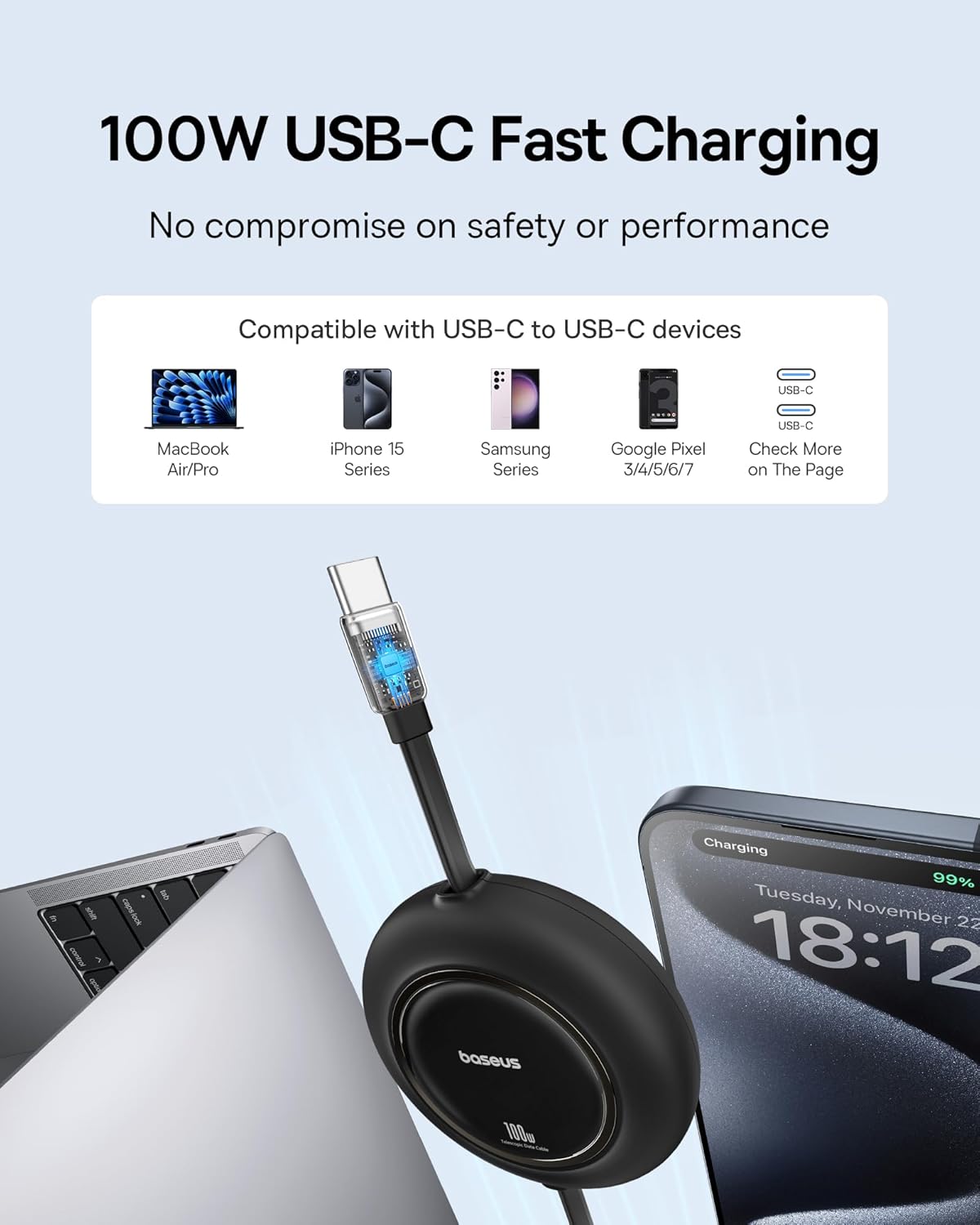
Figure 4.1: The cable connected to a laptop and a smartphone, demonstrating its use in a typical charging setup.
4.2 Data Transfer
This cable supports data transfer speeds of up to 480 Megabits Per Second (USB 2.0). Connect your device to a computer or other compatible data transfer device using the cable. Note that this cable is not designed for high-speed data transfer (e.g., 5Gbps or higher) or video transmission.
4.3 Compatibility
The cable is compatible with a wide range of USB-C devices, including but not limited to:
- Smartphones: iPhone 15 Series, Samsung Galaxy S23/S22/S21/S20/S10+/S10e/S10/S9+/S9/S8+/S8, Galaxy Note 20 Ultra/20/10+/10/9/8, Google Pixel 3/4/5/6/7, Google Nexus 6P.
- Tablets: iPad Pro 12.9-inch (all generations), iPad Pro 11-inch (all generations), iPad Air (4th generation), iPad mini (6th generation).
- Laptops: MacBook Air 15-in. (M2pro, 2023), MacBook Air (M2, 2022), MacBook Pro (2020/2019/2018/2017/2016) 13.3''.

Figure 4.2: Visual representation of device compatibility, showing various smartphones, tablets, and laptops.
5. Maintenance
To ensure the longevity and optimal performance of your Baseus retractable cable, follow these maintenance guidelines:
- Proper Retraction: Always pull both ends of the cable simultaneously when extending or retracting to prevent damage to the internal mechanism.
- Avoid Excessive Force: Do not yank or forcefully pull the cable. Gentle handling will preserve its functionality.
- Cleanliness: Keep the connectors and cable free from dust, dirt, and moisture. Use a soft, dry cloth for cleaning.
- Storage: Store the cable in its fully retracted state when not in use to protect the cable and prevent tangling.
- Temperature: Avoid exposing the cable to extreme temperatures or direct sunlight for prolonged periods.
6. Troubleshooting
If you encounter issues with your Baseus retractable cable, refer to the following common troubleshooting steps:
- Cable Not Charging:
- Ensure both ends of the cable are securely connected to the power adapter and your device.
- Verify that the power adapter is functioning correctly and is plugged into a live power source.
- Check if your device's charging port is clean and free of debris.
- Test the cable with a different compatible device and power adapter to isolate the issue.
- Slow Charging Speed:
- Confirm that your power adapter supports Power Delivery (PD) and can deliver at least 100W for optimal fast charging.
- Ensure your device is compatible with 100W fast charging.
- Close any power-intensive applications running on your device.
- Avoid using the device heavily while charging.
- Cable Not Retracting Smoothly:
- Ensure you are pulling both ends of the cable simultaneously before releasing for retraction.
- Avoid twisting the cable during extension or retraction.
- If the cable is stuck, gently pull both ends out a short distance and then release.
7. Specifications
| Feature | Detail |
|---|---|
| Brand | Baseus |
| Model Number | Baseus-USB-C-Cable-6.6ft-PD-100W |
| Connector Type | USB Type C (Male-to-Male) |
| Cable Type | USB C Cable |
| Length | 6.6ft (2 meters) with 7-Stage Length Preset |
| Power Delivery | Up to 100W (20V/5A) |
| Data Transfer Rate | 480 Megabits Per Second (USB 2.0) |
| Video Transmission | Not Supported |
| Special Features | Fast Charging, High Speed, Lightweight, Retractable |
| Outer Material | Nylon |
| Color | Black |
| Certifications | RoHS, UL |
| Item Weight | 5 ounces |
8. Warranty & Support
Baseus products are manufactured with high-quality materials and undergo rigorous testing. For specific warranty details and support inquiries, please refer to the warranty information provided with your product packaging or visit the official Baseus website. You may also contact Baseus customer service directly for assistance with product-related questions or issues.
Manufacturer: Shenzhen Baseus Technology Co., Ltd.
UPC: 850060076718


