
Jesebang BD86
Jesebang Bluetooth Earbuds User Manual
Model: BD86
Product Overview
The Jesebang Bluetooth Earbuds combine elegant design with premium quality and trendy color selection. The semi-in-ear design is engineered to conform to the contours of the outer ear, reducing pressure on the ear canal and creating a lightweight, breathable fit. These earbuds offer an immersive HiFi stereo experience with advanced Bluetooth 5.4 technology, ensuring stable connection and clear audio.

Image: Jesebang Bluetooth Earbuds in their charging case, showcasing the LED battery display.
What's in the Box
Upon opening your Jesebang Bluetooth Earbuds package, you should find the following components:
- 1 x Pair of Jesebang Bluetooth Earbuds
- 1 x Charging Case
- 1 x USB-C Charging Cable
- 1 x User Manual
Setup and Pairing
Initial Charge
Before first use, ensure both the earbuds and the charging case are fully charged. Connect the provided USB-C cable to the charging port on the case and to a compatible USB power source. The LED display on the charging case will indicate the battery level.
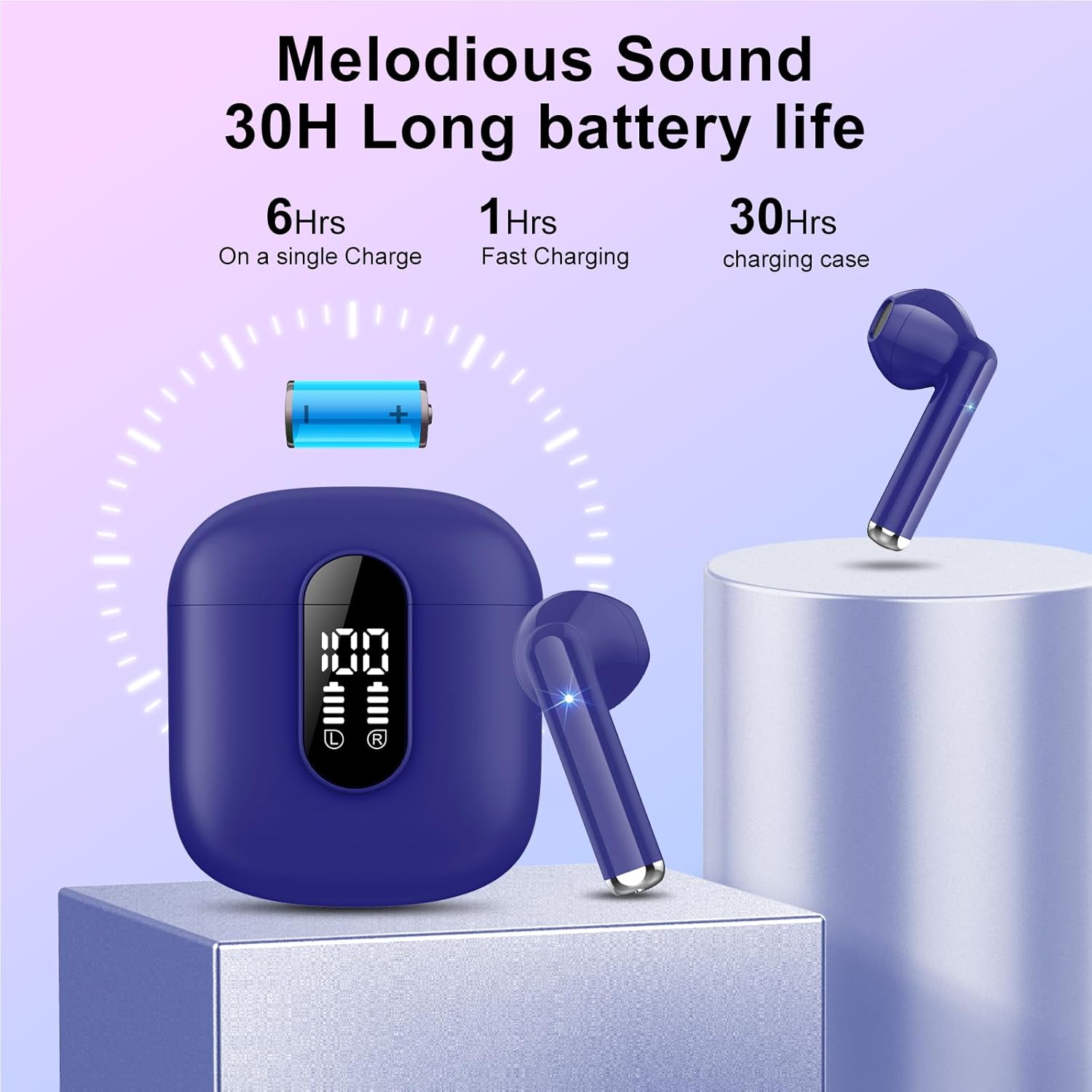
Image: Illustration of the earbuds' battery life, showing 6 hours on a single charge and 30 hours with the charging case.
Bluetooth Pairing
- Ensure your earbuds are charged.
- Open the charging case. The earbuds will automatically power on and enter pairing mode.
- On your device (smartphone, tablet, PC), navigate to the Bluetooth settings.
- Search for available devices and select "Jesebang BD86" (or similar name) from the list.
- Once connected, you will hear a confirmation tone, and the earbuds will be ready for use.
One-Touch Pairing: After the initial successful pairing, simply remove the earbuds from the charging case, and they will automatically power on and connect to the last paired device.

Image: Close-up of an earbud highlighting the internal Bluetooth 5.3 chip for stable and fast connections.
Operating Instructions
Touch Controls
The Jesebang BD86 earbuds feature intuitive touch controls for easy management of music and calls.
| Action | Control |
|---|---|
| Play/Pause Music | Single tap on either earbud |
| Next Track | Double tap on the right earbud |
| Previous Track | Double tap on the left earbud |
| Answer/End Call | Single tap on either earbud |
| Reject Call | Press and hold either earbud for 2 seconds |
| Activate Voice Assistant | Triple tap on either earbud |
Call Management
The integrated HD microphones ensure clear call quality. You can answer, end, or reject calls directly from the earbuds using the touch controls. The advanced Wind Flow technology helps reduce ambient noise during calls, even when cycling fast.

Image: A person using the earbuds outdoors, illustrating the double anti-wind noise structure for clear calls.
Audio Experience
Equipped with a 14.2mm composite titanium-plated dynamic driver, these earbuds deliver high-quality sound. The digital sound enhancement engine technology restores high-frequency elements often lost in compressed music, providing a rich and detailed audio experience closer to the original recording.

Image: Exploded view of an earbud, showing the 14.2mm driver, ENC Noise Cancelling, and HD Call components.
Care and Maintenance
Cleaning
To maintain optimal performance and hygiene, regularly clean your earbuds and charging case. Use a soft, dry, lint-free cloth to wipe the surfaces. For stubborn dirt, slightly dampen the cloth with water. Avoid using abrasive materials or harsh chemicals.
Water and Dust Resistance (IP7)
The Jesebang BD86 earbuds feature an IP7 rating, meaning they are protected against the effects of temporary immersion in water (up to 1 meter for 30 minutes). They are also dust resistant. This makes them suitable for workouts and outdoor activities, protecting them from sweat and rain. Note: While water resistant, they are not designed for swimming or prolonged submersion. Ensure the charging port is dry before charging.

Image: The earbuds and charging case with water droplets, demonstrating their IP7 dust and water resistance.
Storage
When not in use, store the earbuds in their charging case to protect them and keep them charged. Store the device in a cool, dry place away from extreme temperatures and direct sunlight.
Troubleshooting
If you encounter any issues with your Jesebang Bluetooth Earbuds, please refer to the following common solutions:
- Earbuds not pairing/connecting:
- Ensure both earbuds are charged.
- Turn off and on Bluetooth on your device.
- Forget the device ("Jesebang BD86") from your device's Bluetooth list and try pairing again.
- Place earbuds back in the case, close the lid, wait a few seconds, then open to re-initiate pairing mode.
- No sound or low volume:
- Check the volume level on both your device and the earbuds.
- Ensure earbuds are properly seated in your ears.
- Clean any debris from the earbud speakers.
- Reconnect the earbuds to your device.
- Charging case not charging:
- Ensure the USB-C cable is securely connected to both the case and the power source.
- Try a different USB-C cable or power adapter.
- Check for any debris in the charging port.
- Earbuds not charging in case:
- Ensure the earbuds are correctly placed in their respective slots in the charging case.
- Check that the charging pins on both the earbuds and the case are clean and free of obstruction.
- Ensure the charging case itself has sufficient battery.
Technical Specifications
| Feature | Detail |
|---|---|
| Model Number | BD86 |
| Bluetooth Version | 5.4 |
| Wireless Range | Up to 15 meters |
| Driver Size | 14.2mm Dynamic Driver |
| Frequency Response | 20 Hz - 20,000 Hz |
| Impedance | 32 ohms |
| Microphone | Integrated HD Mic with ENC (Environmental Noise Cancellation) |
| Water Resistance Rating | IP7 (Waterproof) |
| Battery Type | Lithium-Polymer |
| Earbud Playtime | Up to 6 hours on a single charge |
| Total Playtime (with case) | Up to 30 hours |
| Charging Port | USB-C |
| Control Type | Touch Control |
| Compatible Devices | iOS, Android, PC, Tablet, Laptop (all Bluetooth-enabled devices) |
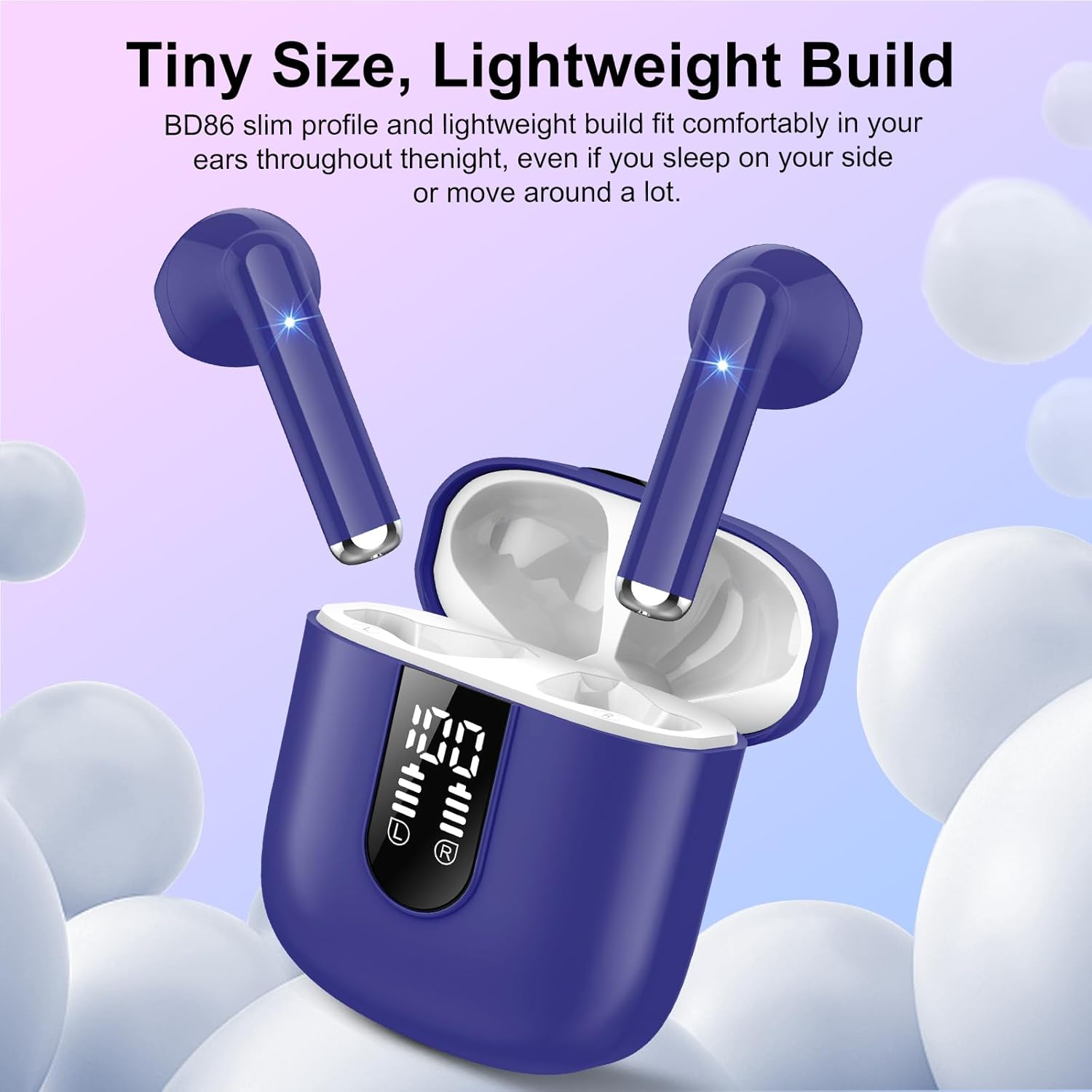
Image: The earbuds shown in ears, emphasizing their small size and comfortable, lightweight design.
Warranty and Support
Product Warranty
Your Jesebang Bluetooth Earbuds are covered by a 2-year warranty from the date of purchase. This warranty covers manufacturing defects and issues arising from normal use. It does not cover damage caused by misuse, accidents, or unauthorized modifications. Please retain your proof of purchase for warranty claims.
Customer Support
For any questions, technical assistance, or warranty claims, please contact Jesebang customer support. We aim to provide a response to customer inquiries within 24 hours. Please visit the official Jesebang website or refer to the contact information provided in your product packaging for support details.
Related documentsBD86

Ask a question about this manual
Ask about setup, troubleshooting, compatibility, parts, safety, or missing instructions. Manuals+ will review the question and use this page’s manual context to help answer it.