Product Overview
The SUPNIU H77 Portable Bluetooth Speaker is designed to deliver high-definition stereo sound with rich bass, making it ideal for various indoor and outdoor activities. It features built-in colorful LED lights, multiple connectivity options including Bluetooth 5.0, FM radio, TF/SD card, USB, and AUX input. The speaker also supports intelligent remote control and microphone connection for karaoke functions.

Image: The SUPNIU H77 Portable Bluetooth Speaker shown with its remote control, highlighting its compact design and front panel with LED lights.
What's in the Box
- 1 x H77 Bluetooth speaker
- 1 x Remote control (requires 2*AAA batteries, not included)
- 1 x AUX cable
- 1 x USB cable
- 1 x User manual
Setup Guide
1. Charging the Speaker
Before first use, fully charge the speaker. Connect the supplied USB cable to the speaker's charging port and the other end to a 5V DC power adapter (not included) or a computer USB port. The charging indicator will show the charging status. A full charge typically takes 3-4 hours and provides 9-12 hours of playtime depending on volume.
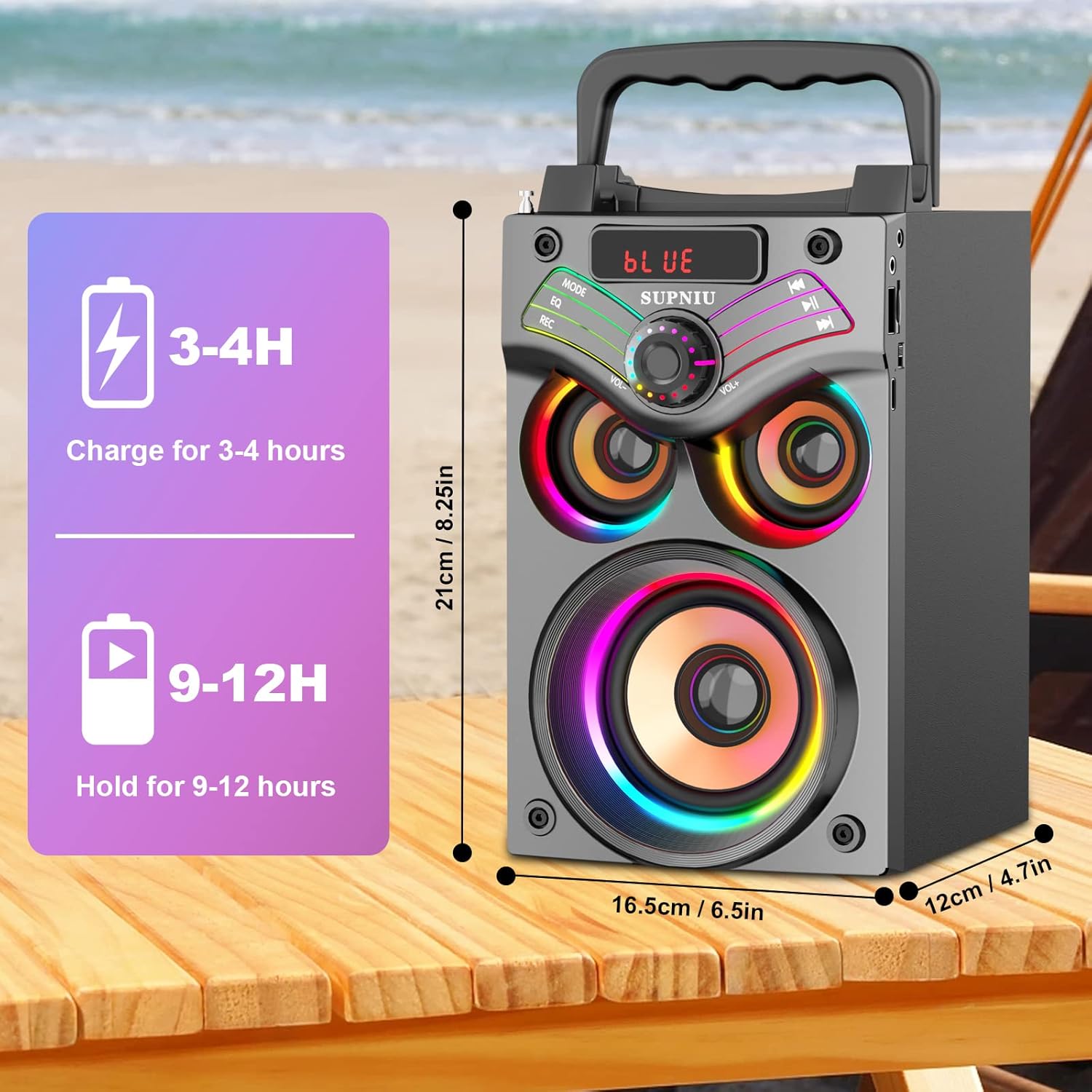
Image: Diagram illustrating the charging time (3-4 hours) and playback time (9-12 hours) of the SUPNIU H77 speaker.
2. Powering On/Off
Locate the power switch on the speaker. Slide it to the 'ON' position to power on the speaker. You will hear an audible prompt and the display will light up. To power off, slide the switch to the 'OFF' position.
3. Remote Control Setup
The remote control requires 2 AAA batteries (not included). Insert the batteries into the remote control, ensuring correct polarity. The remote can be used to control various functions of the speaker from a distance.
Operating Instructions
1. Bluetooth Mode
- Power on the speaker. It will automatically enter Bluetooth pairing mode, indicated by "BLUE" on the display and a flashing Bluetooth indicator.
- On your device (smartphone, tablet, laptop), enable Bluetooth and search for available devices.
- Select "H77" from the list of devices. Once paired, you will hear a confirmation sound and "BLUE" will stop flashing.
- You can now play audio from your device through the speaker. The effective Bluetooth range is up to 100 feet (approximately 30 meters).
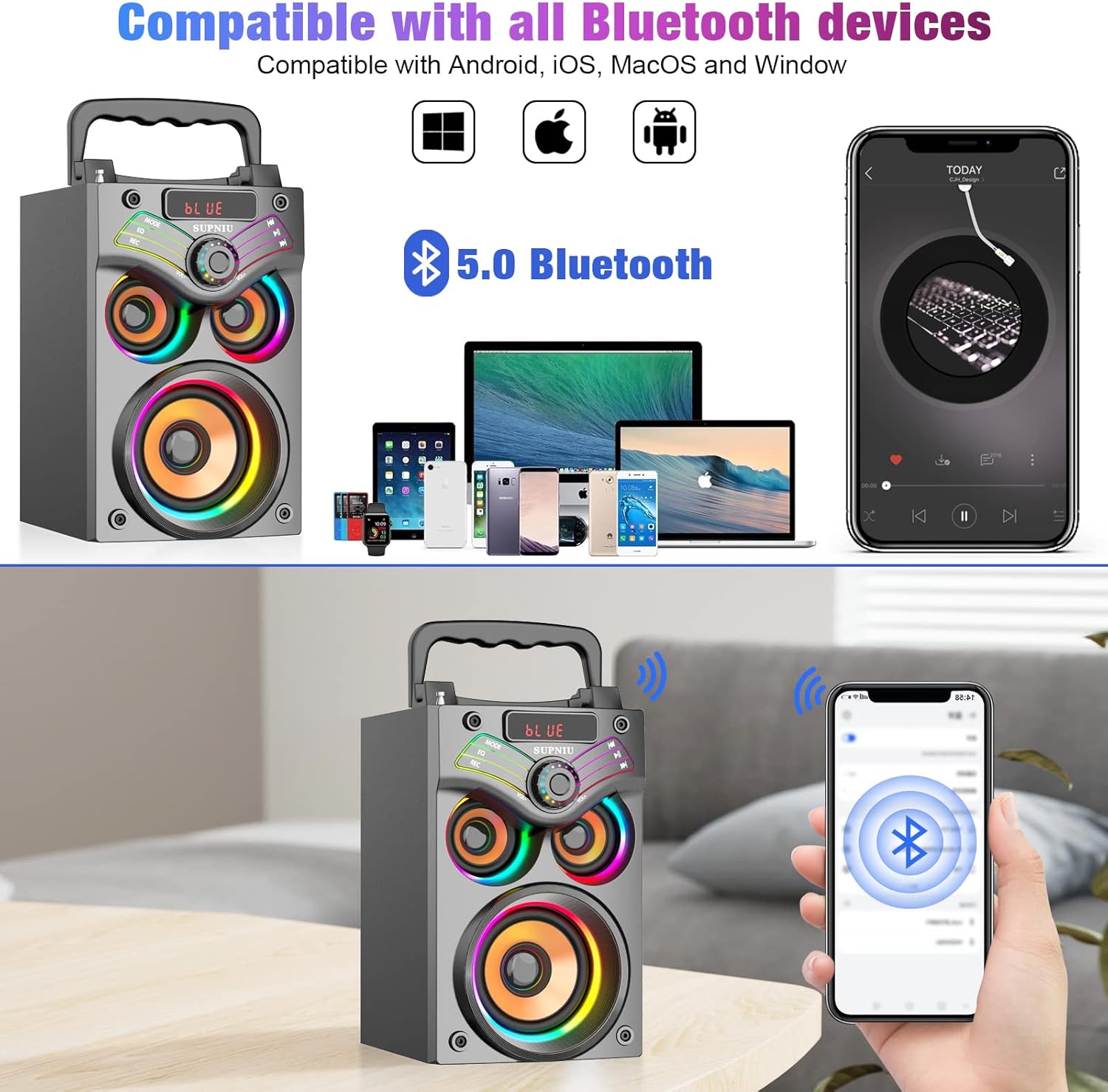
Image: The SUPNIU H77 speaker demonstrating its compatibility with various Bluetooth devices such as smartphones, tablets, and laptops.
2. FM Radio Mode
- Press the MODE button on the speaker or remote control to switch to FM Radio mode. The display will show the FM frequency.
- Press and hold the Play/Pause button (or SCAN on remote) to automatically scan and save available FM stations.
- Use the Previous/Next buttons (or CH-/CH+ on remote) to navigate through saved stations.
3. TF/SD Card & USB Playback
Insert a TF/SD card or USB flash drive (with MP3 audio files) into the corresponding slot. The speaker will automatically switch to the respective mode and begin playing music. Use the playback controls on the speaker or remote to manage your music.
4. AUX Input Mode
Connect one end of the supplied AUX cable to the speaker's AUX input port and the other end to the audio output jack of your external device (e.g., MP3 player, computer). Press the MODE button to switch to AUX mode. The display will show "LINE".
5. EQ Sound Effect Tuning
The speaker features EQ sound enhancement modes. Press the EQ button on the speaker or remote to cycle through different equalization presets (e.g., Outdoor, Indoor) to optimize sound for your environment.
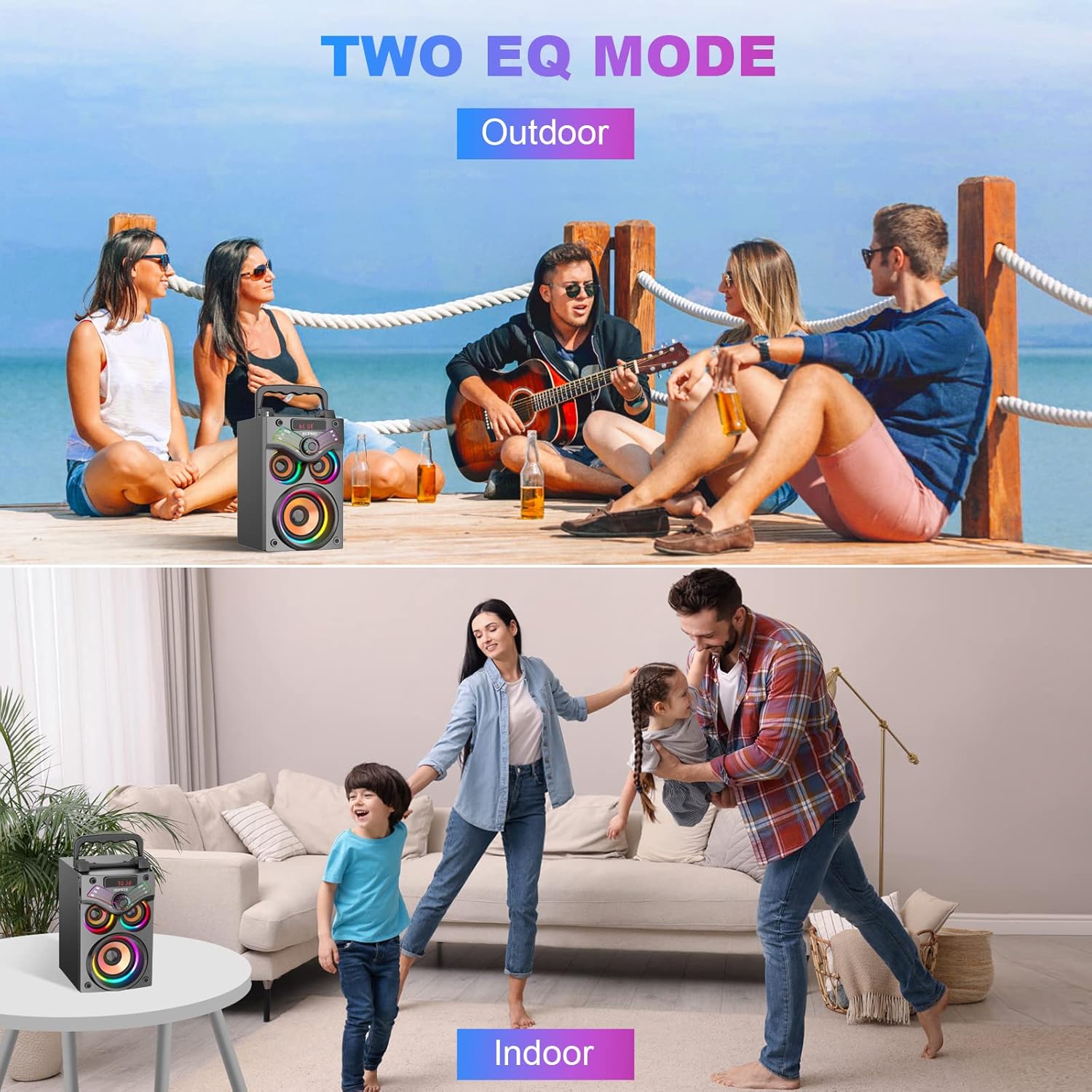
Image: Illustration of the two EQ modes, "Outdoor" and "Indoor", showing the speaker being used in different environments.
6. LED Lights Control
The speaker features dynamic LED lights. To control the light switch, double-click the Play/Pause button on the speaker or remote control.
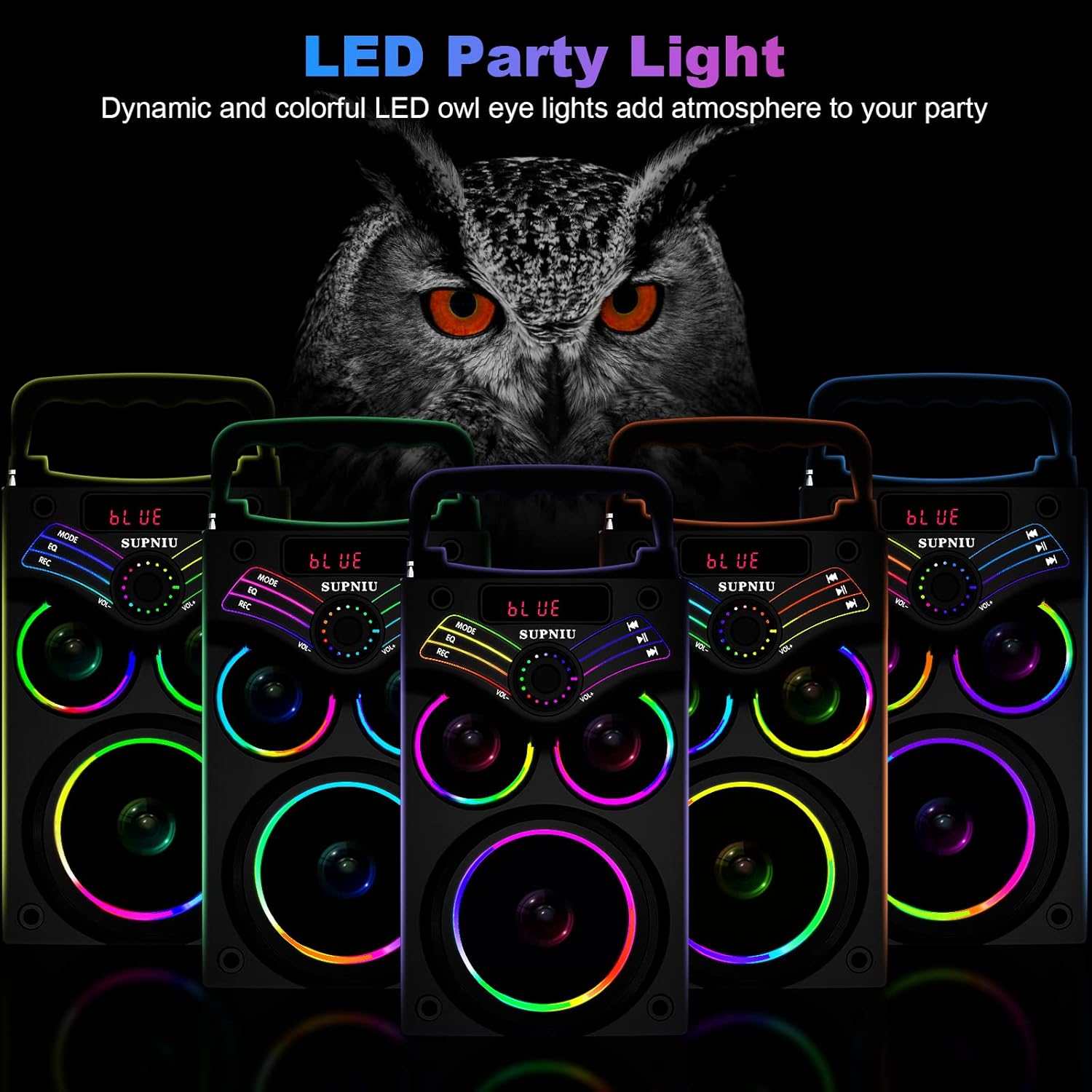
Image: Multiple SUPNIU H77 speakers displaying their dynamic and colorful LED owl eye lights, enhancing the party atmosphere.
7. Microphone Connection (Karaoke)
Connect a 3.5mm microphone (not included) to the microphone input port on the speaker. You can then use the speaker for karaoke or public speaking. Adjust microphone volume using the dedicated knob if available, or through the main volume control.
Maintenance
- Keep the speaker away from water, moisture, and direct sunlight.
- Clean the speaker with a soft, dry cloth. Do not use abrasive cleaners or solvents.
- Store the speaker in a cool, dry place when not in use for extended periods.
- Avoid dropping or subjecting the speaker to strong impacts.
Troubleshooting
| Problem | Possible Cause | Solution |
|---|---|---|
| Speaker does not power on. | Low battery or power switch is off. | Charge the speaker fully. Ensure the power switch is in the 'ON' position. |
| No sound. | Volume too low, incorrect mode, or device not connected. | Increase volume on both speaker and connected device. Ensure correct mode (Bluetooth, AUX, etc.). Re-pair Bluetooth device or re-connect AUX cable. |
| Bluetooth connection unstable. | Device too far, interference, or obstacles. | Move device closer to the speaker (within 100ft/30m). Avoid physical obstacles or other strong wireless signals. |
| FM radio reception is poor. | Weak signal or antenna not extended. | Extend the telescopic antenna fully. Try moving the speaker to a different location for better signal. |
Specifications
| Feature | Detail |
|---|---|
| Product Type | H77 Bluetooth Speaker |
| Speaker Output Power | 10W (woofer) + 2.5W*2 (tweeters) |
| Speaker Driver Size | 3" woofer + 2"x2 tweeter |
| Frequency Response | 80Hz-20KHz |
| Input Voltage | DC 5V |
| Product Size | 8.25*6.5*4.7 inches (approx. 21*16.5*12 cm) |
| Playing Time | About 9-12 hours (depends on playing volume) |
| Battery Capacity | 4000mAh |
| Functions | Bluetooth, MP3 music player, FM radio, TF Card, AUX, USB music player, Remote control, EQ, Karaoke |
| Bluetooth Version | 5.0 |
| Wireless Range | Up to 100ft (30m) |
| Material | Wood (enclosure) |
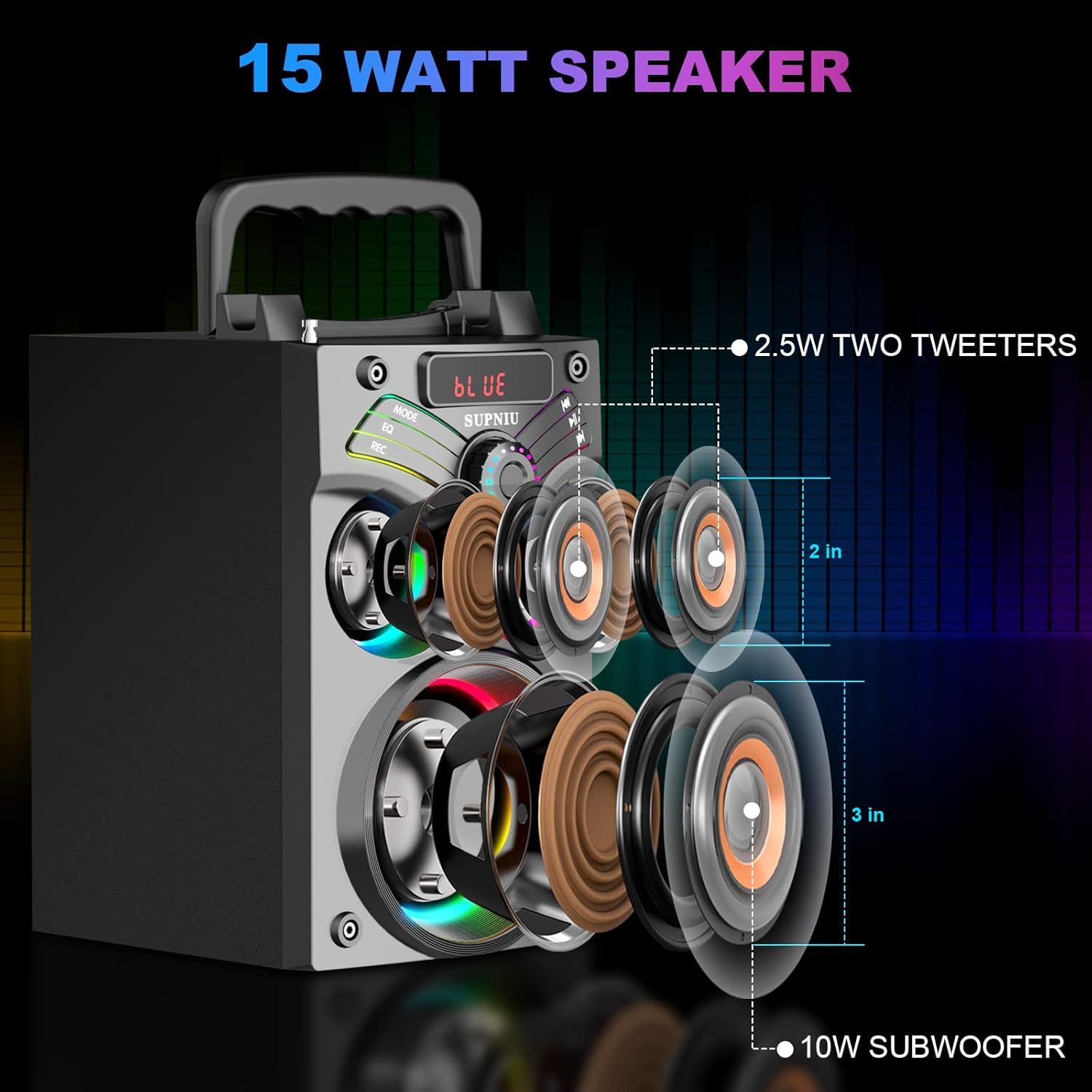
Image: An exploded view diagram of the SUPNIU H77 speaker, showing the 3-inch woofer and two 2.5-watt tweeters.
Warranty and Support
SUPNIU provides a 12-month warranty service for this product. If you have any questions or encounter any issues with your H77 Bluetooth Speaker, please do not hesitate to contact SUPNIU customer service. We are committed to providing the best customer service and will assist you with any inquiries or concerns.
For support, please refer to the contact information provided on the product packaging or the official SUPNIU website.


