
Introduction
Thank you for purchasing the Rossetta Astronaut Galaxy Projector. This device is designed to create a captivating celestial ambiance with nebula and star projections, enhancing any room's decor. Please read this manual thoroughly before use to ensure proper operation and to maximize your experience with the product. Keep this manual for future reference.
Safety Information
- Do not look directly into the projector light source to avoid eye strain.
- Keep the device away from water or other liquids to prevent electric shock.
- Do not disassemble or attempt to repair the device yourself. Contact customer support if issues arise.
- Ensure the device is placed on a stable, flat surface to prevent it from falling.
- Use only the provided power cable. An adapter is not included; use a standard 5V USB power adapter.
- This product is intended for indoor use only.
- Keep out of reach of small children to prevent accidental damage or injury.
Package Contents
Verify that all items are present in the package:
- Astronaut Projector
- Remote Control
- Power Cable (USB-C)
- User Manual (this document)
- (Adapter Not Included)
Product Overview
The Rossetta Astronaut Galaxy Projector features a unique astronaut design with a rotatable head and a separate moon lamp. The main projection comes from the astronaut's helmet, while the moon lamp provides a soft, independent glow.

Image: Rossetta Astronaut Galaxy Projector and its remote control.
Components:
- Astronaut Body: The main unit housing the projector and controls.
- Projector Head: Located in the astronaut's helmet, magnetically attached for 360-degree rotation.
- Moon Lamp: A separate, dimmable light held by the astronaut.
- Base: Provides stability for the astronaut figure.
- Remote Control: For convenient adjustment of settings.
Setup
- Unpack: Carefully remove all components from the packaging.
- Placement: Place the Astronaut Projector on a stable, flat surface in your desired location. For optimal projection, ensure there are no obstructions between the projector and the ceiling/walls.
- Power Connection: Connect the provided USB-C power cable to the port on the astronaut's back. Plug the other end into a 5V USB power adapter (not included) and then into a power outlet.
- Adjust Projection Angle: The astronaut's head is magnetically attached and can be rotated 360 degrees. Adjust the head to direct the nebula and star projections to your preferred area on the ceiling or wall.

Image: The astronaut projector's head can be rotated 360 degrees for flexible projection angles.
Operation
The Rossetta Astronaut Galaxy Projector is primarily controlled using the included remote control. Ensure the remote has working batteries (not included, typically 2x AAA).

Image: Remote control for the Rossetta Astronaut Galaxy Projector.
Remote Control Functions:
- ON/OFF Button: Powers the projector on or off.
- Nebula (N) Button: Toggles the nebula projection on/off.
- Stars (G) Button: Toggles the green star projection on/off.
- Moon (M) Button: Toggles the moon lamp on/off.
- Brightness Control (+/-): Adjusts the brightness of the nebula and moon lamp.
- Speed Control (Speed +/-): Adjusts the rotation speed of the nebula effect.
- Color Cycle Button: Cycles through the available nebula colors and effects.
- Timer Buttons (1H/2H): Sets an automatic shut-off timer for 1 hour or 2 hours.
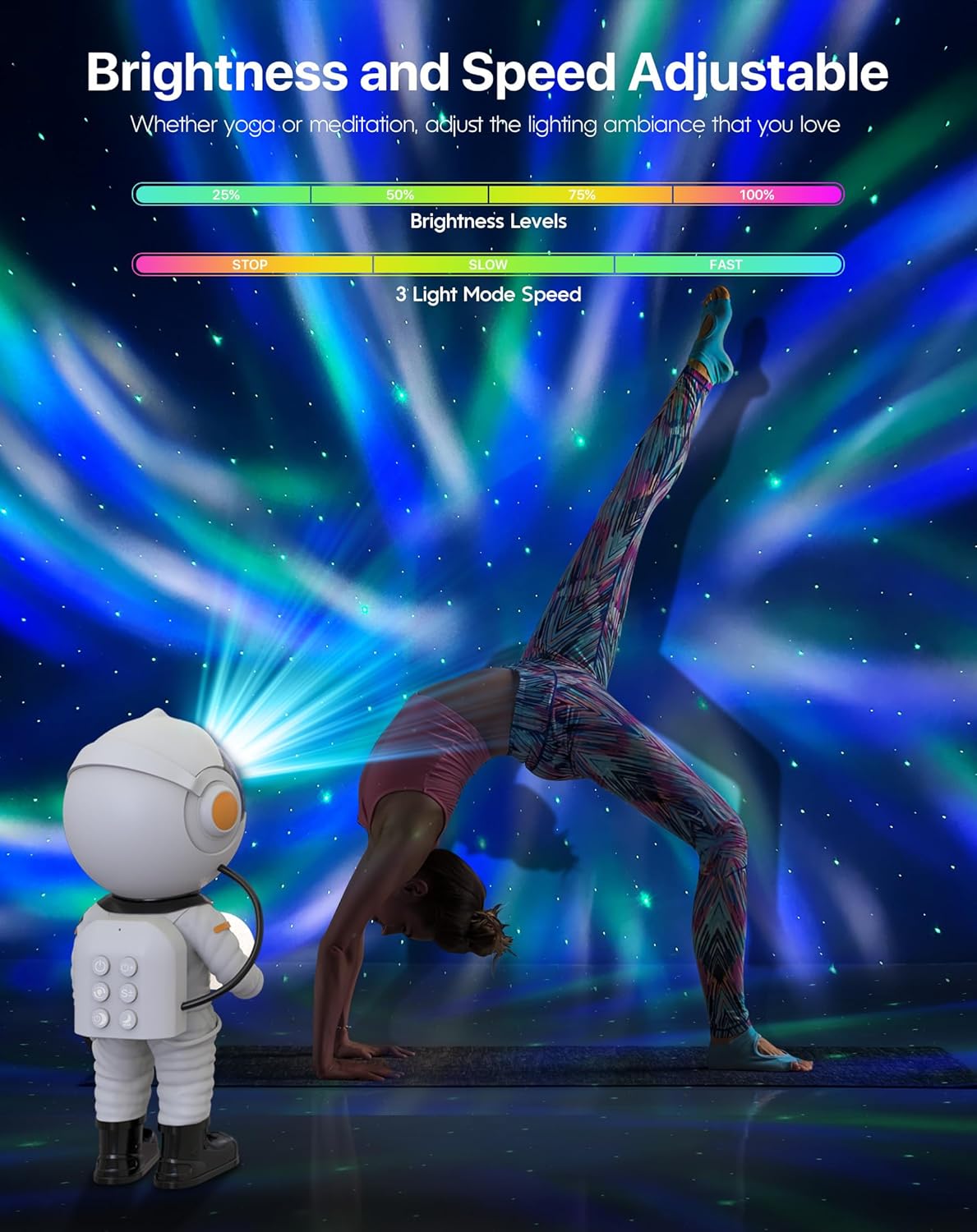
Image: Brightness and speed adjustment options.
Dimmable Moon Night Light:
The independent moon lamp can be used separately from the galaxy projection. Its brightness can be adjusted to provide a soft glow, suitable for a night light.

Image: The dimmable moon lamp provides a soothing night light.
Features
- Multiple Lighting Effects: Offers 29 distinct lighting effects for the nebula.
- Twinkling Stars: Green stars can be static or fade in and out.
- 360-Degree Rotation: The astronaut's head allows for full rotation of the projection angle.
- Dimmable Moon Lamp: Provides a soft, adjustable glow.
- Timer Function: Auto-off options for 1 or 2 hours.
- Adjustable Brightness and Speed: Customize the intensity and movement of the projections.

Image: The projector offers 29 lighting effects, 4 brightness levels, and 3 speeds.
Maintenance
- Cleaning: Use a soft, dry cloth to wipe the surface of the projector. Do not use abrasive cleaners or solvents.
- Storage: When not in use for extended periods, store the device in a cool, dry place, away from direct sunlight.
- Lens Care: Keep the projection lens clean to ensure clear and vibrant projections. Gently wipe with a microfiber cloth if dust accumulates.
Troubleshooting
| Problem | Possible Cause | Solution |
|---|---|---|
| Projector does not turn on. | No power supply or loose connection. | Ensure the power cable is securely connected and the power adapter is working. |
| Remote control not working. | Batteries are dead or incorrectly inserted. Obstruction between remote and projector. | Replace remote batteries. Ensure clear line of sight to the projector's sensor. |
| Projection is blurry or dim. | Lens is dirty. Room is too bright. | Clean the projection lens with a soft cloth. Use the projector in a darker environment. Adjust brightness settings. |
| Stars or nebula not appearing. | Specific projection mode is turned off. | Press the 'N' button for nebula or 'G' button for stars on the remote to activate. |
Specifications
| Model Name | Astronaut Projector |
| Model Number | SC513 |
| Brand | Rossetta |
| Color | Pearl White |
| Material | Plastic (Acrylonitrile Butadiene Styrene) |
| Product Dimensions | 4.2"D x 4.2"W x 9.8"H |
| Item Weight | 1.25 Pounds |
| Light Source Type | LED |
| Wattage | 7.5 watts |
| Voltage | 5 Volts (DC) |
| Control Method | Remote, Touch |
| Special Features | 360° Rotating Head, Portable, Adjustable Arm, Soft Glow Night Light, Star Projector, Color Changing, Dimmable, Energy Efficient, Timer |
| Certification | FCC, CE, RoHS |
| UPC | 798044927901 |
Warranty and Support
Rossetta is committed to providing quality products and customer satisfaction. This product comes with professional support. For any questions, technical assistance, or warranty claims, please contact Rossetta customer service through the retailer's platform or visit the official Rossetta store online.
Please retain your proof of purchase for warranty purposes.