
Important Safety Instructions
Please read and understand all instructions before beginning installation. Failure to follow these instructions may result in electric shock, fire, or personal injury.
- Always disconnect power at the main circuit breaker before installation or servicing.
- All electrical connections must be in accordance with local codes, ordinances, and the National Electric Code. If you are unfamiliar with electrical wiring, consult a qualified electrician.
- Ensure the installation site can support the weight of the fan (approximately 9.4 pounds).
- Do not operate the fan with damaged wiring or if the fan is visibly damaged.
- Keep hands, clothing, and other objects clear of the fan blades when the fan is operating.
- This fan is designed for indoor use only.
Package Contents
Verify that all components are present before beginning installation:
- Caged Ceiling Fan Assembly
- Remote Control
- 4 x E26 2700K Edison Bulbs
- Mounting Hardware Kit
- User Manual
- 4-inch Downrod
- 8-inch Downrod
Product Overview
The VOLISUN 16.5-inch Caged Ceiling Fan with Light features a farmhouse-industrial design, integrated lighting, and a quiet motor. It includes a remote control and supports app control for convenient operation.
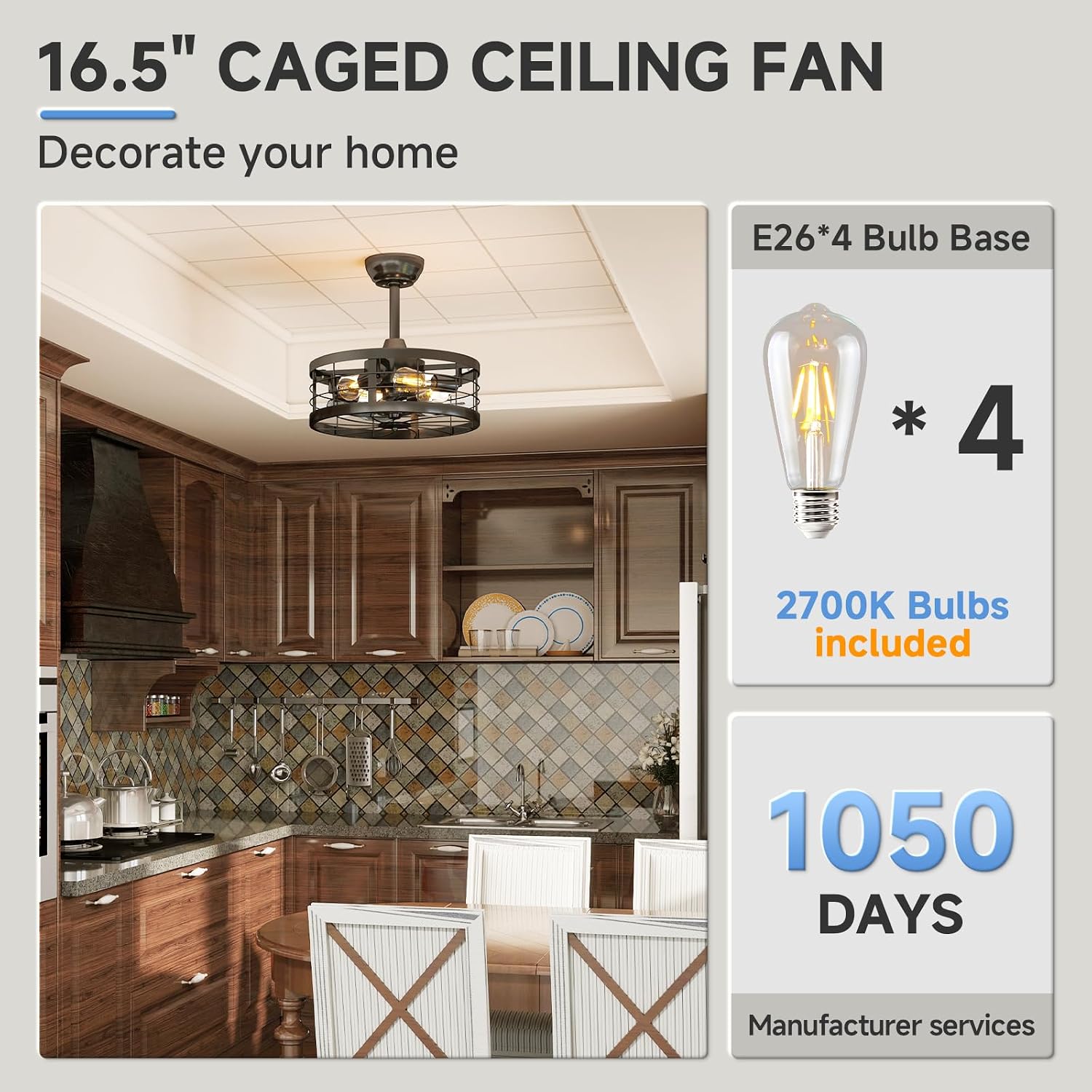
Image: VOLISUN 16.5-inch Caged Ceiling Fan with Light installed in a kitchen, showing the included E26 bulbs.

Image: Detailed view of the VOLISUN caged ceiling fan components, including the quality motor, metal cage, E26 bulb base, and two downrod options.
Installation
The VOLISUN caged ceiling fan is designed for simplified installation with many components pre-assembled. Refer to the included user manual for detailed step-by-step instructions and diagrams.
Pre-Installation Considerations:
- Ensure the power is OFF at the circuit breaker.
- Confirm the electrical box is securely mounted and capable of supporting the fan's weight.
- Choose the appropriate downrod (4-inch or 8-inch) based on your ceiling height.
Installation Video:
Video: This video provides a step-by-step guide on how to install the VOLISUN Caged Ceiling Fan with Light.
Dimensions and Ceiling Types:

Image: Diagram showing the dimensions of the VOLISUN 16.5-inch caged ceiling fan and examples of installation on low and high ceilings.
Operation
Remote Control:
The fan can be controlled using the included remote. The remote offers functions such as power on/off, fan speed adjustment, light control, timer settings, and forward/reverse rotation.

Image: The remote control for the VOLISUN caged ceiling fan, shown next to an installed fan in a living room setting.
App Control:
The fan also supports control via a mobile application. Follow the pairing instructions to connect your fan to the app for additional control features.
App Pairing Video:
Video: This video demonstrates the process of pairing the VOLISUN Caged Ceiling Fan with its mobile application for smart control.

Image: Smartphone screen displaying the VOLISUN app interface for controlling the ceiling fan, next to the fan unit.
Fan Speed Settings:
The fan offers six distinct speed options to adjust airflow intensity:
- Low Wind (Gear 1 & 2): Gentle breeze for quiet environments.
- Medium Wind (Gear 3 & 4): Moderate airflow for general comfort.
- High Wind (Gear 5 & 6): Strong airflow for maximum cooling.

Image: Diagram illustrating the six wind speed levels of the VOLISUN caged ceiling fan, categorized into low, medium, and high wind settings.
Forward and Reverse Rotation:
The fan features a reversible motor for year-round use:
- Forward (Clockwise Rotation): Creates a downward airflow, providing a cooling effect in warmer months.
- Reverse (Counter-Clockwise Rotation): Creates an upward airflow, circulating warm air trapped near the ceiling in cooler months.

Image: Diagram showing the forward (cooling) and reverse (warming) rotation modes of the VOLISUN caged ceiling fan for different seasons.
Timer Function:
Set the fan to automatically turn off after a specified period using the timer function (1H, 2H, 4H, 8H).

Image: Diagram illustrating the timer settings (1H, 2H, 4H, 8H) for the VOLISUN caged ceiling fan, highlighting low noise and natural mode.
Quiet Operation:
The fan operates at a low noise level (approximately 30 dB), ensuring a tranquil environment.

Image: A child sleeping peacefully in a bedroom with the VOLISUN caged ceiling fan operating quietly overhead, illustrating its low noise level and timer function.
Maintenance
Cleaning:
- Always turn off the power at the circuit breaker before cleaning.
- Use a soft, damp cloth to wipe down the fan's exterior. Do not use abrasive cleaners or solvents.
- Periodically check and tighten all connections and screws.
Bulb Replacement:
The fan uses E26 base bulbs. To replace a bulb:
- Ensure the power to the fan is off.
- Allow bulbs to cool completely before handling.
- Carefully unscrew the old bulb and screw in the new E26 bulb. Recommended bulbs: A19, ST19, T45, Incandescent (Max 60W), LED (Max 10W).
Troubleshooting
If you encounter issues with your VOLISUN Caged Ceiling Fan, refer to the following common problems and solutions:
| Problem | Possible Cause | Solution |
|---|---|---|
| Fan does not operate / Light does not turn on | No power supply; Loose wiring; Remote battery dead. | Check circuit breaker; Ensure all wiring connections are secure; Replace remote battery. |
| Remote control not working | Remote battery dead; Remote not paired; Interference. | Replace remote battery; Re-pair the remote control (refer to manual); Reduce interference sources. |
| App control not connecting | Incorrect pairing procedure; App malfunction; Bluetooth/Wi-Fi issue. | Follow app pairing video instructions carefully; Restart the app and your device; Ensure Bluetooth/Wi-Fi is enabled and stable. |
| Fan makes excessive noise | Loose screws; Unbalanced fan. | Check and tighten all mounting screws; Ensure fan is balanced (if applicable, though this model is bladeless). |
| Fan only works with remote, not wall switch | Design limitation; Wall switch only controls power to the unit, not specific functions. | This is expected behavior for some smart fans. Use the remote or app for full functionality after turning on with the wall switch. |
Specifications
| Feature | Detail |
|---|---|
| Brand | VOLISUN |
| Model Name | Black Caged Ceiling Fan with Light |
| Model Number | 21367ZM |
| Product Dimensions | 16.5"D x 16.5"W x 6"H |
| Item Weight | 9.4 pounds |
| Power Source | Corded Electric |
| Voltage | 110 volts |
| Wattage | 250 watts |
| Number of Speeds | 6 |
| Noise Level | 30 dB |
| Light Type | Incandescent (E26 base, 4 x 2700K bulbs included) |
| Control Method | App, Remote, Wall Switch |
| Material | Acrylonitrile Butadiene Styrene (ABS), Metal |
| Installation Type | Flush Mount |
| Indoor/Outdoor Usage | Indoor |
Warranty and Support
VOLISUN provides a comprehensive 3-year service warranty for this caged ceiling fan. This warranty covers malfunctions or defects that may occur within three years from the date of purchase.
For technical assistance, warranty claims, or any inquiries, please refer to the contact information provided in your product packaging or visit the official VOLISUN support website.