
Introduction
Welcome to your ANVIL TSA Approved Luggage Lock. This manual provides essential instructions for setting up, operating, and maintaining your high-security combination lock. Designed with the industry-leading TSA008 core, this lock ensures your belongings are secure while allowing TSA agents to inspect your luggage without damage.

Image: A close-up of the ANVIL TSA Approved Luggage Lock, highlighting its design and combination dials.
Product Features
- TSA008 Core: Advanced internal mechanism for enhanced security and TSA accessibility.
- Robust Zinc Alloy Casing: Durable construction for maximum protection.
- Search Alert Indicator: A red dot pops up if TSA agents have opened your lock.
- Easy-to-Set Combination: Simple dial mechanism for quick and accurate code setup.
- Versatile Design: Suitable for various luggage types, including suitcases, backpacks, and gun cases.

Image: The ANVIL TSA lock showing the pop-up inspection indicator in both opened and not opened states.
Setup and Combination Setting
- The default combination for your new lock is 0-0-0.
- To open the lock, ensure the dials are set to the default 0-0-0, then push the silver button on the side. The cable will release.
- With the lock open, locate the small reset button/switch on the side or bottom of the lock. Use a pen or a pointed object to push and hold this button, or slide the switch to the right.
- While holding the reset button/switch, set your desired 3-digit combination by rotating the dials. Choose a memorable combination.
- Release the reset button/switch (or slide it back to the left). Your new combination is now set.
- Test your new combination by scrambling the dials and then entering your new code to open the lock.
Video: This video demonstrates how to change the combination on your ANVIL TSA luggage lock.

Image: A visual guide illustrating the steps to change the combination on the ANVIL TSA lock.
Operating Your Lock
- Locking: Align the dials to your set combination. Insert the cable ends into the lock body until they click securely into place. Scramble the dials to lock.
- Unlocking: Align the dials to your personal combination. Push the silver button to release the cable.
- TSA Inspection Indicator: If the red dot on your lock is visible, it indicates that TSA agents have opened your luggage for inspection using their master key. You can reset the indicator by opening the lock with your combination and then re-locking it.
Video: This video highlights the advantages of the TSA008 luggage locks, including the inspection indicator.

Image: A detailed view of the ANVIL TSA lock, showing the inspection indicator and how it functions.
Maintenance
To ensure the longevity and smooth operation of your ANVIL TSA lock, keep the dials clean and free from debris. Avoid exposing the lock to extreme temperatures or harsh chemicals. If the dials become stiff, a small amount of graphite lubricant can be applied.
Troubleshooting
Lock will not open with my combination:
- Ensure each number is precisely aligned in the center of the window.
- Double-check that you are using the correct combination. If you forgot your combination, there is no master reset for user-set codes.
- Make sure the reset switch is fully returned to its original position after setting the combination.
Cable does not insert or release smoothly:
- Check for any obstructions in the cable insertion points.
- Ensure the combination is correctly set before attempting to insert or release the cable.
- Apply a small amount of lubricant to the cable mechanism if it feels stiff.
Specifications
| Feature | Detail |
|---|---|
| Brand | ANVIL |
| Model Number | TSA23021 |
| Lock Type | Combination Lock, TSA Lock |
| Material | Zinc |
| Item Dimensions (L x W x H) | 1.3 x 0.5 x 3.2 inches |
| Item Weight | 2.24 ounces |
| Number of Pieces | 2 |
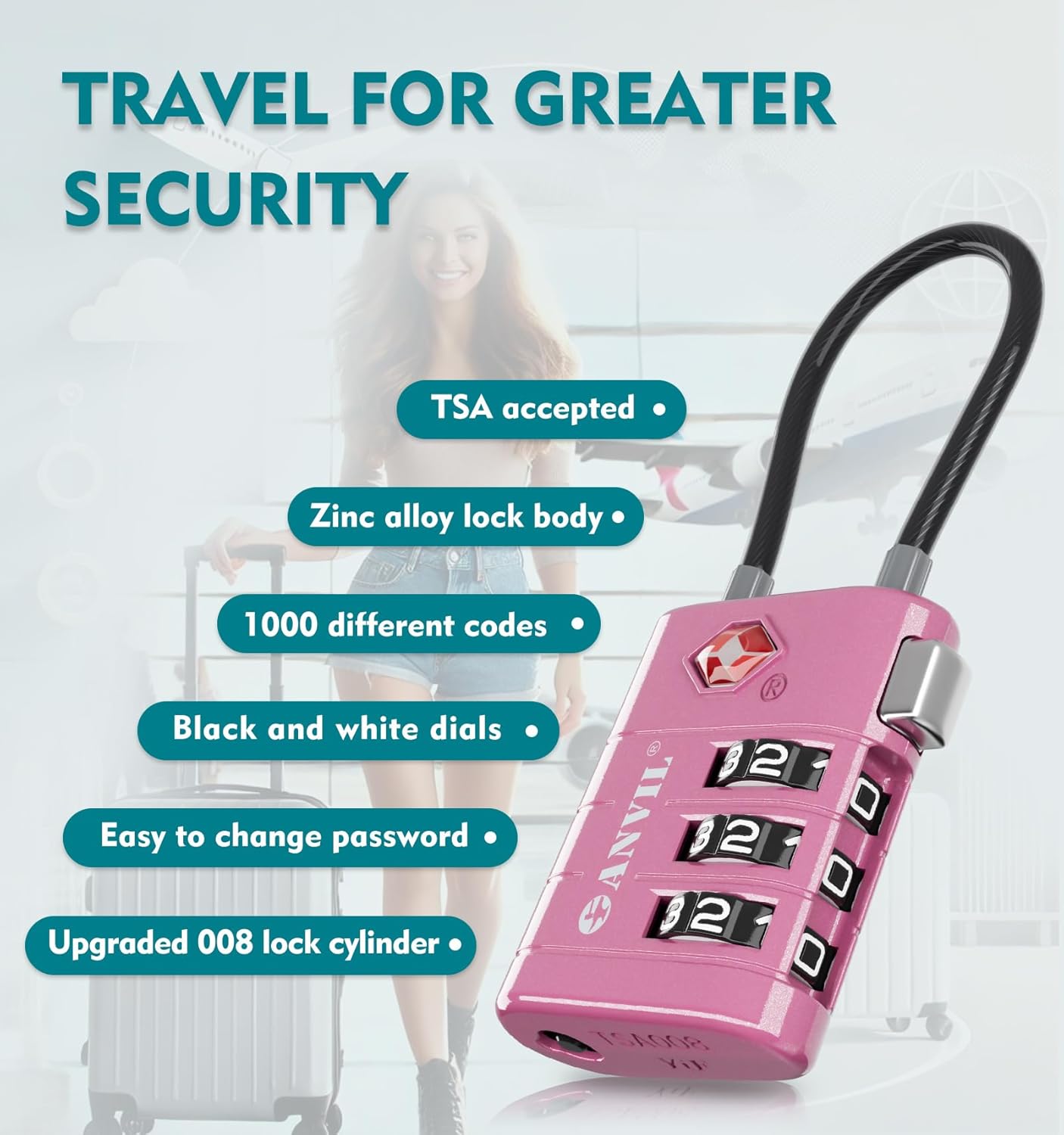
Image: Diagram showing the dimensions and weight of the ANVIL TSA Approved Luggage Lock.
Warranty and Support
ANVIL products are designed for durability and reliability. For any questions or assistance with your TSA Approved Luggage Lock, please contact our dedicated USA-based customer support team. We are committed to ensuring your complete satisfaction.
For further information or support, please visit the official ANVIL store: ANVIL Store on Amazon.
Important Information
This lock is designed to be opened by TSA agents using a universal master key, preventing damage to your luggage during security checks. The keyhole is for TSA use only; there is no user key provided.

Image: An ANVIL TSA lock with a TSA agent in the background, emphasizing its TSA acceptance.