
Introduction
Thank you for choosing NELPO BH-R55 OTC Hearing Aids. This manual provides essential information for the proper setup, operation, and maintenance of your new hearing aids. Please read it thoroughly to ensure optimal performance and a comfortable listening experience.
Product Overview
The NELPO BH-R55 hearing aids are designed to provide clear sound amplification for individuals with mild to moderate hearing loss. Key features include 48-channel sound processing, Bluetooth 5.3 connectivity, 6 adjustable sound modes, and noise-cancelling technology, all housed in a comfortable Receiver-In-Canal (RIC) design with a rechargeable case.

Figure 1: NELPO BH-R55 hearing aid highlighting wireless Bluetooth and sound amplification.
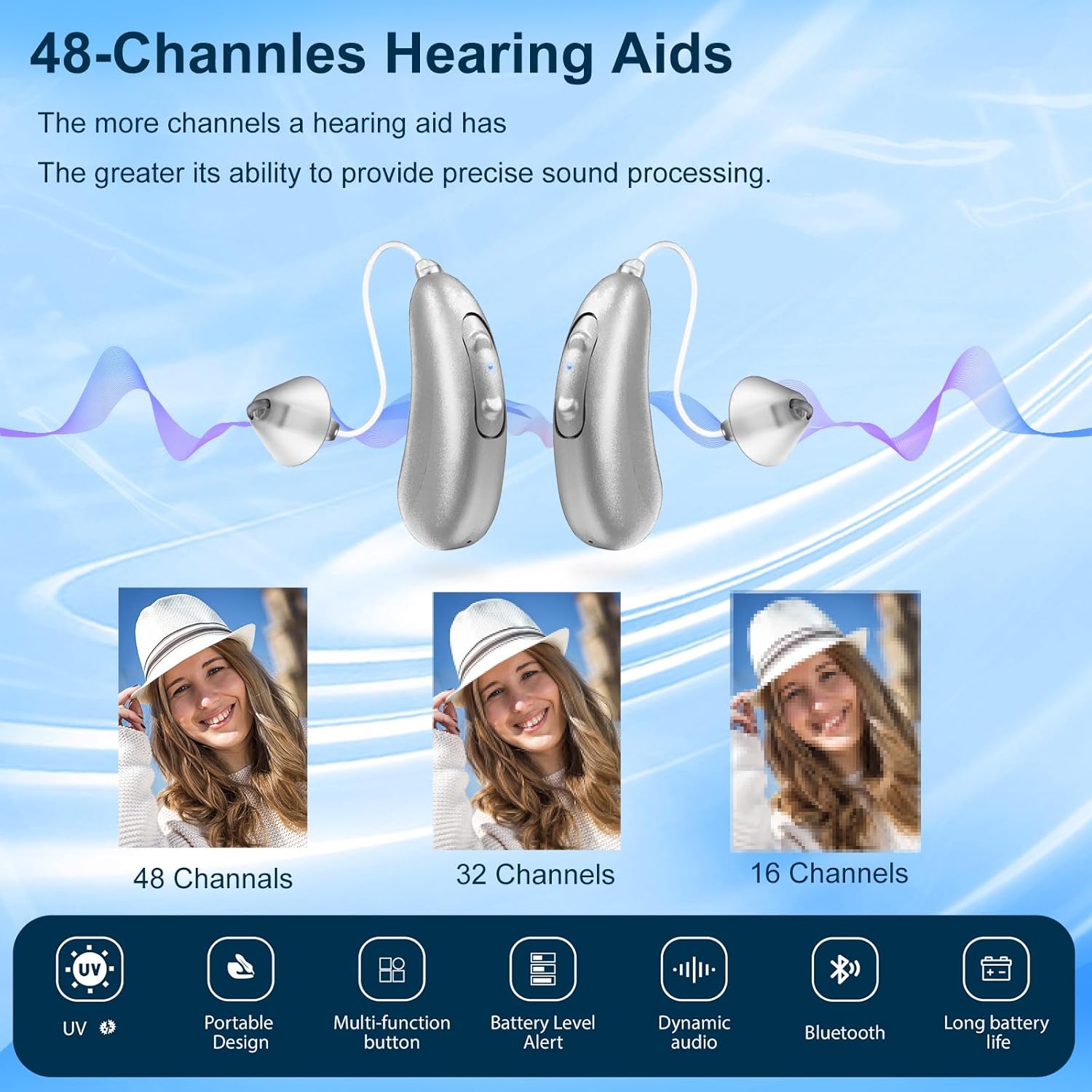
Figure 2: The 48-channel design provides precise sound processing for enhanced clarity.

Figure 3: Six adjustable sound modes allow customization for different listening environments.
Package Contents
Upon opening your NELPO BH-R55 package, you should find the following items:
- 2 x NELPO BH-R55 Hearing Aids
- 1 x Portable Charging Case
- 1 x USB-A to USB-C Charging Cable
- Multiple pairs of earplugs (various sizes)
- User Manual (this document)
Video 1: Unboxing and overview of the NELPO BH-R55 hearing aids and accessories.
Setup
1. Charging the Hearing Aids
Before initial use, fully charge your NELPO BH-R55 hearing aids. The charging case features a nano-magnetic design for secure placement and efficient charging.
- Place the hearing aids into their respective slots (L for left, R for right) in the charging case. The magnetic contacts will ensure proper alignment.
- Connect the provided USB-A to USB-C charging cable to the charging port on the back of the case.
- Plug the USB-A end into a compatible AC adapter (not included) or a USB port.
- The indicator lights on the case will illuminate to show charging status. A full charge takes approximately 1.5 hours.
- Once fully charged, the hearing aids provide up to 10 hours of usage.

Figure 4: Charging case with labeled components including the charging port and battery level indicators.
Video 2: Demonstration of placing hearing aids in the charging case and connecting the charging cable.
2. Selecting and Inserting Earplugs
Choosing the correct earplug size is crucial for comfort and to prevent sound feedback (whistling).
- Experiment with the different sizes of earplugs provided to find the best fit for your ear canal. The earplug should create a snug seal without causing discomfort.
- Gently insert the hearing aid into your ear canal, ensuring the earplug is properly seated to isolate sound.
- Position the main body of the hearing aid behind your ear.
- Once properly inserted, turn on the hearing aid. Turning it on before insertion may cause whistling.

Figure 5: Various earplug sizes for a customized and comfortable fit.
Video 3: Guide on how to properly insert the hearing aids into the ear.
Operation
Power On/Off
To turn on the hearing aids, ensure they are properly inserted in your ears, then press and hold the power button (refer to Figure 4 for button location) until you hear an audible confirmation. To turn off, repeat the process.
Volume Adjustment
Adjust the volume using the dedicated volume buttons on the hearing aid (refer to Figure 4). Press the '+' button to increase volume and the '-' button to decrease it. The default mode is set to 55 decibels. Adjust to a comfortable level.
Sound Modes
The NELPO BH-R55 offers 6 different sound modes to adapt to various listening environments. Press the program button (refer to Figure 4) to cycle through the available modes. Each mode is optimized for specific situations, such as quiet conversations, noisy environments, or music listening.
Video 4: Demonstration of adjusting sound modes and volume for different activities.
Bluetooth Pairing
Your NELPO BH-R55 hearing aids can connect to Bluetooth-enabled devices for calls and audio streaming.
- Ensure the hearing aids are charged and turned on.
- On your smartphone or other Bluetooth device, go to the Bluetooth settings.
- Press and hold the Bluetooth button on one of the hearing aids for approximately 8 seconds until white and blue lights flash alternately, indicating pairing mode.
- In your device's Bluetooth settings, search for available devices. You should see "BH-R55" appear in the list.
- Select "BH-R55" to initiate pairing. Confirm any pairing requests on your device.
- Once paired, you can take calls and stream audio directly to your hearing aids.
Video 5: Step-by-step guide on how to pair your NELPO BH-R55 hearing aids with a smartphone via Bluetooth.
Maintenance
UV Cleaning Function
The charging case for your NELPO BH-R55 hearing aids includes a built-in UV lamp for sterilization. This feature helps to keep your hearing aids hygienic by eliminating bacteria and viruses.
- Simply place the hearing aids in the charging case and close the lid.
- The UV cleaning cycle will automatically activate, providing a convenient way to maintain cleanliness.
Video 6: Close-up view of the UV lamp inside the charging case for sterilization.
Troubleshooting & Precautions
To ensure the best experience and avoid common issues, please observe the following:
- Preventing Whistling: Always insert the hearing aids correctly into your ear canals, ensuring a proper seal before turning them on. If the hearing aids are turned on without being worn properly, the microphone may pick up sound and send it directly to the speaker, causing a high-pitched squeal.
- Volume Adjustment: The default mode is 55 decibels, which may be too loud for some users. Adjust the volume and sound mode to a comfortable level using the physical control buttons.
- Battery Life: If the hearing aids do not last for the advertised duration, ensure they are fully charged for 1.5 hours. Environmental factors and usage patterns can affect battery performance.
- Bluetooth Connectivity: If you experience issues with Bluetooth pairing, ensure the hearing aids are in pairing mode (flashing white and blue lights) and that your device's Bluetooth is enabled and searching for new devices.
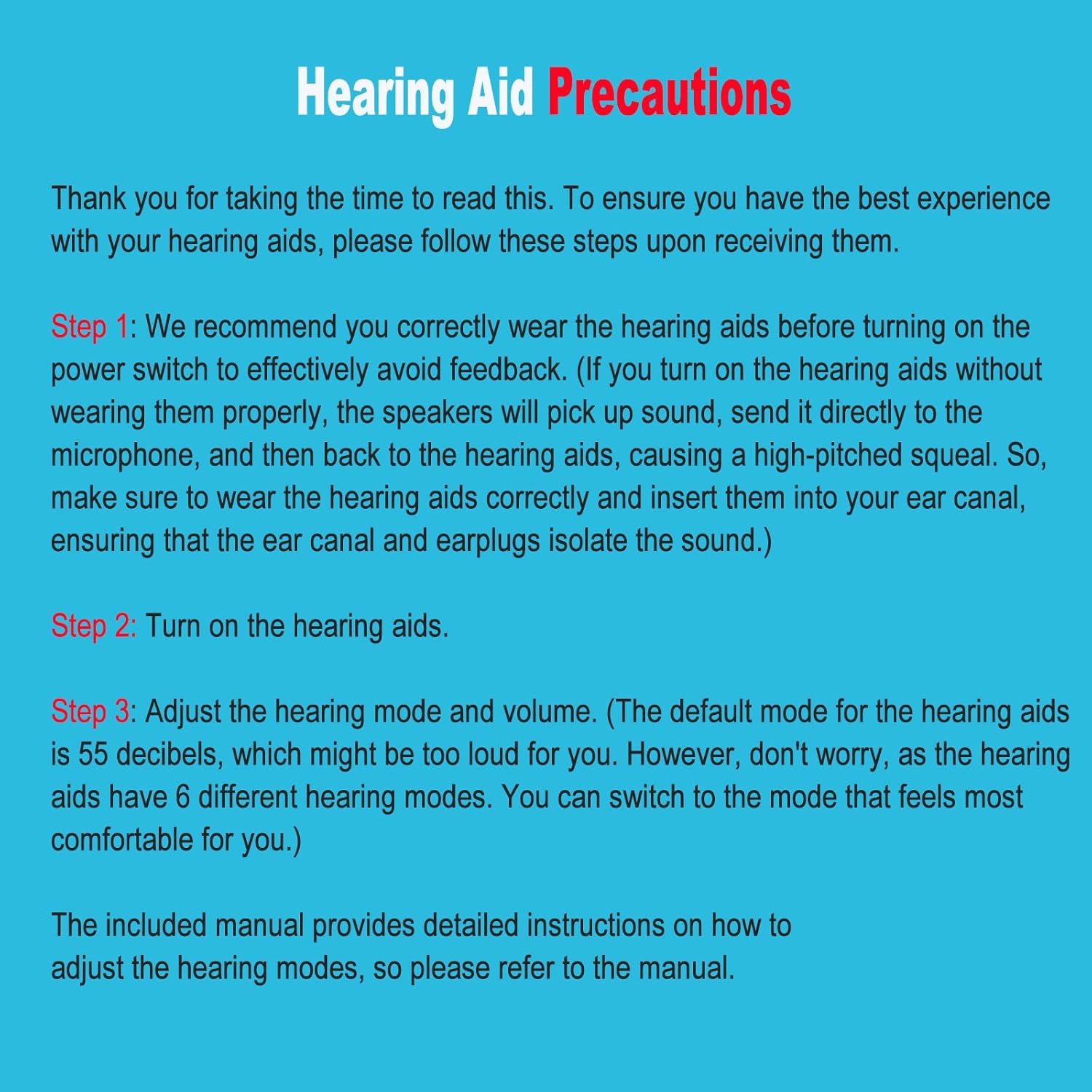
Figure 6: Key precautions for optimal hearing aid use.
Specifications
| Feature | Detail |
|---|---|
| Model Name | BH-R55 |
| Brand | NELPO |
| Fit Type | Behind-the-Ear (RIC Design) |
| Power Source | Battery Powered (Rechargeable) |
| Charging Time | Approx. 1.5 hours |
| Usage Time per Charge | Up to 10 hours |
| Channels | 48-Channel Digital Processing |
| Sound Modes | 6 Adjustable Modes |
| Bluetooth Version | 5.3 |
| Special Features | Noise Cancelling, UV Cleaning (in charging case) |
| Item Weight | 10.9 ounces |
| Material | Plastic |
Warranty and Support
Specific warranty details and direct customer support contact information are not provided in the product data. Please refer to the retailer's return policy or contact the seller directly for warranty claims and technical assistance.
