
1. Introduction
Thank you for choosing the QNGEE Bluetooth MP3 Player. This portable digital audio player is designed to provide a versatile and high-quality music experience, along with additional features such as FM radio, voice recording, e-book reading, and more. Its compact size and user-friendly touchscreen interface make it ideal for various activities. This manual provides detailed instructions for setup, operation, maintenance, and troubleshooting to ensure optimal use of your device.
2. What's in the Box
- 1 x MP3 Player
- 1 x USB Cable (Type-C)
- 1 x Wired Headphone
- 1 x User's Manual
- 1 x Silicone Case
3. Product Overview
Familiarize yourself with the physical components and interface of your QNGEE MP3 Player.
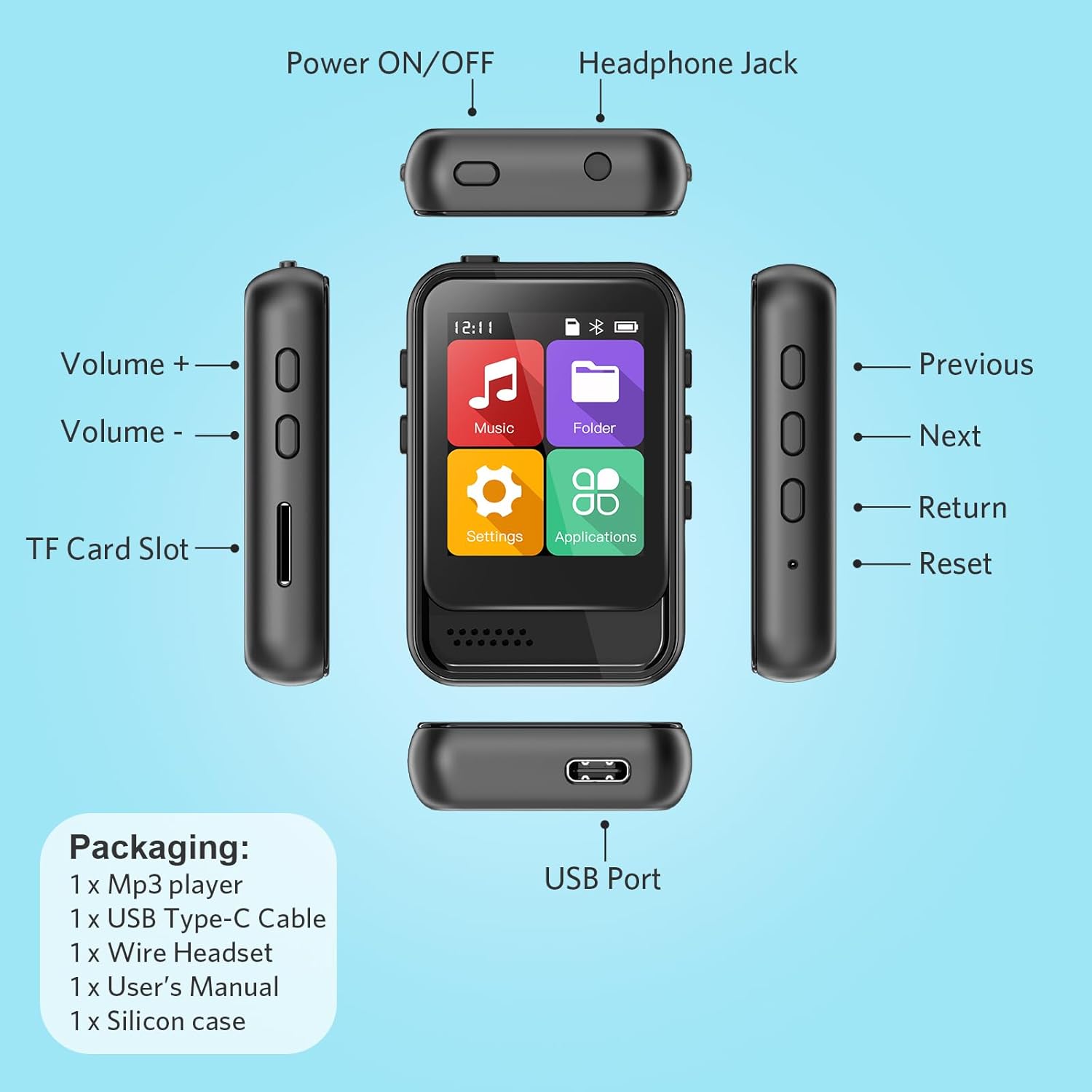
Figure 3.1: MP3 Player Buttons and Ports Layout
- Power ON/OFF Button: Located on the top, used to power the device on or off.
- Headphone Jack: Standard 3.5mm audio output, located on the top.
- Volume Buttons (+/-): Located on the left side, used to adjust audio volume.
- TF Card Slot: Located on the left side, for expandable memory.
- USB Port (Type-C): Located on the bottom, for charging and data transfer.
- Previous/Next Buttons: Located on the right side, for navigation and track control.
- Return Button: Located on the right side, to go back to the previous screen.
- Reset Button: Small pinhole on the right side for device reset.
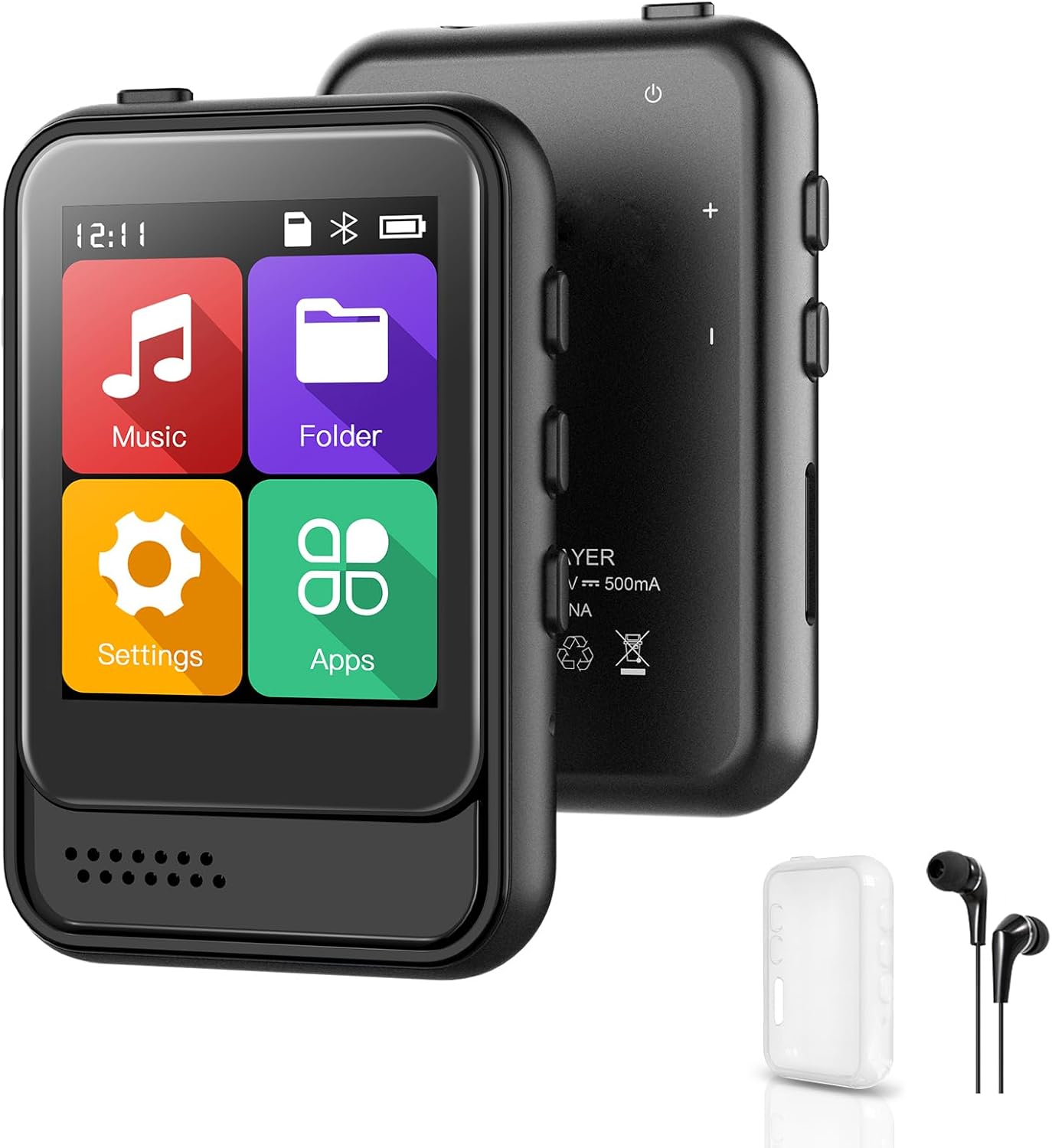
Figure 3.2: Front View of the MP3 Player with Touchscreen Interface
The device features a user-friendly full touchscreen for intuitive navigation through menus and functions.
4. Setup
4.1. Charging the Device
Before first use, fully charge the MP3 player. Connect the included USB Type-C cable to the device's USB port and the other end to a USB power adapter (not included) or a computer's USB port. The battery indicator on the screen will show charging status.
4.2. Power On/Off
- To Power On: Press and hold the Power ON/OFF button on the top of the device until the screen lights up.
- To Power Off: Press and hold the Power ON/OFF button until a power-off prompt appears, then confirm.
4.3. Language Selection
The device supports multiple languages. Upon first power-on or after a factory reset, you may be prompted to select your preferred language. Navigate using the touchscreen and confirm your selection.
4.4. Transferring Music and Files
To transfer files to your MP3 player:
- Connect the MP3 player to your computer using the provided USB cable.
- The device will appear as a removable disk drive on your computer.
- Drag and drop your music files (MP3, WMA, APE, FLAC, WAV, DRM, ACELP, etc.), e-books (TXT format), or other supported files into the appropriate folders on the device.
- Once transfer is complete, safely eject the device from your computer before disconnecting the USB cable.
4.5. Inserting a TF Card
The device has 16GB of built-in memory and supports TF (microSD) cards up to 128GB for expanded storage. Locate the TF card slot on the left side of the device. Gently insert the TF card into the slot until it clicks into place. Ensure the card is inserted in the correct orientation.
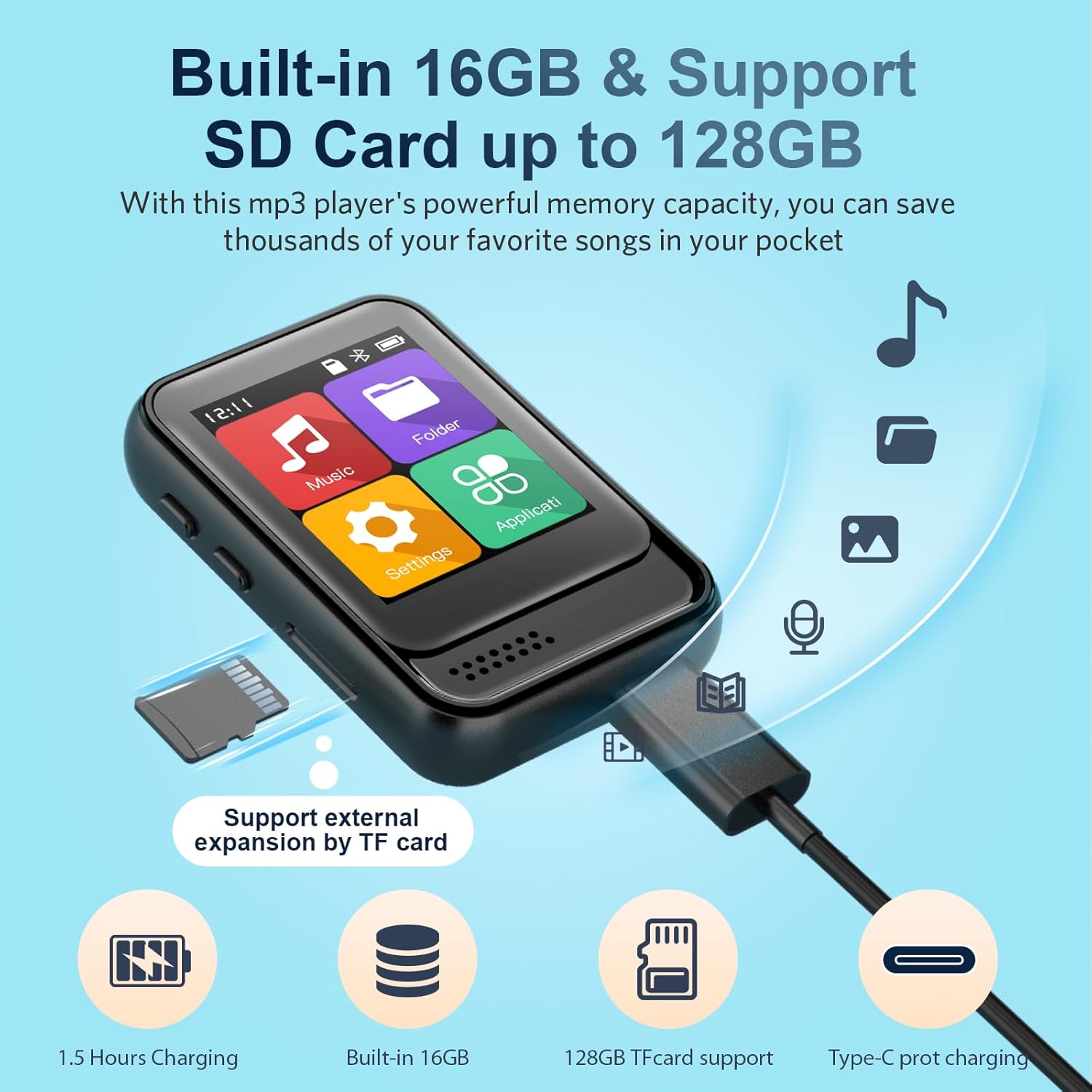
Figure 4.1: Memory Expansion via TF Card
4.6. Connecting Audio Devices
- Wired Headphones: Plug the included wired headphones into the 3.5mm headphone jack on the top of the device.
- Bluetooth Connectivity: The MP3 player supports Bluetooth for connecting to Bluetooth speakers or headphones. To pair, navigate to the Bluetooth settings on the device, turn Bluetooth on, and select your desired audio device from the list of available devices. Note: This MP3 player is not compatible with connecting to mobile phones or laptops via Bluetooth.
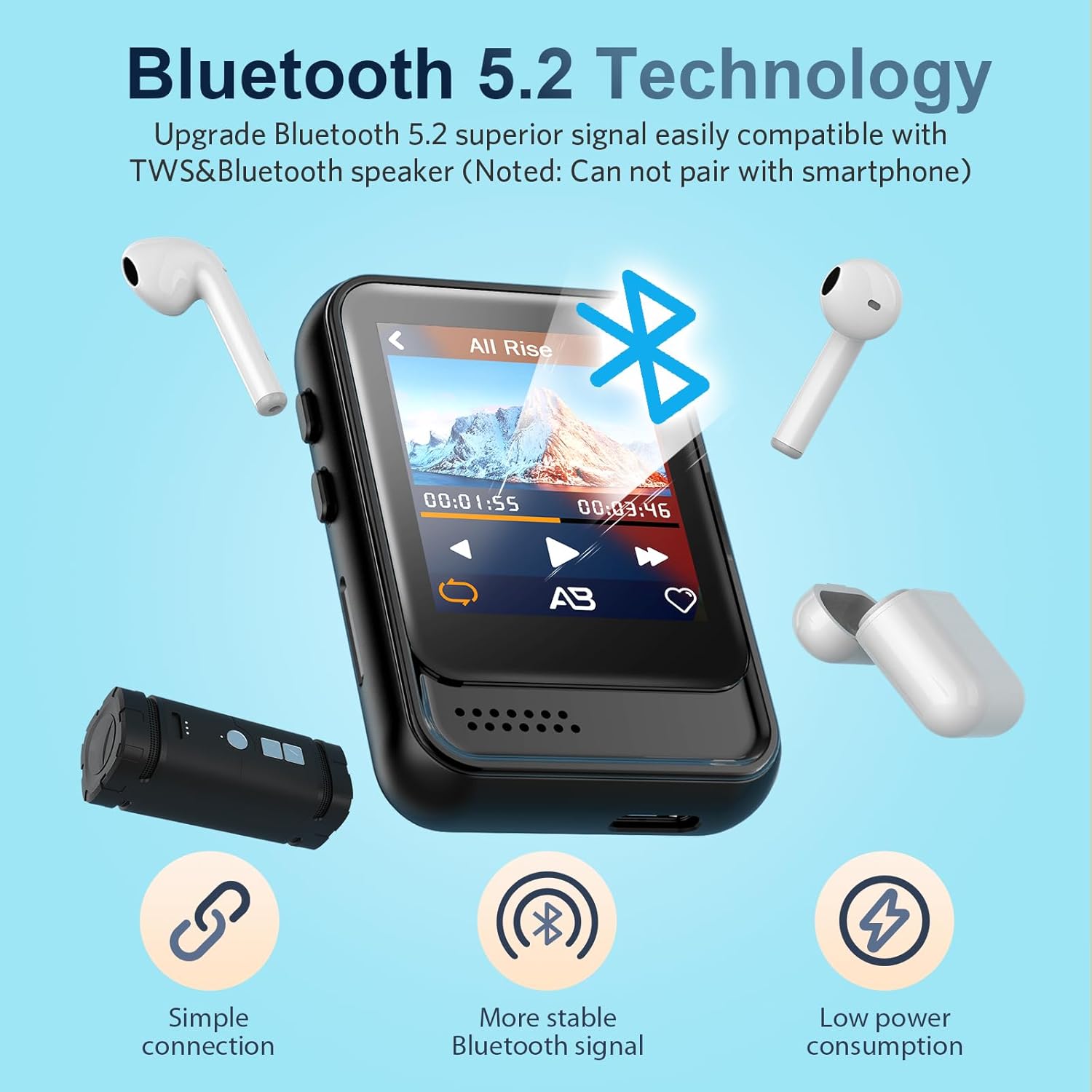
Figure 4.2: Bluetooth 5.2 Technology for Wireless Audio
5. Operating Instructions
5.1. Basic Navigation
The MP3 player features a full touchscreen for easy navigation. Tap icons to open applications, swipe to scroll through lists, and use the physical buttons for volume control and quick navigation (Previous, Next, Return).
5.2. Music Playback
Access the 'Music' application from the main menu. You can browse your music by song, artist, album, or playlist. The player supports various playback modes including shuffle play, repeat play, and A-B repeat.
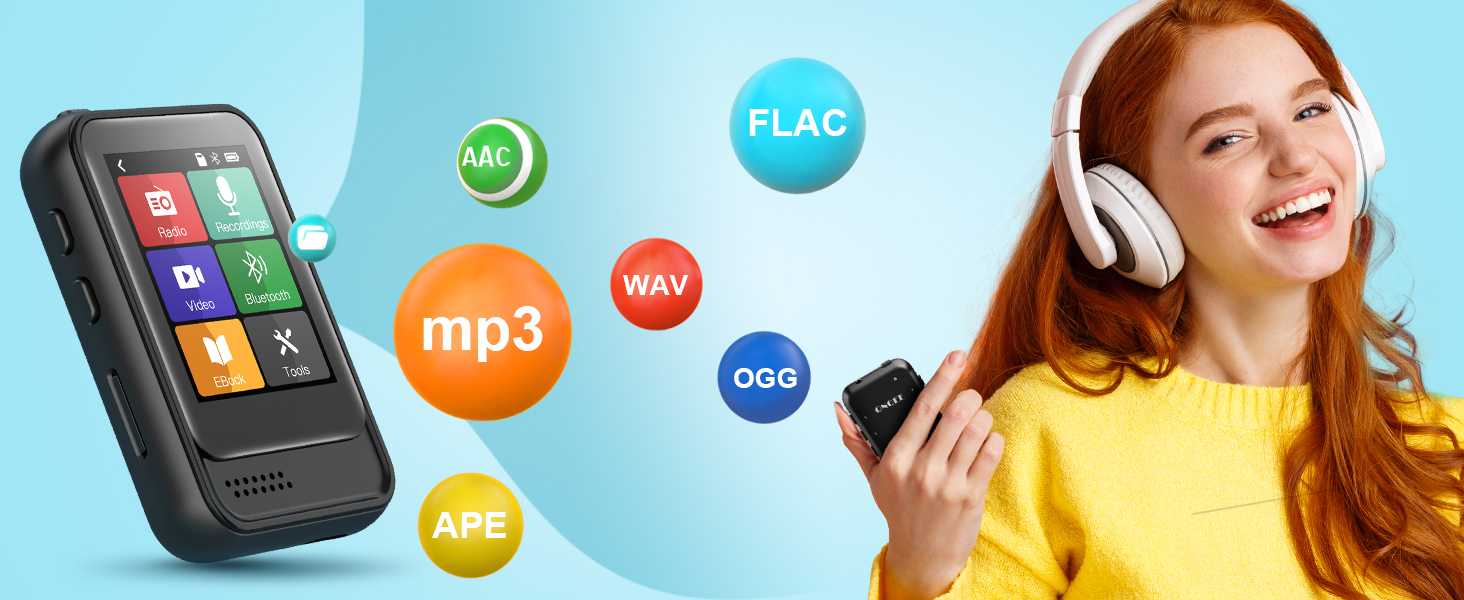
Figure 5.1: Supported Audio Formats
Supported music formats include MP3, WMA, APE, FLAC, WAV, DRM, and ACELP. The built-in high-quality chip with noise reduction capabilities enhances the authentic music experience.
5.3. FM Radio
To use the FM radio, ensure wired headphones are plugged into the headphone jack, as they serve as the antenna. Navigate to the 'FM Radio' application. You can scan for stations or manually tune to a specific frequency. The common band is 87.5MHz-108MHz, Japan band is 76MHz-90MHz, and European band is 87.5MHz-108MHz.
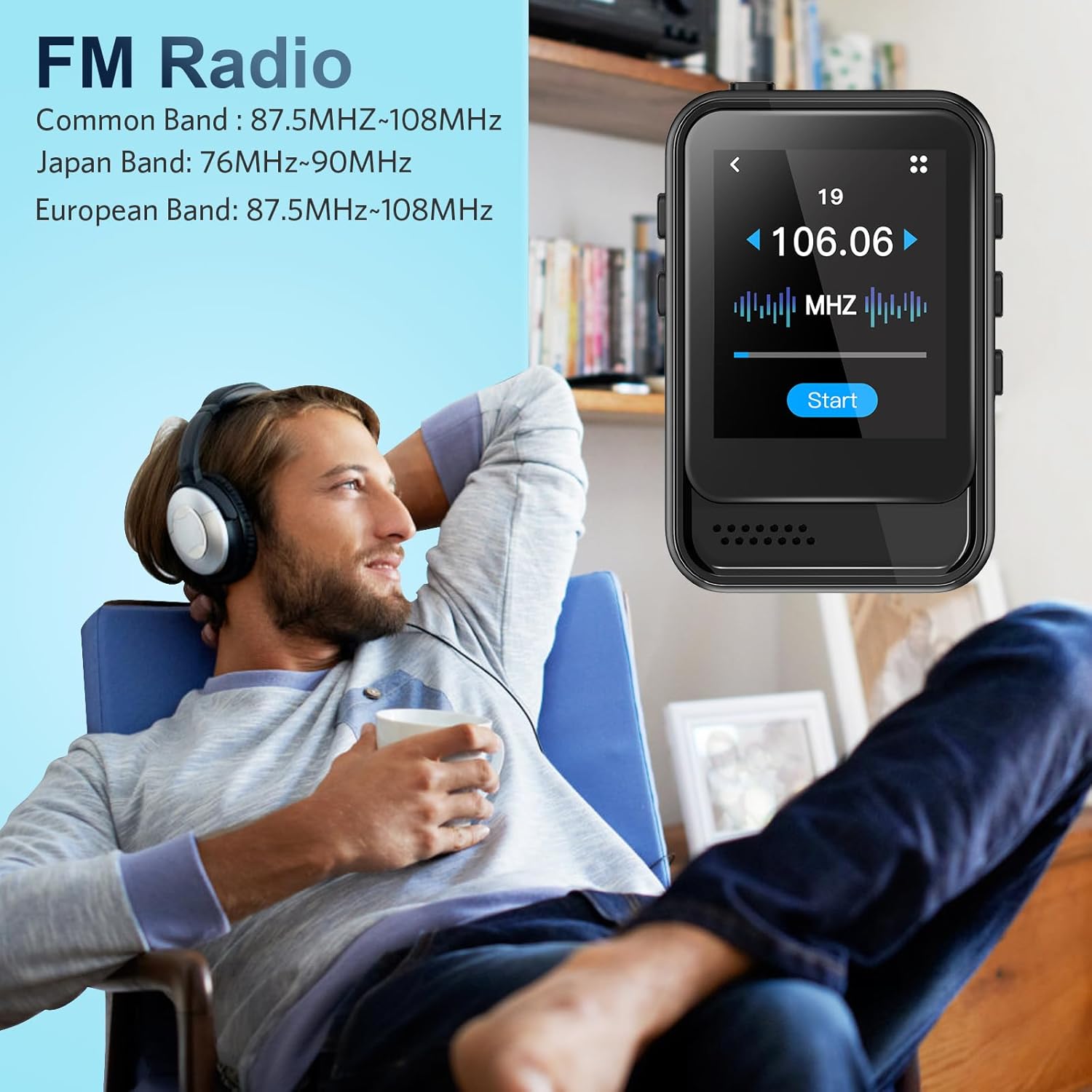
Figure 5.2: FM Radio Functionality
5.4. Voice Recorder
The device supports two recording modes: line-in recording and microphone recording. Access the 'Recordings' application to start, stop, and manage your voice recordings.
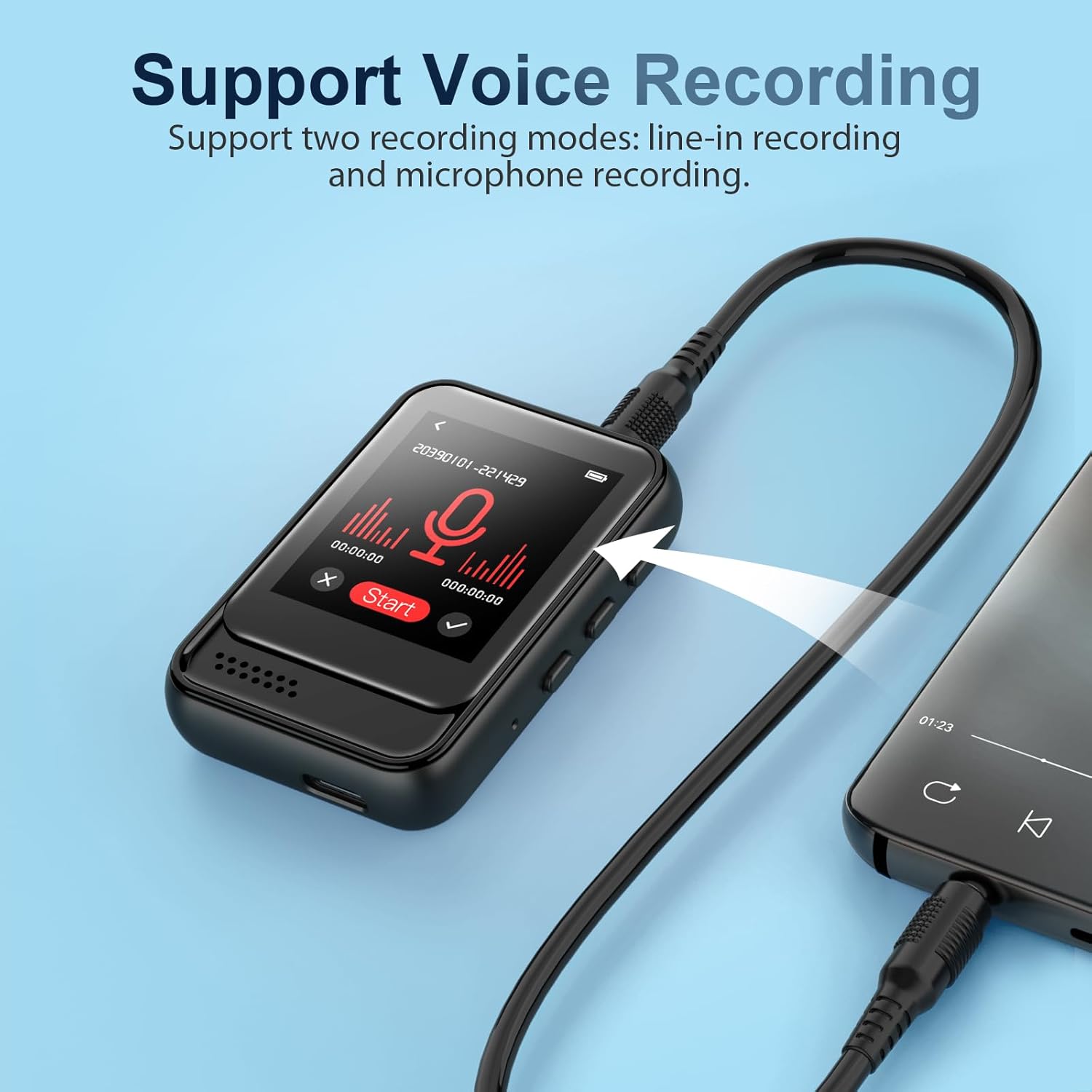
Figure 5.3: Voice Recording Feature
5.5. E-book Reader
The MP3 player supports e-book reading in TXT format only. Transfer your TXT files to the device and open them via the 'E-book' application.
5.6. Video Playback
The device supports video playback. Transfer compatible video files to the device and access them through the 'Video' application.
5.7. Other Functions
The MP3 player includes additional useful features:
- Alarm Clock: Set alarms for reminders or wake-up calls.
- Stopwatch: A built-in stopwatch for timing activities.
- Calendar: View the current date.
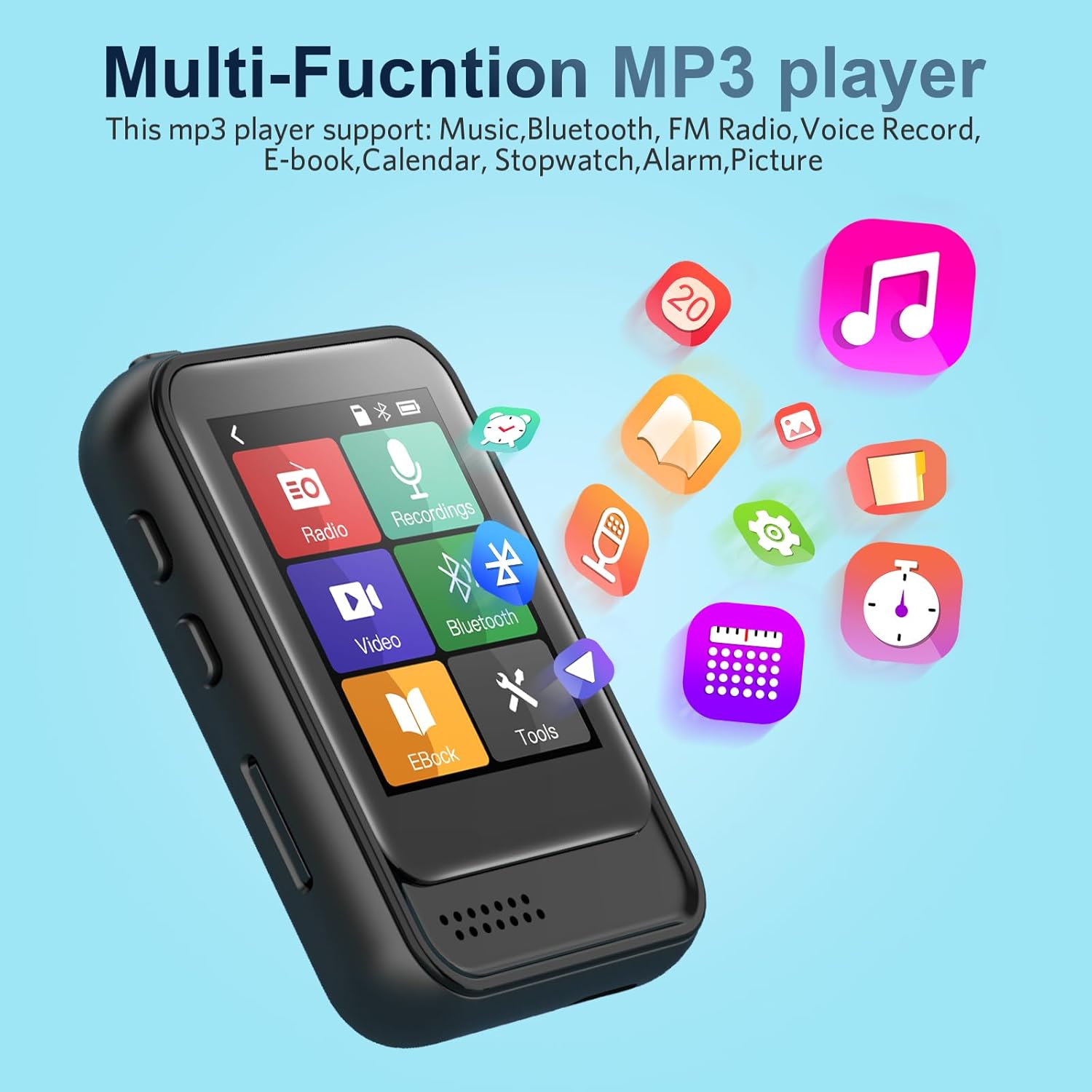
Figure 5.4: Multi-functional MP3 Player Interface
6. Maintenance
6.1. Cleaning
Wipe the device with a soft, dry cloth. Do not use liquid cleaners or abrasive materials, as they may damage the screen or casing.
6.2. Storage
Store the MP3 player in a cool, dry place away from direct sunlight, extreme temperatures, and humidity. Use the included silicone case for added protection.
6.3. Battery Care
To prolong battery life, avoid fully discharging the battery frequently. Charge the device regularly, even if not in use for extended periods.
7. Troubleshooting
If you encounter issues with your QNGEE MP3 Player, try the following steps:
- Device not turning on: Ensure the battery is charged. Connect to a power source and try again.
- No sound: Check headphone connection or Bluetooth pairing. Ensure volume is not muted or too low.
- Files not recognized: Verify that the files are in supported formats. Ensure the TF card is properly inserted if using external memory.
- Device unresponsive: Press and hold the Power ON/OFF button to force a restart. If that doesn't work, use a small pin to press the Reset button.
- Bluetooth pairing issues: Ensure the MP3 player is not attempting to connect to a mobile phone or laptop, as it is not compatible with these devices via Bluetooth. Ensure the target Bluetooth device is in pairing mode.
If problems persist, refer to the Warranty and Support section for further assistance.
8. Specifications
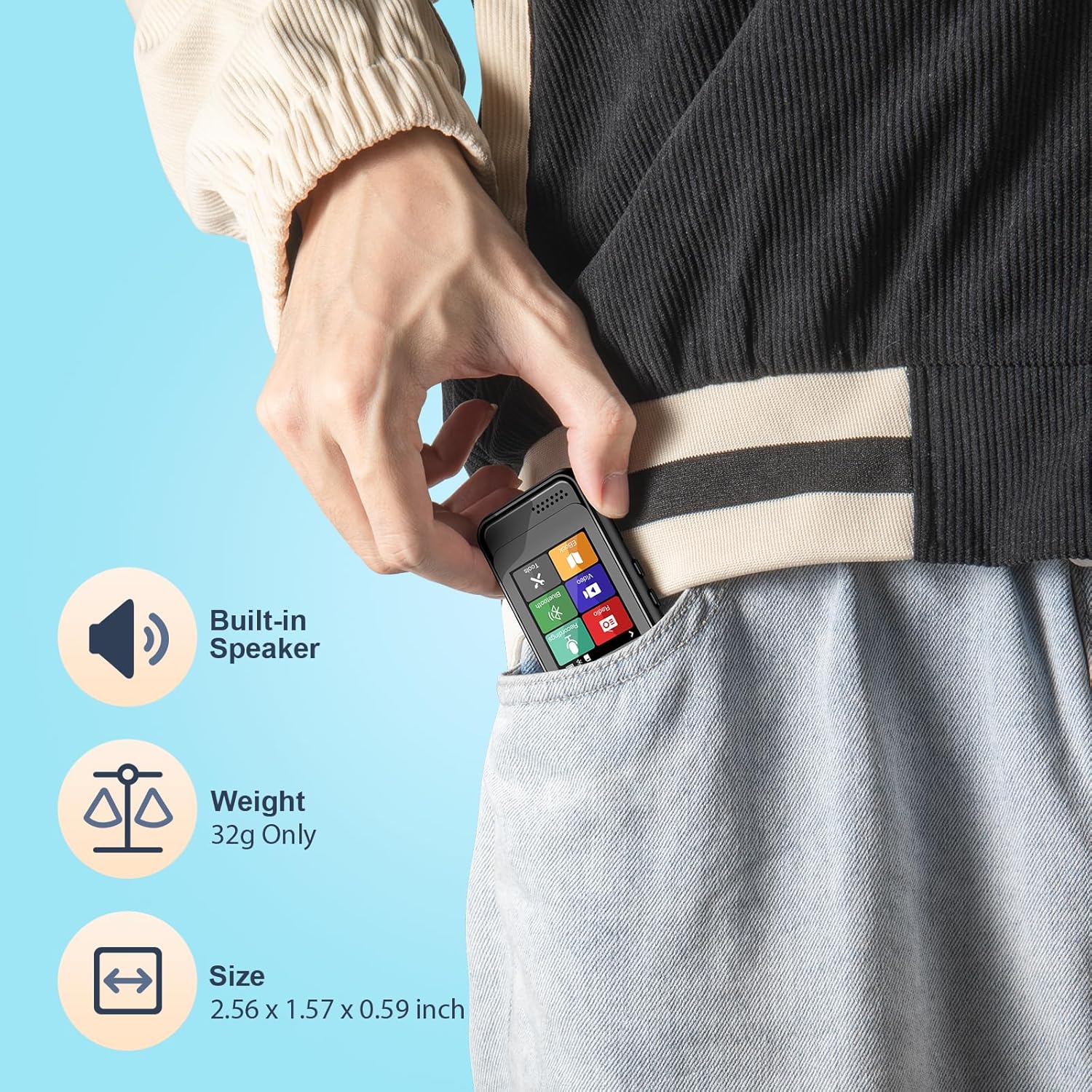
Figure 8.1: Portable Design
| Feature | Description |
|---|---|
| Model Name | QNGEE-M8 |
| Product Dimensions | 2.56 x 0.59 x 1.57 inches |
| Item Weight | 1.13 ounces (approx. 32g) |
| Internal Memory | 16 GB |
| Expandable Memory | Supports TF Card up to 128 GB (TF card not included) |
| Connectivity Technology | Bluetooth, USB |
| Screen Size | 1.8 Inches |
| Display Technology | LED |
| Special Features | Built-In Speaker, Video Playback, Voice Recorder, Touch Screen, Equalizer, FM Radio, Alarm Clock, Stopwatch, E-book (TXT) |
| Battery | 1 Lithium Polymer battery (included) |
| Color | Black |
9. Warranty and Support
QNGEE is committed to providing high-quality products. For any issues or questions regarding your MP3 player, please contact our customer support team. While specific warranty details are not provided in this manual, we encourage you to retain your purchase receipt for any potential warranty claims. Our team is ready to assist you with troubleshooting and product inquiries.
