
1. Setup
1.1 Unboxing and Initial Inspection
Carefully remove the Reyke Wallet Tracker Card from its packaging. Ensure all components are present: the tracker card and this user manual. Inspect the card for any visible damage before proceeding.
1.2 Charging the Tracker Card
The Reyke Wallet Tracker Card features wireless charging. Place the card on a compatible wireless charging pad. A red LED indicator will illuminate during charging. A full charge can last up to 5 months.
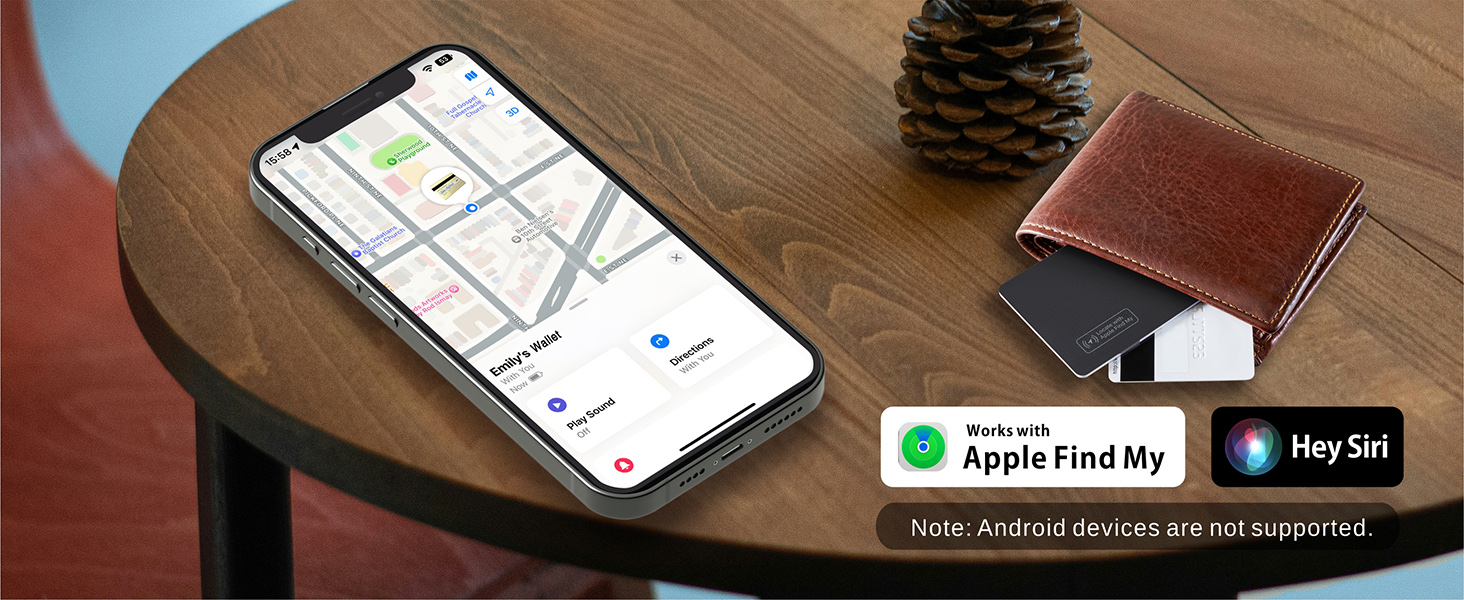
Image: Reyke Wallet Tracker Card undergoing wireless charging.
Charging Tips:
When charging, ensure the side with the power icon is facing downward on the wireless charging pad for optimal contact.

Image: Correct and incorrect placement for wireless charging.
1.3 Connecting to Apple Find My
The Reyke Wallet Tracker Card works exclusively with Apple Find My (iOS Only). Ensure your iOS device (iPhone, iPad, or Mac) is updated to the latest version of iOS 17 or later for full functionality.
- Turn on Bluetooth on your iPhone.
- Open the Find My app on your supported Apple device.
- Navigate to the Items tab.
- Tap on Add Item or the + icon, then select Add Other Item.
- Press the button on the Reyke Wallet Tracker Card to activate it. You will hear a ringing chime.
- Keep the tracker card close to your phone. Wait until you see "HB02" appear, then tap Connect.
- Follow the on-screen prompts to name your item and select an emoji. Tap Continue.
- Review the privacy information and tap Agree.
- Tap Finish to complete the setup. Your item locator is now set up.
Video: Demonstrates the process of connecting the Reyke Wallet Tracker Card to an iPhone using the Find My app.
2. Operating Your Reyke Wallet Tracker Card
2.1 Finding Nearby Items
Within Bluetooth range (up to 164 feet), you can use the Find My app to trigger the built-in speaker on your Reyke Wallet Tracker Card. This helps you locate your belongings when they are nearby.
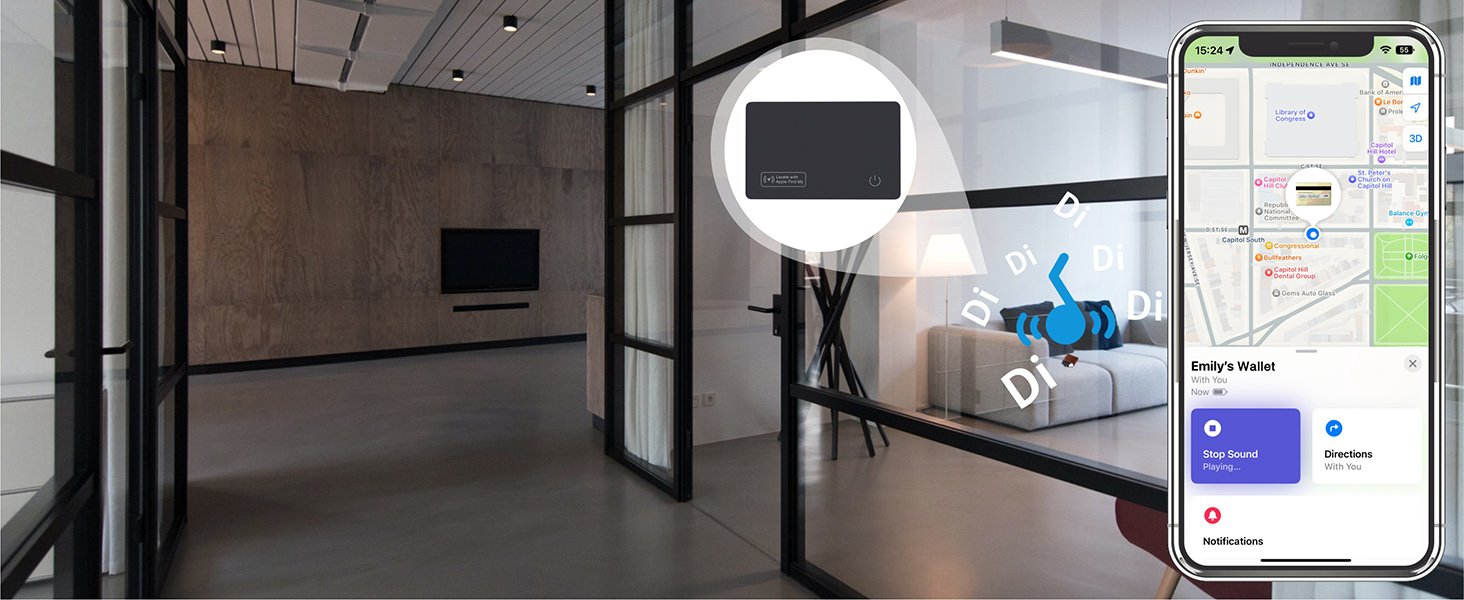
Image: Using the Find My app to play a sound on the tracker card.
2.2 Left-Behind Reminders
If your Reyke Wallet Tracker Card moves out of Bluetooth range from your iPhone, you will receive a notification on your device. This reminder includes the last known location before disconnection, which can be viewed in the Find My app.

Image: Example of a 'Left-Behind Remind' notification.
2.3 Lost Mode
Activate Lost Mode in the Find My app if your item is misplaced. The vast network of Apple devices can help locate your item. If an Apple device detects your tracker, you will automatically receive a notification with its location.

Image: Activating Lost Mode in the Find My app.
2.4 Sharing Items
With iOS 17 or later, you can share your Reyke Wallet Tracker Card's location with up to 5 other individuals through the Find My app. This allows multiple users to see the item's location on a map. Borrowers will not receive tracking notifications as the item moves with them.
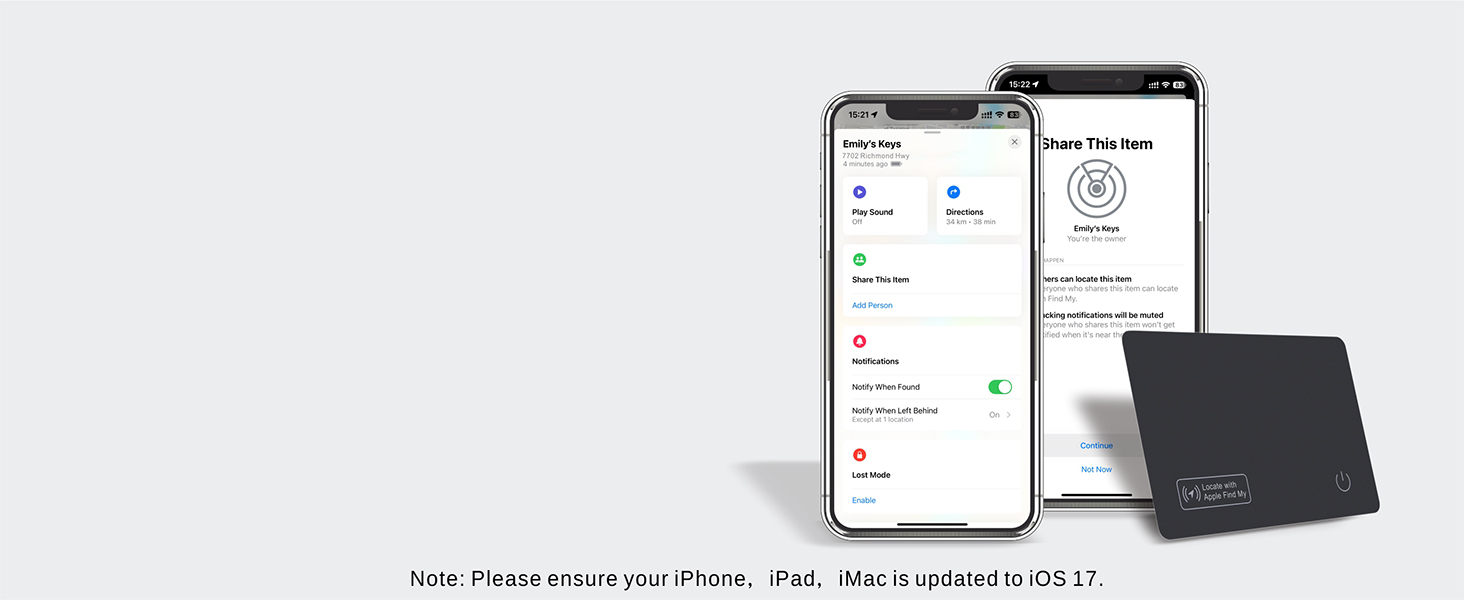
Image: Sharing the tracker card's location with others.
3. Maintenance
3.1 Charging
Recharge the tracker card when the battery is low. A full charge provides approximately 5 months of use. Use a standard wireless charging pad for convenience.
3.2 Cleaning and Water Resistance
The Reyke Wallet Tracker Card is IP68 waterproof and dust resistant. It can withstand immersion in water up to 3 feet for 30 minutes. To clean, gently wipe with a damp cloth. Avoid harsh chemicals or abrasive materials.
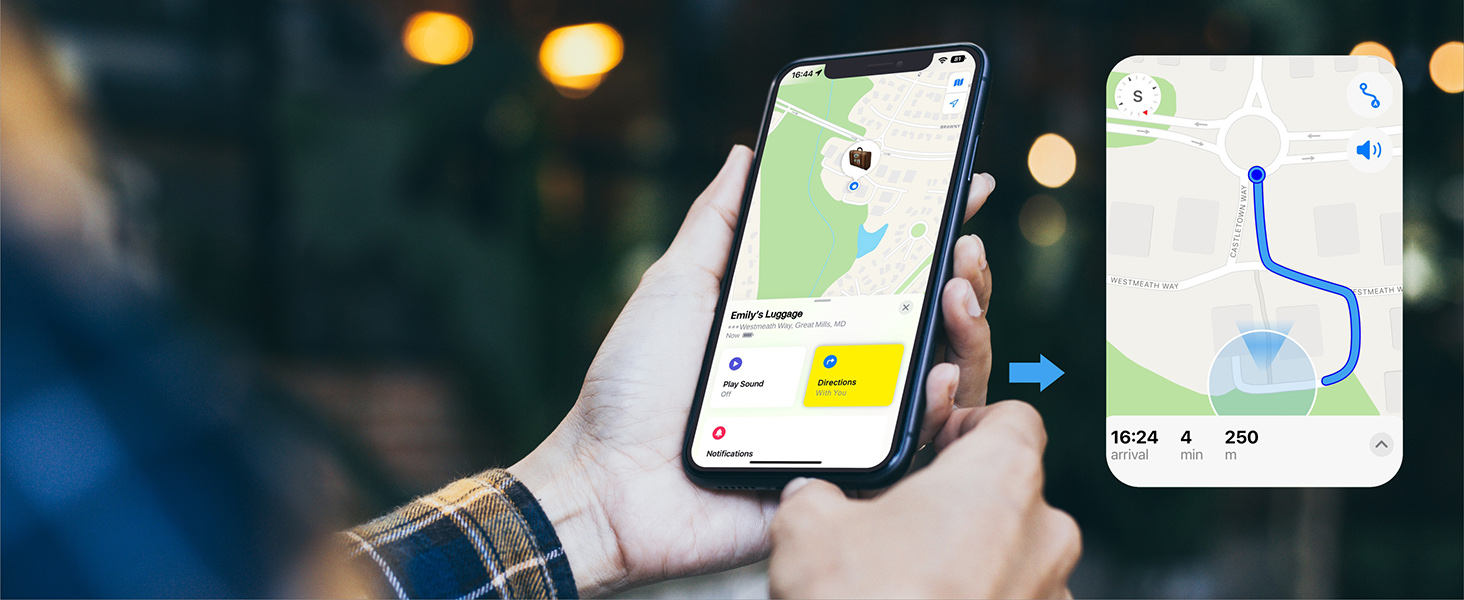
Image: Reyke Wallet Tracker Card demonstrating IP68 waterproof capabilities.
4. Troubleshooting
| Issue | Solution |
|---|---|
| Tracker card not connecting to Find My. | Ensure Bluetooth is enabled on your iOS device. Verify your iOS device is updated to iOS 17 or later. Press the button on the tracker card to activate it during the pairing process. Keep the card close to your device. |
| Tracker card not charging wirelessly. | Ensure the tracker card is placed correctly on the wireless charging pad, with the power icon facing down. Try repositioning the card. Use a compatible wireless charger. |
| Sound from tracker card is too quiet. | Ensure there are no obstructions covering the speaker on the card. If the issue persists, ensure the card is fully charged. |
| Left-behind reminders are not working. | Check the settings in the Find My app to ensure 'Notify When Left Behind' is enabled for your tracker card. Ensure Bluetooth is consistently active on your iPhone. |
5. Specifications
| Feature | Detail |
|---|---|
| Model Number | HB12 |
| Dimensions | 3.35 x 2.13 x 0.06 inches (85 x 54 x 1.6 mm) |
| Item Weight | 2.08 ounces |
| Material | Plastic |
| Battery Type | Rechargeable (2 CR2032 batteries included) |
| Charging | Wireless Charging |
| Battery Life | Up to 5 months on a single charge |
| Water Resistance | IP68 (up to 3 feet for 30 minutes) |
| Bluetooth Range | Up to 164 feet (50 meters) |
| Compatibility | Apple Find My (iOS 17 or later required) |
6. Warranty and Support
6.1 Warranty Information
Reyke products are designed for reliability and performance. For specific warranty details regarding your Wallet Tracker Card, please refer to the warranty card included in your product packaging or visit the official Reyke website.
6.2 Customer Support
If you encounter any issues or have questions not covered in this manual, please contact Reyke customer support. Our team is available to assist you with product inquiries, technical support, and troubleshooting.
Contact Information:
Please refer to the contact details provided on the Reyke official website or your product packaging for the most up-to-date support channels.


