
1. Introduction
This manual provides detailed instructions for the safe and efficient use of your VRURC 30000mAh USB C Power Bank. This high-capacity portable charger is designed to provide reliable power for your mobile devices on the go, featuring fast charging capabilities and multiple output ports.
Please read this manual thoroughly before using the product and retain it for future reference.
2. Product Overview
2.1 Components and Ports
The VRURC 30000mAh Power Bank is equipped with various ports for versatile charging. Refer to the diagram below for port identification.

Image: Detailed view of the VRURC power bank's ports, including USB 1 Output (15W), USB 2 Output (15W), USB 3 Output (18W-22.5W), USB C In/Out (15-18W / 18-20W), Other Input (10W/18W), and Micro Input (10W/18W).
- USB 1/2 Output: Standard USB-A ports, providing up to 15W output.
- USB 3 Output: Quick Charge 3.0 compatible USB-A port, providing up to 22.5W output.
- USB C In/Out: A versatile USB-C port supporting both input (for charging the power bank) and output (for charging devices) with QC/PD 3.0 up to 20W.
- Micro USB Input: A dedicated Micro USB port for charging the power bank.
- Other Input (Lightning Compatible): An additional input port for charging the power bank, compatible with Lightning cables.
- LED Display: Digital display indicating the remaining battery percentage.
2.2 Key Features
- High Capacity: 30000mAh capacity, capable of charging an iPhone 14 approximately 6 times or a Samsung Galaxy S22 approximately 5.2 times.
- Fast Charging: Supports 22.5W fast charging, allowing compatible smartphones to charge up to 65% in 30 minutes.
- Multiple Device Charging: Equipped with 4 output ports, enabling simultaneous charging of up to 4 devices.
- Versatile Recharging: Features 3 input ports (Micro USB, USB-C, and Lightning compatible) for convenient recharging of the power bank.
- Compact Design: Slim profile (2.03 cm thickness) and lightweight (476g) for enhanced portability.
- Safety Protections: Built-in safeguards against overcharging, overvoltage, overcurrent, and short circuits to protect your devices.

Image: Illustration of the power bank's 30000mAh capacity, indicating it can provide approximately 6.0 iPhone 14 charges, 5.2 Galaxy S22 charges, and 2.2 iPad Pro charges.

Image: A smartphone being charged by the VRURC power bank, demonstrating the 22.5W fast charging capability, reaching 60% charge in 30 minutes compared to 30% with other chargers.

Image: A visual comparison highlighting the VRURC 30000mAh power bank's thinner and more compact design compared to other power banks of similar capacity.
3. Setup
3.1 Initial Charge
Before first use, it is recommended to fully charge your VRURC Power Bank. This ensures optimal performance and battery longevity.
- Select a suitable charging cable (USB-C, Micro USB, or Lightning compatible) and connect it to one of the power bank's input ports.
- Connect the other end of the cable to a power source, such as a wall adapter (a 20W PD charger is recommended for fastest charging), a computer's USB port, or a car charger.
- The LED display will show the charging progress. The power bank is fully charged when the display shows "100". A full charge can take approximately 9 hours with a 20W PD charger.
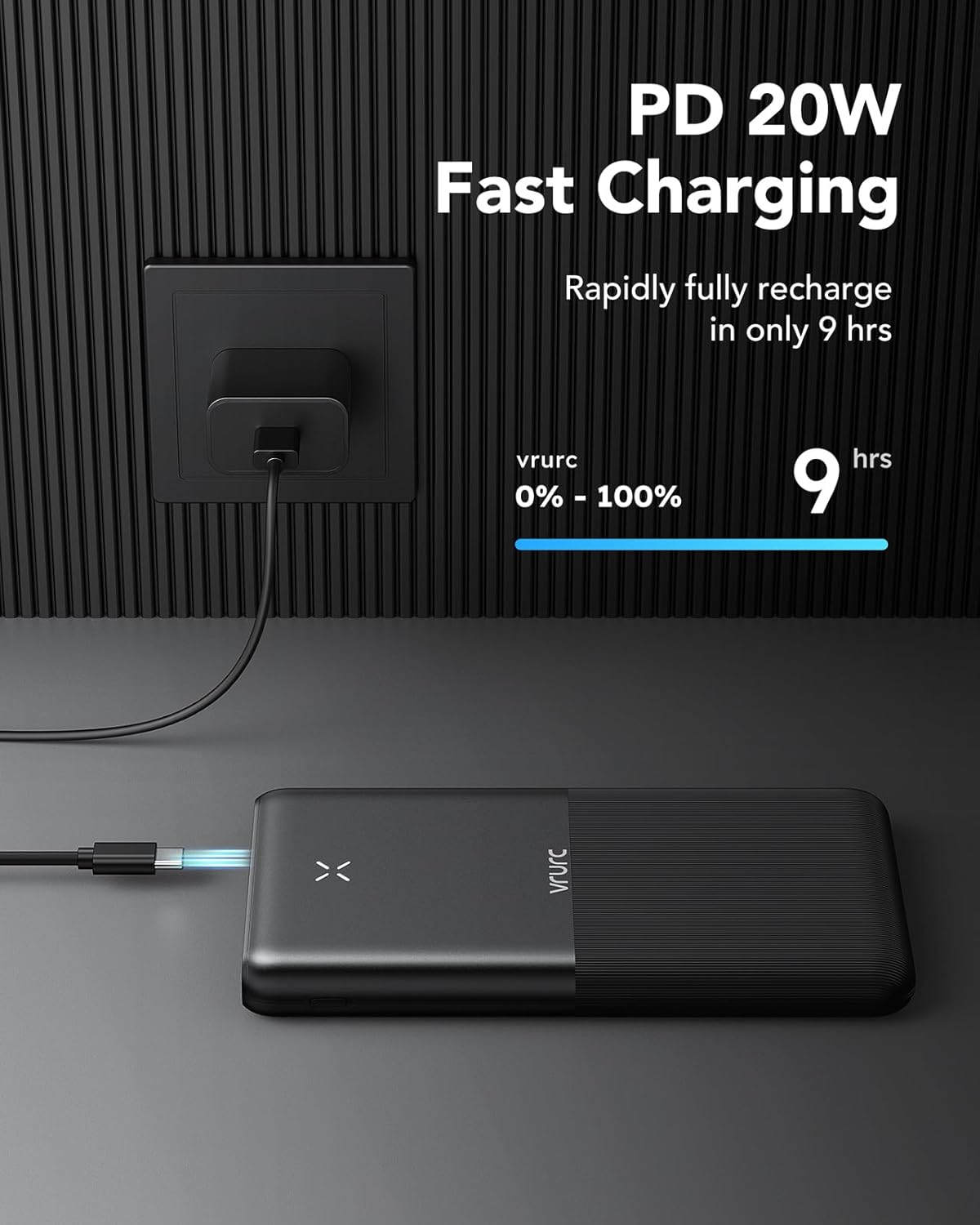
Image: The VRURC power bank being recharged via a wall adapter, illustrating its PD 20W fast charging input capability, allowing for a full recharge from 0% to 100% in approximately 9 hours.
4. Operating Instructions
4.1 Charging Your Devices
The VRURC Power Bank can charge a wide range of USB-powered devices, including smartphones, tablets, drones, and earphones.
- Ensure the power bank has sufficient charge. Check the LED display for the battery percentage.
- Connect your device's charging cable to one of the power bank's output ports (USB 1, USB 2, USB 3, or USB-C).
- Connect the other end of the cable to your device.
- The power bank will automatically begin charging your device. The LED display will remain active during charging.
- To achieve fast charging speeds (22.5W), ensure both your device and the charging cable support Quick Charge (QC) or Power Delivery (PD) protocols.

Image: The VRURC power bank simultaneously charging a tablet, a smartphone, and two pairs of earphones, demonstrating its ability to charge multiple devices at once.

Image: A visual representation of the power bank's wide compatibility, showing icons for phones, pads (tablets), drones, and earphones, indicating it can charge various electronic devices.
5. Maintenance
- Keep the power bank away from extreme temperatures, direct sunlight, and humid environments.
- Avoid dropping or subjecting the power bank to strong impacts.
- Clean the surface of the power bank with a soft, dry cloth. Do not use harsh chemicals or abrasive materials.
- If the power bank will not be used for an extended period, charge it to approximately 50-70% and store it in a cool, dry place. Recharge it every 3-6 months to maintain battery health.
- Do not attempt to disassemble or repair the power bank yourself. Contact customer support if issues arise.
6. Troubleshooting
| Problem | Possible Cause | Solution |
|---|---|---|
| Power bank not charging. | Cable is faulty or not properly connected; power source is insufficient; power bank is damaged. | Try a different charging cable and adapter. Ensure connections are secure. Use a reliable power source. If problem persists, contact support. |
| Device not charging from power bank. | Power bank is depleted; cable is faulty or incompatible; device is not compatible; power bank is in protection mode. | Recharge the power bank. Try a different charging cable. Ensure your device is compatible. Disconnect and reconnect the device. |
| Slow charging speed. | Cable or device does not support fast charging; multiple devices are connected; power bank battery is low. | Use a QC/PD compatible cable and ensure your device supports fast charging. Disconnect other devices. Recharge the power bank. |
| LED display not working. | Power bank is completely depleted or damaged. | Attempt to charge the power bank for a few hours. If it still doesn't light up, contact customer support. |
7. Specifications
| Feature | Detail |
|---|---|
| Brand | VRURC |
| Model | B0CYX465DZ |
| Battery Capacity | 30000mAh |
| Battery Composition | Lithium-Polymer |
| Input Ports | USB-C, Micro USB, Lightning Compatible |
| Output Ports | 3 x USB-A, 1 x USB-C (Total 4 outputs) |
| Max Output Power | 22.5W |
| Max Input Power | 20W (USB-C PD) |
| Dimensions (L x W x H) | 16.5 cm x 4.5 cm x 2.0 cm |
| Weight | 476g |
| Color | White |
8. Warranty and Support
VRURC products are manufactured to the highest quality standards. For information regarding warranty coverage, technical support, or any product-related inquiries, please refer to the warranty card included with your purchase or visit the official VRURC website.
If you encounter any issues not covered in this manual, please do not hesitate to contact VRURC customer service for assistance.

