Introduction
Welcome to the user manual for your Generic Fine M8 True Wireless Bluetooth Earbuds. This guide provides detailed instructions on how to set up, operate, maintain, and troubleshoot your earbuds to ensure optimal performance and longevity.
Please read this manual thoroughly before using the product.
Package Contents
Verify that all items are present in your package:
- Fine M8 True Wireless Earbuds
- Charging Case
- USB Charging Cable
- Ear Cushions (various sizes)
- User Manual
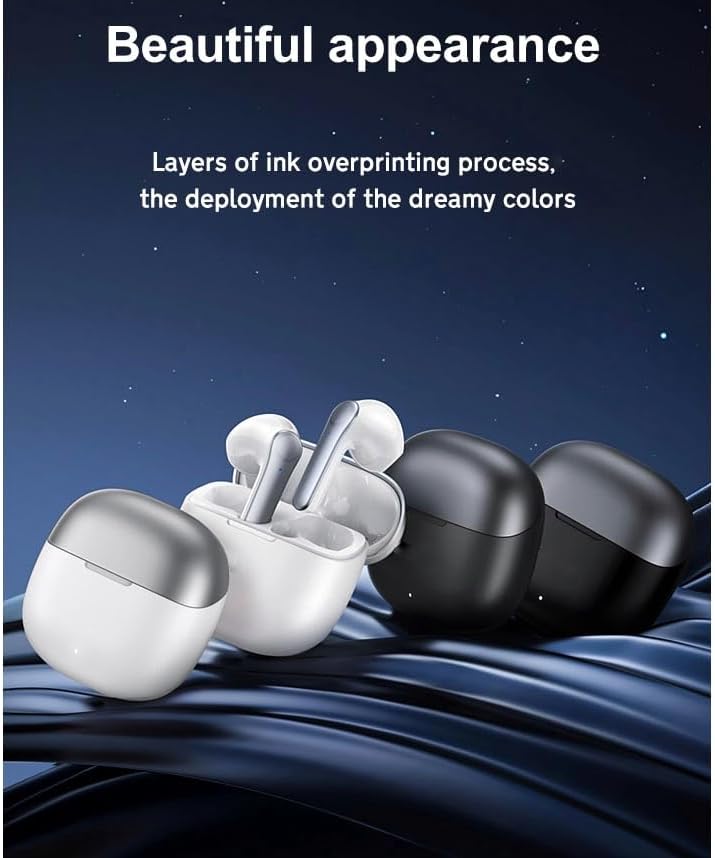
Image: Contents of the Fine M8 Earbuds package, showing the earbuds, charging case, USB cable, and ear cushions.
Product Overview
The Fine M8 earbuds feature a compact design with advanced Bluetooth 5.1 connectivity, touch controls, and HiFi stereo sound. They are designed for comfortable in-ear wear and offer up to 6 hours of music playback per charge, with additional charges from the included charging case. The charging case includes a digital screen to indicate battery life.

Image: The Fine M8 True Wireless Earbuds shown with their charging case.
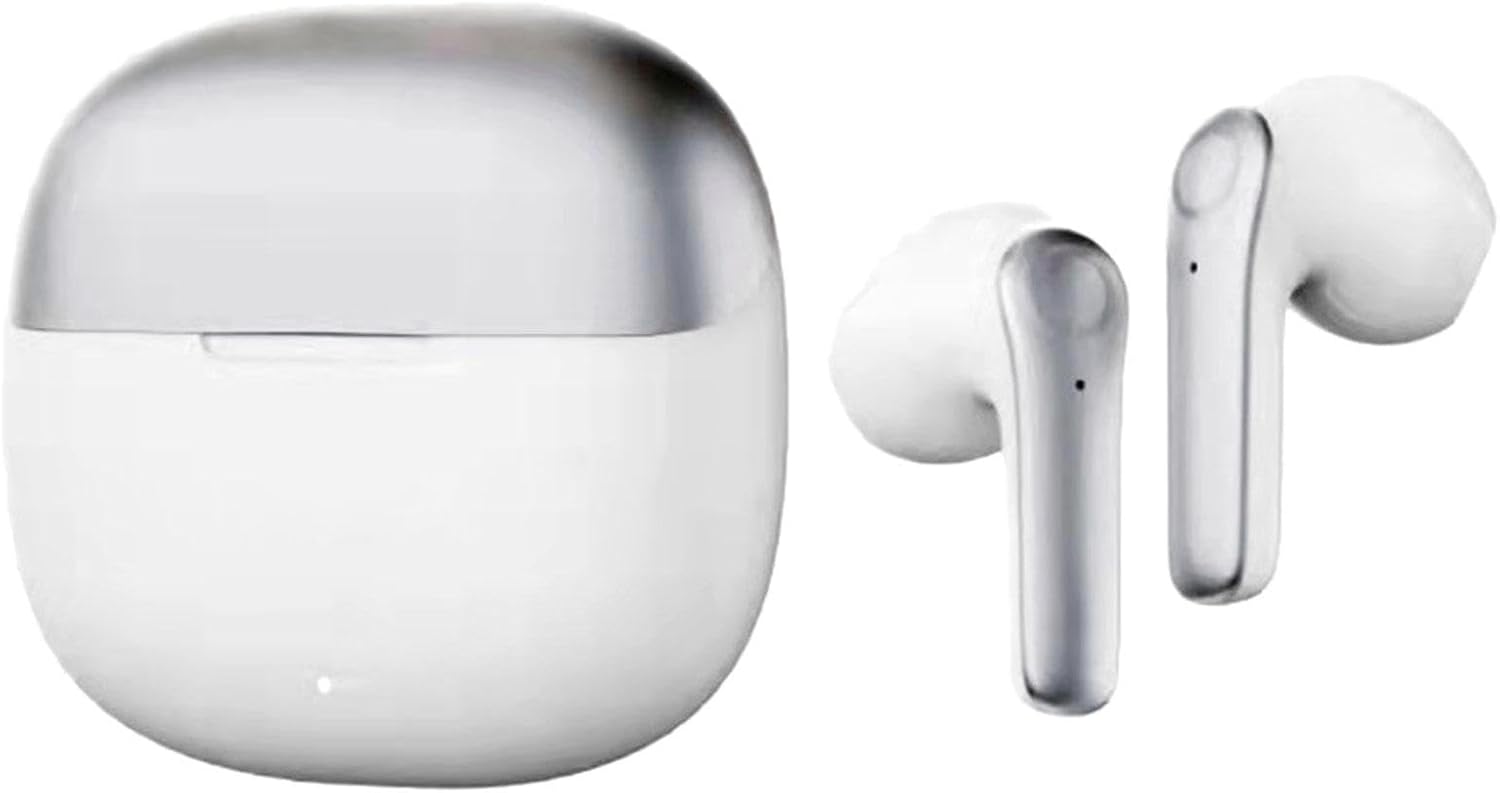
Image: The Fine M8 Earbuds placed inside their open charging case.
Setup
1. Initial Charging
Before first use, fully charge the earbuds and the charging case. Connect the provided USB cable to the charging case and a power source. The digital screen on the case will indicate the charging status.

Image: The Fine M8 Earbuds charging case displaying battery level.
2. Pairing with a Bluetooth Device
- Ensure the earbuds are charged and placed in the charging case.
- Open the charging case. The earbuds will automatically enter pairing mode.
- On your smartphone or Bluetooth-enabled device, navigate to the Bluetooth settings.
- Search for available devices and select "Fine M8" (or a similar name) from the list.
- Once connected, a confirmation sound will play, and the earbuds will be ready for use.
Note: The earbuds support both single and dual earbud modes. You can use one earbud independently or both for stereo sound.
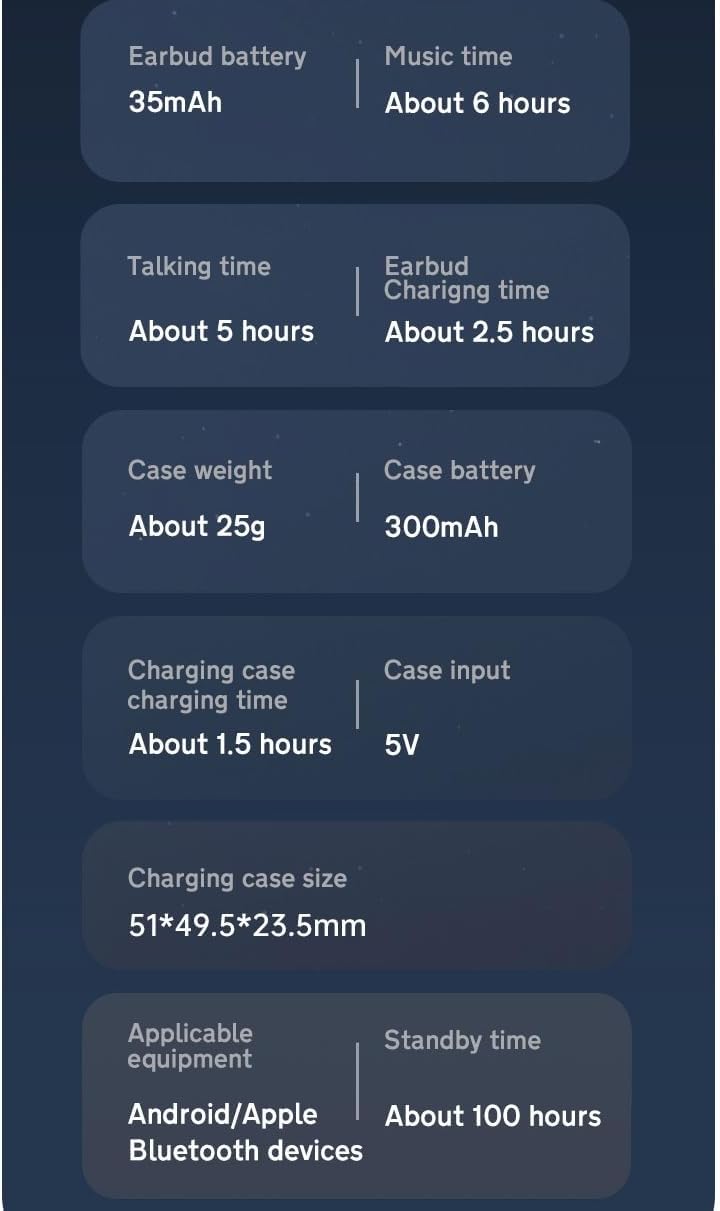
Image: Fine M8 Earbuds and charging case positioned next to a smartphone, illustrating connectivity.
Operating Instructions
Touch Controls
The Fine M8 earbuds feature intuitive touch controls on each earbud. The specific functions are as follows:
| Action | Function |
|---|---|
| Single Tap (Left/Right) | Play/Pause Music, Answer/End Call |
| Double Tap (Right) | Next Track |
| Double Tap (Left) | Previous Track |
| Long Press (Left/Right) | Activate Voice Assistant / Reject Call |
| Triple Tap (Left/Right) | Volume Control (functionality may vary by device) |
Note: Some functions may vary depending on your connected device and its operating system.
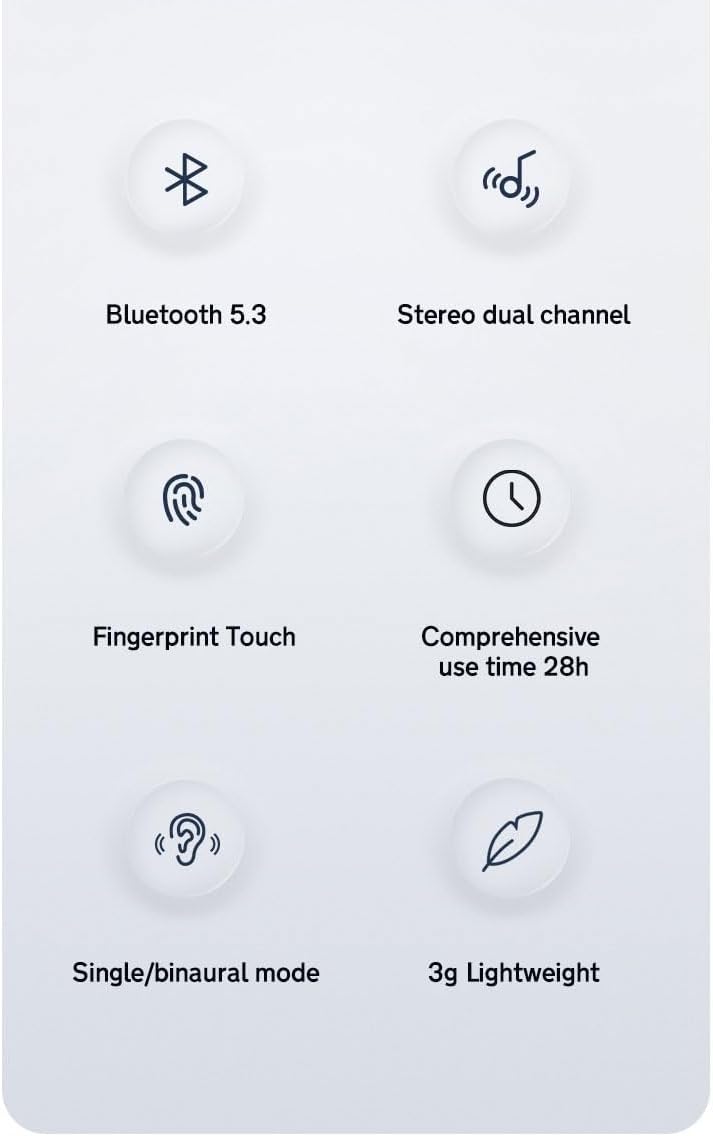
Image: Diagram highlighting the touch control area on the Fine M8 Earbuds.
Wearing the Earbuds
Gently insert the earbuds into your ears, ensuring a snug and comfortable fit. Adjust them until the sound is clear and the earbuds feel secure.
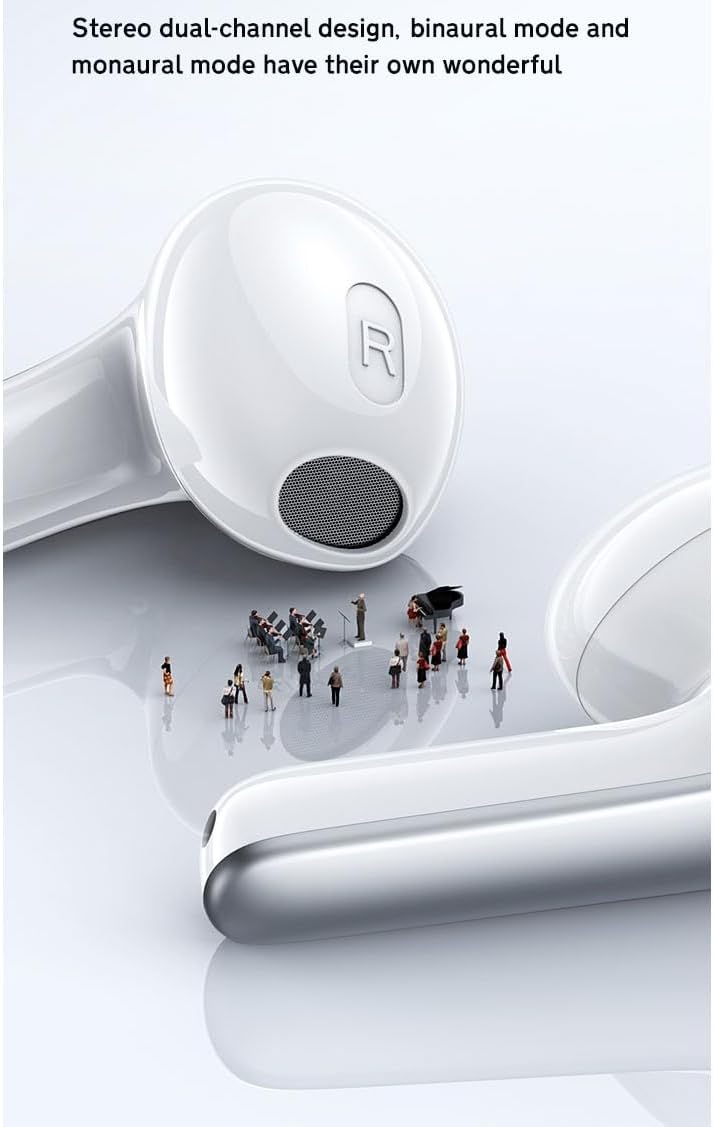
Image: An illustration showing the Fine M8 Earbuds correctly placed in an ear for optimal fit.
Maintenance
Cleaning
- Regularly clean the earbuds and charging case with a soft, dry, lint-free cloth.
- Do not use abrasive cleaners, alcohol, or chemical solvents.
- Gently remove any earwax or debris from the earbud mesh using a small, soft brush.
Storage
When not in use, always store the earbuds in their charging case to protect them from dust and damage, and to keep them charged.
Battery Care
To prolong battery life, avoid fully discharging the earbuds and charging case frequently. Charge them regularly, even if not in constant use.
Troubleshooting
| Problem | Possible Cause | Solution |
|---|---|---|
| Earbuds not pairing | Low battery, out of range, pairing mode not active | Charge earbuds and case. Ensure Bluetooth is enabled on your device. Place earbuds in case, close, then open to re-enter pairing mode. |
| No sound from one earbud | Earbud not connected, low battery, debris in speaker | Ensure both earbuds are charged and connected. Try re-pairing. Clean speaker mesh. |
| Poor sound quality | Weak Bluetooth signal, improper fit, debris | Move closer to your device. Adjust earbud fit. Clean speaker mesh. |
| Earbuds not charging | Charging cable issue, dirty contacts, case low battery | Check cable connection. Ensure charging case is charged. Clean charging contacts on earbuds and case. |
If the issue persists, please refer to the support information provided.
Specifications
| Feature | Detail |
|---|---|
| Model Name | S47-AUD |
| Connectivity Technology | Wireless (Bluetooth) |
| Bluetooth Version | 5.1 |
| Ear Placement | In Ear |
| Control Method | Touch |
| Noise Control | Active Noise Cancellation |
| Earbud Battery Capacity | 35mAh |
| Music Playback Time | About 6 hours |
| Talking Time | About 5 hours |
| Earbud Charging Time | About 2.5 hours |
| Case Battery Capacity | 300mAh |
| Case Charging Time | About 1.5 hours |
| Standby Time | About 100 hours |
| Compatible Devices | Android/Apple Bluetooth devices |
| Earbud Weight | 3g each |

Image: Diagram illustrating the Bluetooth 5.1 technology and its speed advantage over Bluetooth 5.0.
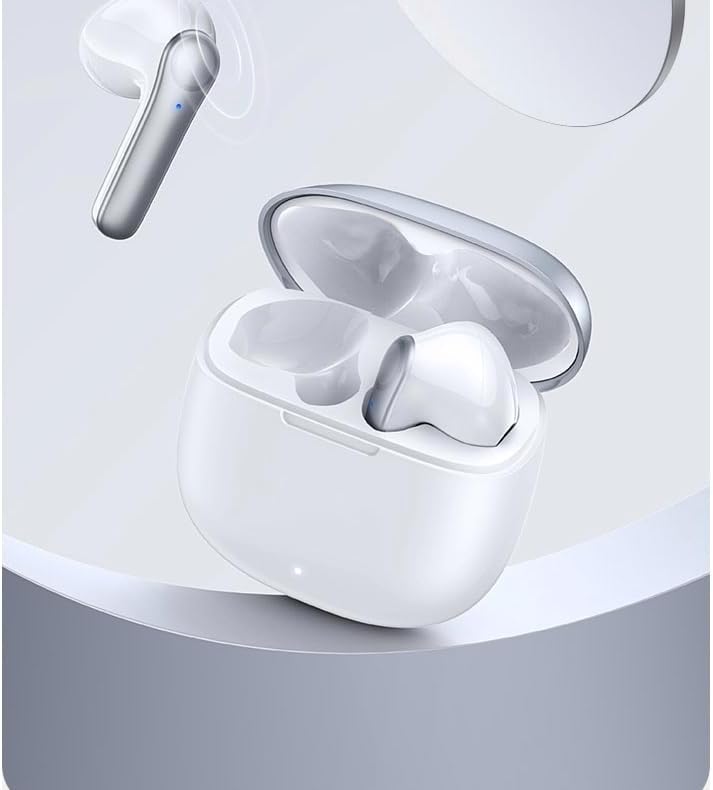
Image: Icons representing key features such as Bluetooth 5.3 (note: product specifications state Bluetooth 5.1), stereo dual channel, fingerprint touch, 28h use time, single/binaural mode, and 3g lightweight design.
Image: Detailed specifications for earbud and case battery capacity, music/talk time, charging times, and standby time.
Warranty and Support
For warranty information or technical support, please refer to the contact details provided with your purchase documentation or visit the manufacturer's official website.


