
ZTE U10
ZTE U10 4G+ Mobile Wi-Fi Router User Manual
Model: U10
Introduction
This manual provides comprehensive instructions for the setup, operation, and maintenance of your ZTE U10 4G+ Mobile Wi-Fi Router. Please read this manual carefully to ensure proper use and to maximize the performance of your device.
What's in the Box
Verify that all items are present in the package:
- 1x ZTE U10 Mobile Wi-Fi Router
- 1x USB Type-C Charging Cable
- 1x Quick Start Guide (for initial setup reference)
- 1x Warranty Card
Product Overview
The ZTE U10 is a portable 4G+ Mobile Wi-Fi Router designed for on-the-go internet access. It supports high-speed connectivity and can share internet with multiple devices.
Key Features:
- 4G+ Travel WiFi-6 Hotspot: Supports speeds up to 287Mbps, compatible with 3G/4G networks.
- Long Battery Life: Equipped with a 2000mAh rechargeable battery, providing up to 8 hours of working time.
- Multi-Device Connectivity: Connects up to 32 devices simultaneously, including tablets, smartphones, laptops, and gaming consoles.
- Enhanced Signal: Built-in MIMO 2.4Ghz antennas boost signal strength.
- Parental Controls & Guest Network: Simplified system for online safety and managing network access.
- Unlocked: Compatible with all 3G/4G networks globally (requires compatible data SIM).
- Compact Design: Sleek pebble design for easy portability.
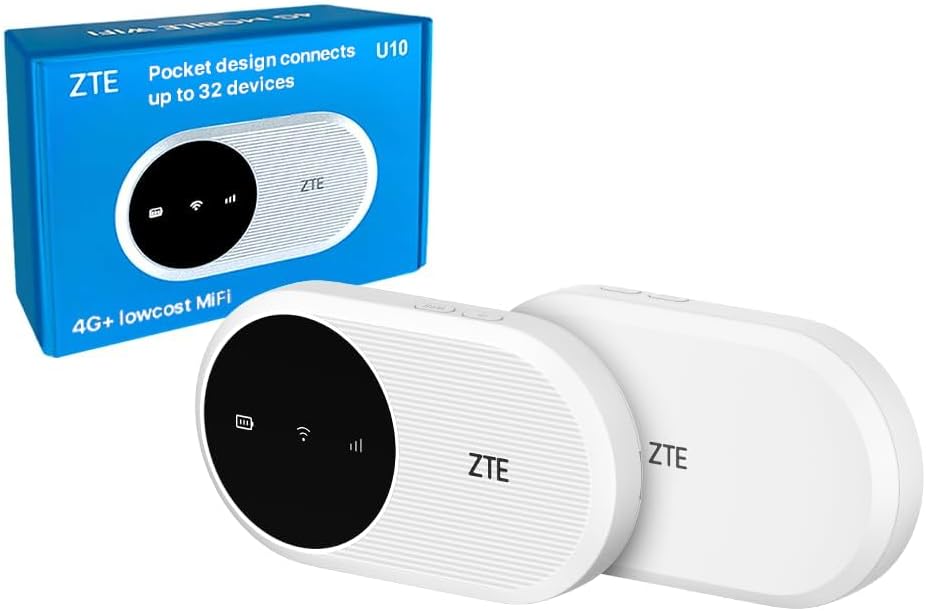
Image: The ZTE U10 4G+ Mobile Wi-Fi Router shown with its retail packaging. The device is white with a black circular display area.
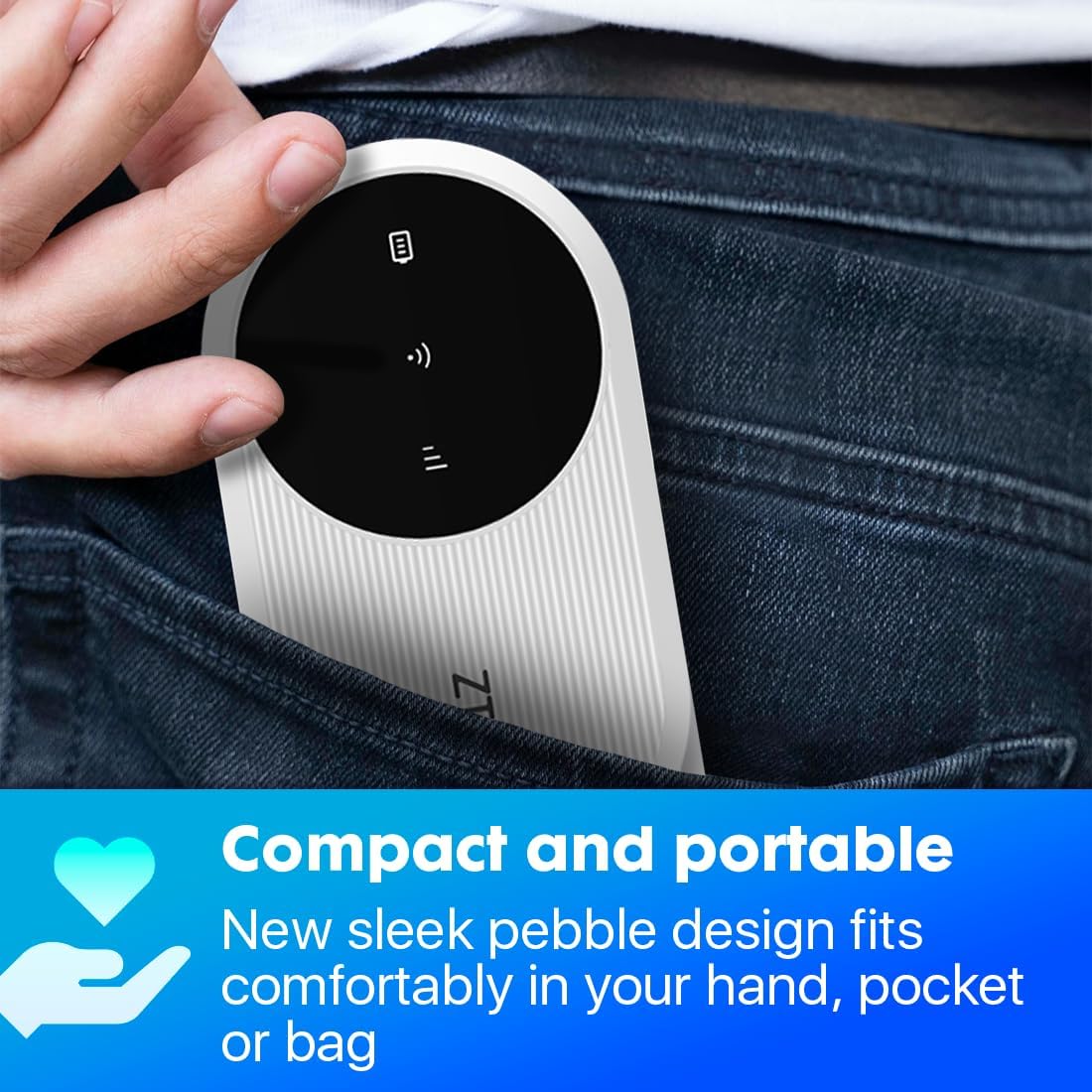
Image: A hand placing the compact ZTE U10 router into a jeans pocket, illustrating its portability.

Image: A banner displaying the ZTE U10 4G+ router with text highlighting its features: 4G+ travel WiFi-6 hotspot, 287Mbps speeds, 2000mAh battery, and built-in MIMO 2.4GHz antennas.
Setup Guide
1. Inserting the SIM Card
- Locate the SIM card slot on the device. This is typically found under the battery cover or on the side.
- Carefully open the SIM card slot cover.
- Insert your activated data SIM card into the slot with the gold contacts facing down and the notched corner aligned as indicated on the device.
- Close the SIM card slot cover securely.
2. Charging the Device
- Connect the provided USB Type-C charging cable to the device's charging port.
- Connect the other end of the cable to a compatible USB power adapter (not included) or a computer's USB port.
- The battery indicator on the device will show charging status. Fully charge the device before first use.
3. Powering On/Off
- To power on, press and hold the Power button for approximately 3-5 seconds until the indicators light up.
- To power off, press and hold the Power button for approximately 3-5 seconds until the indicators turn off.
4. Connecting to Wi-Fi
- Once the device is powered on, it will broadcast a Wi-Fi network.
- On your computer, smartphone, or tablet, search for available Wi-Fi networks.
- Select the network name (SSID) displayed on the device's screen or on the label inside the battery compartment.
- Enter the Wi-Fi password (Key) also found on the device's screen or label.
- Your device should now be connected to the internet.
Operating Instructions
Managing Connections
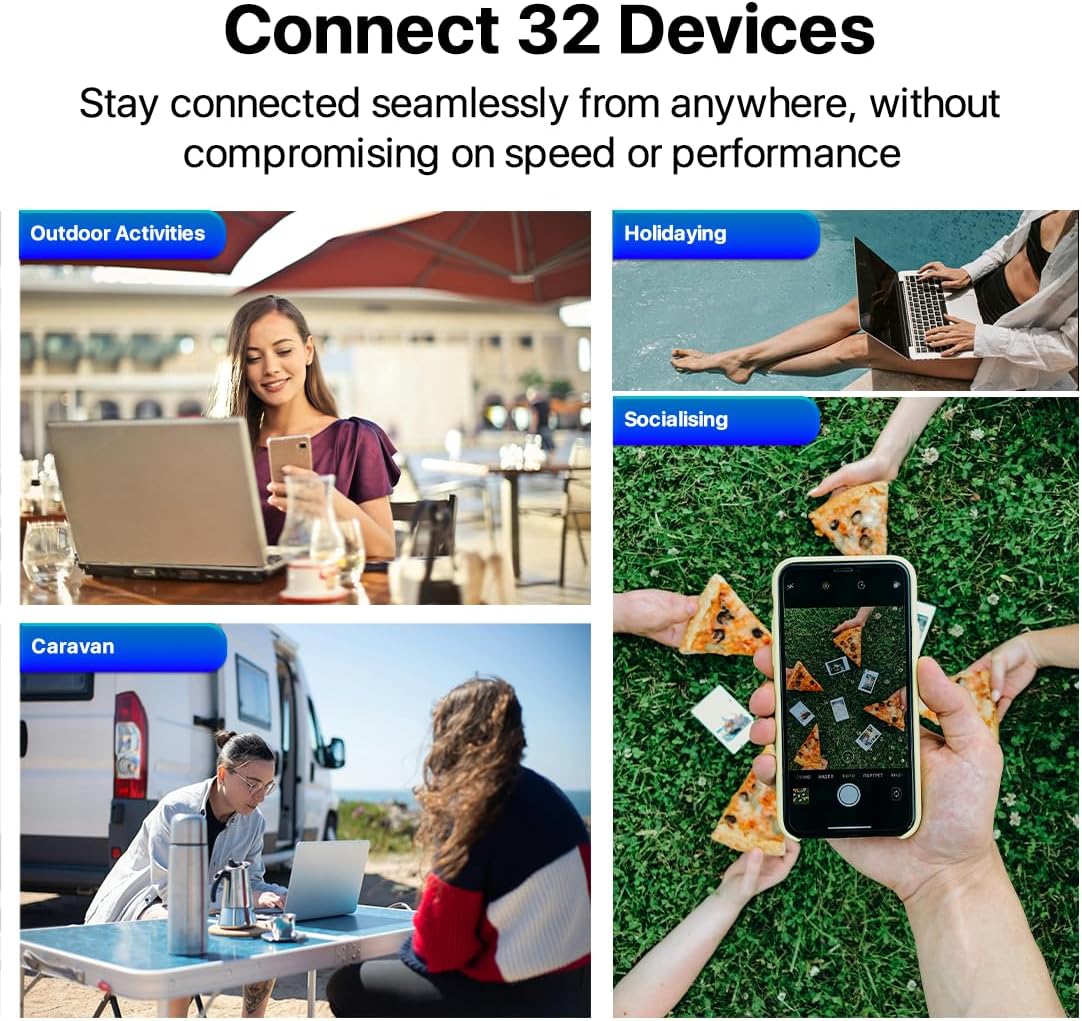
Image: Four scenarios showing people using laptops and smartphones in outdoor activities, holidaying, socialising, and a caravan, illustrating the ability to connect up to 32 devices.
The ZTE U10 can support up to 32 connected devices simultaneously. Ensure your connected devices are within the Wi-Fi range for optimal performance.
Using the ZTE Link App
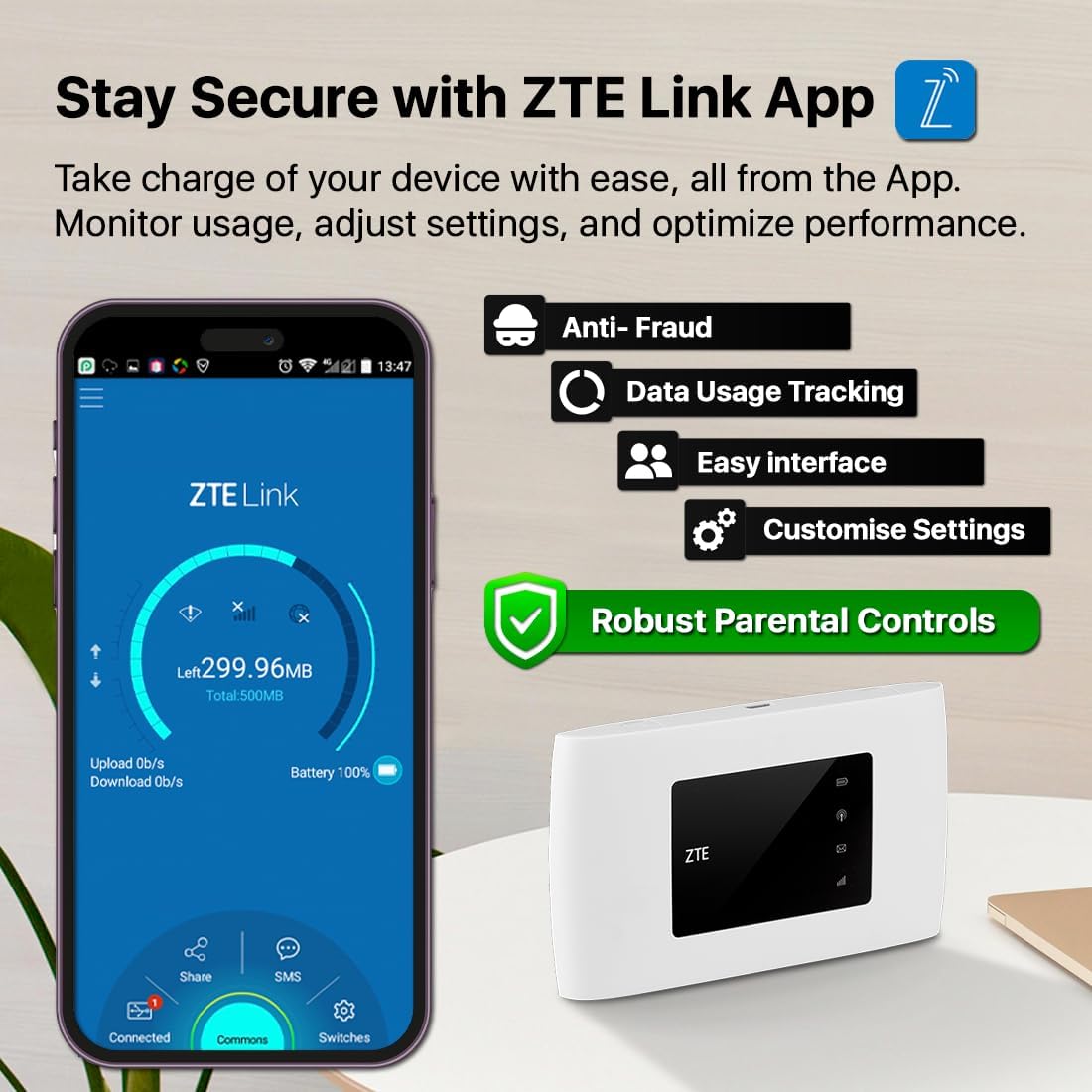
Image: A smartphone displaying the ZTE Link App interface, showing options for data usage tracking, anti-fraud, easy interface, customizable settings, and robust parental controls. The ZTE U10 device is also shown.
For advanced management and monitoring, download the ZTE Link App from your device's app store. The app allows you to:
- Monitor data usage.
- Adjust Wi-Fi settings (SSID, password).
- Manage connected devices.
- Set up parental controls and guest networks.
- Check battery status and signal strength.
Parental Control and Guest Network

Image: A young girl looking at a tablet, with an overlay showing the ZTE Link App's parental control login screen, emphasizing online safety features.
The device offers simplified parental controls and a guest network system to ensure optimum online safety. Access these features via the ZTE Link App or the web management interface (typically 192.168.0.1 or 192.168.1.1).
- Parental Controls: Set time limits, block specific websites, or restrict internet access for certain devices.
- Guest Network: Create a separate Wi-Fi network for guests, keeping your main network secure.
Maintenance
- Software Updates: Regularly check for and install software updates via the ZTE Link App or web interface to ensure optimal performance and security.
- Cleaning: Use a soft, dry cloth to clean the device. Avoid liquid cleaners or abrasive materials.
- Battery Care: To prolong battery life, avoid exposing the device to extreme temperatures. If storing for extended periods, charge the battery to about 50% before storage.
- Security: Change default Wi-Fi and administration passwords regularly to prevent unauthorized access.
Troubleshooting
| Problem | Possible Cause | Solution |
|---|---|---|
| No Internet Connection | SIM card not inserted correctly or not activated. No data plan. Weak signal. | Ensure SIM is correctly inserted and activated. Check your data plan. Move to an area with better signal. Restart the device. |
| Cannot Connect to Wi-Fi | Incorrect Wi-Fi password. Device too far from router. Wi-Fi disabled. | Verify Wi-Fi password. Move closer to the router. Ensure Wi-Fi is enabled on the router and your device. |
| Slow Internet Speed | Weak signal. Too many connected devices. Network congestion. | Relocate the router for better signal. Disconnect unnecessary devices. Try again during off-peak hours. |
| Device Not Powering On | Low battery. Faulty charging cable/adapter. | Charge the device. Try a different USB cable and power adapter. |
If problems persist, perform a factory reset (refer to the Quick Start Guide for instructions) or contact customer support.
Specifications
| Feature | Detail |
|---|---|
| Model Name | U10 |
| Connectivity Technology | 4G, Wi-Fi, LTE |
| Wireless Communication Standard | 802.11b (Wi-Fi 6 capable) |
| Frequency Band Class | Dual-Band (2.4 GHz) |
| Max Speed | Up to 287 Mbps |
| Battery Capacity | 2000 mAh Lithium Ion |
| Working Time | Up to 8 hours |
| Max Connected Devices | 32 |
| Item Weight | 93 g |
| Dimensions | 12.3 x 8.6 x 5.1 cm (Package Dimensions) |
| Operating System | RouterOS |
Warranty and Support
Warranty Information
Your ZTE U10 Mobile Wi-Fi Router comes with a standard manufacturer's warranty. Please refer to the included Warranty Card for specific terms and conditions, including warranty duration and coverage details.
The device is compliant with the PSTI Act, ensuring a unique identifier and password for security. It will receive security and software updates from purchase until April 2026.
Customer Support
For technical assistance, troubleshooting beyond this manual, or warranty claims, please contact ZTE customer support or the retailer from whom you purchased the device.
- Email for Security Concerns: customerservice@efones.com
- Refer to the official ZTE website or your purchase documentation for additional support contact information.
Related documentsU10


Ask a question about this manual
Ask about setup, troubleshooting, compatibility, parts, safety, or missing instructions. Manuals+ will review the question and use this page’s manual context to help answer it.