
1. Product Overview
The WARSUN SQ03 is a versatile and compact EDC (Everyday Carry) pocket flashlight designed for various lighting needs. It features a dual light source, including a powerful LED spotlight and a warm COB floodlight, offering up to 1000 lumens of brightness. Its durable aluminum alloy body is IPX6 waterproof, making it suitable for diverse environments. The flashlight also includes a magnetic base and a pocket clip for convenient, hands-free use.
Key Features:
- Ultra-Bright Dual Light Source: 1000 lumens LED spotlight and warm COB floodlight.
- Magnetic Base & Pocket Clip: For hands-free operation and secure carrying.
- Rechargeable 5000mAh Battery: Long runtime with Type-C charging.
- Weather-Resistant: IPX6 waterproof rating.
- Compact & Durable: Lightweight aluminum alloy body.

Image: Overview of the WARSUN SQ03's compact design, 1000 lumens max brightness, 5000mAh battery capacity, and 12-hour runtime on low setting. It also highlights the Type-C charging port and blue glow charging indicator.
2. Package Contents
Please verify that all items are present in the package:
- WARSUN SQ03 Flashlight (Battery included)
- USB-C Charging Cable
- Plastic Battery Tube (for 18650 cells, if used as an alternative)
3. Setup
3.1 Initial Charging
The WARSUN SQ03 comes with a built-in rechargeable 5000mAh Lithium Ion battery. For optimal performance, fully charge the flashlight before first use.
- Locate the Type-C charging port on the flashlight.
- Connect the provided USB-C charging cable to the flashlight and a compatible USB power source (e.g., wall adapter, computer USB port).
- The charging indicator lights will glow blue during charging and turn off when fully charged.
3.2 Battery Replacement (Optional)
While the flashlight includes a built-in battery, it supports dry battery replacement as a backup. Use the provided plastic battery tube if you intend to use 18650 cells.
- Unscrew the tail cap of the flashlight.
- Insert a compatible 21700 button-top Lithium Ion battery or an 18650 battery within the plastic tube. Ensure correct polarity.
- Screw the tail cap back on securely.
Video: An unboxing and showcase of the WARSUN SQ03 flashlight, demonstrating its features and magnetic base. This video provides a visual guide to the product's initial setup and components.
4. Operating Instructions
4.1 Power On/Off and Mode Switching
The flashlight features a single button for all operations.
- To Turn On/Off: Press and hold the power button for approximately 2 seconds.
- To Cycle Main Light Modes: With the flashlight on, short press the power button to cycle through Normal, High, Super, and Strobe modes.
- To Switch to Side Light (COB Floodlight): From any main light mode, press and hold the power button briefly (less than 2 seconds) to activate the side light.
- To Cycle Side Light Modes: With the side light on, short press the power button to cycle through Normal, High, Super, and SOS modes.
- Mode Memory: If the flashlight remains in a specific mode for more than 10 seconds, the next single press will turn the flashlight off, rather than cycling to the next mode. To resume cycling, turn the light off and then on again.
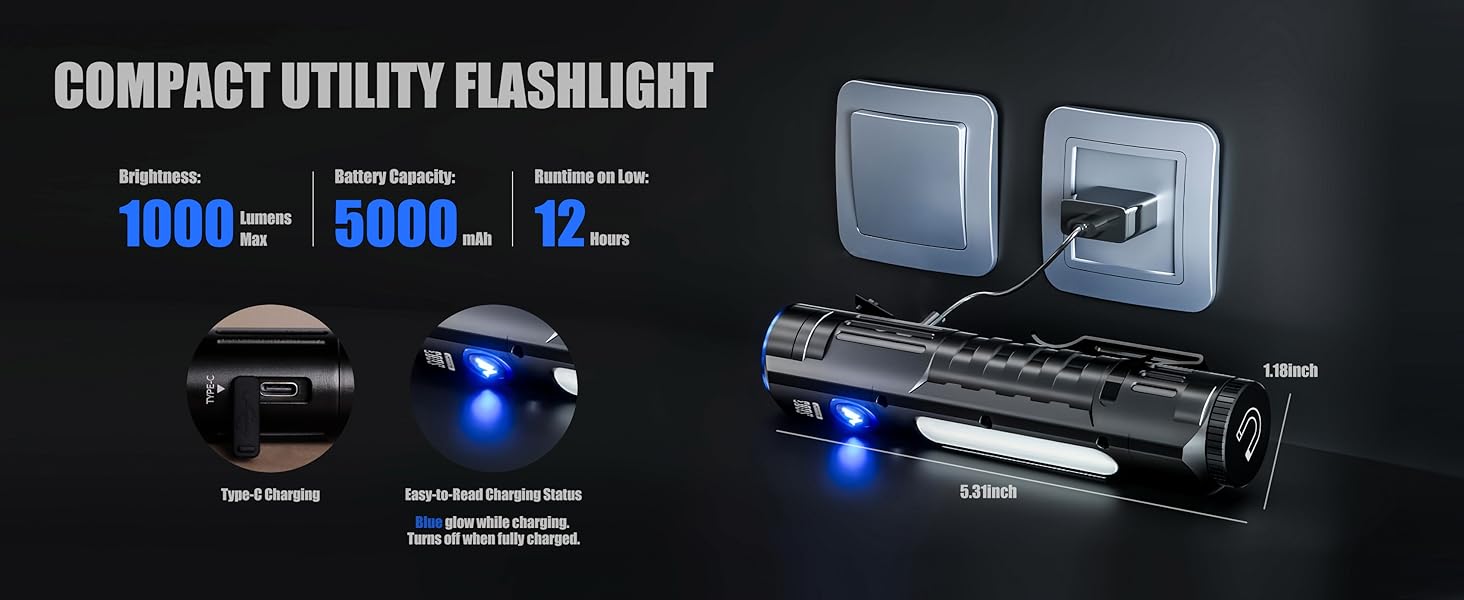
Image: Demonstrates the two primary light sources: the focused LED spotlight and the wide-angle COB floodlight. Instructions indicate to press and hold to switch between these modes.
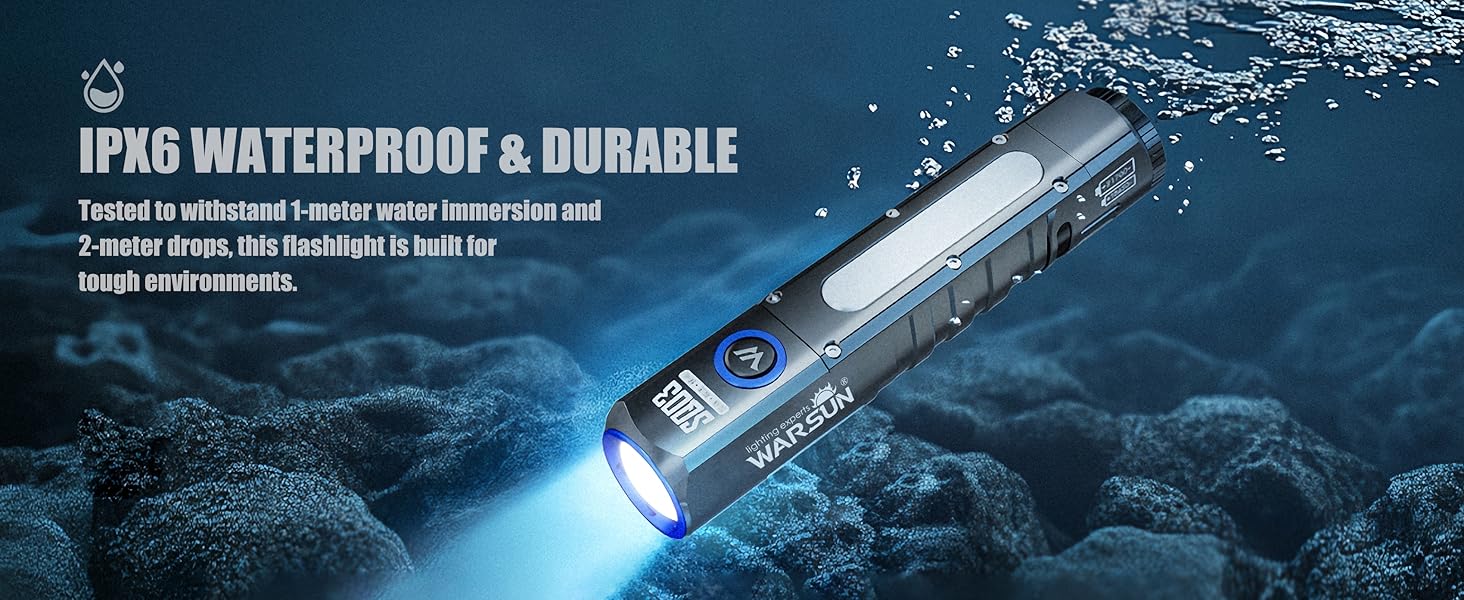
Image: Visual representation of the 8 available light modes, including Normal, High, Super, and Strobe for the main light, and Normal, High, Super, and SOS for the side light.
Video: A detailed review of the Warsun SQ03, showcasing its various light modes, brightness levels, and overall functionality. This video helps users understand the practical application of different light settings.
Video: Demonstrates the compact size, versatile lighting features, all-metal body, and magnetic end of the WARSUN SQ03 flashlight. Useful for understanding the physical attributes and handling.
Video: Illustrates the narrow-beam hotspot and wide-beam spill of the flashlight, providing a visual example of its light distribution.
4.2 Using the Magnetic Base
The strong magnetic tail allows for hands-free operation.
- Attach the magnetic base firmly to any ferrous metal surface.
- Adjust the angle of the flashlight as needed to illuminate your work area.
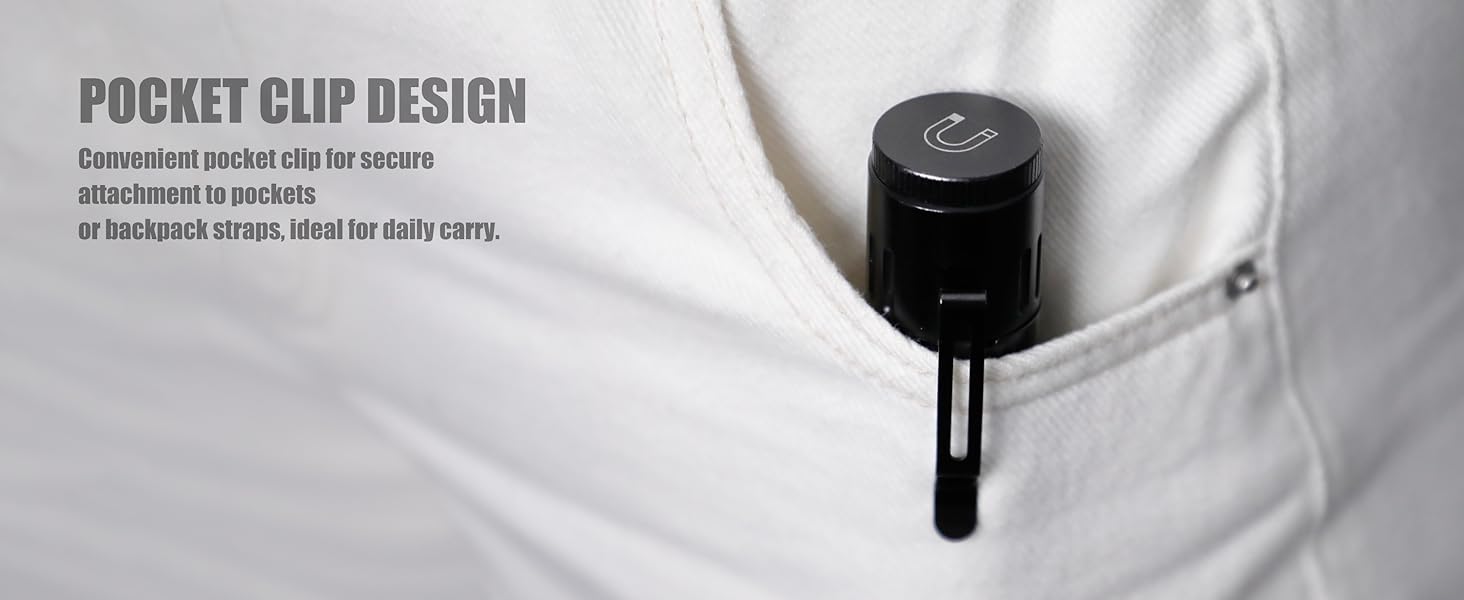
Image: Shows the flashlight's magnetic base securely attached to a metal electrical box, demonstrating its hands-free capability for tasks like repairs.
4.3 Using the Pocket Clip
The integrated pocket clip provides convenient portability.
- Securely attach the flashlight to your pocket, belt, backpack strap, or hat brim for easy access.
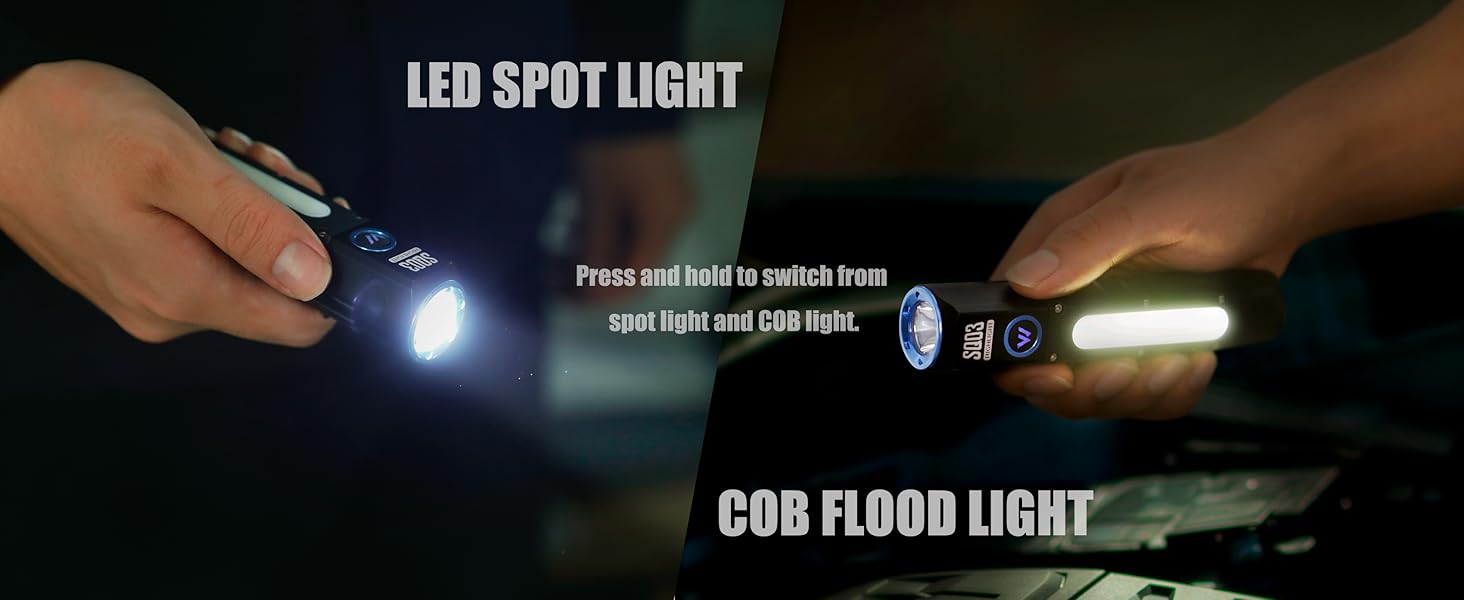
Image: Illustrates the convenient pocket clip design, showing the flashlight securely attached to a pocket, ideal for daily carry.
5. Maintenance
5.1 Cleaning
To maintain optimal performance and appearance:
- Wipe the flashlight body with a soft, damp cloth.
- Do not use abrasive cleaners or solvents.
- Keep the lens clean for maximum light output.
5.2 Battery Care
To prolong battery life:
- Charge the flashlight regularly, even if not in frequent use.
- Avoid fully discharging the battery before recharging.
- Store the flashlight in a cool, dry place when not in use.
5.3 Water Resistance
The WARSUN SQ03 is rated IPX6 waterproof, meaning it is protected against powerful water jets. It is suitable for use in rain or snow but should not be submerged in water for extended periods.
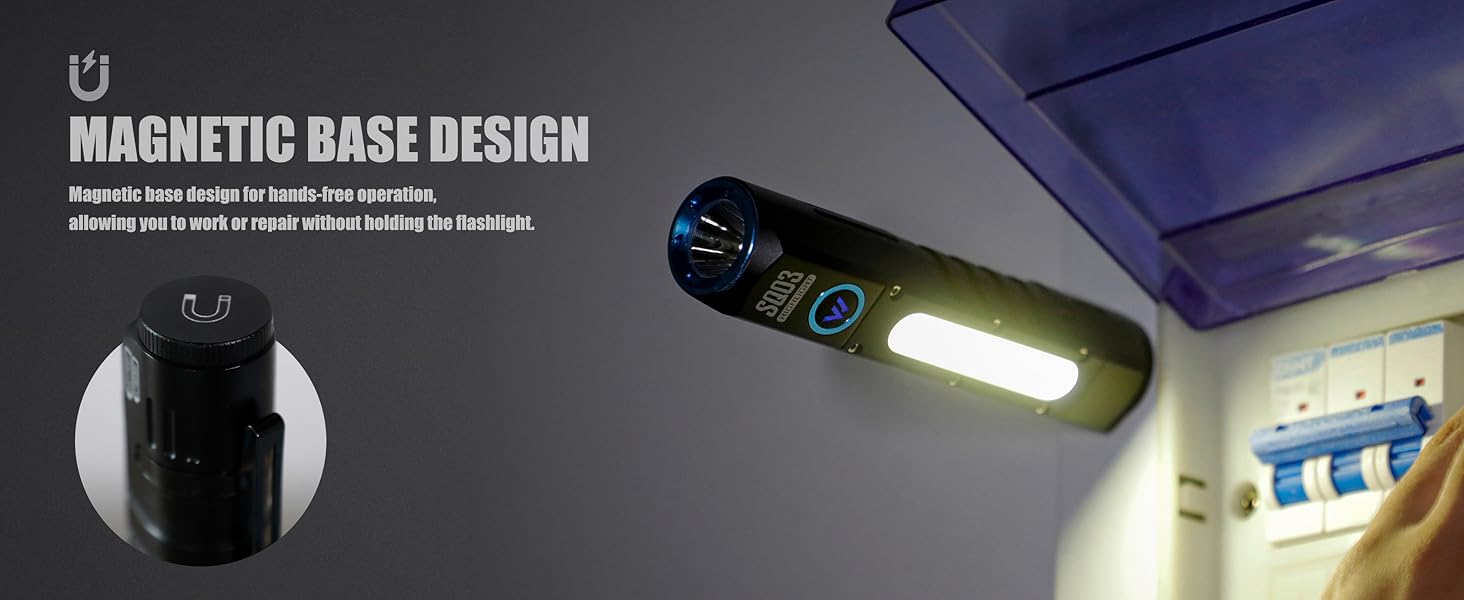
Image: The WARSUN SQ03 flashlight shown in a water-splashed environment, highlighting its IPX6 waterproof and durable construction, designed for extreme weather conditions.
6. Troubleshooting
If you encounter issues with your WARSUN SQ03 flashlight, please refer to the following common solutions:
- Flashlight not turning on: Ensure the battery is fully charged. Check if the battery is inserted with correct polarity.
- Dim light output: Recharge the battery. Clean the lens if it appears dirty.
- Inconsistent mode switching: Ensure you are pressing the button correctly for short presses (mode cycle) versus long presses (on/off or main/side light switch).
- Flashlight getting hot: High brightness modes generate heat. This is normal. Reduce brightness if prolonged use is required.
If problems persist, please contact WARSUN customer support.
7. Specifications
| Feature | Detail |
|---|---|
| Brand | WARSUN |
| Model Number | SQ03 |
| Light Source Type | LED |
| Light Output Maximum | 1000 lumens |
| Color Temperature | 6500 Kelvin |
| Light Path Distance | 100 meters |
| Number of Light Sources | 1 (main LED) + COB (side light) |
| Special Features | Adjustable Light Modes, High Power, Rechargeable, Waterproof, Magnetic Base, Pocket Clip |
| Lighting Modes | 8 (Main: Normal/High/Super/Strobe; Side: Normal/High/Super/SOS) |
| Power Source | Battery Powered |
| Battery Type | Lithium Ion (5000mAh) |
| Runtime | Up to 12 hours (on low setting) |
| Charging Port | Type-C |
| Water Resistance Level | IPX6 (Waterproof) |
| Material | Aluminum Alloy |
| Color | Black |
| Item Dimensions (D x W x H) | 1.1"D x 1.18"W x 5.31"H |
| Included Components | Flashlight (Battery included), Charging Cable, Plastic Battery Tube (Fits 18650 Cells) |
8. Warranty and Support
The WARSUN SQ03 EDC Pocket Flashlight comes with a 2-year warranty and lifetime support. Additionally, a 90-day return refund guarantee is provided.
For further assistance, product information, or to explore other WARSUN products, please visit the official WARSUN store:

