
Xtorm XG2050
Xtorm Go2 Power Bank 5000mAh User Manual
Model: XG2050
Introduction
Thank you for choosing the Xtorm Go2 Power Bank. This compact and powerful portable charger is designed to provide reliable power for your mobile devices on the go. With a 5,000mAh capacity, dual USB-A and USB-C ports, and 12W FastCharge technology, it ensures your devices stay charged. The casing is made from 100% recycled plastic, contributing to a cleaner planet.

Image: The Xtorm Go2 Power Bank in Ash White, showcasing its compact design, USB-A and USB-C ports, and LED indicators.
Safety Information
Please read all safety instructions carefully before using this product. Improper use may result in damage to the product, excessive heat, toxic fumes, fire, or explosion, for which Xtorm is not responsible.
- Do not expose the power bank to extreme temperatures (above 45°C or below -10°C).
- Do not expose to moisture, water, or rain.
- Do not drop, puncture, or disassemble the power bank.
- Keep away from children.
- Use only original or certified cables for charging.
- Dispose of the power bank responsibly according to local regulations.
The Xtorm Go2 Power Bank undergoes a rigorous 6-stage safety check, including temperature control, overcharge protection, secure energy management, short circuit protection, A-class batteries, and high efficiency, ensuring reliable and safe operation.
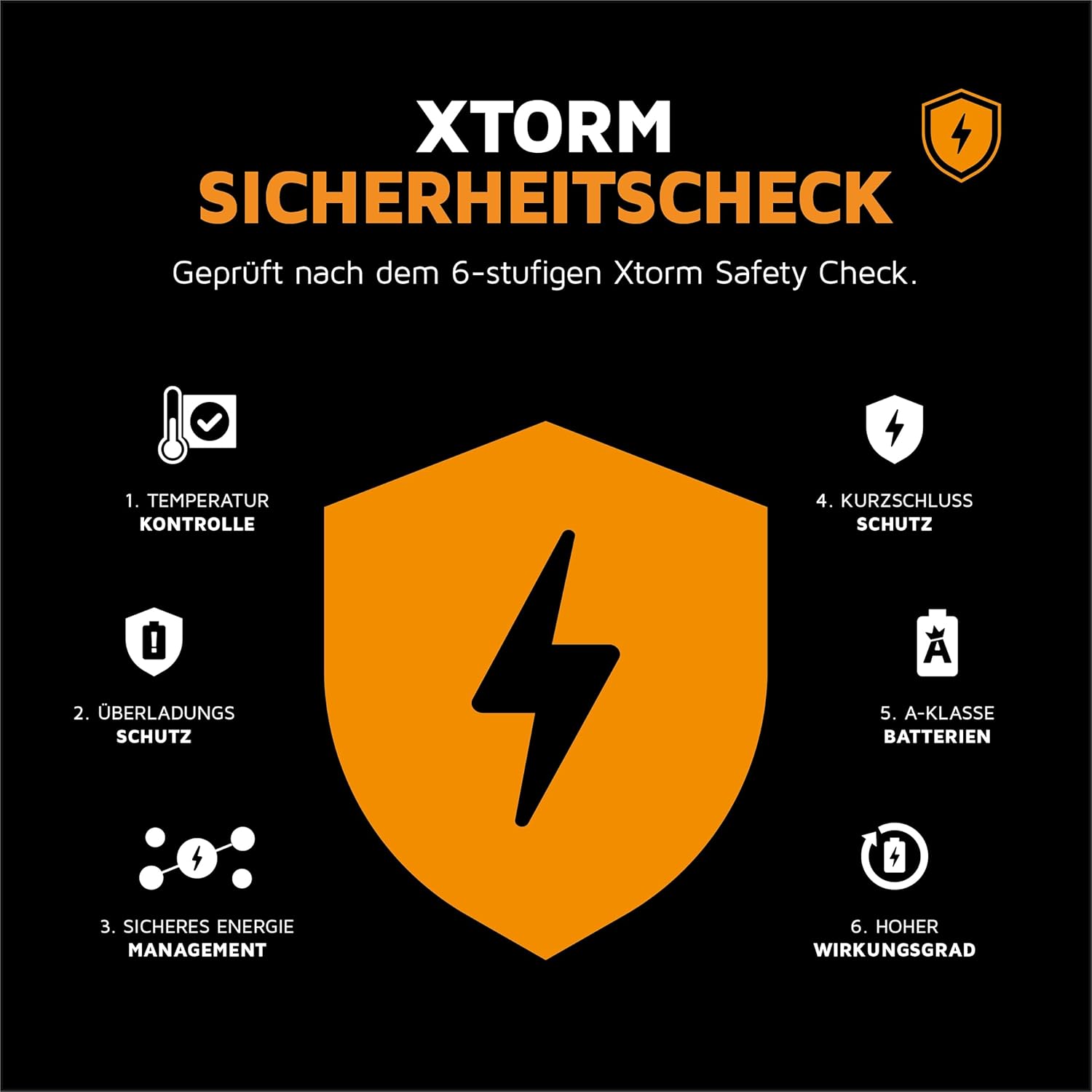
Image: Diagram illustrating the Xtorm 6-stage safety check, including temperature control, overcharge protection, secure energy management, short circuit protection, A-class batteries, and high efficiency.
Package Contents
Please check the box for the following items:
- 1 x Xtorm Go2 Power Bank 5000mAh
- 1 x USB-C to USB-A Charging Cable
- 1 x User Manual
Product Overview
The Xtorm Go2 Power Bank features a minimalist design with essential ports and indicators for convenient use.
- USB-A Output Port: Used for charging devices with a USB-A cable.
- USB-C Input/Output Port: Used for charging the power bank itself or charging devices with a USB-C cable.
- LED Indicators: Four small LED lights indicate the remaining battery level of the power bank.
- Power Button: Press to check battery level or initiate charging.
Image: A close-up view of the Xtorm Go2 Power Bank, highlighting the USB-A and USB-C ports and the LED battery indicators.
Setup
Charging the Power Bank
Before first use, it is recommended to fully charge your Xtorm Go2 Power Bank.
- Connect the supplied USB-C cable to the USB-C port on the power bank.
- Connect the other end of the cable to a USB wall charger (not included) or a computer's USB port.
- The LED indicators will light up to show the charging progress. All four LEDs will be solid when fully charged.
A full charge typically takes a few hours, depending on the power source.
Operating Instructions
Charging Your Devices
The Xtorm Go2 Power Bank can charge a wide range of devices, including smartphones, tablets, and wireless earbuds.
- Connect your device's charging cable to the appropriate port on the power bank (USB-A or USB-C).
- Connect the other end of the cable to your device.
- The power bank will automatically begin charging your device. If not, press the power button once.
The 12W FastCharge capability ensures quick charging for your connected devices. You can charge up to two devices simultaneously using both the USB-A and USB-C ports.

Image: The Xtorm Go2 Power Bank connected via cable to a smartphone, illustrating its fast charging capability and compact size.

Image: The Xtorm Go2 Power Bank simultaneously charging a smartphone and wireless earbuds, demonstrating its dual-port functionality.
Pass-Through Charging
The power bank supports pass-through charging, meaning you can charge the power bank itself while it is simultaneously charging another device. This ensures both your power bank and device are ready when you need them.
Maintenance
Care and Cleaning
- Wipe the power bank with a soft, dry cloth. Do not use harsh chemicals or abrasive materials.
- Keep the ports free of dust and debris.
- Store the power bank in a cool, dry place when not in use.
Battery Longevity
To maximize the lifespan of your power bank's battery:
- Avoid fully discharging the power bank regularly.
- Charge it fully at least once every three months if not used frequently.
- Avoid exposing it to extreme heat or cold for prolonged periods.
Troubleshooting
- Power Bank not charging:
- Ensure the charging cable is securely connected to both the power bank and the wall adapter/USB port.
- Try a different charging cable or wall adapter.
- Check if the wall outlet is working. - Device not charging from Power Bank:
- Ensure the cable connecting your device to the power bank is securely connected.
- Try a different cable or port on the power bank.
- Press the power button on the power bank to activate charging.
- Check if the power bank has sufficient charge (LED indicators). - Slow charging:
- Ensure you are using a 12W or higher power adapter for optimal charging speed of the power bank.
- Check if your device supports fast charging and if the cable is compatible.
- Charging multiple devices simultaneously may reduce individual charging speeds.
If issues persist, please contact Xtorm customer support.
Specifications
| Feature | Specification |
|---|---|
| Model Number | XG2050 |
| Battery Capacity | 5000 mAh |
| Battery Composition | Lithium-Polymer |
| Connector Type | USB Type-A, USB Type-C |
| Output Power | 12W FastCharge |
| Product Dimensions | 9.35 x 6.3 x 1.55 cm |
| Weight | 127 grams |
| Material | 100% Recycled Plastic (GRS-certified) |
| Color | Ash White |
Warranty and Support
The Xtorm Go2 Power Bank comes with the Xtorm Supreme Guarantee, ensuring a reliable and durable product. This guarantee reflects Xtorm's commitment to quality, utilizing A-class batteries, the latest technology, and a 6-layer safety check.
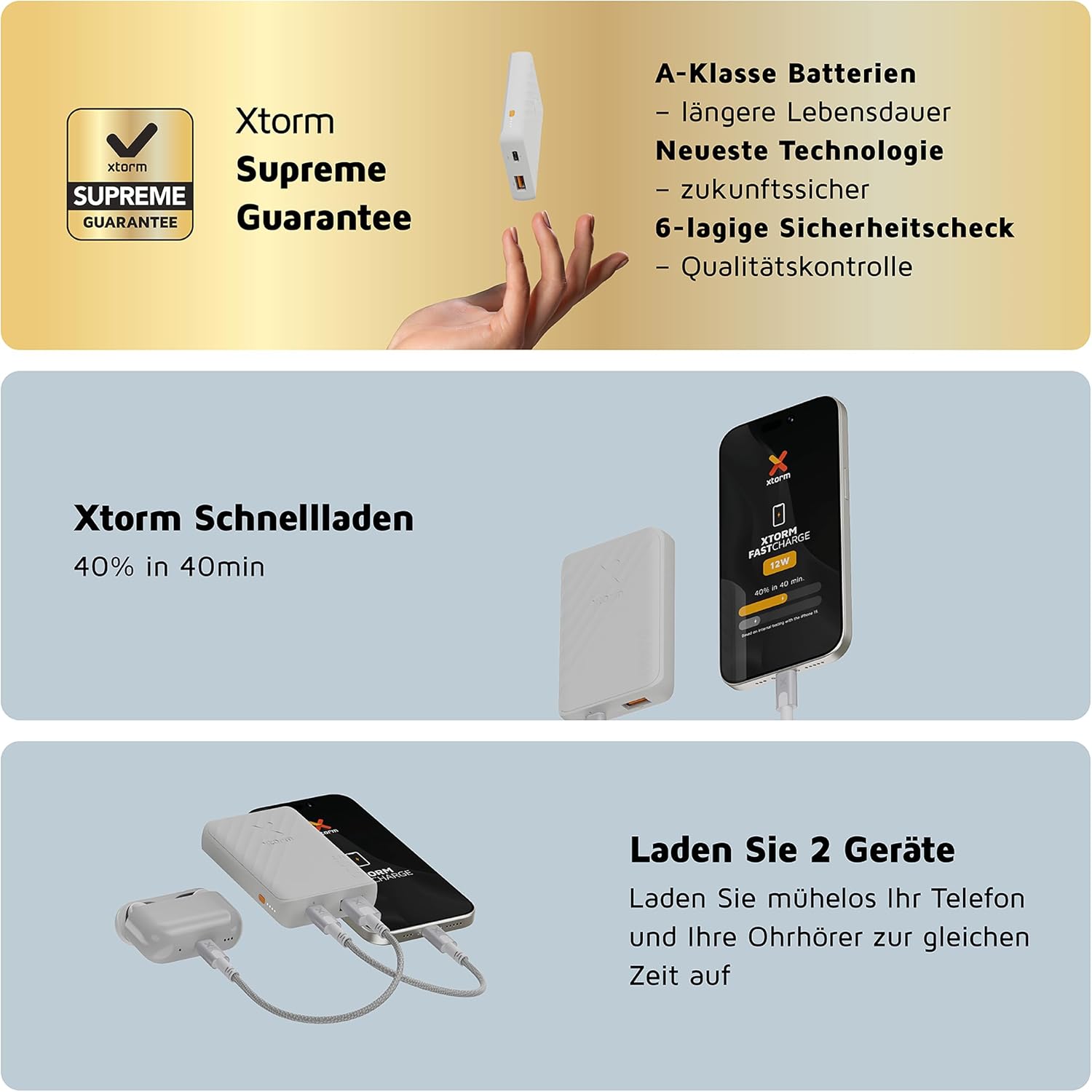
Image: Details of the Xtorm Supreme Guarantee, highlighting A-class batteries, latest technology, and 6-layer safety check for quality control.
For further assistance, technical support, or warranty claims, please visit the official Xtorm website or contact their customer service directly. Keep your purchase receipt as proof of purchase.
Related documentsXG2050


Ask a question about this manual
Ask about setup, troubleshooting, compatibility, parts, safety, or missing instructions. Manuals+ will review the question and use this page’s manual context to help answer it.