
Philips Hue 588301
Philips Hue Being Ceiling Light User Manual
Model: 588301
Product Overview
The Philips Hue Being ceiling light offers a sleek design with brushed aluminum accents, providing 50,000 shades of warm-to-cool white light. This smart fixture projects a soft halo of light onto the ceiling, suitable for various rooms. It can be controlled instantly via Bluetooth for single-room use or paired with a Philips Hue Bridge for full smart lighting features across your entire home.

Image: The Philips Hue Being Ceiling Light, a round white flush-mount fixture, shown above its product packaging.
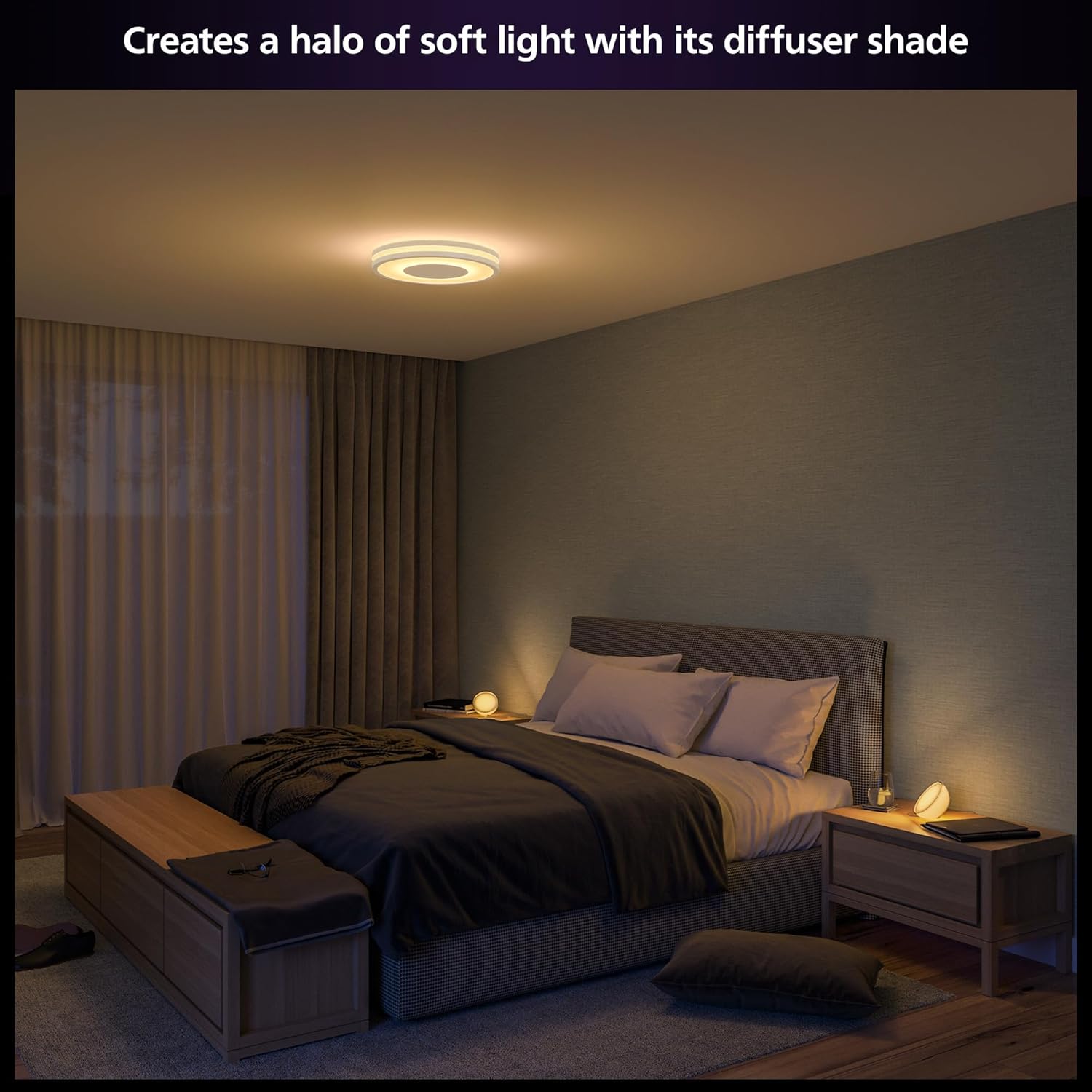
Image: The Philips Hue Being Ceiling Light installed in a bedroom, illuminating the ceiling with a soft, diffused halo of light.
Setup and Installation
The Philips Hue Being Ceiling Light offers flexible setup options:
Option 1: Bluetooth Control (Single Room)
For immediate control in a single room, you can connect the light directly via Bluetooth using the Philips Hue Bluetooth app. This allows you to control up to 10 lights in one room.
- Install your Philips Hue Being Ceiling Light according to standard electrical fixture installation procedures. Ensure power is off before installation.
- Download the Philips Hue Bluetooth app from your device's app store.
- Open the app and follow the on-screen instructions to discover and pair your new light.
Option 2: Philips Hue Bridge (Full Home Control)
To unlock the full suite of smart lighting features, including multi-room control, smart accessories, routines, and away-from-home control, integrate your light with a Philips Hue Bridge.
- Install your Philips Hue Being Ceiling Light.
- Plug in your Philips Hue Bridge and connect it to your Wi-Fi router.
- Download the main Philips Hue app (not the Bluetooth-specific one).
- Open the app and follow the instructions to set up your Bridge and discover your lights. The Bridge creates a fast, independent network for your lights, ensuring reliable connection.

Image: A visual comparison illustrating the capabilities of Philips Hue lights when controlled via Bluetooth (one room, limited features) versus with a Hue Bridge (full home and outdoor, expanded features like routines, smart switches, and motion sensors).

Image: An infographic detailing the easy installation steps for the Philips Hue Bridge, including installing lighting, plugging in the Bridge, and downloading the app. It highlights benefits such as secure control, scheduling, instant response, and integration with other smart home products.
Operating Your Light
The Philips Hue Being Ceiling Light offers multiple ways to control your lighting experience:
1. Philips Hue App Control
Use the Philips Hue app on your smartphone or tablet to adjust brightness, color temperature (warm-to-cool white), and set scenes. The app allows for precise control and customization.
- Light Recipes: Utilize preset light recipes like Energize (cool white) for morning energy or Relax (soft light) for unwinding.
- Custom Scenes: Create and save your own custom light scenes to match your mood or activity.
- Routines and Automations: With a Hue Bridge, set schedules for your lights to turn on/off or change brightness automatically, supporting your daily routines.
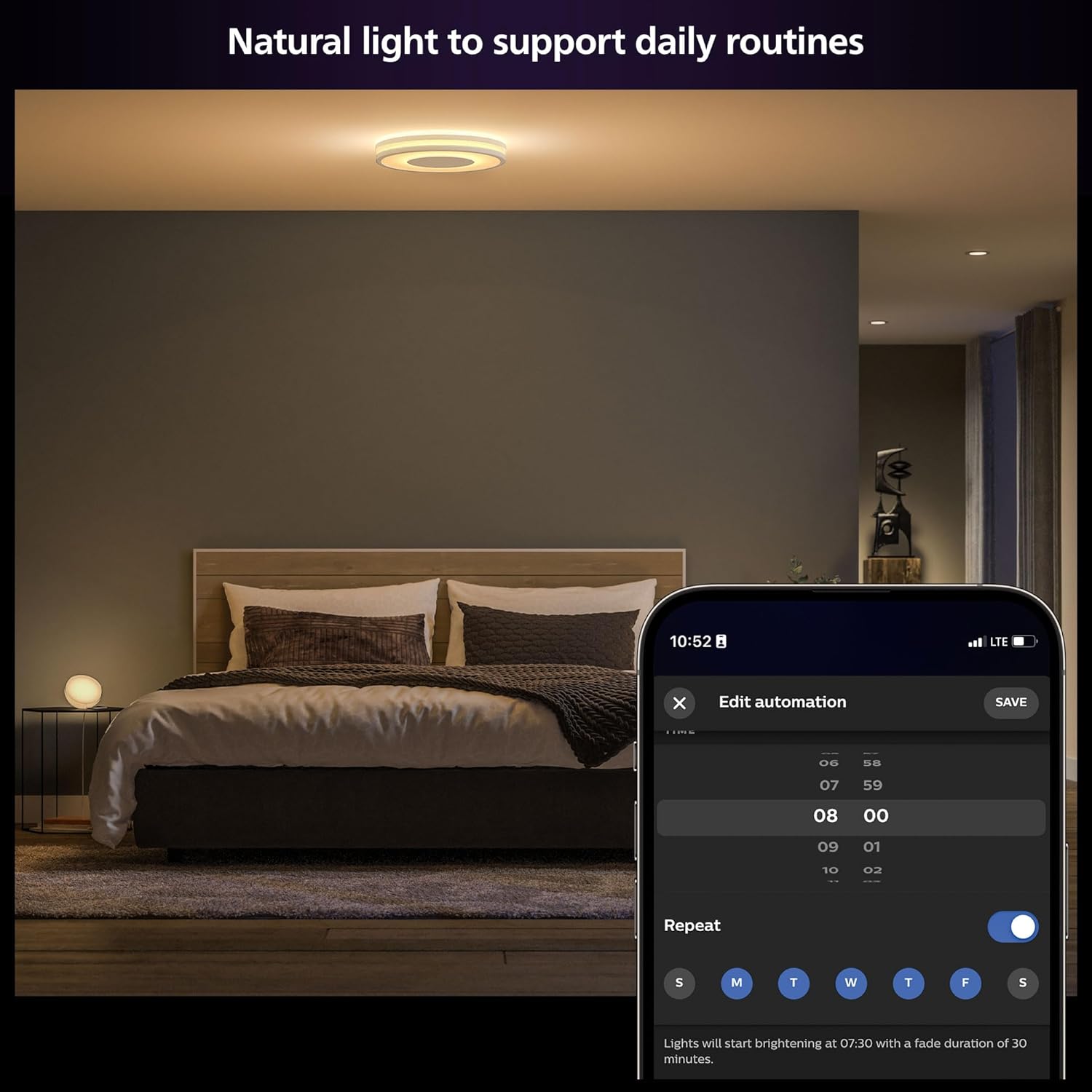
Image: A bedroom illuminated by a Philips Hue light, with a smartphone displaying the Hue app's automation settings for daily routines, such as scheduled light brightening.

Image: A living room with a Philips Hue ceiling light casting a warm glow, accompanied by a smartphone screen showing the "Relax" light recipe selected in the Hue app.
2. Voice Control
The Philips Hue Being Ceiling Light is compatible with popular voice assistants, allowing for hands-free control:
- Amazon Alexa: "Alexa, turn on the living room light."
- Google Assistant: "Hey Google, dim the ceiling light to 50%."
- Apple HomeKit: "Hey Siri, set the ceiling light to warm white."

Image: A collage of images demonstrating various control methods for Philips Hue lights, including adjusting settings via the smartphone app, using a physical smart switch, and a person using voice commands to change the lights.
3. Smart Accessories
Enhance your control with Philips Hue smart accessories (sold separately), such as dimmer switches or motion sensors, for convenient physical control and automation.

Image: An infographic illustrating the various optimal control options for Philips Hue, including the Hue app, smart switches, motion sensors, voice control (Alexa, Google Assistant, Apple HomeKit), and automation features.
Maintenance
The Philips Hue Being Ceiling Light is designed for long-lasting performance with minimal maintenance.
- Cleaning: To clean the fixture, ensure power is off. Use a soft, dry cloth to wipe away dust. For stubborn marks, a slightly damp cloth can be used, but avoid abrasive cleaners or excessive moisture.
- Light Source: The integrated LED light source is not user-replaceable. Do not attempt to disassemble the fixture.
- Software Updates: Regularly check for and install software updates for your Philips Hue app and Hue Bridge (if applicable) to ensure optimal performance and access to new features.
Troubleshooting
If you encounter issues with your Philips Hue Being Ceiling Light, consider the following common solutions:
- Light is unresponsive or "dead":
- Check the power supply to the fixture. Ensure the wall switch is in the "on" position.
- If connected to a Hue Bridge, verify the Bridge is powered on and connected to your network.
- Try resetting the light by turning off the power at the switch for 10 seconds, then turning it back on.
- Light does not change color (only warm/cool white):
- The Philips Hue Being Ceiling Light is a "White Ambiance" product, meaning it provides shades of white light (warm to cool). It does not offer full RGB color (16 million colors). If you require full color capabilities, please ensure you purchase a "White and Color Ambiance" product.
- Connectivity issues (Bluetooth or Bridge):
- Ensure your smartphone is within Bluetooth range if using direct Bluetooth control.
- For Bridge connections, ensure the Bridge is centrally located and not obstructed. Restarting your router, Bridge, and the Hue app can often resolve connectivity problems.
- Check for any app or firmware updates for your Hue system.
For persistent issues, refer to the Philips Hue support website or contact customer service.
Specifications
| Feature | Detail |
|---|---|
| Brand | Philips Hue |
| Model Name | Being Ceiling White |
| Model Number | 588301 |
| Color | White |
| Material | Plastic, Aluminum (Shade) |
| Style | Modern |
| Light Fixture Form | Recessed |
| Product Dimensions | 13.7"L x 13.7"W x 2"H |
| Power Source | Corded Electric |
| Installation Type | Flush Mount |
| Special Feature | Adjustable Color Temperature (Warm-to-Cool White) |
| Control Method | App, Voice (Alexa, Google Assistant, Apple HomeKit) |
| Light Source Type | LED |
| Wattage | 19.4 watts |
| Voltage | 24 Volts |
| Brightness | 2350 lumen |
| Item Weight | 6.42 pounds |

Image: A technical drawing illustrating the dimensions of the Philips Hue Being Ceiling Light, showing a diameter of 13.6 inches and a height of 2 inches.
Warranty Information
The Philips Hue Being Ceiling Light comes with a 2-year manufacturer's warranty. Please retain your proof of purchase for warranty claims. For detailed terms and conditions, refer to the official Philips Hue website or contact customer support.
Support and Resources
For further assistance, product registration, or to explore additional Philips Hue products and accessories, please visit the official Philips Hue website:
You can also find helpful FAQs, troubleshooting guides, and contact information for customer support on their website.
Related documents588301


Ask a question about this manual
Ask about setup, troubleshooting, compatibility, parts, safety, or missing instructions. Manuals+ will review the question and use this page’s manual context to help answer it.