1. Product Overview
The JULLISON 6 Inch LED Low Profile Disk Light is designed for versatile lighting applications, featuring a built-in Dusk to Dawn sensor and 5CCT (Correlated Color Temperature) selectable options. This non-dimmable fixture operates at 120VAC, consumes 15W, and provides 1000 lumens of illumination. It is ETL certified and suitable for shower and wet locations, making it ideal for various indoor and outdoor settings.
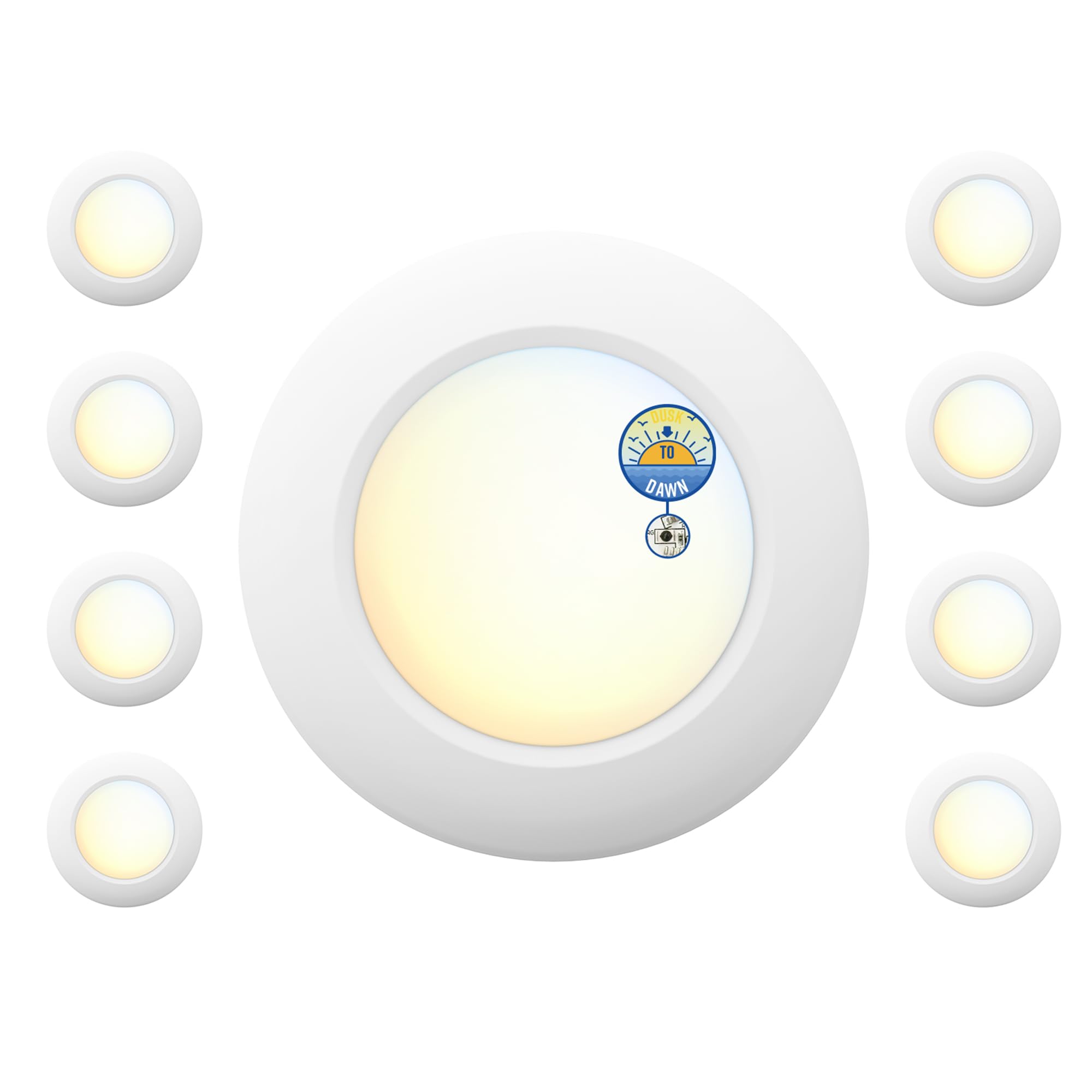
Image 1: JULLISON 6 Inch LED Low Profile Disk Light. This image shows the compact, round design of the LED disk light.
2. Safety Information
- WARNING: Risk of electric shock. Disconnect power at the fuse or circuit breaker before installation or servicing.
- This product must be installed in accordance with the applicable installation code by a person familiar with the construction and operation of the product and the hazards involved.
- Ensure all electrical connections are secure and comply with local codes and ordinances.
- Do not use with dimmers. This fixture is non-dimmable.
- Suitable for wet locations.
3. Package Contents
- LED Low Profile Disk Light(s)
- Mounting Screws
- Wire Nuts
- Instruction Manual
4. Specifications
| Brand | JULLISON |
| Model Number | 6 Inch |
| Power Source | AC 120 Volts |
| Wattage | 15 Watts |
| Brightness | 1000 Lumens |
| Color Temperature (CCT) | 2700K-3000K-3500K-4000K-5000K Selectable |
| Special Features | Adjustable Color Temperature, Dust to Dawn Sensor, Easy Installation, Energy Efficient, Shower Wet Rated |
| Material | Metal, Plastic |
| Installation Type | Ceiling Mount |
| Product Dimensions | 15.9"L x 5.7"W x 8.3"H (Packaging dimensions, actual fixture is 6 inch diameter) |
| Certification | ETL Listed |

Image 2: Product Dimensions. This diagram illustrates the physical dimensions of the 6-inch disk light.
5. Installation Instructions
5.1 Pre-Installation
- Turn off power at the circuit breaker or fuse box before beginning installation.
- Ensure you have all necessary tools: screwdriver, wire strippers, electrical tape, and safety glasses.
- Remove the existing light fixture, if applicable.
5.2 Wiring and Mounting
- Identify the household wires: black (live), white (neutral), and green/bare copper (ground).
- Connect the fixture's black wire to the household black wire using a wire nut.
- Connect the fixture's white wire to the household white wire using a wire nut.
- Connect the fixture's green ground wire to the household ground wire using a wire nut.
- Carefully tuck all wires into the junction box.
- Align the disk light with the junction box and secure it using the provided mounting screws.

Image 3: Compatible Junction Boxes. This image displays various junction box types compatible with the disk light, including 4" shallow pan, octagon metal, square metal, square plastic, round plastic, and fire-rated boxes.
Video 1: JULLISON LED 6 Inch Dust to Dawn Disk Light. This video demonstrates the installation process and the functionality of the dusk to dawn sensor.
6. Operating Instructions
6.1 5CCT Color Temperature Selection
Before final installation, select your desired color temperature (2700K, 3000K, 3500K, 4000K, or 5000K) using the switch located on the back of the fixture. This allows you to customize the light output to suit your preference.

Image 4: 5CCT Color Temperature Selection. This image illustrates the different color temperatures available (2700K to 5000K) and shows the switch for selection.
6.2 Dusk to Dawn Sensor
The integrated photocell sensor automatically turns the light on when ambient light levels are low (dusk) and off when ambient light levels are high (dawn). This feature provides energy efficiency by ensuring the light operates only when needed.

Image 5: Dusk to Dawn Sensor Functionality. This image visually demonstrates the light turning off in bright conditions and turning on in dark conditions due to the sensor.
6.3 Non-Dimmable Operation
This fixture is designed for non-dimmable operation. Do not connect it to a dimmer switch, as this may cause damage to the light or lead to improper functioning.
7. Maintenance
- Ensure power is disconnected before cleaning.
- Clean the fixture with a soft, dry or slightly damp cloth. Do not use harsh chemicals or abrasive cleaners.
- Regularly check for any loose connections or damage to the fixture.
8. Troubleshooting
| Problem | Possible Cause & Solution |
|---|---|
| Light does not turn on. |
|
| Light flickers or operates erratically. |
|
| Color temperature does not change. |
|
9. Warranty
This JULLISON product comes with a Limited Warranty. Please refer to the warranty documentation included with your purchase or contact JULLISON customer support for specific terms and conditions.
10. Support
For further assistance, technical support, or warranty claims, please contact JULLISON customer service. Contact information can typically be found on the product packaging or the official JULLISON website.


