
Introduction
The 1Mii SafeFly Min is a compact Bluetooth 5.3 transmitter designed to wirelessly transmit audio from non-Bluetooth devices to your Bluetooth headphones or speakers. It features AptX Low Latency technology for high-fidelity sound and an OLED screen for easy operation. Ideal for in-flight entertainment, TVs, gym equipment, and other devices with a 3.5mm audio jack.

Figure 1: The 1Mii SafeFly Min Bluetooth Transmitter and its accessories.
Setup
1. Initial Charging
Before first use, fully charge the SafeFly Min. Connect the provided USB-C cable to the device's charging port and a USB power source. A full charge takes approximately 2 hours and provides up to 25 hours of non-stop performance.
2. Power On/Off
Locate the ON/OFF switch on the side of the device. Slide the switch to the 'ON' position to power on the transmitter. The OLED screen will light up. To power off, slide the switch to the 'OFF' position.
3. Connecting to Audio Source
Plug the 3.5mm audio jack of the SafeFly Min into the audio output port of your desired device (e.g., in-flight entertainment system, TV, computer, gym equipment). Ensure the connection is secure.
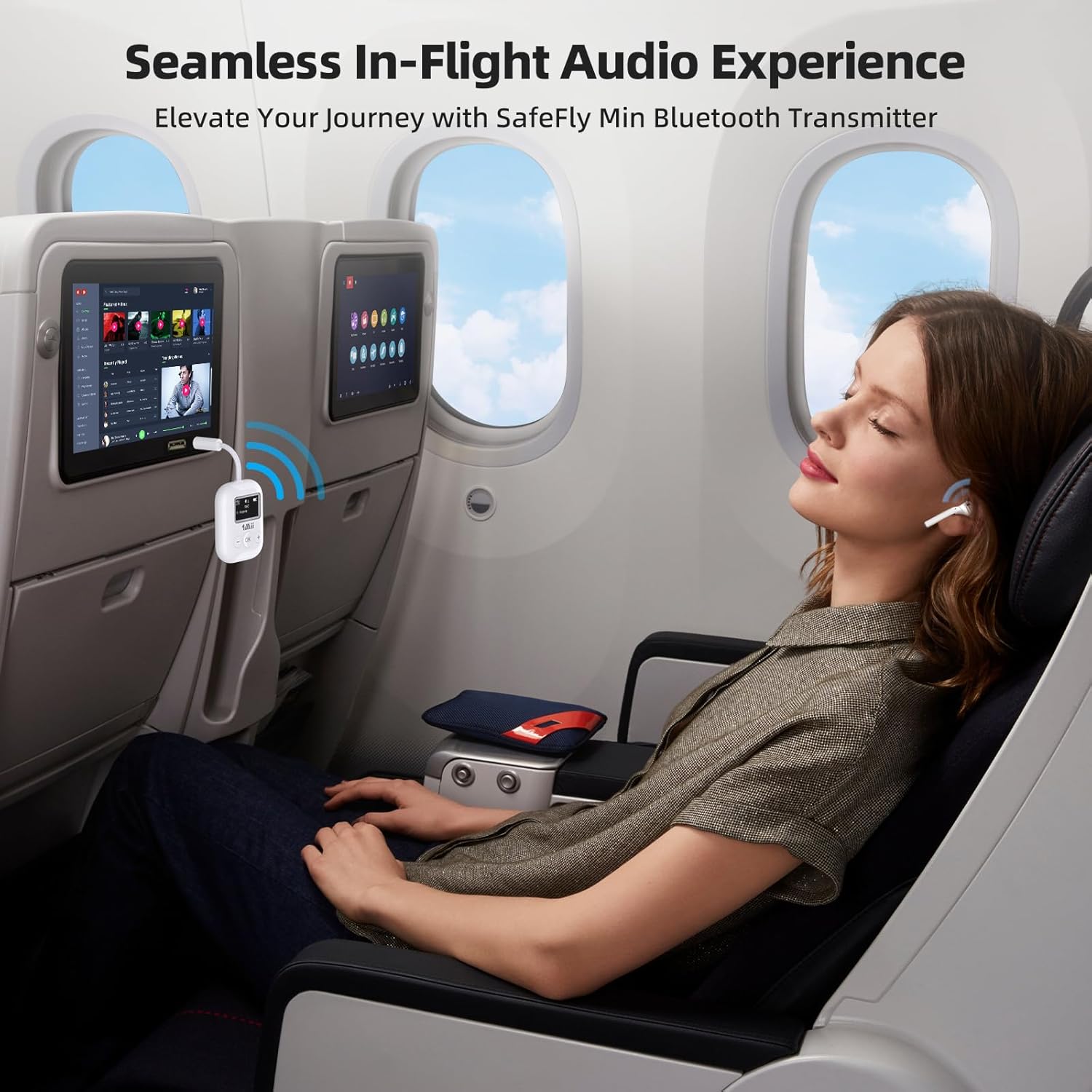
Figure 2: Using the 1Mii SafeFly Min for in-flight entertainment.
4. Pairing with Bluetooth Headphones
- Ensure your Bluetooth headphones are in pairing mode. Refer to your headphone's manual for specific instructions.
- Power on the SafeFly Min. It will automatically enter searching mode, indicated on the OLED screen.
- The SafeFly Min will display a list of nearby Bluetooth devices. Use the '+' and '-' buttons to navigate through the list.
- Press the 'OK' button to select and connect to your desired headphones. The screen will show 'Connecting...' and then the name of the paired device.
5. Dual Headphone Connection
The SafeFly Min can connect to two Bluetooth headphones simultaneously. After successfully pairing the first headphone (Device A), put your second headphone (Device B) into pairing mode. Use the '+' or '-' button to select the second device on the SafeFly Min's screen and press 'OK' to connect. Both paired devices will be displayed on the OLED screen.

Figure 3: Dual headphone connection for shared audio experience.
Video 1: Official 1Mii instructions for use, demonstrating the setup and pairing process.
Operating
1. Volume Control
Use the '+' and '-' buttons on the SafeFly Min to adjust the audio volume directly from the transmitter.
2. OLED Display Information
The OLED screen provides real-time information:
- TX Mode: Indicates transmitting mode.
- Volume Level: Current audio volume.
- Battery Status: Remaining battery life.
- Audio Format: Displays the current audio codec (e.g., SBC, aptX-HD, LL, AD).
- Paired Devices: Shows the names of connected headphones (e.g., A: AirPods, B: Headphones).

Figure 4: Detailed view of the OLED display.
3. Automatic Power Off
To conserve battery, the transmitter will automatically power off if there is no Bluetooth connection or audio stream for more than 5 minutes. Simply restart the transmitter when you are ready to use it again.
4. AptX Low Latency Technology
The SafeFly Min features AptX Low Latency technology, reducing audio delay to less than 40ms for synchronized audio and video. For optimal performance, ensure your paired headphones also support AptX LL mode.
Video 2: Official 1Mii product video showcasing the Bluetooth Transmitter for Airplane and Headphones, highlighting its features in various scenarios.
Maintenance
1. Cleaning
Wipe the device with a soft, dry cloth. Avoid using harsh chemicals or abrasive materials that could damage the surface or screen.
2. Storage
When not in use, store the SafeFly Min in a cool, dry place. Utilize the provided audio plug protector to prevent damage to the 3.5mm jack.
Troubleshooting
| Issue | Possible Cause | Solution |
|---|---|---|
| Cannot pair with headphones | Headphones not in pairing mode; transmitter not searching; interference. | Ensure headphones are in pairing mode. Power off and on the SafeFly Min to re-enter searching mode. Move away from other wireless devices. |
| Audio latency/delay | Headphones do not support AptX LL; environmental interference. | Ensure your headphones support AptX Low Latency for optimal performance. Reduce distance between devices. |
| No audio output | Incorrect connection; low volume; device not powered on. | Check 3.5mm jack connection. Increase volume on SafeFly Min and connected headphones. Ensure both devices are powered on. |
| Not compatible with AirPods Pro Gen 2 | Specific model incompatibility. | This product is not compatible with AirPods Pro Gen 2. Please use other compatible headphones. |
| Not suitable for musical instruments | Product design limitation. | The SafeFly Min is not designed for use with musical instruments like guitars or hearing aids. |
Specifications
- Model: RT7207Q1
- Product Dimensions: 1.54 x 0.55 x 4.07 inches
- Item Weight: 2.39 ounces
- Bluetooth Version: 5.3
- Battery Life: Up to 25 hours
- Charging Time: Approximately 2 hours
- Connectivity Technology: Wireless (3.5mm audio jack)
- Special Features: OLED Display, AptX LL Support, Dual Pairing, Compact and Portable
- Manufacturer: 1Mii
- Country of Origin: China


