
1. Introduction
This manual provides essential information for the installation and use of the PHONSUN DC Power Jack Charging Port Cable, model 0VP7D8. This component is designed as a direct replacement for the internal DC power jack cable in compatible Dell Inspiron and Vostro laptop models, addressing common issues such as loose connections or non-charging conditions. It facilitates a stable power flow to your laptop without requiring soldering.
2. Compatibility
This DC Power Jack Charging Port Cable (P/N 0VP7D8, VP7D8, 450.0MZ03.0011 Cyborg N14) is specifically designed for the following Dell laptop series:
- Dell Inspiron 14: 5410, 5415, 5418
- Dell Inspiron 15: 5510, 5515, 5518
- Dell Vostro 14: 5410
- Dell Vostro 15: 5510, 5515
It is also compatible with laptops featuring Regulatory Model P143G. Before purchasing and installation, it is crucial to verify your original cable's part number or check the motherboard connection to ensure a 100% match. Dell may use different parts for different motherboards within the same laptop model series.

Image: Compatibility list showing supported Dell Inspiron 14/15 and Vostro 14/15 models.
3. Safety Information
Always observe the following safety precautions when working with electronic components:
- Disconnect Power: Ensure the laptop is completely powered off and disconnected from the AC adapter before beginning any repair.
- Remove Battery: For internal repairs, always disconnect the laptop's internal battery to prevent accidental short circuits or electrical damage.
- Static Discharge: Use an anti-static wrist strap or frequently touch a grounded metal object to discharge static electricity, which can damage sensitive electronic components.
- Handle with Care: Electronic components are delicate. Handle them gently to avoid bending pins or damaging connectors.
- Proper Tools: Use appropriate tools for laptop disassembly to prevent stripping screws or damaging casing.
4. Package Contents
The package includes:
- 1 x PHONSUN DC Power Jack Charging Port Cable (Model 0VP7D8)
5. Installation Guide
This product is designed for an intermediate repair level, involving plug-and-play swapping without soldering. Follow these steps carefully:
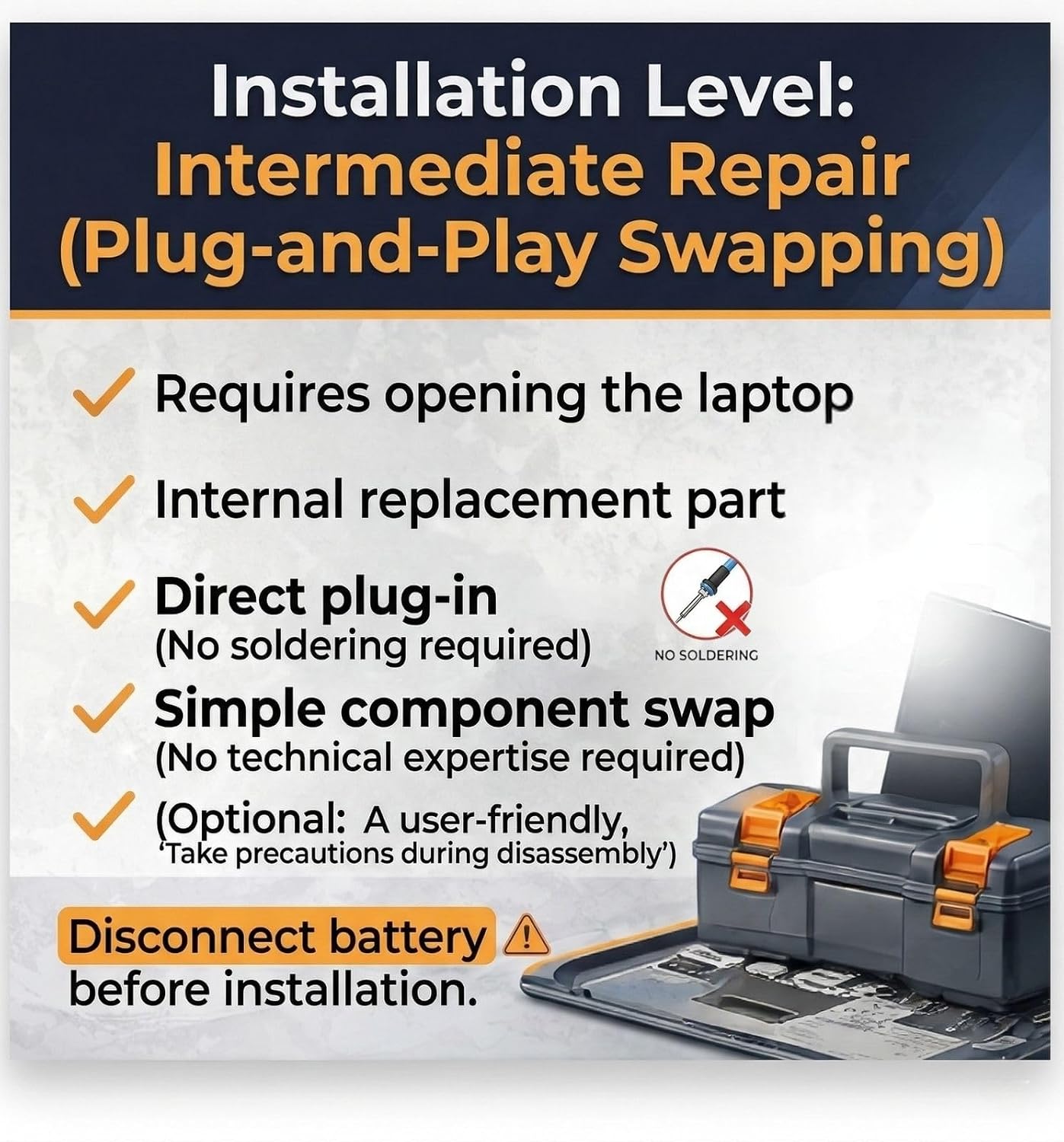
Image: Overview of the installation process, highlighting it as an intermediate, no-soldering repair.
- Preparation: Power off your laptop completely and disconnect the AC adapter. Disconnect the internal battery as a crucial safety measure.
- Access Internal Components: Carefully open your laptop casing to gain access to the motherboard and the existing DC power jack cable. Refer to your laptop's specific service manual for detailed disassembly instructions.
- Locate and Remove Old Cable: Identify the old DC power jack cable. Gently disconnect its 7-pin harness connector from the motherboard and carefully remove the DC jack from its housing.
- Install New Cable: Position the new PHONSUN DC power jack into its designated housing. Connect the 7-pin harness connector firmly to the corresponding port on the motherboard. Ensure it is seated correctly and securely.
- Reassemble: Once the new cable is securely installed, reconnect the internal battery. Carefully reassemble your laptop, ensuring all screws and clips are in their correct positions.
- Test Functionality: Connect the AC adapter to your laptop. Verify that the charging indicator light illuminates and the battery begins to charge.

Image: A hand demonstrating the connection of the DC power jack cable to the laptop's motherboard.

Image: Comparison showing a damaged DC jack connection versus a stable charging connection after replacement.
6. Operating Instructions
The PHONSUN DC Power Jack Charging Port Cable functions as a direct replacement for your laptop's original charging port. Once correctly installed, it restores the ability to charge your laptop's battery and power the device via the AC adapter. No specific operational steps are required beyond connecting your standard Dell AC adapter to the newly installed DC jack.
7. Maintenance
To ensure the longevity and reliable performance of your DC Power Jack Charging Port Cable:
- Avoid Stress: Do not pull on the charging cable forcefully or bend it sharply at the connection point to the laptop.
- Keep Clean: Periodically inspect the DC jack for dust or debris and clean gently with a dry, soft brush if necessary.
- Proper Storage: When transporting your laptop, ensure the charging cable is disconnected and stored safely to prevent damage to the jack.
8. Troubleshooting
If you encounter issues after installing the DC Power Jack Charging Port Cable, consider the following:
- Laptop Not Charging:
- Verify Connections: Ensure the 7-pin harness connector is fully and correctly seated on the motherboard.
- Check AC Adapter: Test your AC adapter with another compatible laptop if possible, or try a known-good adapter with your laptop to rule out adapter failure.
- Re-check Compatibility: Double-check that the installed cable (P/N 0VP7D8) is indeed the correct part for your specific laptop model and motherboard revision.
- Intermittent Charging / Loose Connection:
- Inspect DC Jack: Ensure the DC jack itself is firmly seated in its housing and that there is no physical damage to the port.
- Cable Routing: Verify that the cable is not pinched or stressed inside the laptop casing.

Image: Visual guide to common symptoms of a faulty DC power jack, such as not charging or power cuts.
9. Specifications
| Feature | Detail |
|---|---|
| Brand | PHONSUN |
| Model Number | 0VP7D8 |
| Compatible Part Numbers | VP7D8, 450.0MZ03.0011 (Cyborg N14) |
| Connector Type | DC Jack, Power Socket, 7-pin Harness |
| Cable Type | DC-in Power Jack Cable |
| Compatible Devices | Dell Inspiron 14/15, Dell Vostro 14/15 series laptops (specific models listed in Compatibility section) |
| Installation Type | Plug-and-Play (No Soldering Required) |
| Approximate Length | 3 inches (7.6 cm) |
| Color | Black/Silver |
| Maximum Voltage | 32.5 volts DC |

Image: The DC power jack cable measured against a ruler, indicating an approximate length of 3 inches.

Image: Detailed view of the 7-pin harness connector, showing the part number label.
10. Warranty and Support
For any questions, technical assistance, or warranty inquiries regarding your PHONSUN DC Power Jack Charging Port Cable, please contact PHONSUN customer support through the retailer's platform where the product was purchased. Please retain your proof of purchase for warranty claims.