
1. Introduction
Welcome to the user manual for your new ist computers HP 15 Laptop. This guide provides essential information to help you get started, operate your device efficiently, and maintain its performance. Please read through this manual to ensure optimal use and longevity of your laptop.
2. What's in the Box
Upon unboxing your HP 15 Laptop, please verify that all the following items are included:
- HP 15 Laptop
- 45W AC Adapter with Power Cord
- User Manual (this document)
- 1 Year Manufacturer Warranty Information

Figure 2.1: HP 15 Laptop and included accessories.

Figure 2.2: Contents of the HP 15 Laptop package, including laptop, power adapter, and user manual.
3. Setup
Follow these steps to set up your new HP 15 Laptop:
- Connect Power: Plug the 45W AC adapter into the laptop's power port and then into a wall outlet.
- Power On: Open the laptop lid and press the power button, usually located on the top right of the keyboard.
- Initial Windows 11 Setup: Follow the on-screen prompts to complete the Windows 11 Pro setup, including language, region, network connection, and user account creation.
- Connect to Wi-Fi: During setup, you will be prompted to connect to a Wi-Fi network. Select your network and enter the password.
- Updates: Allow the system to download and install any necessary updates to ensure optimal performance and security.

Figure 3.1: HP 15 Laptop powered on, displaying the Windows 11 desktop.
4. Operating Your Laptop
4.1 Performance
Your HP 15 Laptop is equipped with an Intel Core i5-1135G7 Processor, 16GB of DDR4 RAM, and a 512GB PCIe NVMe M.2 SSD. This configuration ensures smooth multitasking, fast application loading, and responsive overall performance for business, student, and home use.
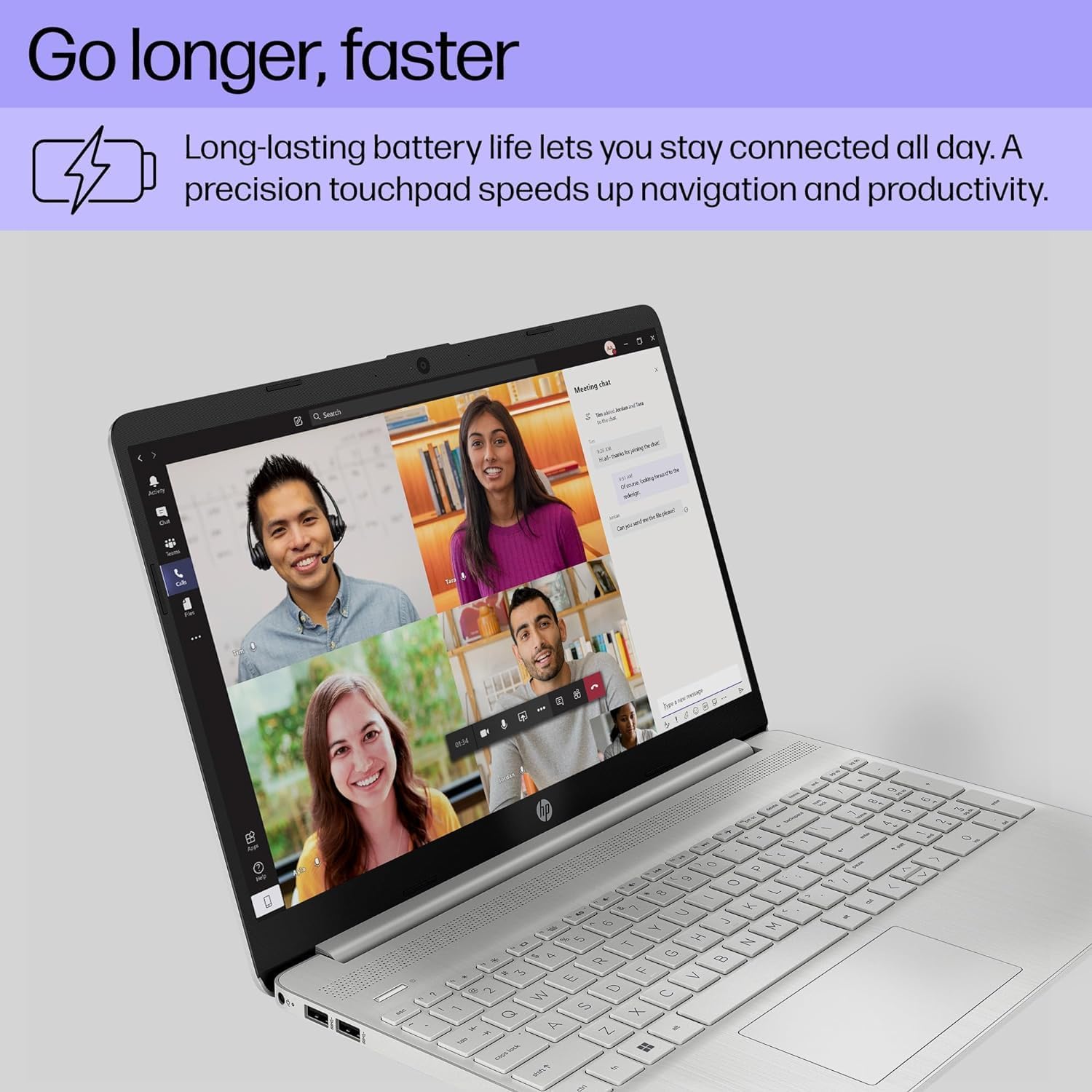
Figure 4.1: Visual representation of the Intel Core i5 processor and Iris Xe Graphics, highlighting powerful performance.
4.2 Display and Graphics
Experience clear visuals on the 15.6-inch Full HD (1920 x 1080) IPS micro-edge anti-glare BrightView Display. Integrated Intel Iris Xe Graphics provide crisp images for both work and entertainment. The anti-glare feature reduces reflections, making it comfortable for extended use.
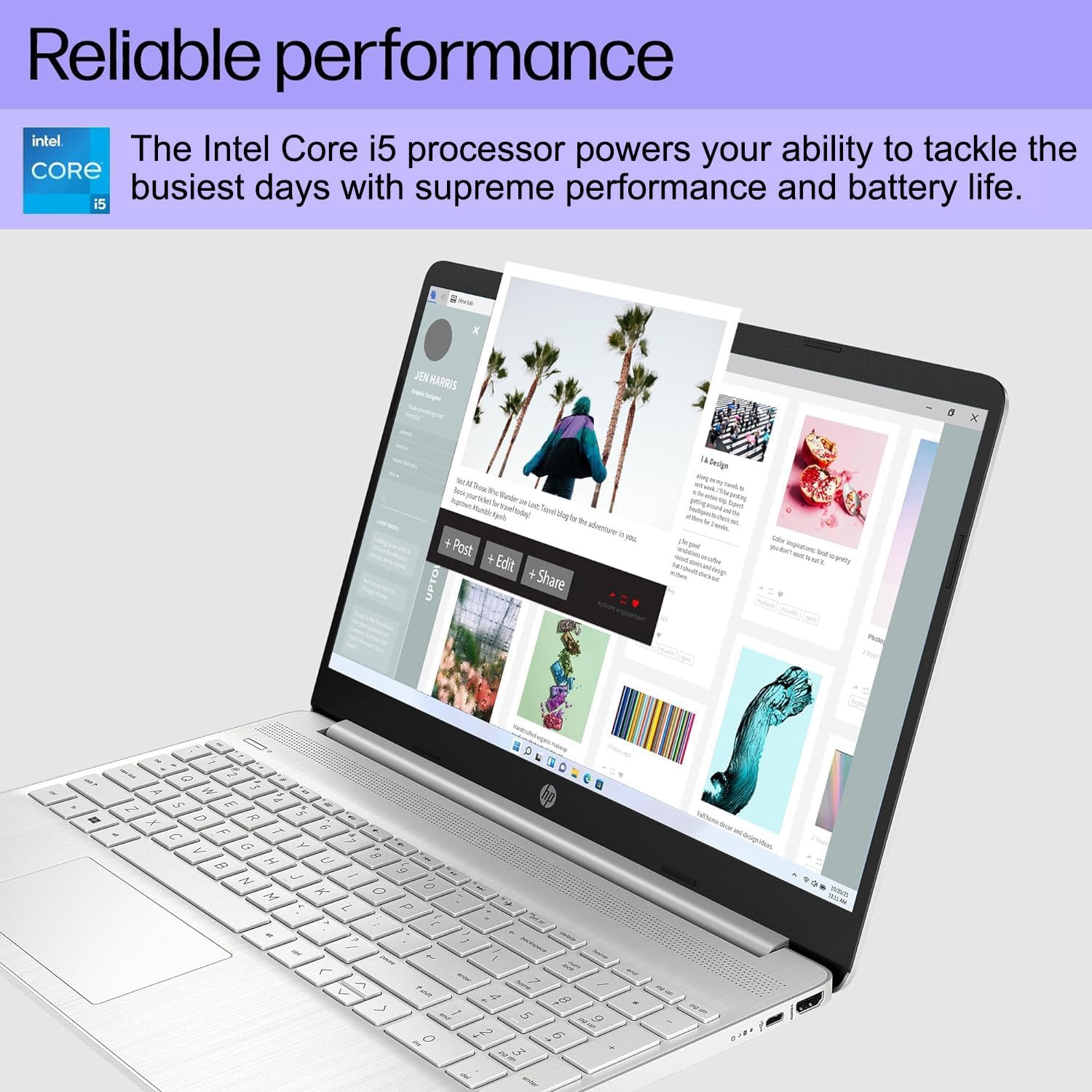
Figure 4.2: HP 15 Laptop displaying a creative application, highlighting reliable performance.

Figure 4.3: HP 15 Laptop during a video call, showcasing the HD webcam and Full HD display for clear communication.
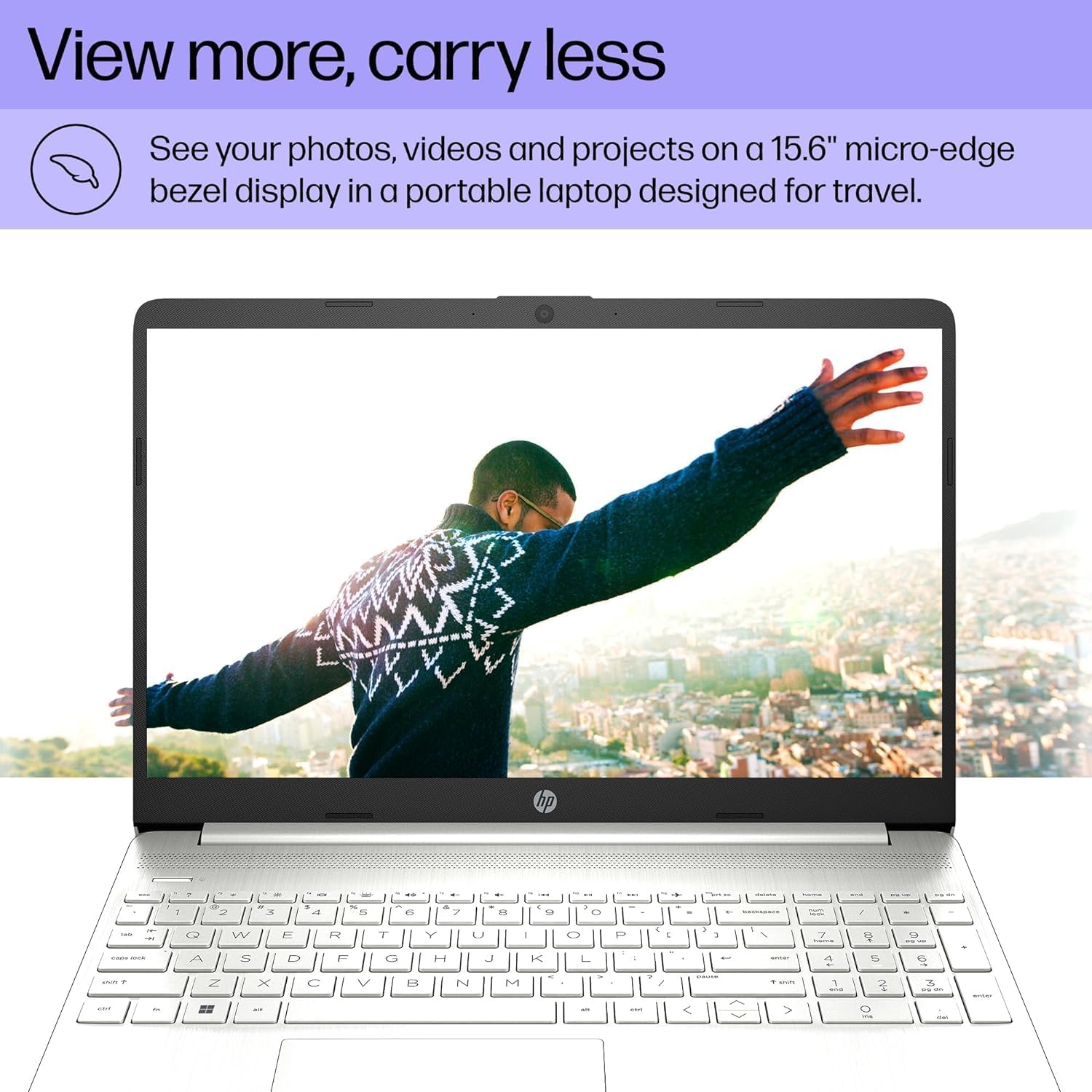
Figure 4.4: HP 15 Laptop with a vibrant image on its micro-edge display, emphasizing portability.
4.3 Connectivity
The laptop offers versatile connectivity options:
- USB Ports: 1 x USB 3.2 Type-C 5Gbps, 2 x USB 3.1 Type-A 5Gbps.
- HDMI: 1 x HDMI 1.4b port for connecting external monitors at 4K (3840x2160) @60Hz.
- Card Reader: Multi-format SD media card reader.
- Audio: Audio combo jack (headphone/microphone).
- Wireless: Wi-Fi 5 802.11ac and Bluetooth 5 for fast and reliable wireless connections.

Figure 4.5: Diagram illustrating the various input/output ports on the HP 15 Laptop.
4.4 Battery Life
The HP 15 Laptop provides up to 10 hours of battery life, allowing you to work or study for extended periods without needing to recharge frequently.

Figure 4.6: HP 15 Laptop in use, highlighting its long battery life and precision touchpad.
5. Maintenance
To ensure your HP 15 Laptop remains in excellent condition:
- Cleaning: Use a soft, lint-free cloth to clean the screen and exterior. Avoid harsh chemicals.
- Software Updates: Regularly check for and install Windows updates and driver updates to maintain security and performance.
- Battery Care: Avoid completely draining the battery frequently. For long-term storage, charge the battery to about 50-70%.
- Ventilation: Ensure the laptop's vents are not obstructed to prevent overheating.
6. Troubleshooting
Here are solutions to some common issues:
- No Power: Ensure the AC adapter is securely connected to both the laptop and a working power outlet. Try a different outlet.
- Display Issues: If the screen is blank, try connecting an external monitor via HDMI to check if the issue is with the laptop's display or graphics. Restart the laptop.
- Wi-Fi Connectivity: Check if Wi-Fi is enabled in Windows settings. Restart your router and the laptop. Ensure drivers are up to date.
- Slow Performance: Close unnecessary applications, check for malware, and ensure sufficient free space on the SSD.
7. Specifications
| Feature | Specification |
|---|---|
| Processor | Intel Core i5-1135G7 (2.4 GHz) |
| RAM | 16 GB DDR4 (3200 MHz) |
| Storage | 512 GB PCIe NVMe M.2 SSD |
| Display | 15.6 Inches FHD (1920 x 1080) IPS micro-edge anti-glare |
| Graphics | Intel Iris Xe Graphics (Integrated) |
| Operating System | Windows 11 Pro 64-bit |
| Battery Life | Up to 10 Hours |
| Ports | 1x USB 3.2 Type-C 5Gbps, 2x USB 3.1 Type-A 5Gbps, 1x HDMI 1.4b, SD media card reader, Audio combo jack |
| Wireless | Wi-Fi 5 802.11ac, Bluetooth 5 |
| Dimensions (LxWxH) | 14.11 x 9.53 x 0.71 inches |
| Weight | 3.75 pounds |
8. Official Product Video
Video 8.1: An overview of the HP 15 Laptop, showcasing its features and design.
9. Warranty and Support
Your HP 15 Laptop comes with a 1-year manufacturer warranty on the original components. Additionally, upgraded Memory/SSD components are covered by a 3-year warranty from Issaquah Highlands Tech.
For further assistance, technical support, or warranty claims, please refer to the contact information provided with your purchase documentation or visit the official HP support website: https://support.hp.com