
Introduction
This manual provides essential information for the safe and efficient use of your MEDION E16423 MD62571 laptop. Please read these instructions carefully before operating your device and retain them for future reference.
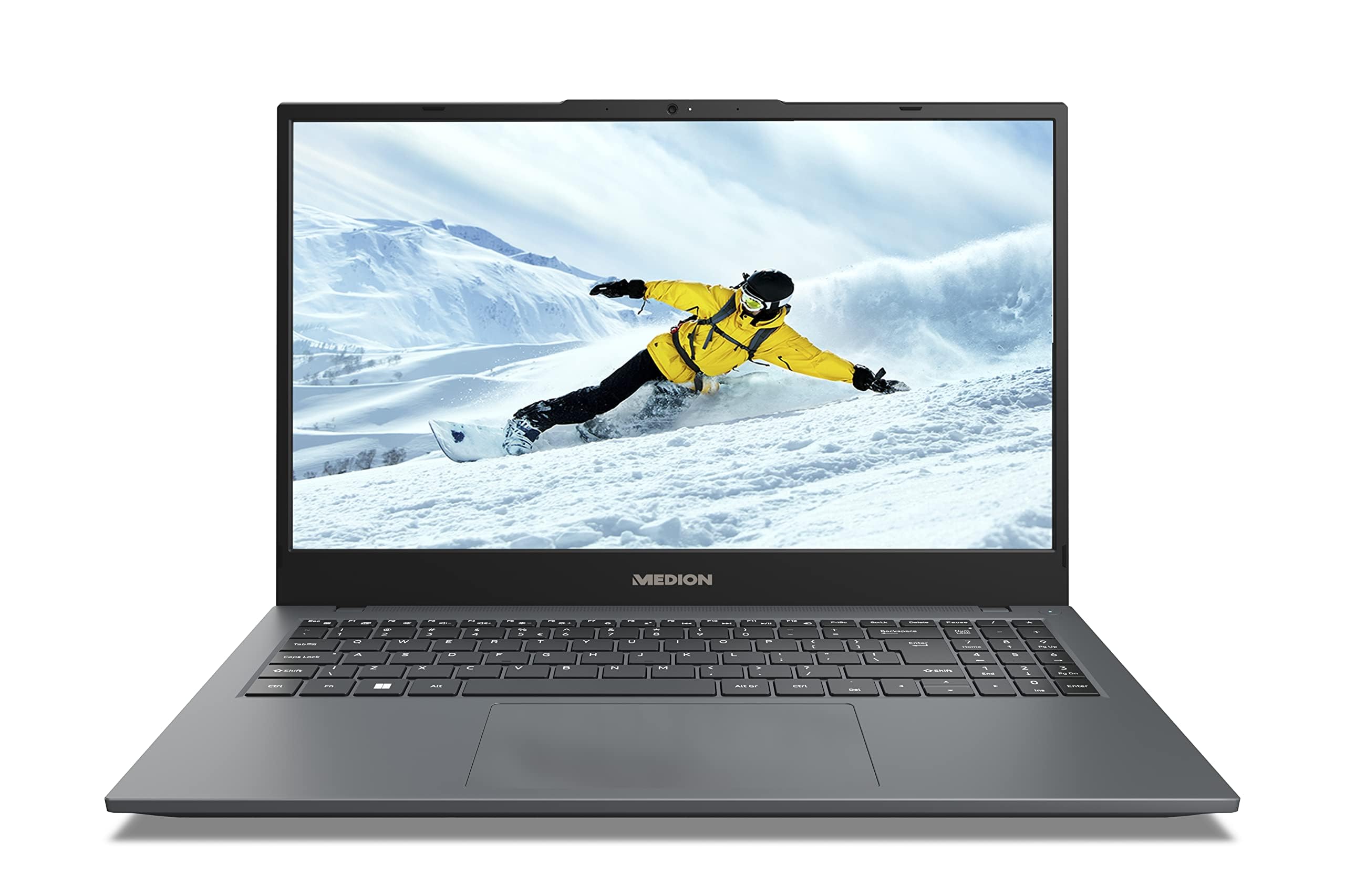
Image: The MEDION E16423 MD62571 laptop, showcasing its sleek design and 16-inch display.
1. Setup
1.1 Unboxing and Initial Inspection
Carefully remove all components from the packaging. The box should contain the following items:
- MEDION E16423 MD62571 Laptop
- Power Adapter/Charger
- Instruction Manual (this document)
Inspect all items for any signs of damage. If any item is damaged or missing, contact customer support immediately.
1.2 Connecting the Power Adapter
Connect the power adapter to the laptop's power input port and then plug the adapter into a wall outlet. It is recommended to fully charge the laptop before initial use.
1.3 Initial Power On and Operating System Setup
Press the power button to turn on your laptop. The device comes pre-installed with Windows 11 Home. Follow the on-screen instructions to complete the initial setup, which includes:
- Selecting your region and language.
- Connecting to a Wi-Fi network.
- Accepting the license agreement.
- Creating a user account.
2. Operating Your Laptop
2.1 Basic Operation
Your laptop features an AZERTY keyboard layout and a responsive touchpad for navigation. Familiarize yourself with the key functions and gestures for the touchpad.
2.2 Connectivity
The MEDION E16423 MD62571 supports various connectivity options:
- Wireless: Integrated 802.11ac Wi-Fi for internet access and Bluetooth for connecting wireless peripherals.
- USB Ports: The laptop is equipped with 3 USB ports for connecting external devices such as mice, keyboards, or external storage.
2.3 Display
The laptop features a 16-inch LCD display with a resolution of 1920 x 1200 pixels (Full HD+). You can adjust display settings such as brightness and resolution through the Windows 11 settings menu.
3. Maintenance and Care
3.1 General Cleaning
To clean the laptop, use a soft, lint-free cloth. For the screen, use a specialized screen cleaner. Avoid using harsh chemicals or abrasive materials.
3.2 Software Updates
Regularly check for and install Windows updates to ensure optimal performance and security. You can find update options in the Windows Settings.
3.3 Storage Management
Your laptop uses an SSD (Solid State Drive) for storage. Periodically manage your files and uninstall unused applications to maintain performance. The laptop includes Microsoft Office 365 for automatic backup software.
4. Troubleshooting
This section addresses common issues you might encounter. For more complex problems, please refer to the official MEDION support website or contact customer service.
4.1 Power Issues
- Laptop does not turn on: Ensure the power adapter is securely connected to both the laptop and a working power outlet. Check if the battery is charged.
- Battery not charging: Verify the power adapter is functioning correctly. Try a different outlet.
4.2 Display Problems
- Screen is blank: Ensure the laptop is powered on. Adjust screen brightness. Connect an external monitor to check if the issue is with the laptop's display or graphics output.
4.3 Connectivity Problems
- Cannot connect to Wi-Fi: Check if Wi-Fi is enabled in Windows settings. Restart your router and the laptop. Ensure you are entering the correct Wi-Fi password.
- Bluetooth device not connecting: Ensure Bluetooth is enabled on both the laptop and the device. Put the device in pairing mode.
5. Specifications
Below are the detailed technical specifications for the MEDION E16423 MD62571 laptop:
| Feature | Detail |
|---|---|
| Brand | MEDION |
| Model Name | E16423 MEDION MD62571 FR |
| Screen Size | 16 Inches |
| Display Resolution | 1920 x 1200 pixels (Full HD+) |
| Display Type | LCD |
| CPU Model | Intel Core i5 (Intel i5-1155G7 2.5GHz 12W SRKSD) |
| CPU Speed | 8 GHz (Base), 4.7 GHz (Max Boost) |
| RAM Size | 8 GB DDR4 |
| Storage Type | SSD |
| Operating System | Windows 11 Home |
| Graphics Description | Integrated Intel Graphics |
| Wireless Technology | 802.11ac Wi-Fi, Bluetooth |
| USB Ports | 3 Total USB Ports |
| Keyboard Layout | AZERTY |
| Input Device | Touchpad |
| Included Software | Microsoft Office 365 (backup software) |
| Dimensions (L x W x H) | 3.66L x 2.43W x 0.2H meters |
| Year Model | 2024 |
6. Warranty Information
Your MEDION E16423 MD62571 laptop is covered by a 2-year manufacturer warranty. This warranty covers defects in materials and workmanship under normal use. For full terms and conditions, please refer to the warranty card included with your product or visit the official MEDION website.
Keep your proof of purchase for warranty claims.
7. Support
For technical assistance, driver downloads, or further support, please visit the official MEDION support website. You can also find FAQs and contact information for customer service there.
MEDION Official Website: https://www.medion.com/fr/service/ (Example link, actual link may vary)


