
1. Introduction
Thank you for choosing the EasyAcc Portable Handheld Fan. This device is designed to provide personal cooling with versatile functionality, including handheld, desk, and neck fan modes. It features a powerful motor, a long-lasting rechargeable battery, and a digital display for convenience. This manual provides essential information for safe and effective use of your fan.

Figure 1: EasyAcc Portable Handheld Fan in various modes.
2. Product Features
- Multi-purpose Design: Functions as a handheld fan, a foldable mini desk fan (180° adjustable), and a neck fan with the included lanyard.
- Powerful Airflow: Equipped with a motor capable of 4900 RPM and 5 fan speeds for optimal cooling.
- Long-lasting Battery: Built-in 4000mAh rechargeable lithium polymer battery provides up to 12 hours of operation on the lowest speed.
- Digital Display: Smart LED digital display shows current wind speed level and remaining battery power.
- Backup Power Bank: Features a USB output port to charge mobile phones or other devices in emergencies.
- USB-C Fast Charging: Supports fast charging via USB-C port, fully charging in 2-3 hours.
- Quiet Operation: Operates at a low noise level, starting from 5 dB on the lowest speed.
- Safety Protections: Built-in AI smart chip provides overheating and overcharge protection.
3. Package Contents
- 1 x EasyAcc Portable Handheld Fan (Model F18Plus)
- 1 x Lanyard
- 1 x USB-C Charging Cable
- 1 x User Manual
4. Safety Instructions
- Do not insert fingers or any objects into the fan grille.
- Keep the fan away from water and moisture.
- Do not disassemble or attempt to repair the fan. Contact customer support if service is needed.
- Keep out of reach of children.
- Avoid extreme temperatures and direct sunlight.
- Use only the provided charging cable or a certified USB-C cable for charging.
- Do not use the fan if it is damaged.
5. Setup
- Initial Charge: Before first use, fully charge the fan. Refer to the "Charging the Fan" section for details.
- Attaching the Lanyard: Thread the included lanyard through the designated loop on the fan handle.
- Desk Mode: To use as a desk fan, gently fold the handle at the hinge until the fan head is angled upwards, allowing it to stand stably on a flat surface.
- Handheld Mode: For handheld use, ensure the handle is fully extended and locked into place.

Figure 2: Fan usage in handheld, desk, and neck modes.
6. Operating Instructions
- Power On/Off: Press and hold the power button (located on the handle) for 2 seconds to turn the fan on or off.
- Adjusting Fan Speed: While the fan is on, short press the power button to cycle through the 5 available speed settings. The digital display will show the current speed level (1-5).
- Digital Display: The LED screen on the handle will show the current fan speed and the remaining battery percentage.
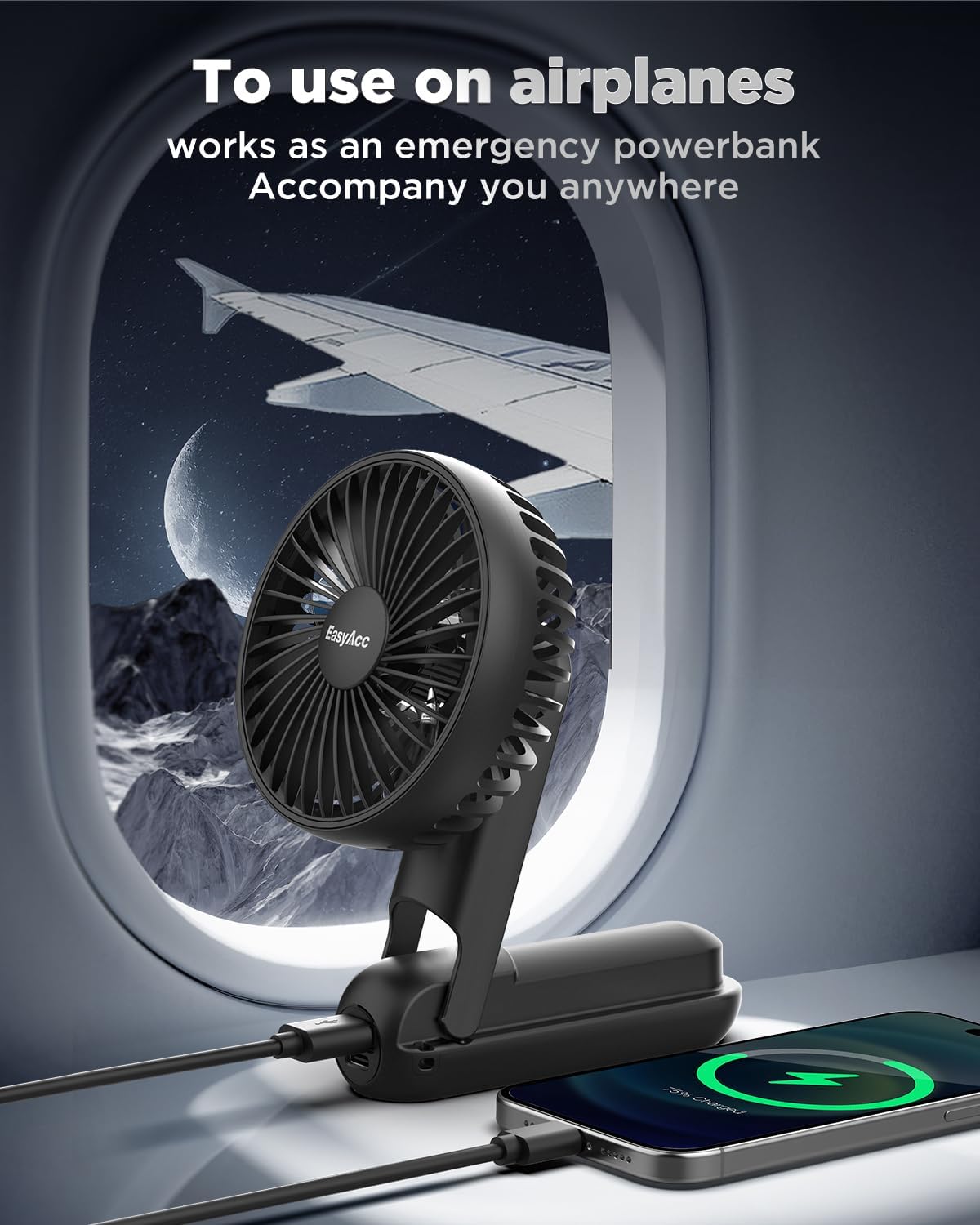
Figure 3: Digital display showing fan speed and battery level.
7. Charging the Fan
- Locate the USB-C input port on the side of the fan handle.
- Connect the provided USB-C charging cable to the fan's input port.
- Connect the other end of the USB-C cable to a compatible USB power source (e.g., wall adapter, laptop, power bank).
- The digital display will indicate charging status. A full charge typically takes 2-3 hours.
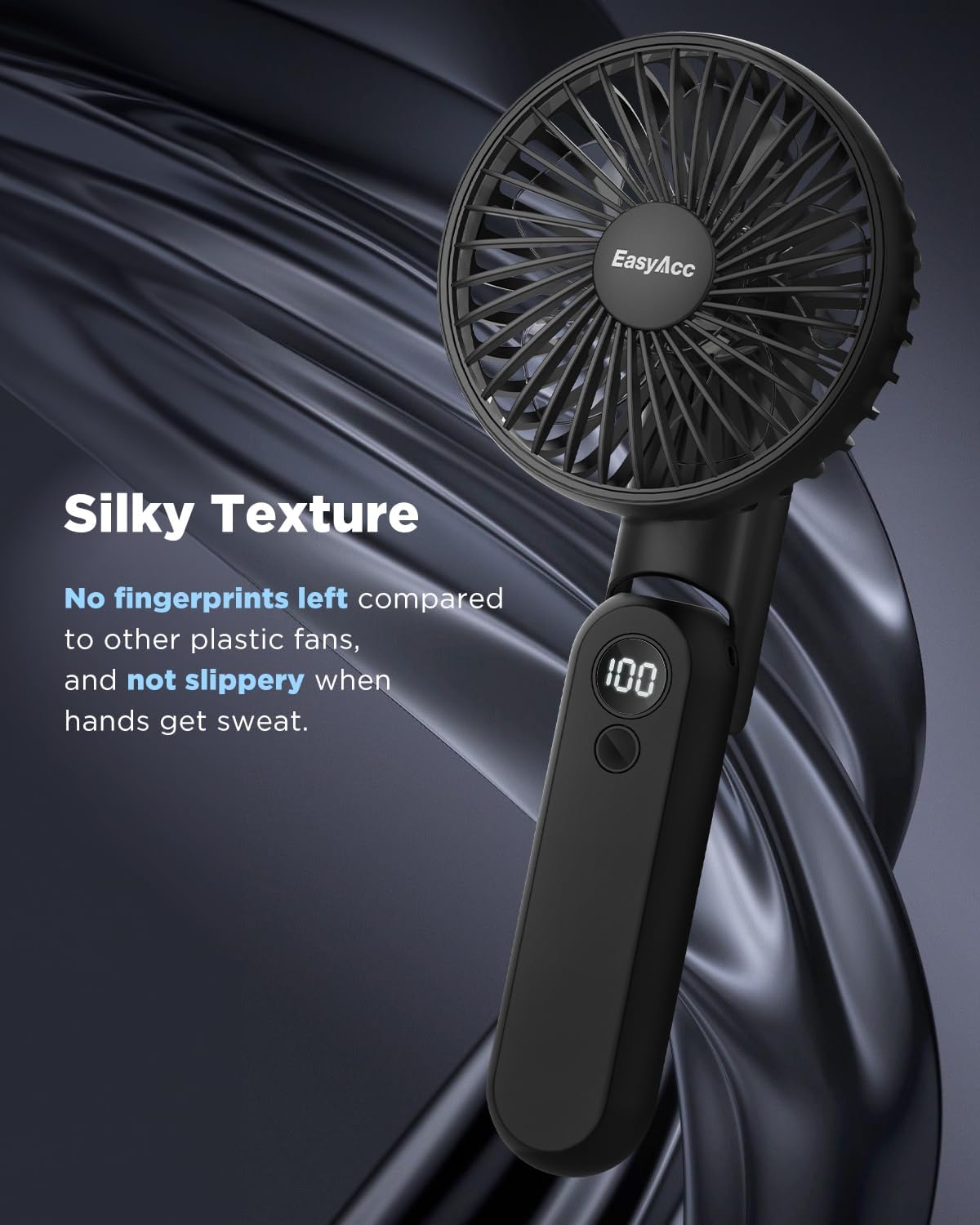
Figure 4: Charging the fan via USB-C.
8. Power Bank Function
- Locate the USB-A output port on the side of the fan handle.
- Connect your device's charging cable (USB-A end) to the fan's output port.
- Connect the other end of your device's charging cable to your phone or other compatible device.
- The fan's battery will begin charging your connected device.
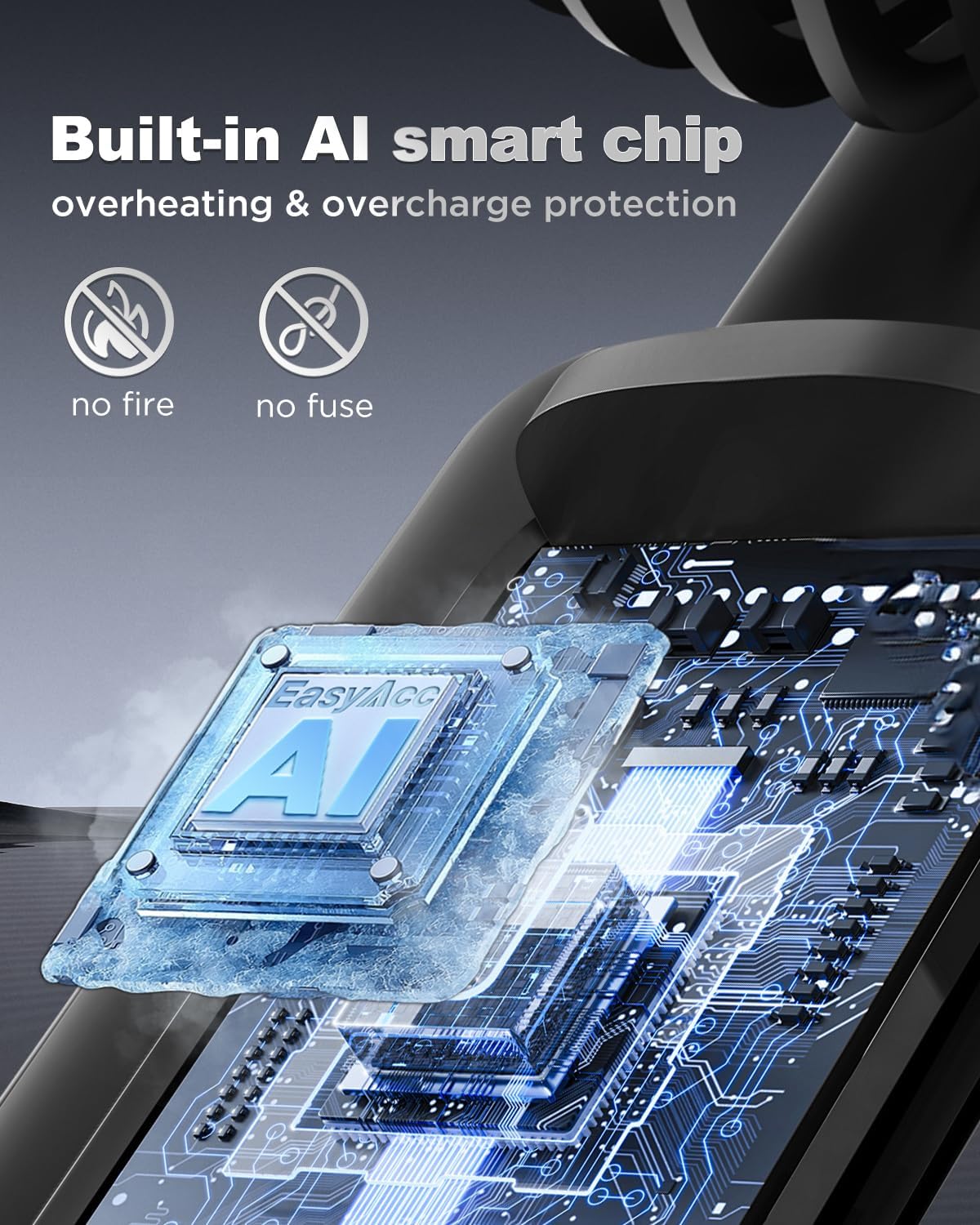
Figure 5: Using the fan as a power bank.
9. Maintenance
- Cleaning: Use a soft, dry cloth to wipe the fan's exterior. Do not use harsh chemicals or abrasive materials.
- Storage: When not in use, store the fan in a cool, dry place. The foldable design allows for compact storage.
- Battery Care: To prolong battery life, avoid fully discharging the battery frequently. Charge the fan regularly, even if not in constant use.
10. Troubleshooting
| Problem | Possible Cause | Solution |
|---|---|---|
| Fan does not turn on | Low battery; Power button not pressed correctly | Charge the fan; Press and hold the power button for 2 seconds |
| Weak airflow | Low speed setting; Low battery | Increase fan speed; Charge the fan |
| Fan not charging | Cable not connected properly; Faulty cable/adapter | Ensure secure connection; Try a different USB-C cable or power adapter |
| Device not charging from fan | Low fan battery; Incorrect cable/connection | Charge the fan; Ensure correct cable and secure connection |
11. Specifications
- Brand: EasyAcc
- Model Name: F18Plus (16FNHDLED)
- Battery Capacity: 4000mAh Lithium Polymer
- Power Source: Battery Powered
- Number of Power Levels: 5
- Max Speed: 4900 RPM
- Noise Level: 5-40 Decibels (depending on speed)
- Charging Port: USB-C
- Output Port: USB-A (for power bank function)
- Charging Time: 2-3 hours
- Working Time: Up to 12 hours (Speed 1), 4.5 hours (Speed 5)
- Product Dimensions: 4"D x 2"W x 3"H (folded dimensions may vary)
- Item Weight: 186 Grams (0.41 lbs)
- Certifications: CE, FCC, RoHS

Figure 6: Battery life and speed settings.
12. Warranty and Support
EasyAcc is committed to providing quality products and excellent customer support. Your EasyAcc Portable Handheld Fan is fully guaranteed. We offer lifetime customer support for any inquiries or issues you may encounter.
For assistance, please contact EasyAcc customer service through the retailer's platform or visit the official EasyAcc website for contact information.