
1. Introduction
This manual provides comprehensive instructions for the installation, use, and maintenance of your Lamshaw 9H Tempered Glass Screen Protector designed specifically for the LIGE A230 Smartwatch. This screen protector offers superior protection against scratches, abrasions, and impacts while maintaining optimal screen clarity and touch sensitivity.
2. Package Contents
Please verify that all items are present in your package:
- 3 x Lamshaw 9H Tempered Glass Screen Protectors
- 1 x Clean Set (includes alcohol wipe, microfiber cloth, dust removal sticker)

Image 2.1: Contents of the Lamshaw Screen Protector package alongside a compatible smartwatch.
3. Key Features
- 9H Hardness: Provides robust protection against scratches, abrasions, shocks, and bumps.
- Ultra-Clear & High Sensitivity: 99% light transmittance ensures a high-definition viewing experience and maintains original touch response.
- 2.5D Round Edge: Advanced cutting technique for a smooth, comfortable edge that fully covers the screen.
- Anti-Fingerprint & Oil-Proof: Oleophobic coating resists fingerprints and smudges.
- Bubble-Free Installation: Designed for easy, bubble-free application with the included cleaning kit.
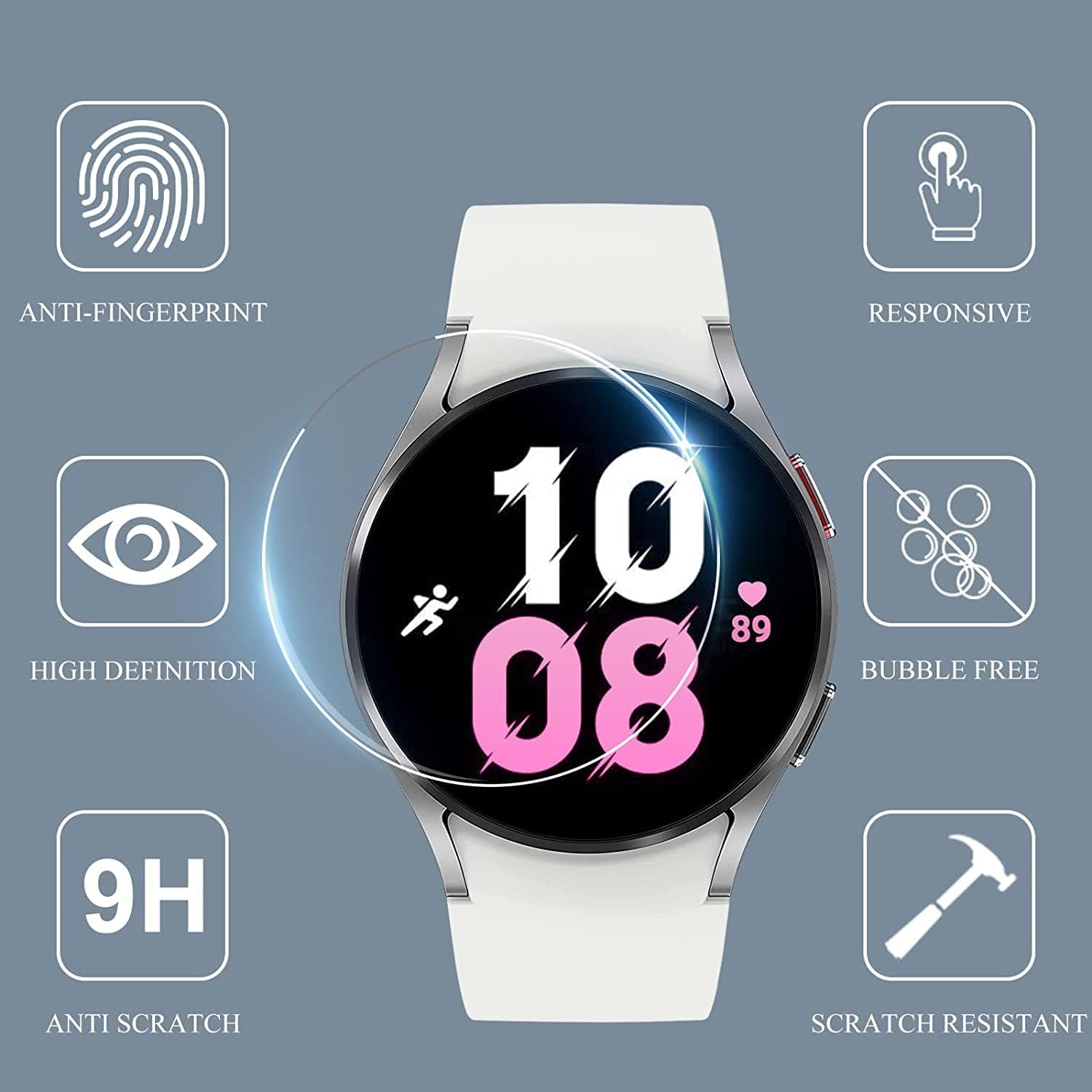
Image 3.1: Visual representation of the screen protector's key attributes including anti-fingerprint, responsiveness, high definition, bubble-free application, 9H hardness, and scratch resistance.
4. Installation Guide
Follow these steps carefully for a successful, bubble-free installation:
- Prepare Your Workspace: Choose a clean, dust-free environment. Wash your hands thoroughly to avoid transferring oils or dirt to the screen.
- Clean the Smartwatch Screen:
- Use the included alcohol wipe to thoroughly clean the smartwatch screen, removing all grease and smudges.
- Immediately use the microfiber cloth to dry the screen completely. Ensure no streaks or moisture remain.
- Use the dust removal sticker to dab the screen and lift any remaining dust particles. Inspect the screen carefully under light to ensure it is perfectly clean.
- Align the Screen Protector:
Carefully peel off the protective film from the adhesive side of one screen protector. Hold the protector by its edges to avoid touching the adhesive. Align the screen protector precisely with the smartwatch screen. Ensure the edges and any cutouts (if present) match perfectly.
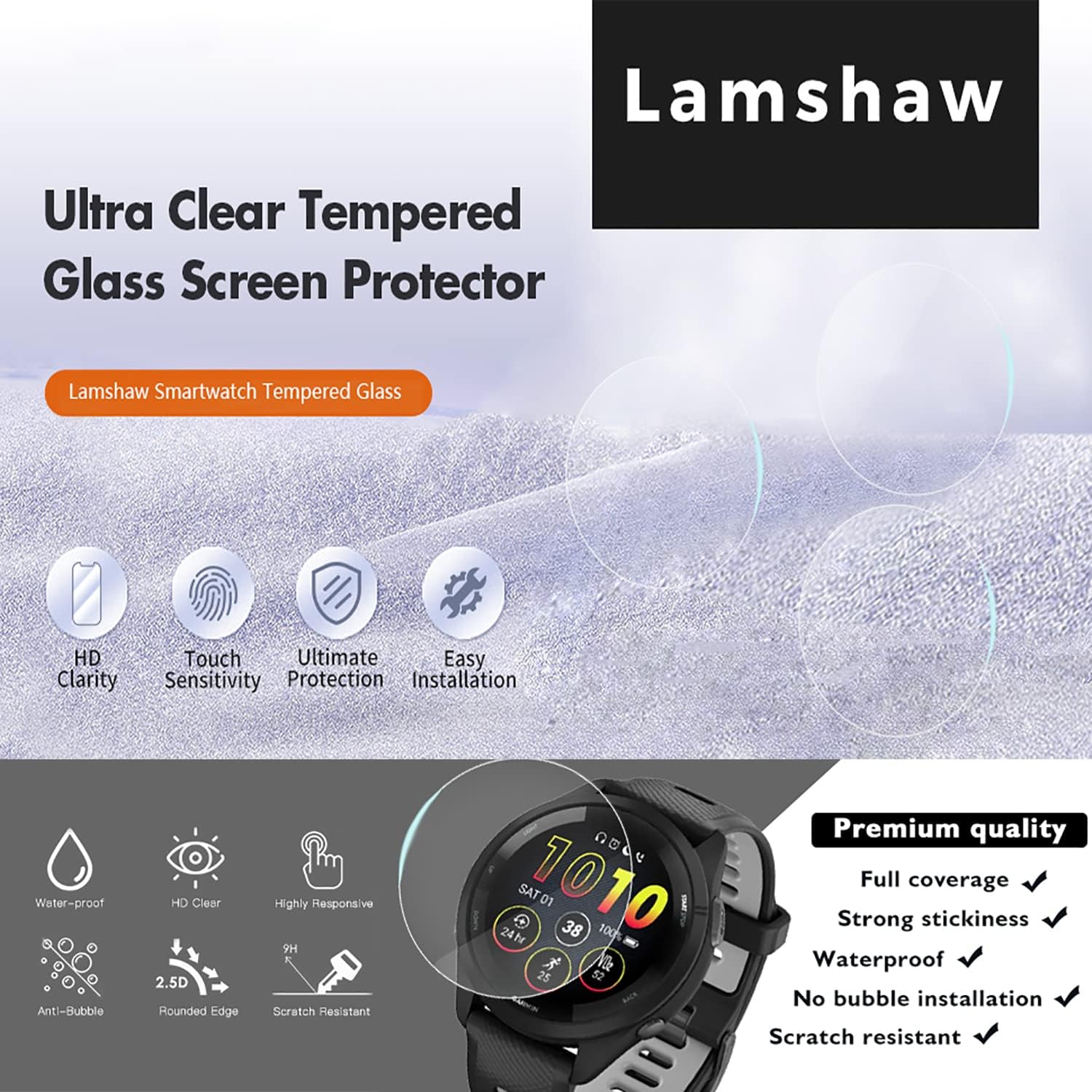
Image 4.1: Step-by-step visual guide for aligning and applying the screen protector to a smartwatch.
- Apply the Screen Protector:
Once aligned, gently lower the screen protector onto the smartwatch screen. The adhesive will begin to spread. Lightly press the center of the protector and allow it to adhere naturally. If bubbles appear, gently push them towards the edges using the microfiber cloth or a soft card.
- Final Inspection:
After application, check for any remaining bubbles or dust. Small bubbles usually disappear within 24-48 hours. If large bubbles persist, you may gently lift a corner of the protector (if possible without damaging it) and re-apply, pushing the air out.
5. Operating Considerations
The Lamshaw screen protector is designed to maintain the original touch sensitivity of your LIGE A230 Smartwatch. You should experience no degradation in responsiveness or display clarity after proper installation.
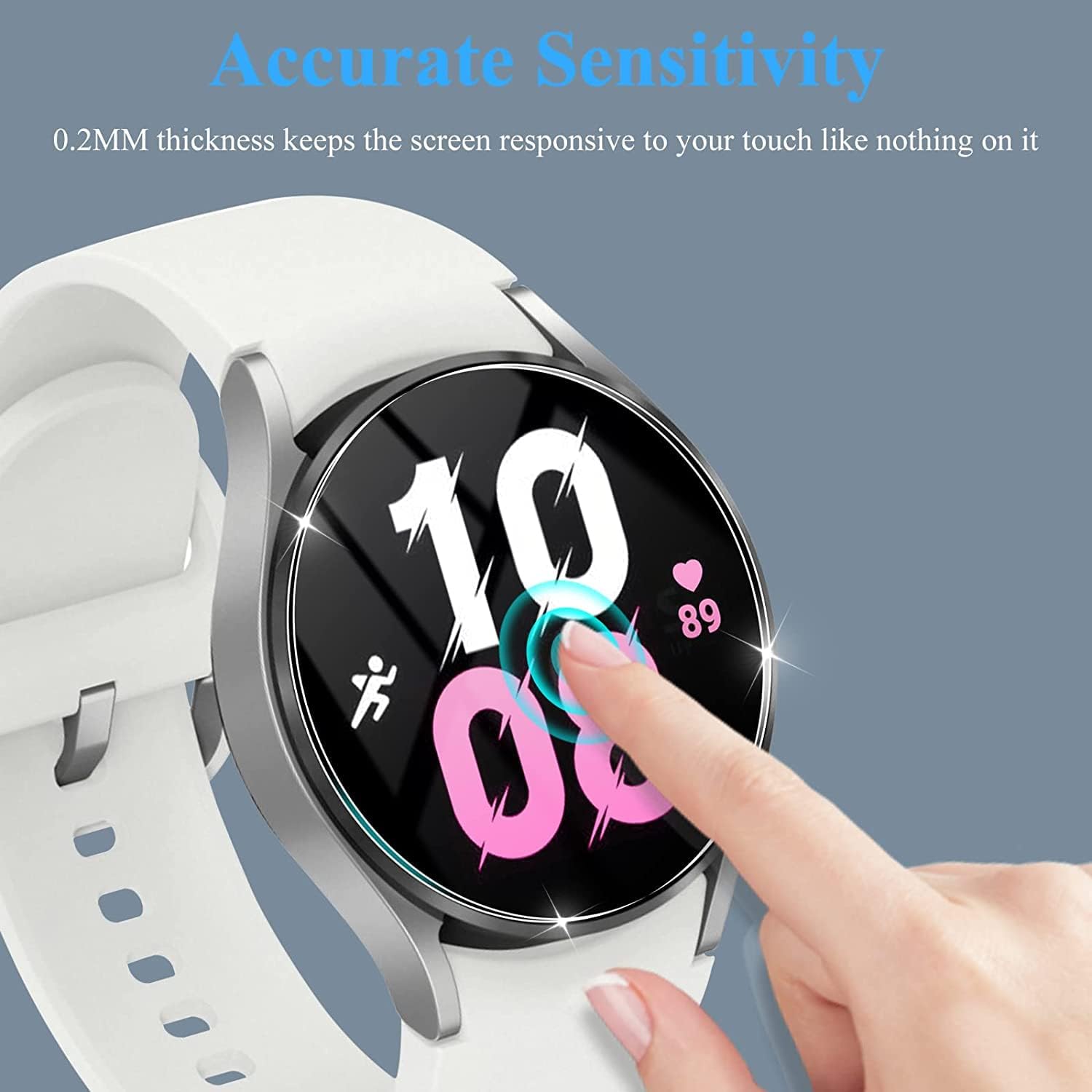
Image 5.1: A finger interacting with a smartwatch screen protected by the Lamshaw film, illustrating maintained touch sensitivity.
6. Maintenance and Care
To ensure the longevity and clarity of your screen protector:
- Clean the screen protector regularly with a soft, lint-free cloth.
- For stubborn smudges, lightly dampen the cloth with water or a screen cleaner designed for electronics.
- Avoid using harsh chemicals, abrasive materials, or excessive force when cleaning.
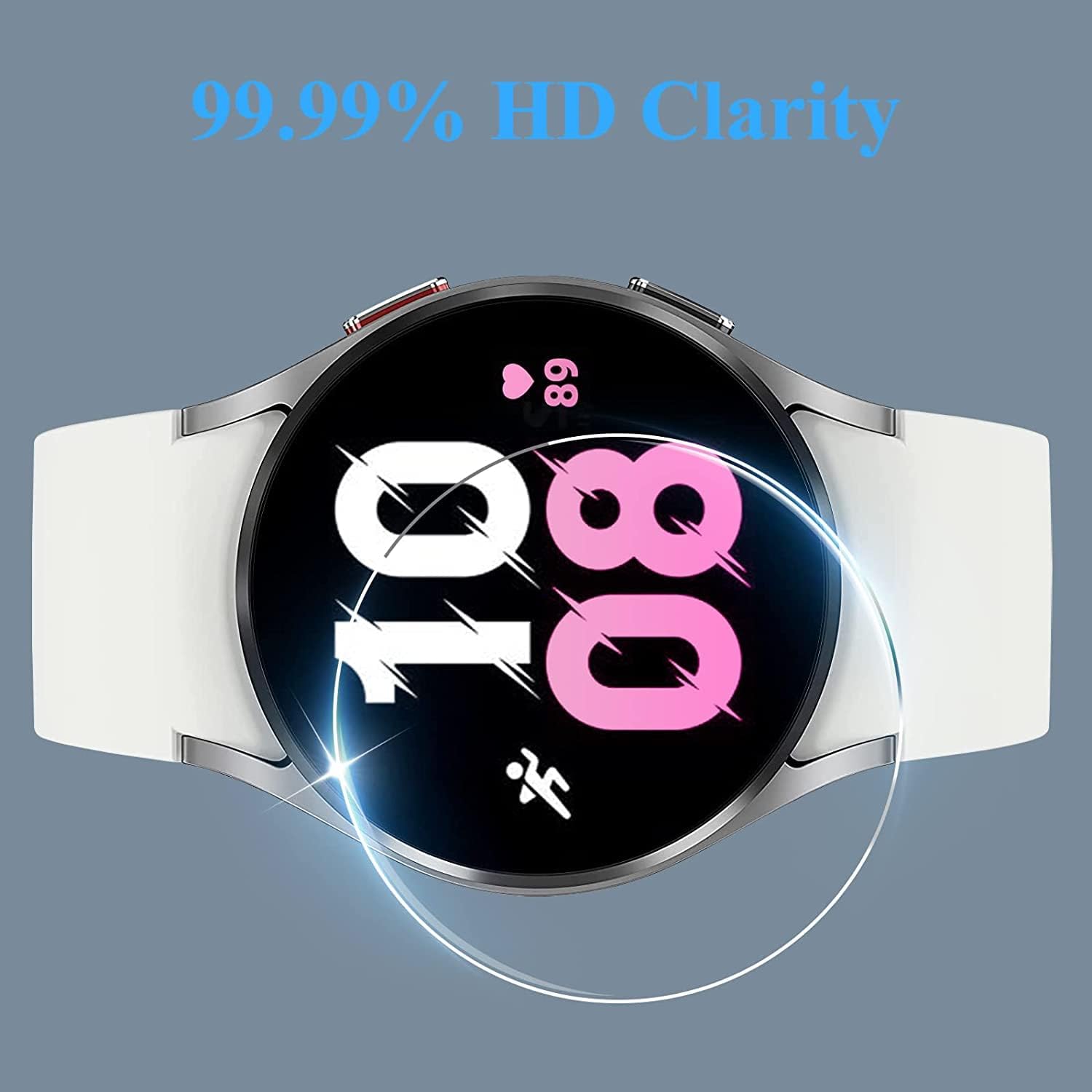
Image 6.1: The screen protector maintains high definition clarity for an optimal viewing experience.
7. Troubleshooting
- Bubbles After Installation:
Small bubbles often disappear within 24-48 hours as the adhesive fully settles. For larger bubbles, try gently pushing them towards the nearest edge with a microfiber cloth. If a bubble is caused by a dust particle, it may be necessary to carefully lift the nearest corner of the protector with a piece of tape, remove the dust with another piece of tape, and then re-apply.
- Screen Protector Not Sticking:
Ensure the screen was thoroughly cleaned and dried before application. Any dust, oil, or moisture can prevent proper adhesion. If the issue persists, try using a new screen protector from the pack after re-cleaning the screen.
- Reduced Touch Sensitivity:
Verify that the screen protector is correctly aligned and fully adhered without any gaps or lifted edges. If sensitivity issues persist, ensure your smartwatch settings are optimized for screen protectors (if applicable).
8. Specifications
| Feature | Detail |
|---|---|
| Compatibility | LIGE A230 Smartwatch |
| Material | 9H Tempered Glass |
| Hardness | 9H |
| Clarity | 0.99 (99% Light Transmittance) |
| Edge Design | 2.5D Round Edge |
| Special Features | Anti-fingerprint, Oil-proof, Scratch-resistant, Bubble-free application |
| Screen Size | 1.43 Inches (Smartwatch screen) |
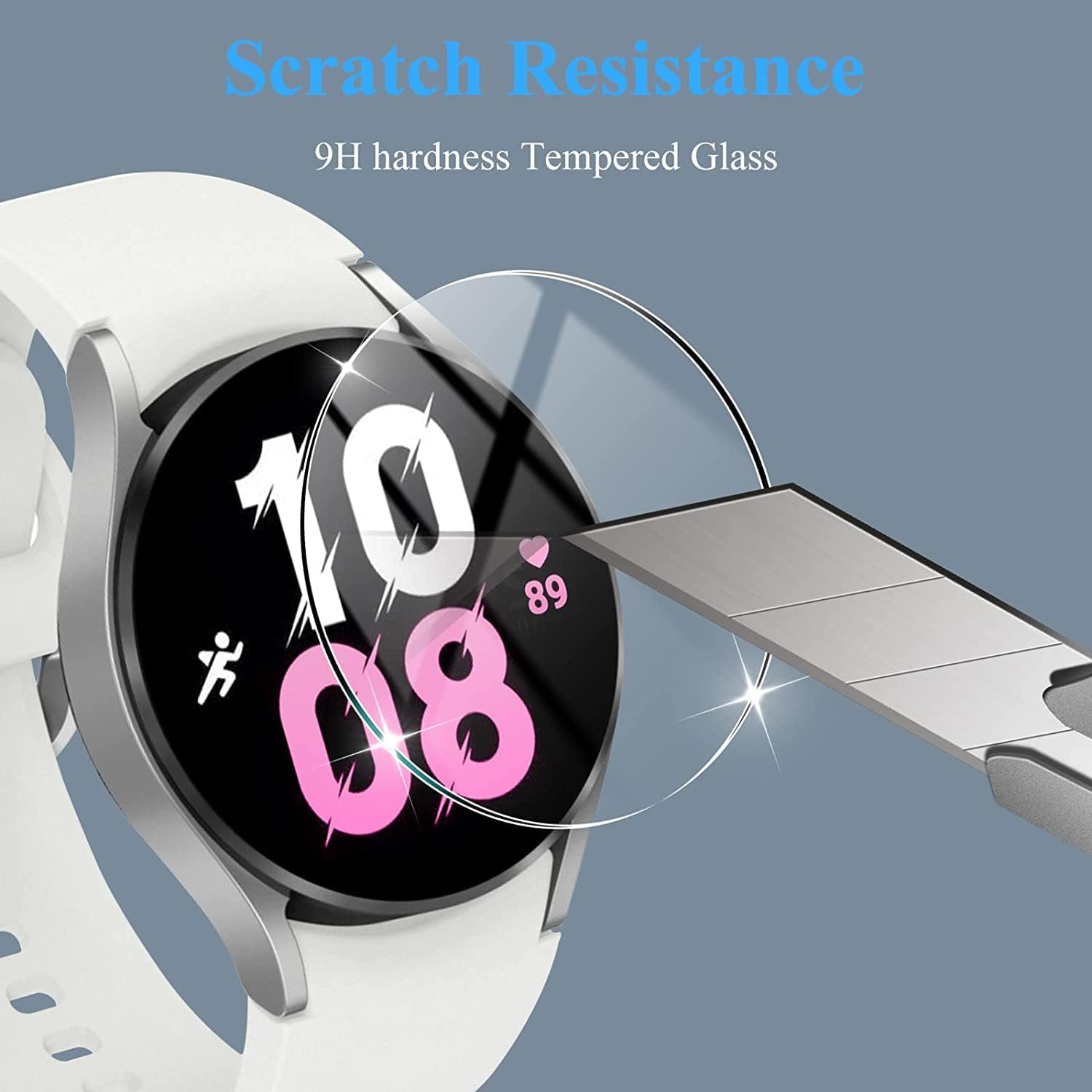
Image 8.1: The 9H hardness tempered glass provides superior scratch resistance.
9. Warranty and Support
Lamshaw products are manufactured to high-quality standards. While specific warranty details are not provided in this manual, please refer to the product packaging or the retailer's website for information regarding warranty coverage and customer support. For any installation issues or product inquiries, please contact Lamshaw customer service through the platform where you purchased the product.