
1. Introduction
This manual provides detailed instructions for the assembly and use of the GeeekPi Metal Case Kit for Raspberry Pi 5. This comprehensive kit includes a durable metal case, an N04 M.2 NVMe SSD PCIe Peripheral Board, an official Raspberry Pi 5 Active Cooler, and a 27W USB-C Power Supply. It is designed to enhance the performance and protection of your Raspberry Pi 5 (4GB/8GB models) by providing efficient cooling and high-speed NVMe storage capabilities.
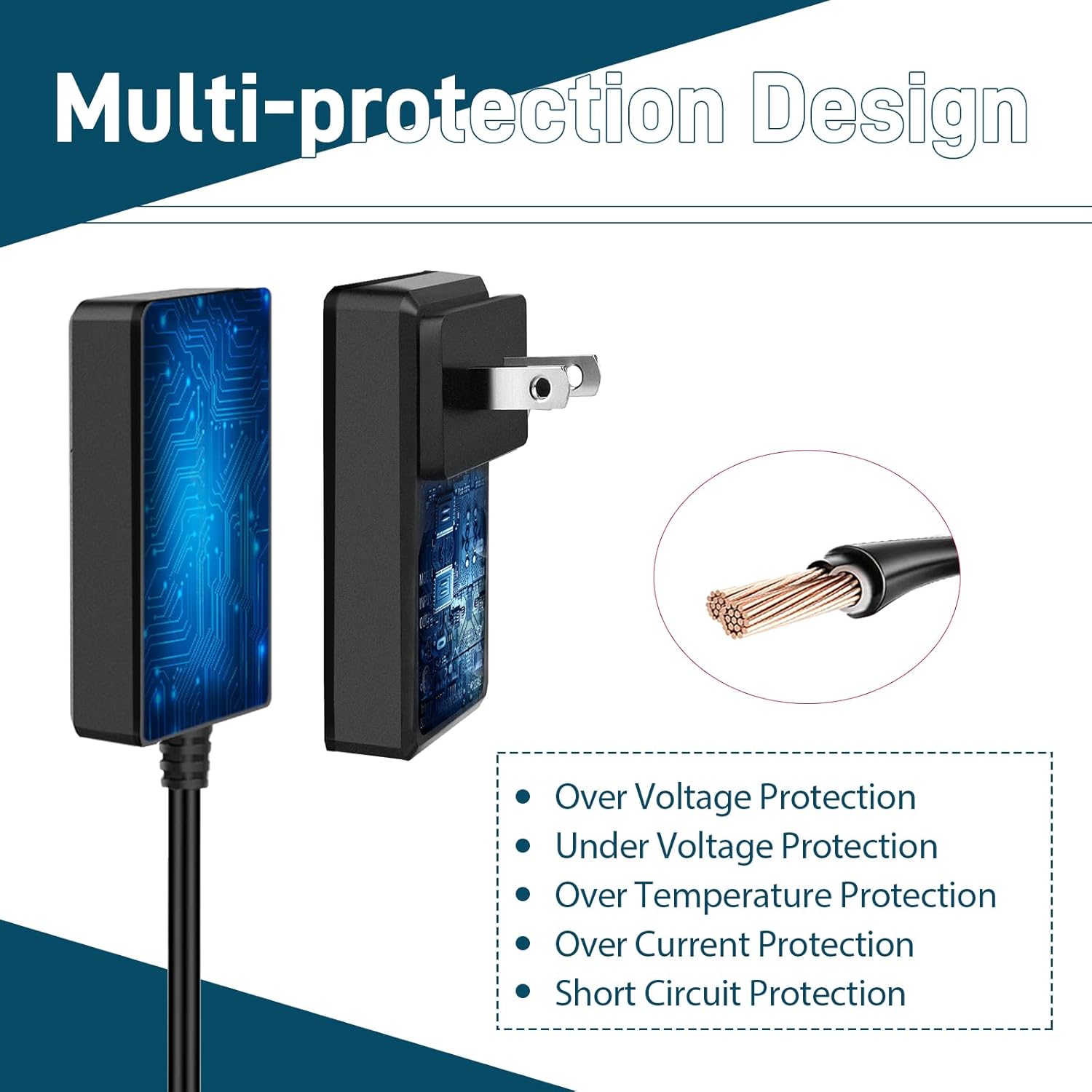
Image: The complete GeeekPi Metal Case Kit for Raspberry Pi 5, showcasing the metal case, active cooler, NVMe board, and power supply.
2. Package Contents
Please verify that all items listed below are included in your package:
- 1x Metal Case for Raspberry Pi 5
- 1x 27W USB C Power Supply
- 1x Pi5 Official Active Cooler
- 1x N04 M.2 NVMe SSD PCIe Peripheral Board
- 1x FPC Cable
- 1x Screwdriver
- 1x Screw Pack (including custom CNC SSD mount screw)

Image: All components of the GeeekPi Metal Case Kit laid out, including the metal case, active cooler, NVMe board, power supply, FPC cable, screwdriver, and various screws.
3. Product Overview
The GeeekPi Metal Case Kit is engineered for the Raspberry Pi 5, offering robust protection and enhanced functionality. Key components include:
- Metal Case: Provides durable protection and features cutouts for all essential ports (USB-C power, micro HDMI, USB, Ethernet, SD card slot, power button, GPIO). Designed with heat dissipation holes for optimal airflow.
- N04 M.2 NVMe SSD PCIe Peripheral Board: An adapter board specifically designed for Raspberry Pi 5, supporting M.2 NVMe (M-key) SSDs in sizes 2230, 2242, 2260, and 2280. It connects via an FPC cable to the Raspberry Pi 5's PCIe interface.
- Raspberry Pi 5 Official Active Cooler: Combines an aluminum heatsink with a PWM fan to maintain optimal operating temperatures for the Raspberry Pi 5, ensuring stable performance under various workloads.
- 27W USB C Power Supply: A 5.1V 5A power adapter with Power Delivery technology, providing stable and efficient power for the Raspberry Pi 5 and connected peripherals. It supports multiple output voltage options.

Image: Technical dimensions of the metal case, N04 M.2 NVMe SSD PCIe Peripheral Board, active cooler, and 27W USB C power supply.

Image: A detailed diagram highlighting the LED indicator, M.2 NVMe SSD slot, GPIO pins, PCIe socket on the N04 board, and various ports and heat dissipation holes on the metal case.
4. Compatibility
This kit is fully compatible with Raspberry Pi 5 4GB and 8GB models. The N04 M.2 NVMe SSD PCIe Peripheral Board supports M.2 NVMe (M-key) SSDs of various sizes, including 2230, 2242, 2260, and 2280. Ensure your SSD is M-key compatible for proper function.

Image: A visual guide illustrating compatibility with M-key and B+M key M.2 NVMe SSDs, and incompatibility with M.2 SATA SSDs.
5. Setup Instructions
5.1. Installing the Active Cooler
- Carefully align the Raspberry Pi 5 Official Active Cooler with the mounting holes on your Raspberry Pi 5 board.
- Gently press the cooler into place. The spring-loaded pins will secure it.
- Connect the cooler's 4-pin JST connector to the corresponding fan header on the Raspberry Pi 5 board.

Image: A close-up view showing the active cooler being connected to the Raspberry Pi 5 fan interface using push-type screws for fixation.
5.2. Installing the N04 M.2 NVMe SSD PCIe Peripheral Board
- Attach the FPC cable to the PCIe connector on the Raspberry Pi 5 board. Ensure it is inserted correctly and the locking mechanism is engaged.
- Connect the other end of the FPC cable to the N04 M.2 NVMe SSD PCIe Peripheral Board.
- Insert your M.2 NVMe SSD into the M-key slot on the N04 board. Secure it with the provided custom CNC SSD mount screw.
- Align the N04 board with the Raspberry Pi 5, ensuring the GPIO pins connect properly. Use the provided standoffs and screws to secure the N04 board to the Raspberry Pi 5.
5.3. Assembling the Metal Case
- Place the assembled Raspberry Pi 5 with the active cooler and N04 board into the bottom part of the metal case.
- Ensure all ports align with the case cutouts.
- Secure the Raspberry Pi assembly to the case using the provided screws.
- Attach the top cover of the metal case and fasten it with the remaining screws.

Image: A visual step-by-step guide demonstrating the assembly process of the Raspberry Pi 5 with the active cooler, NVMe board, and metal case.
6. Power Supply Details
The included 27W USB-C Power Supply is specifically designed for the Raspberry Pi 5, providing stable power for demanding applications. It features Power Delivery (PD) technology and offers multiple output options:
- 5.1V at 5A
- 9.0V at 3.0A
- 12.0V at 2.25A
- 15.0V at 1.8A
This power supply also incorporates multi-protection design features to safeguard your devices:
- Over Voltage Protection
- Under Voltage Protection
- Over Temperature Protection
- Over Current Protection
- Short Circuit Protection

Image: A diagram detailing the multi-protection features of the 27W USB C power supply, including safeguards against over-voltage, under-voltage, over-temperature, over-current, and short circuits.
7. Specifications
| Feature | Specification |
|---|---|
| Brand | GeeekPi |
| Model Name | Metal Case for Raspberry Pi 5 |
| Material | Metal |
| Color | Black |
| Cooling Method | Air (Active Cooler with PWM fan) |
| M.2 NVMe SSD Support | 2230, 2242, 2260, 2280 (M-key) |
| Power Supply Output | 5.1V@5A, 9.0V@3.0A, 12.0V@2.25A, 15.0V@1.8A |
| Item Weight | 15.5 ounces (0.44 Kilograms) |
| Package Dimensions | 6.02 x 4.33 x 3.5 inches |
8. Operating
Once assembled, connect your Raspberry Pi 5 to a display via the micro HDMI ports, and connect a keyboard and mouse to the USB ports. Insert an SD card with the Raspberry Pi OS (or your preferred operating system) into the SD card slot. Power on the device using the 27W USB-C power supply. The system will boot from the SD card, and you can then configure your NVMe SSD for storage or as a boot drive following the Raspberry Pi documentation.
9. Maintenance
- Cleaning: Periodically clean the active cooler fan and heatsink to prevent dust buildup, which can impede cooling performance. Use a soft brush or compressed air.
- Firmware Updates: Regularly check for and apply firmware updates for your Raspberry Pi 5 and any associated peripherals to ensure optimal performance and security.
- Cable Management: Ensure all cables are neatly routed and not under tension to prevent damage to ports or connectors.
10. Troubleshooting
- Device Not Powering On: Ensure the 27W USB-C power supply is correctly connected and plugged into a working outlet. Verify the power button on the Raspberry Pi 5 is pressed.
- NVMe SSD Not Detected: Check that the FPC cable is securely connected to both the Raspberry Pi 5 and the N04 board. Ensure the M.2 NVMe SSD is properly seated in its slot and secured. Verify the SSD is M-key compatible.
- Overheating Issues: Confirm the active cooler is correctly installed and its fan is spinning. Ensure the metal case's ventilation holes are not obstructed.
- Poor Wi-Fi Performance: Metal cases can sometimes interfere with wireless signals. Ensure the case is properly assembled and consider using an external Wi-Fi adapter if issues persist.
11. Warranty and Support
For warranty information and technical support, please refer to the official GeeekPi website or contact your retailer. Keep your proof of purchase for any warranty claims.