
Introduction
Thank you for choosing the RCB 8.5" Off-Road Hoverboard. This self-balancing electric scooter is designed for versatile use across various terrains, offering an engaging and efficient way to travel. Equipped with powerful motors, intelligent app control, and integrated LED lights and Bluetooth speakers, it provides a dynamic riding experience. This manual contains important information regarding the safe operation, setup, maintenance, and troubleshooting of your hoverboard. Please read it thoroughly before your first use to ensure optimal performance and safety.

The RCB 8.5" Off-Road Hoverboard is designed for diverse environments, from smooth indoor surfaces to rugged outdoor trails.
Safety Information
Your safety is paramount. Operating a hoverboard carries inherent risks. Always follow these guidelines to minimize potential hazards:
- Always wear appropriate safety gear, including a helmet, knee pads, and elbow pads.
- Ensure the hoverboard is fully charged before use.
- Do not ride under the influence of alcohol or drugs.
- Maintain a safe speed and always be aware of your surroundings.
- Avoid riding on wet, icy, or uneven surfaces.
- Do not exceed the maximum weight limit of 120 kg (264 lbs).
- Children should always be supervised by an adult while riding.
- Familiarize yourself with local laws and regulations regarding hoverboard use.

The hoverboard incorporates multiple protection systems for a safe riding experience, including battery monitoring and non-slip tires.
Package Contents
Upon opening your package, please verify that all the following items are included:
- 1 x RCB 8.5" Off-Road Hoverboard
- 1 x Power Charger
- 1 x User Manual
Specifications
| Brand | RCB |
| Model Name | RM |
| Wheel Size | 8.5 inches |
| Maximum Speed | <15 km/h (9.3 mph) |
| Maximum Load | 120 kg (264 lbs) |
| Minimum Load | 30 kg (66 lbs) |
| Battery Type | Lithium |
| Battery Charge Time | 2-3 hours |
| Item Weight | 10.5 kg (23.1 lbs) |
| Product Dimensions (L x W x H) | 70 cm x 22 cm x 23 cm (27.5" x 8.6" x 9") |
| Braking System | Regenerative braking |
| Frame Material | Plastic |
| Wheel Material | Rubber |
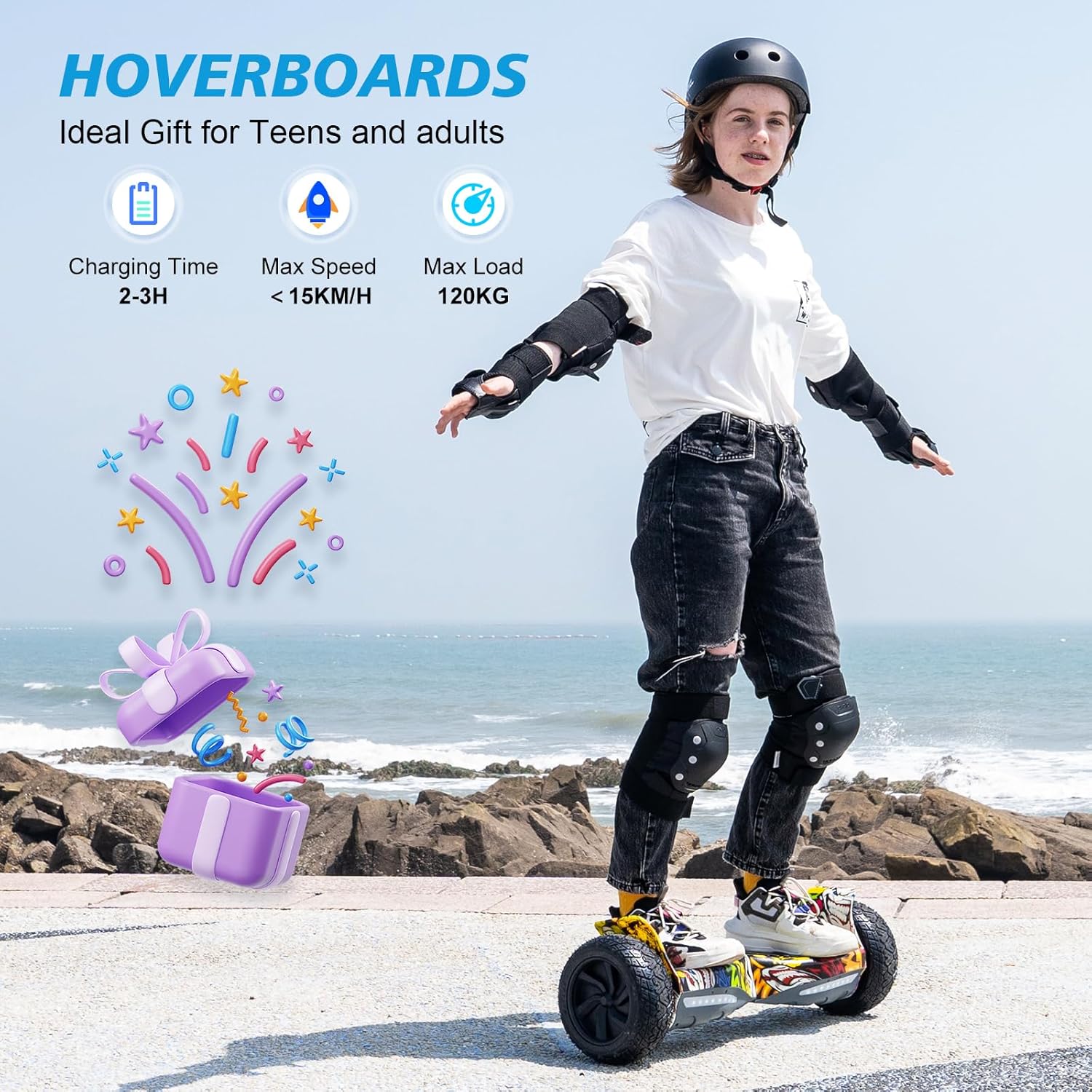
Key specifications of the RCB Hoverboard, highlighting its charging time, maximum speed, and load capacity.
Setup
1. Initial Charging
Before your first ride, fully charge the hoverboard. Connect the charger to the charging port on the hoverboard and then plug it into a power outlet. The indicator light on the charger will typically turn green when fully charged. This process usually takes 2-3 hours.
2. App Connection (Optional)
For enhanced control and monitoring, download the official RCB app from your smartphone's app store. Turn on the hoverboard and enable Bluetooth on your phone. Open the app and follow the on-screen instructions to pair your device with the hoverboard. The app allows you to:
- Select riding modes (e.g., beginner, normal, advanced).
- Monitor battery information.
- Track mileage.
Operating Instructions
1. Basic Riding
The hoverboard is controlled by shifting your body weight. To move forward, gently lean forward. To move backward, lean slightly back. To turn, apply pressure with your left foot to turn right, and with your right foot to turn left. Practice in an open, safe area until you feel comfortable.
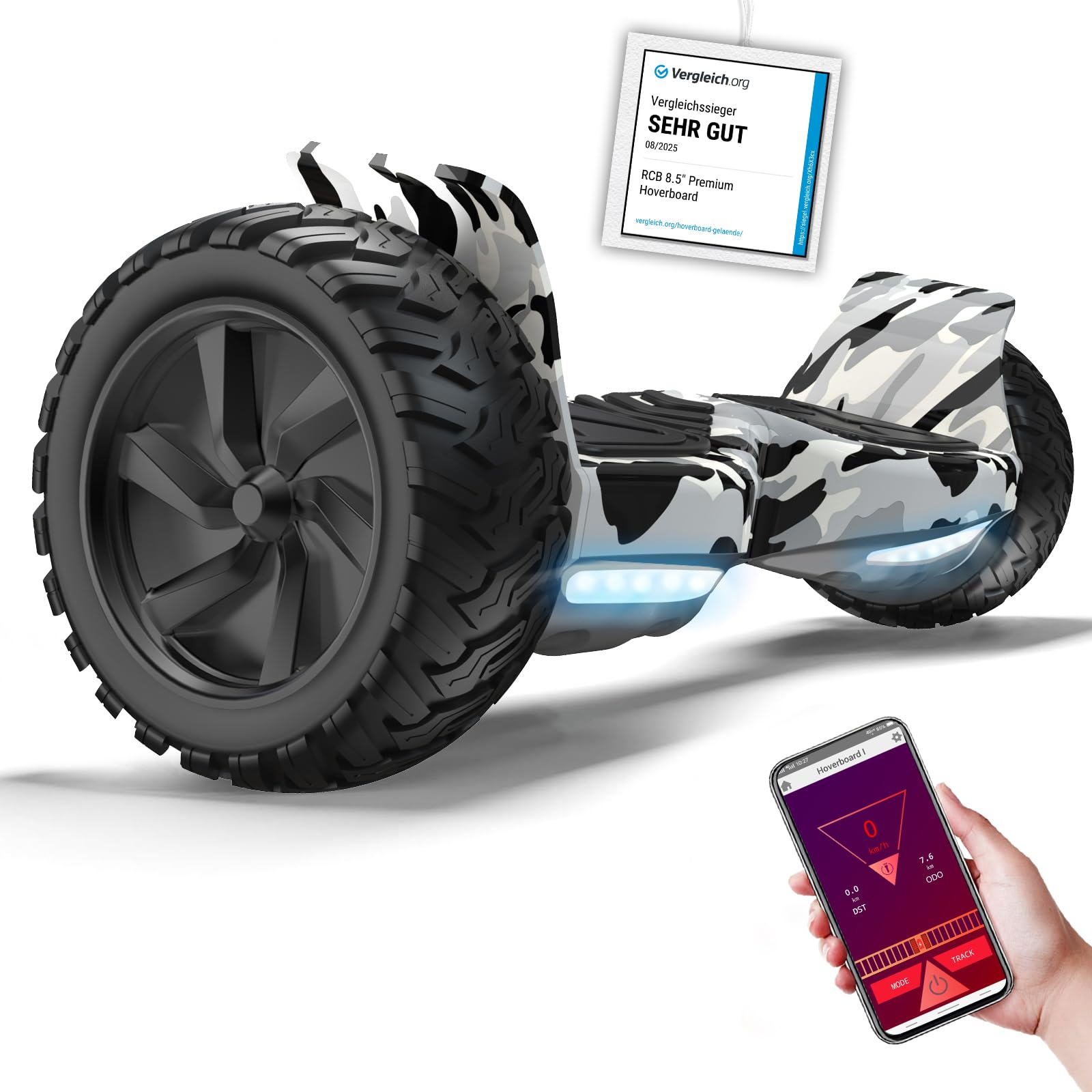
Controlling the hoverboard is intuitive, based on your center of gravity for forward, backward, and stopping movements.
2. Intelligent App Control
Once connected via the app, you can customize your riding experience. Adjust speed limits, view real-time battery status, and track your journey. This feature allows you to tailor the hoverboard's performance to your skill level and preferences.
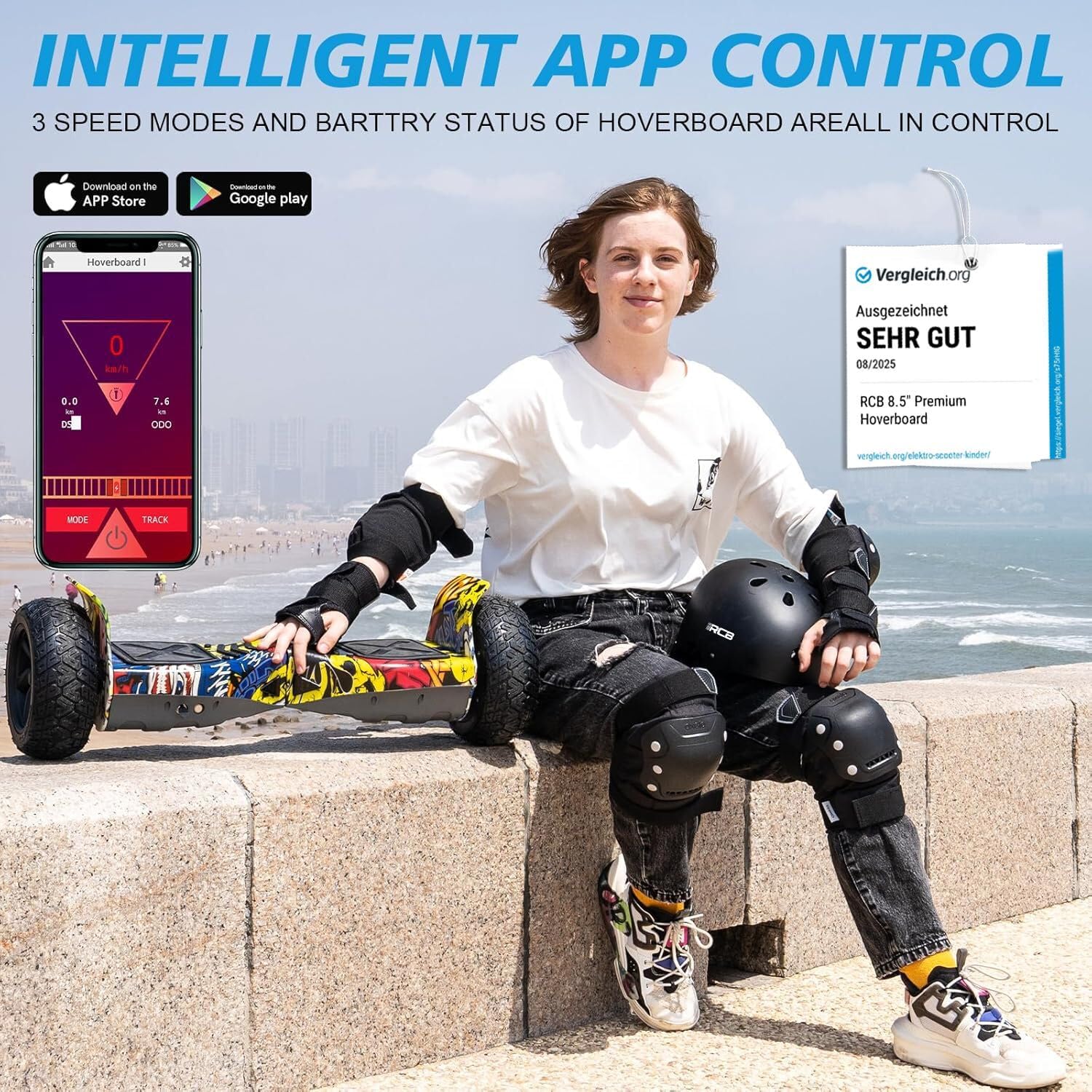
The intelligent app provides comprehensive control over riding modes, battery status, and mileage tracking.
3. Bluetooth Speaker and LED Lights
The integrated Bluetooth speaker allows you to connect your smartphone and enjoy music while riding. The hoverboard also features LED lights for improved visibility, especially during nighttime use, adding to both safety and enjoyment.

Connect your smartphone via Bluetooth to enjoy your favorite music through the integrated speaker.
Maintenance
1. Cleaning
Wipe the hoverboard with a damp cloth after each use. Avoid using harsh chemicals or abrasive cleaners. Do not rinse the hoverboard directly with water, as this can damage electronic components.
2. Storage
Store the hoverboard in a cool, dry place away from direct sunlight and extreme temperatures. If storing for an extended period, ensure the battery is charged to approximately 50% and recharge it every 2-3 months to maintain battery health.
3. Battery Care
Use only the original charger provided with your hoverboard. Do not overcharge the battery. If the battery shows signs of damage or unusual behavior, discontinue use immediately and contact customer support.
Troubleshooting
If you encounter issues with your RCB Hoverboard, refer to the following common problems and solutions:
- Hoverboard not turning on: Ensure the battery is charged. If not, connect the charger and allow it to charge for 2-3 hours.
- Unstable or vibrating: Recalibrate the hoverboard. Place it on a flat surface, ensure it is off, then press and hold the power button for 5-10 seconds until the lights flash. Turn it off and on again.
- Lights flashing or beeping: This often indicates a system error or low battery. Check the app for specific error codes or charge the battery.
- Bluetooth not connecting: Ensure Bluetooth is enabled on your smartphone and the hoverboard is powered on. Try restarting both devices.
- Reduced performance/speed: Check the battery level. Performance can decrease with a low charge. Also, ensure you are not exceeding the maximum load capacity.
If the problem persists after attempting these solutions, please contact customer support for further assistance.
Warranty and Support
RCB is committed to providing worry-free after-sales protection and friendly customer service. For any questions, concerns, or warranty claims, please refer to the contact information provided with your purchase documentation or visit the official RCB website. Keep your proof of purchase for warranty validation.