
1. Product Overview
The WeatherTech ImpactLiner is a premium truck bed liner designed to provide superior protection for your truck bed. Manufactured from durable Thermoplastic Elastomer (TPE), it offers a custom fit for select 2022-2026 Ford Maverick and Maverick Hybrid models. This liner is engineered to protect against impacts, prevent cargo shifting, and simplify maintenance.
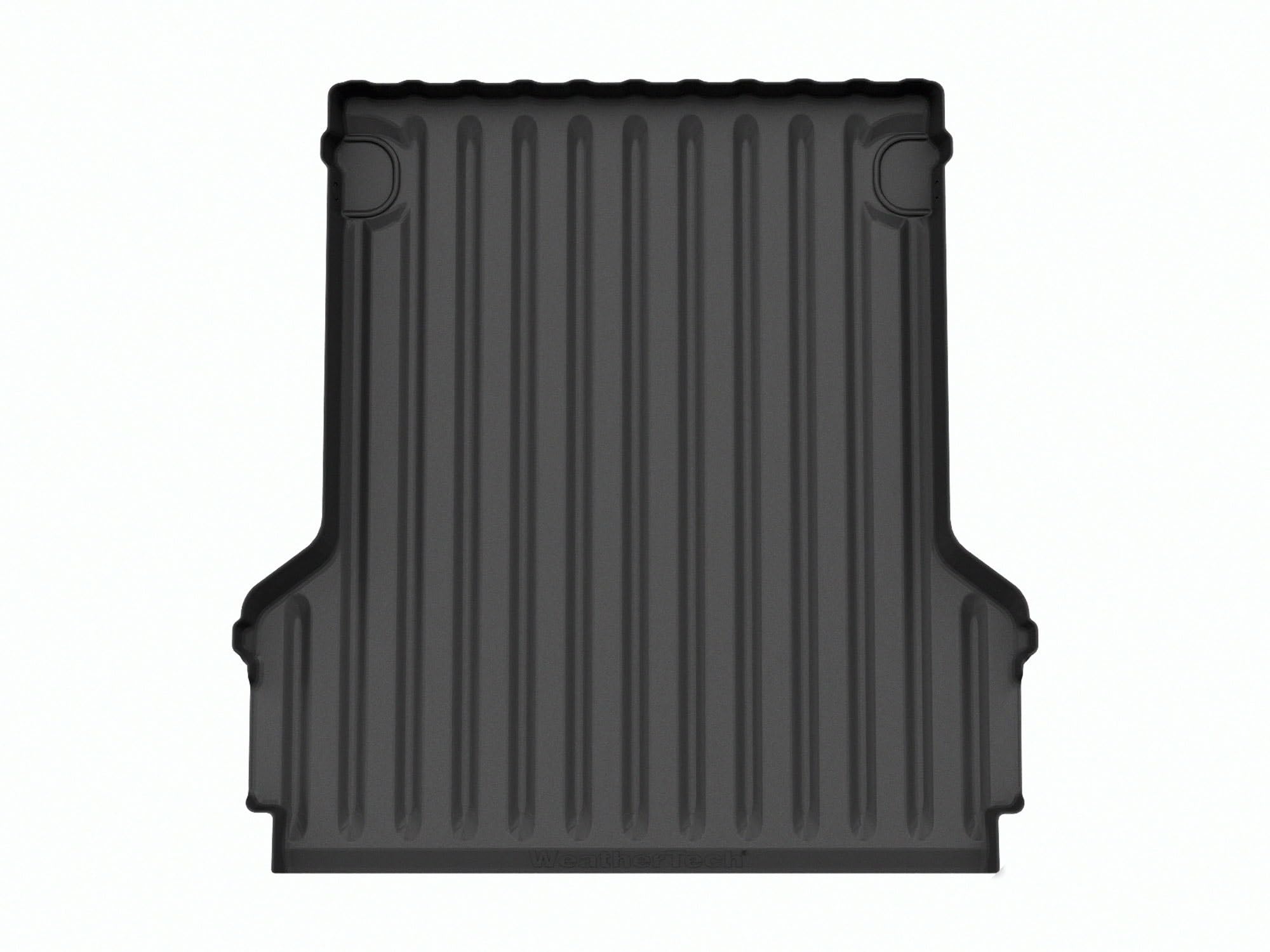
Image 1.1: The WeatherTech ImpactLiner precisely fitted within a Ford Maverick truck bed.
Key Features:
- Impact Protection: Features patent-pending raised impact rings on the underside to disperse force from blows, safeguarding your truck bed.
- Cargo Stability: A textured ribbing on the topside enhances grip, helping to keep cargo securely in place during transit.
- Spill Containment: Raised walls on the back and sides provide additional protection and help contain any spills within the liner.
- Easy Maintenance: Designed to resist dust and dirt accumulation, making cleaning and upkeep straightforward.
- Scratch Resistance: Helps maintain the appearance of your truck bed by resisting scratches.
2. Setup and Installation
The ImpactLiner is designed for straightforward installation. Ensure your truck bed is clean and free of debris before placement.
Installation Steps:
- Prepare the Truck Bed: Thoroughly clean the truck bed to remove any dirt, dust, or moisture. A clean surface ensures optimal fit and prevents debris from being trapped underneath.
- Unroll the ImpactLiner: Carefully unroll the ImpactLiner and position it in the truck bed. Allow it to settle and conform to the contours of the bed. In some cases, allowing the liner to warm in the sun for a short period can aid in flattening.
- Accessing Tie-Downs (Optional): For access to factory tie-down points, the liner may require modification. Instead of cutting an 'X' directly into the liner, consider removing the tie-down hardware with a T40 bit. Place the liner, then use a screwdriver to locate and punch through the screw holes in the liner. Reinstall the tie-down hardware over the liner for a secure and watertight seal.
- Final Adjustment: Ensure the liner is fully seated and all edges are properly aligned with the truck bed's perimeter.

Image 2.1: Close-up view of the ImpactLiner's precise contouring along the truck bed edge.
Installation Video:
Video 2.1: Official WeatherTech video demonstrating the features and installation of the ImpactLiner truck bed liner.
3. Operating and Usage
The ImpactLiner is designed to enhance the functionality and protection of your truck bed during everyday use and heavy-duty tasks.
Cargo Management:
- The textured surface provides increased friction, reducing the likelihood of cargo sliding during transport.
- The raised perimeter walls help to contain loose items and liquids, preventing them from spilling over the truck bed edges.
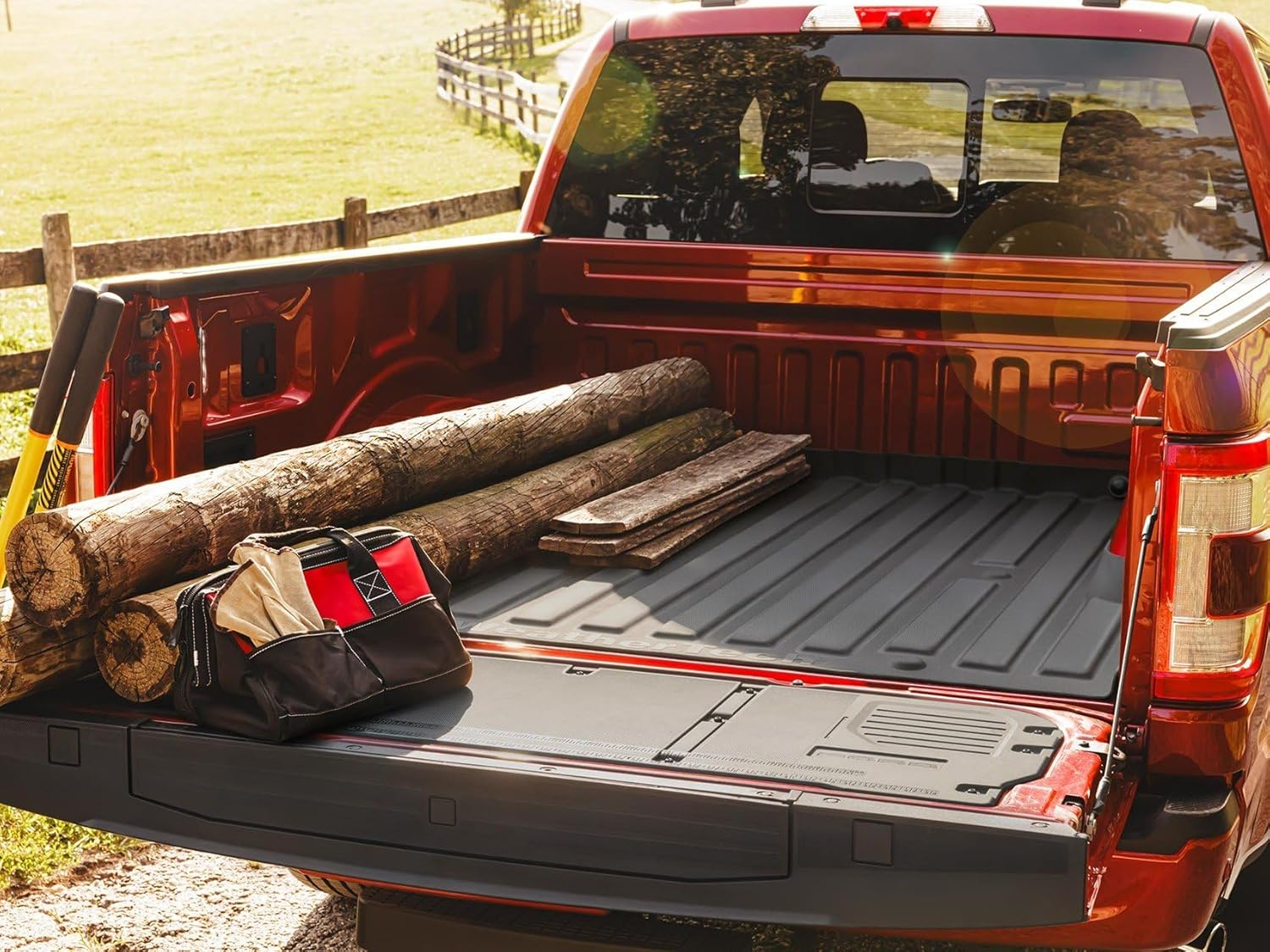
Image 3.1: The ImpactLiner's textured surface provides grip for various cargo, such as logs and a toolbox.
Impact Protection:
- The unique underside design with raised impact rings absorbs and disperses the force from dropped items, protecting the truck bed from dents and damage.
- This design also allows air circulation beneath the liner, facilitating moisture escape and preventing rust or mildew buildup.

Image 3.2: The ImpactLiner effectively cushions heavy items like bricks, protecting the truck bed.

Image 3.3: A view of the ImpactLiner's underside, highlighting the raised impact rings designed for shock absorption.
Product Feature Video:
Video 3.1: WeatherTech video showcasing the comprehensive truck bed protection offered by the ImpactLiner.
4. Maintenance
The WeatherTech ImpactLiner is designed for minimal maintenance, resisting the accumulation of dust and dirt common with other bed liner types.
Cleaning Instructions:
- For routine cleaning, simply rinse the liner with water.
- For more stubborn dirt or grime, use a mild soap solution and a soft brush, then rinse thoroughly.
- Allow the liner to air dry or wipe it down with a clean cloth before reloading cargo.
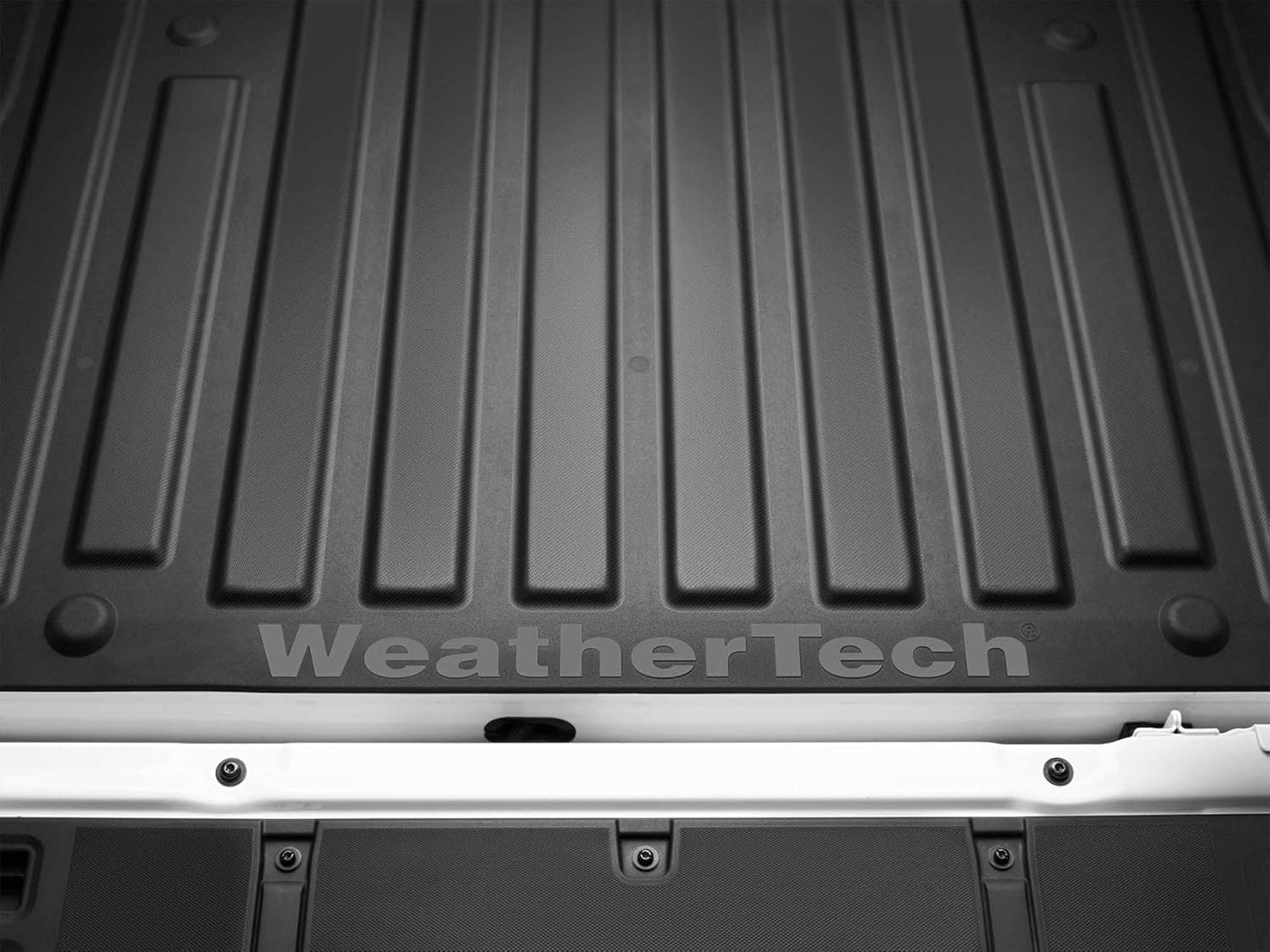
Image 4.1: The durable, easy-to-clean surface of the ImpactLiner.
5. Troubleshooting
Water Accumulation:
Some users have reported water accumulating in the ridges or along the raised edges of the liner, particularly near the tailgate. While the design promotes air circulation underneath, surface water drainage can be affected by the raised features.
- Solution: To facilitate drainage, consider periodically tilting the liner or using a squeegee to direct water towards the tailgate for removal. Ensure the truck bed itself is properly drained to prevent water from pooling beneath the liner.
6. Specifications
| Feature | Detail |
|---|---|
| Model Number | 36922IM |
| Material | Thermoplastic Elastomer (TPE) |
| Color | Black |
| Vehicle Service Type | 2022-2026 Ford Maverick, 2022-2026 Ford Maverick Hybrid Models |
| Auto Part Position | Rear (Truck Bed) |
| Fit Type | Vehicle Specific Fit |
| Included Components | Truck Bed Liner |
| UPC | 787765588256 |
7. Warranty Information
The WeatherTech ImpactLiner is backed by a Lifetime Limited Warranty. This warranty covers defects in materials and workmanship for the lifetime of the original purchaser and the vehicle in which it was installed. For full details and to register your product, please refer to the official WeatherTech website or contact customer support.
8. Support
For further assistance, product inquiries, or warranty claims, please contact WeatherTech customer support directly or visit their official website.
- Manufacturer: Weathertech
- Website: Visit the WeatherTech Store on Amazon

