
1. Introduction
Welcome to the user manual for your new Baseus 20000mAh Power Bank. This portable charger is designed to provide reliable and fast charging for a wide range of electronic devices, featuring built-in dual cables and a smart digital display. Please read this manual carefully to ensure proper use, optimal performance, and longevity of your device.
2. Product Overview
2.1 Key Features
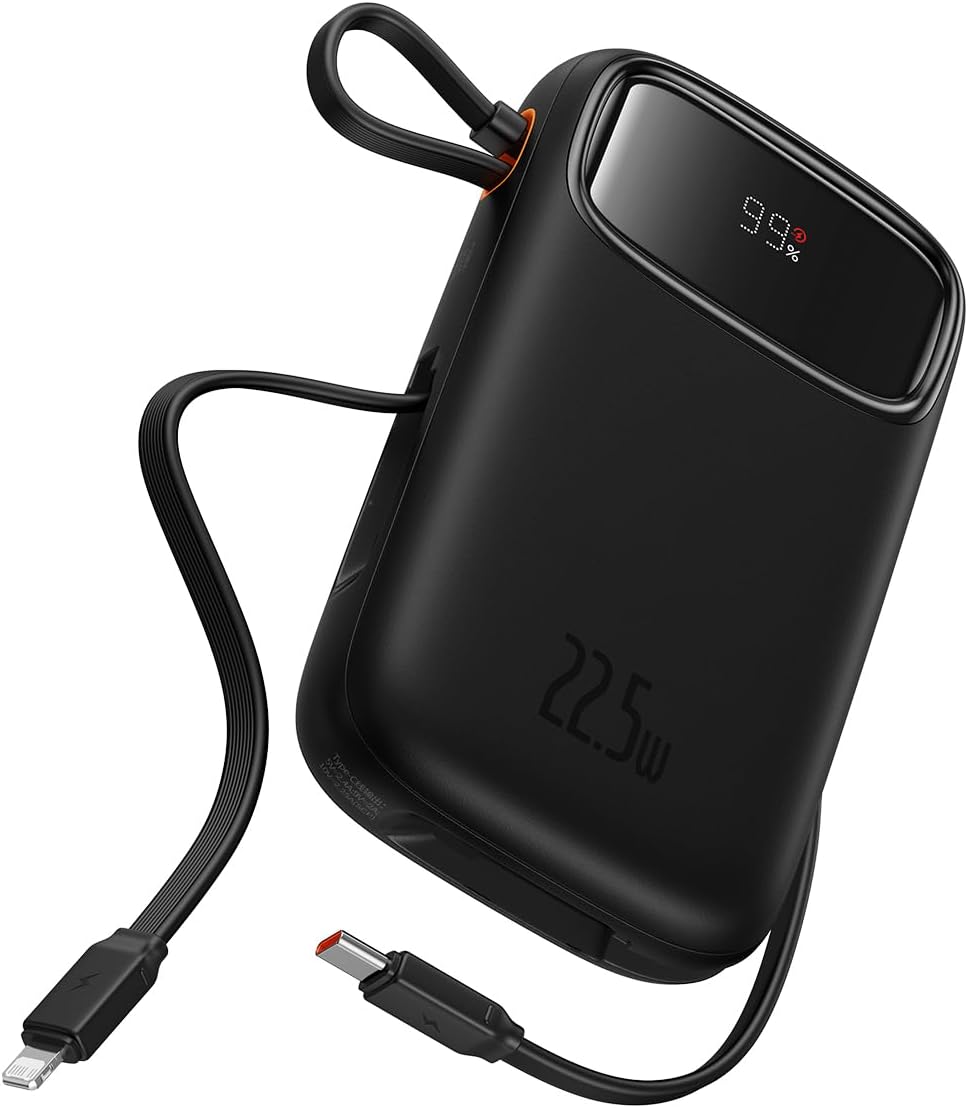
- Integrated Charging Technology: Built-in USB-C and Lightning cables for universal compatibility.
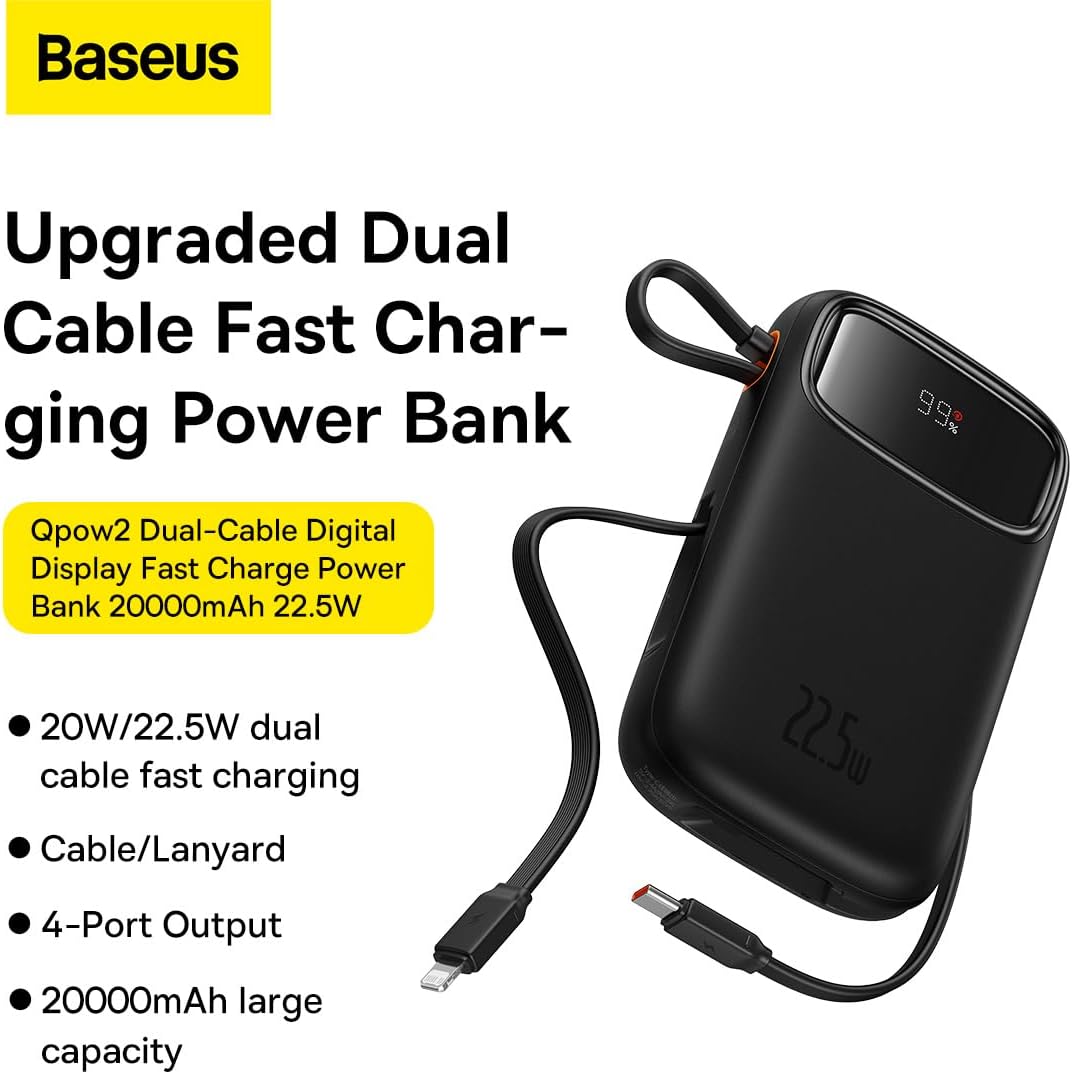
- 22.5W Fast Charging: Rapid power delivery for quick device charging.
- Multi-Device Support: Charge up to four devices simultaneously via built-in cables, USB-C port, and USB-A port.
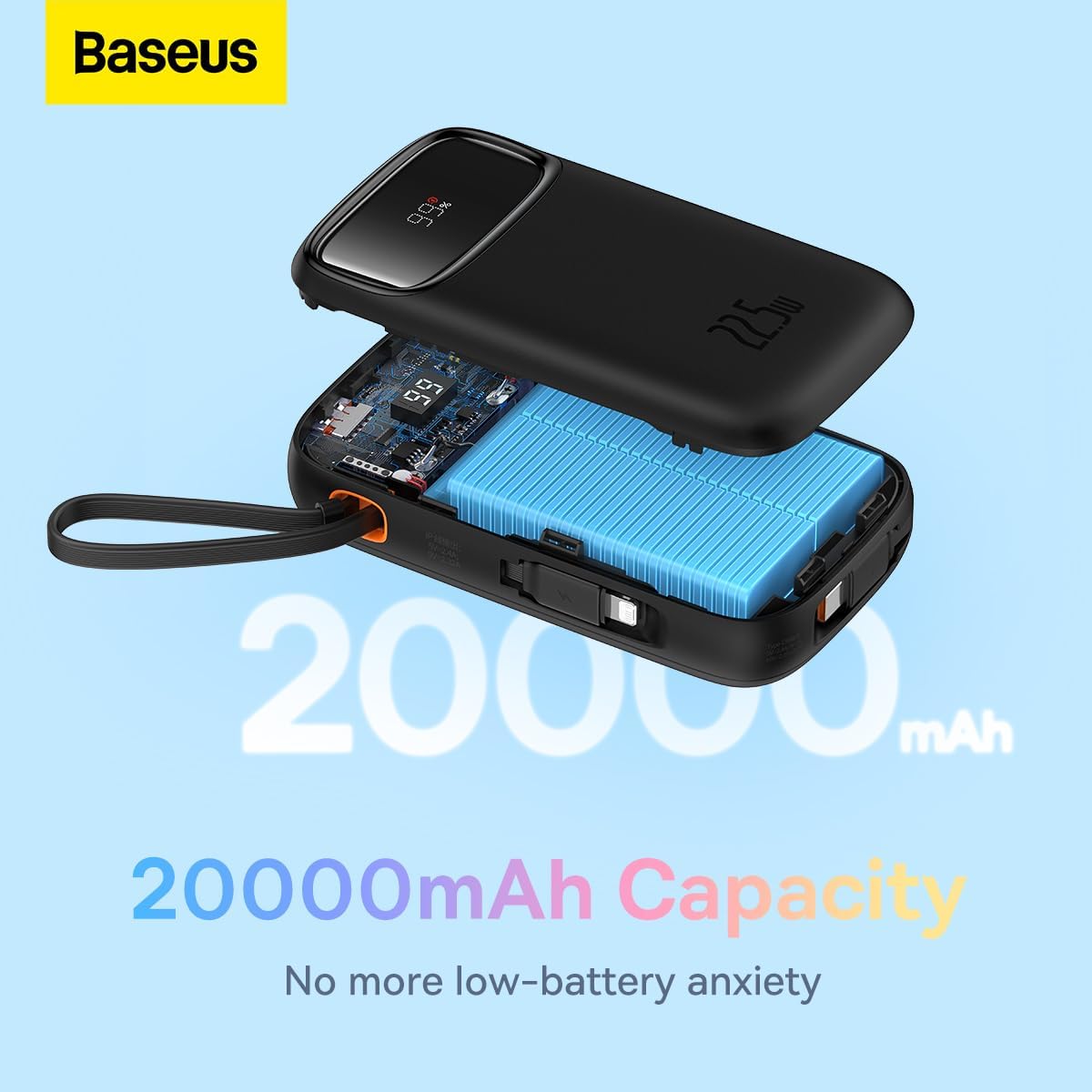
- 20000mAh High Capacity: Provides extended power for multiple charges.
- Smart Digital Display: Accurately shows remaining battery percentage.
- Travel-Ready Design: Lightweight and slim profile, airline approved.
2.2 Package Contents
- Baseus 20000mAh Power Bank (Qpow2)
- Built-in USB-C Charging Cable
- Built-in Lightning Charging Cable
- User Manual
2.3 Product Diagram

3. Setup
3.1 Initial Charging
Before first use, it is recommended to fully charge your Baseus Power Bank. Connect the power bank to a power adapter (not included) using a USB-C cable via its USB-C input port. The digital display will show the charging progress.
3.2 Checking Battery Level
The smart digital display on the power bank shows the current battery percentage. Simply press the power button once to activate the display and view the remaining charge.

4. Operating Instructions
4.1 Charging Devices
To charge your devices:
- Using Built-in Cables: Pull out the integrated USB-C or Lightning cable and connect it directly to your compatible device.
- Using USB-C/USB-A Ports: Connect your device's charging cable to the power bank's USB-C or USB-A output port.
- The power bank will automatically begin charging your device. The digital display will show the battery level of the power bank.

4.2 Low-Current Mode
For charging low-power devices such as smartwatches, Bluetooth earbuds, or fitness trackers, activate the low-current mode. Press and hold the power button for approximately 3 seconds until the display indicates low-current mode is active. This ensures safe and efficient charging for smaller devices.

5. Maintenance
- Cleaning: Wipe the power bank with a soft, dry cloth. Do not use harsh chemicals or abrasive materials.
- Storage: Store the power bank in a cool, dry place away from direct sunlight, extreme temperatures, and humidity.
- Battery Care: To prolong battery life, fully charge the power bank at least once every three months if not in regular use. Avoid completely draining the battery frequently.
- Avoid Drops: Do not drop or subject the power bank to strong impacts.
6. Troubleshooting
| Problem | Possible Cause | Solution |
|---|---|---|
| Power bank not charging | Charging cable or adapter faulty; power bank fully discharged; charging port obstructed. | Try a different USB-C cable and power adapter. Ensure the charging port is clean and free of debris. Allow a few minutes for the power bank to respond if fully discharged. |
| Device not charging from power bank | Device cable faulty; power bank battery low; incorrect port used; device not compatible. | Ensure the power bank is charged. Try a different charging cable for your device. Verify the device is compatible with the power bank's output specifications. |
| Slow charging | Cable quality; device charging input limit; multiple devices charging simultaneously. | Use high-quality cables. Note that some devices may not support fast charging. Charging multiple devices simultaneously may reduce individual charging speeds. |
| Digital display not working | Power button not pressed; device malfunction. | Press the power button once to activate the display. If the issue persists, contact customer support. |
7. Specifications
| Feature | Detail |
|---|---|
| Brand | Baseus |
| Model Number | P10055002113-00 |
| Battery Capacity | 20000 Milliamp Hours (mAh) |
| Output Power | Up to 22.5W PD |
| Input Voltage | 20 Volts (Max) |
| Battery Cell Composition | Lithium Polymer |
| Color | Black |
| Item Weight | 500 g |
| Product Dimensions | 30 x 15 x 25 cm |
8. Warranty and Support
This Baseus Power Bank comes with an 18-month warranty from the date of purchase. This warranty covers manufacturing defects and issues arising from normal use. It does not cover damage caused by misuse, accidents, unauthorized modifications, or natural disasters.
For warranty claims, technical support, or any inquiries regarding your product, please contact Baseus customer service through the official Baseus website or your point of purchase. Please have your proof of purchase ready when contacting support.
You can also visit the official Baseus Store for more information and product updates: Baseus Official Store


