Introduction to Session: Skate Sim
Session: Skate Sim offers an authentic skateboarding experience inspired by the 1990s golden age of street skating. This game focuses on realistic controls and creative expression rather than a scoring system. Players can immerse themselves in the culture, explore iconic skate spots, and capture their best moments through an in-game film mode.

Figure 1: Session: Skate Sim game cover art for Xbox Series X / One.
1. Setup and Installation
This section provides instructions for installing and preparing Session: Skate Sim on your Xbox console.
1.1 System Requirements
Session: Skate Sim is designed for the following Xbox console models:
- Microsoft Xbox One
- Microsoft Xbox One S
- Microsoft Xbox One X
- Microsoft Xbox Series S
- Microsoft Xbox Series X
Ensure your console's system software is up to date for optimal performance.
1.2 Game Installation
- Insert the Game Disc: If you have a physical copy (CD-ROM), insert the Session: Skate Sim game disc into your Xbox console's disc drive. The installation process should begin automatically.
- Digital Download: If you purchased the digital version, navigate to your Xbox library or the Microsoft Store, locate Session: Skate Sim, and select "Install".
- Follow On-Screen Prompts: The console will guide you through the installation process, including any necessary updates or additional content downloads. An internet connection may be required for initial setup and updates.
- Launch the Game: Once installation is complete, you can launch Session: Skate Sim from your game library.
Note: The game is specifically developed for Xbox consoles. While some games may have PC versions, this particular product is for the specified Xbox platforms.
2. Operating the Game
Session: Skate Sim emphasizes realistic controls and creative freedom. This section details the core gameplay mechanics and features.
2.1 Dual Stick Controls
The game utilizes an authentic dual stick control scheme, where each analog stick controls a specific foot of your skater. This allows for precise and realistic trick execution. Mastering these controls is key to performing complex maneuvers.
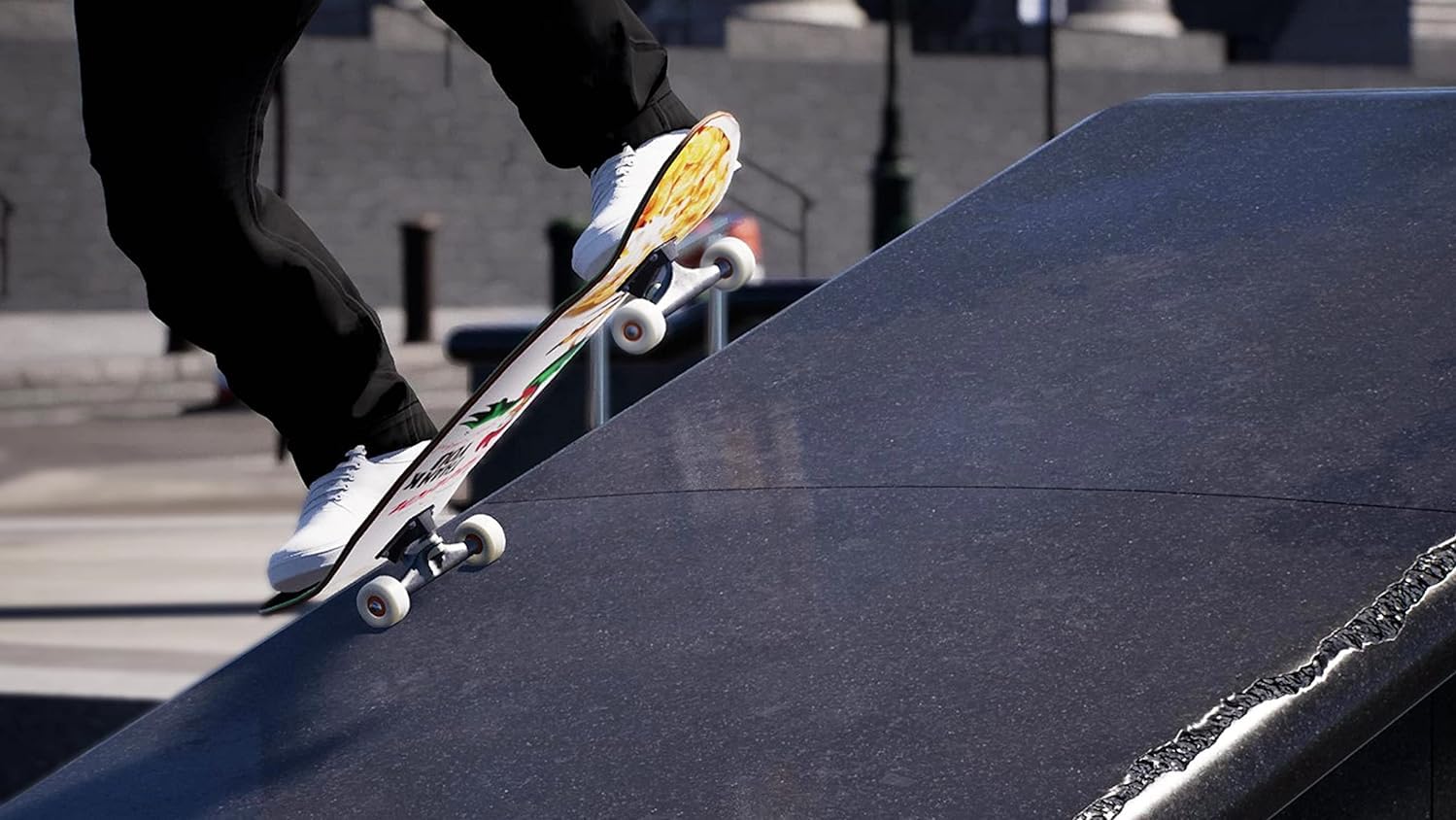
Figure 2: Precise foot placement on the skateboard is crucial for executing tricks using the dual stick controls.
2.2 Film Mode
Session: Skate Sim allows you to become a filmmaker. Switch to film mode at any time to capture your best moves from various camera angles. This feature enables you to create and edit epic clips of your skateboarding sessions.
2.3 Customization
Personalize your skater and skateboard extensively. Earn in-game currency through challenges to unlock a wide array of customization options:
- Apparel & Gear: Access nearly 200 items from top skate brands.
- Skateboard Parts: Choose from over 250 skateboard parts, including decks, trucks, wheels, and bearings. Your chosen setup directly impacts how your skater performs and feels.
2.4 Exploring Iconic Skate Spots
The game features meticulously recreated iconic skate spots, allowing you to immerse yourself in authentic skateboarding environments. Explore and master locations such as Black Hubbas and Brooklyn Banks.

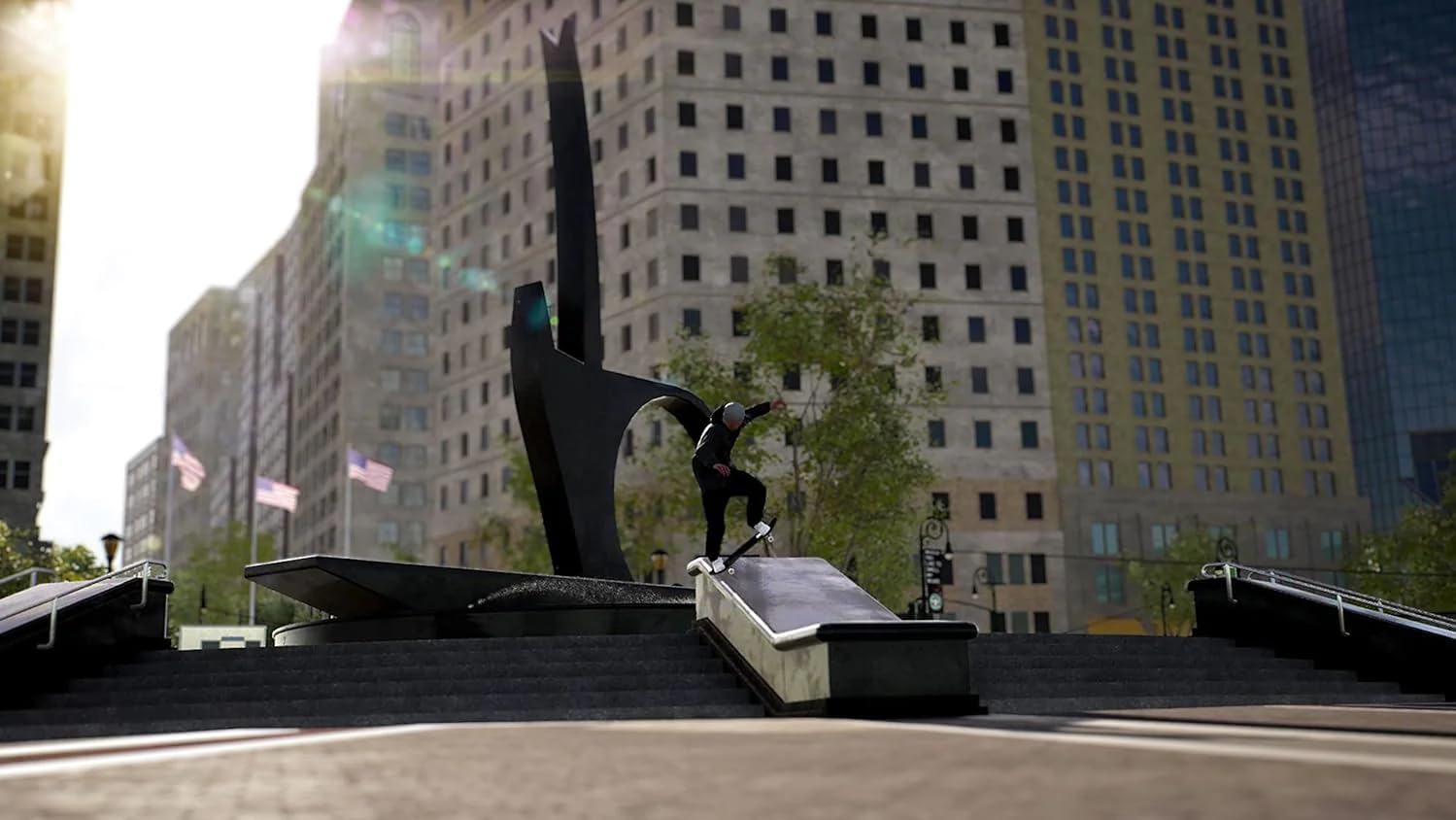
Figure 3: Skaters can explore and perform tricks in various detailed environments, including skate parks and urban plazas.
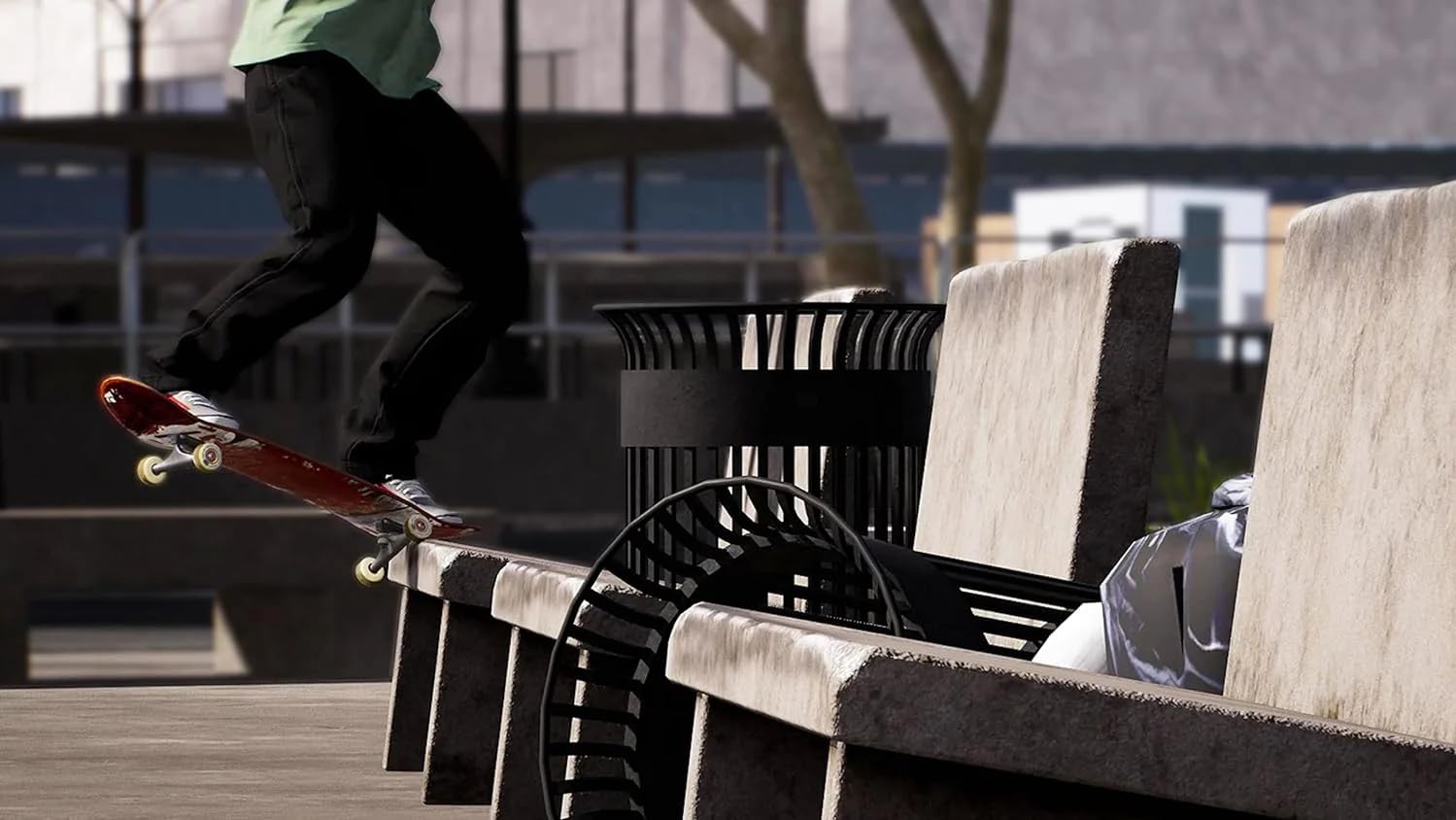

Figure 4: Gameplay examples showing a skater grinding a bench and performing an ollie down stairs.
3. Maintenance
This section covers general maintenance practices for your game to ensure smooth operation and access to the latest features.
3.1 Game Updates
To ensure you have the best experience and access to the latest content, bug fixes, and performance improvements, regularly check for game updates. Your Xbox console is typically configured to download updates automatically when connected to the internet. If not, you can manually check for updates via the game's options menu on your Xbox dashboard.
3.2 Saving Game Progress
Session: Skate Sim typically utilizes an auto-save feature, ensuring your progress is saved periodically. It is always recommended to allow the game to complete its auto-save process before turning off your console or exiting the game to prevent data loss.
4. Troubleshooting
This section provides solutions to common issues you might encounter while playing Session: Skate Sim.
4.1 Game Not Launching or Crashing
- Restart Console: Perform a full power cycle of your Xbox console.
- Check for Updates: Ensure both the game and your console's system software are fully updated.
- Reinstall Game: If issues persist, try uninstalling and then reinstalling the game.
- Disk Condition (Physical Copy): If using a physical disc, inspect it for scratches or damage. Clean the disc gently if necessary.
4.2 Control Issues
- Controller Connection: Ensure your Xbox controller is properly connected and charged.
- Controller Functionality: Test your controller with other games or the Xbox dashboard to confirm it is functioning correctly.
- In-Game Settings: Check the game's control settings to ensure they are configured as expected.
4.3 Misconception: Game for Desktop vs. Xbox
It is important to note that this specific product, "Session: Skate Sim - For Xbox Series X / One," is designed exclusively for Microsoft Xbox consoles (Xbox One, Xbox One S, Xbox One X, Xbox Series S, Xbox Series X). While a PC version of the game may exist, this manual and product are for the Xbox platform. Controls and gameplay are optimized for the Xbox controller and console environment.


