
Nectar slimbadjustable-s:twinxl
Nectar Premier Adjustable Base User Manual
Brand: Nectar
Model: slimbadjustable-s:twinxl
Introduction
The Nectar Premier Adjustable Base is designed to enhance your sleep experience with customizable comfort and advanced features. This adjustable bed frame is ideal for individuals seeking relief from mobility issues, sleep apnea, heartburn, acid reflux, or poor circulation, by allowing for elevated head and foot positions. It features programmable memory settings, soothing massage options, and convenient USB charging ports.
This manual provides comprehensive instructions for setting up, operating, and maintaining your Nectar Premier Adjustable Base to ensure optimal performance and longevity.
Setup and Assembly
The Nectar Premier Adjustable Base is designed for easy, tool-free assembly. All necessary components, including batteries for the remote, are included.
Unpacking and Preparation
- Carefully remove all components from the packaging. Ensure all parts are present before beginning assembly.
- Place the base frame in the desired location. The Zero Clearance design allows it to be used on an existing platform frame or directly on the floor.
Attaching the Legs
Screw the legs into the designated holes on the underside of the base. Ensure they are securely tightened. The legs may come in multiple heights; choose the desired height for your bed.
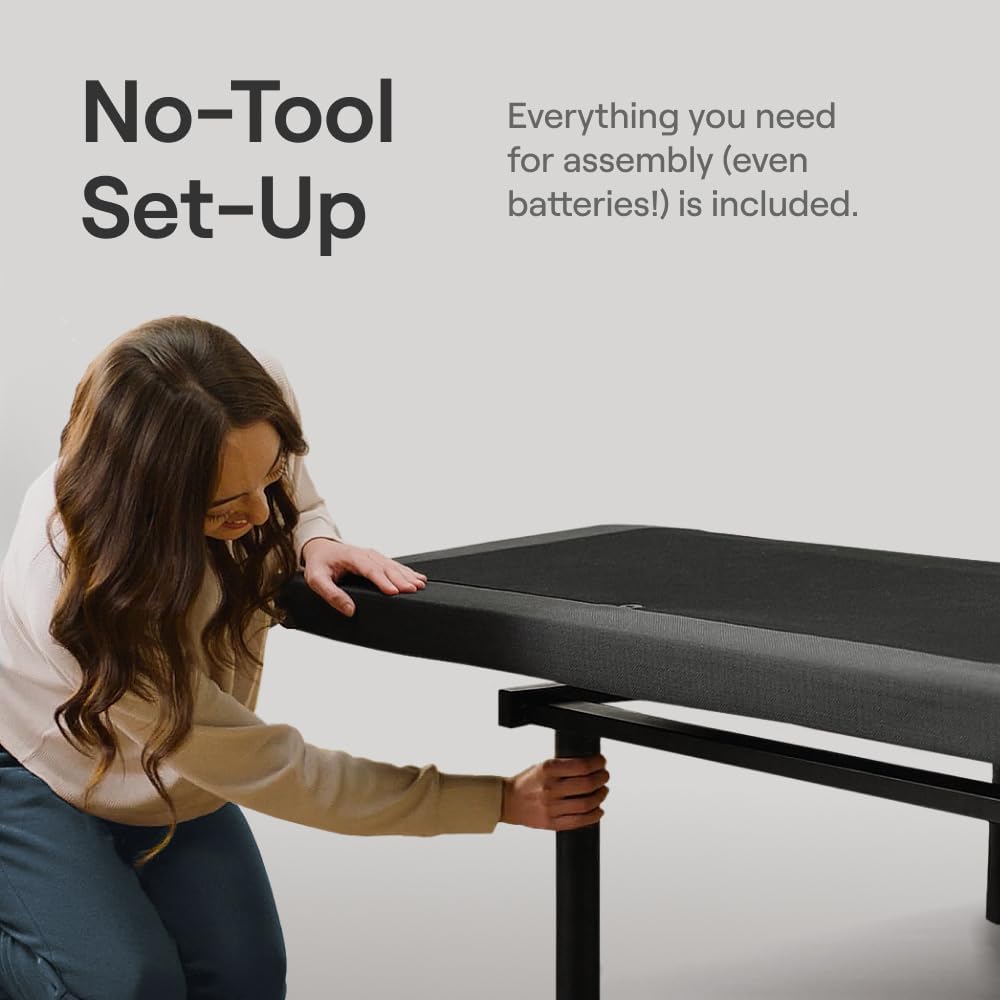
Figure 1: Attaching the legs to the adjustable base. No tools are required for this step.
Connecting Power and Accessories
- Locate the power cord and plug it into a grounded electrical outlet.
- Connect any additional accessories, such as the mattress retainer bar, to the base as instructed.

Figure 2: The adjustable base fully assembled with a mattress, demonstrating head and foot elevation.
Split King Configuration (if applicable)
For a Split King setup, two Twin XL bases are used side-by-side. Each base operates independently, allowing for personalized comfort for each sleeper.
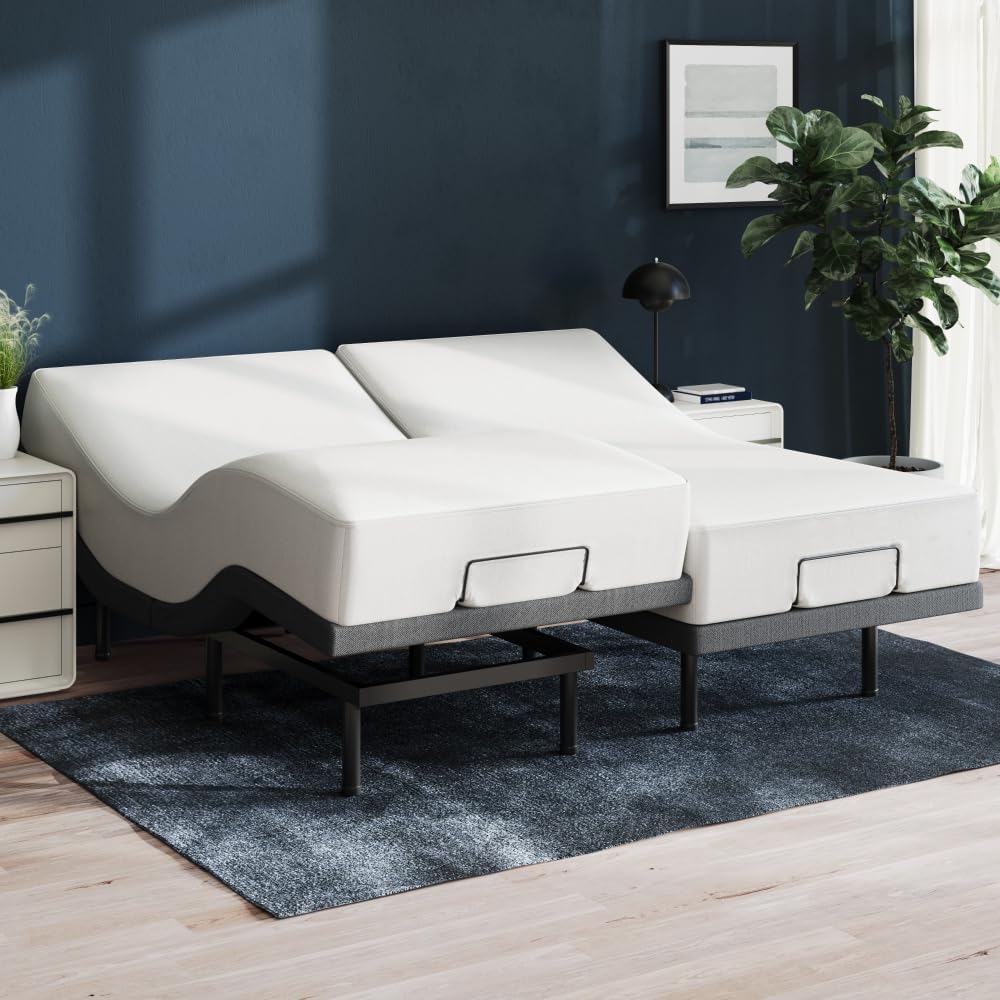
Figure 3: A Split King configuration using two Twin XL adjustable bases.
Operating Instructions
Your Nectar Premier Adjustable Base can be controlled using the included wireless remote or via a Bluetooth-enabled app.
Wireless Remote Control
The wireless remote provides intuitive control over all base functions. Insert the included AAA batteries into the remote before first use.
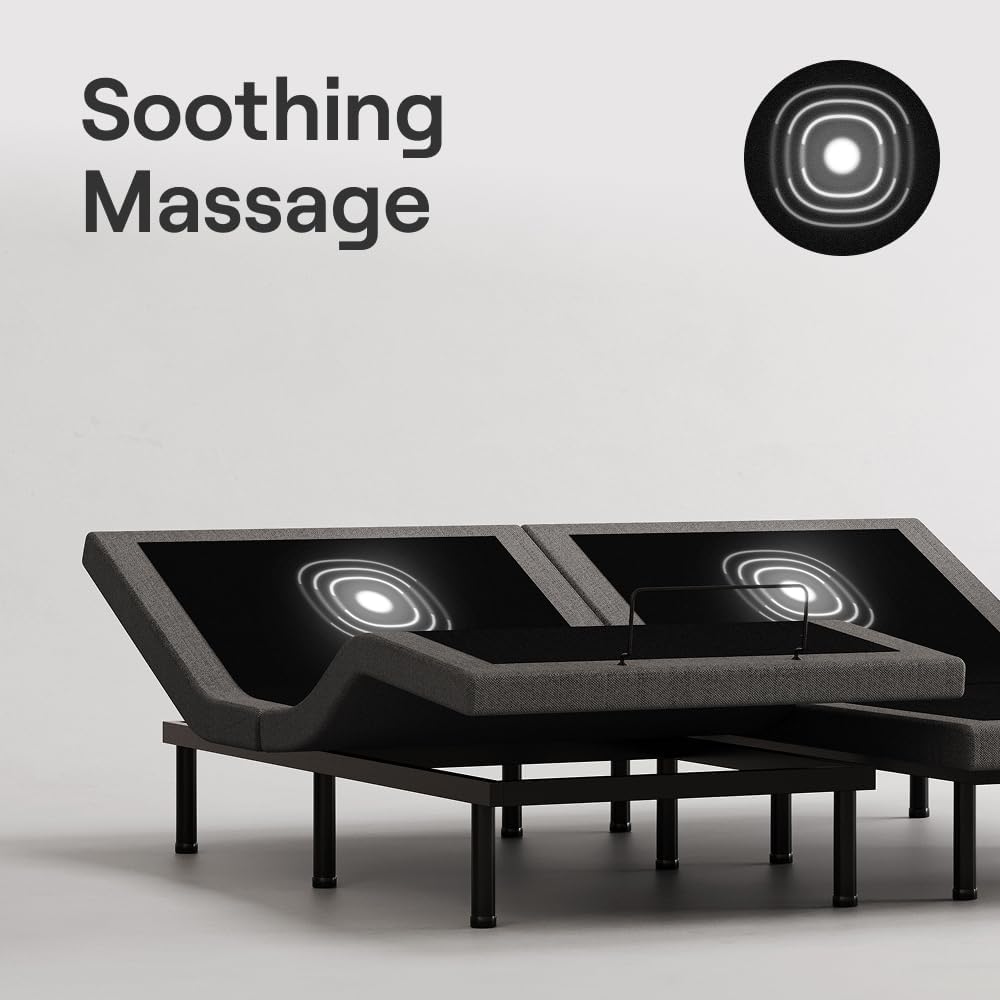
Figure 4: The wireless remote control for the adjustable base.
Key Remote Functions:
- Head Up/Down: Adjusts the head section elevation.
- Foot Up/Down: Adjusts the foot section elevation.
- Zero Gravity (ZG): Elevates both head and feet to a position that mimics weightlessness, reducing pressure on the body.
- Anti-Snore: Elevates the head slightly to help open airways and reduce snoring.
- Massage: Activates the massage function with three intensity levels. Press repeatedly to cycle through intensities or turn off.
- Memory Presets (M1, M2): Save your favorite positions for quick recall. To save a position, adjust the bed to your desired setting, then press and hold the desired memory button until the remote light flashes.
- Flat: Returns the bed to a flat position.
- Under-Bed Lighting: Activates the integrated LED lighting for visibility in the dark.
Bluetooth App Control
Download the Nectar Adjustable Bed Frame app from your device's app store. Follow the in-app instructions to pair your device with the adjustable base via Bluetooth. The app offers similar control functions to the wireless remote, providing an alternative control method.
USB Charging Ports
The base includes 4 built-in USB ports (2 per side by the head) for convenient charging of your electronic devices.

Figure 5: Integrated USB charging ports for convenience.
Maintenance
Regular maintenance ensures the longevity and optimal performance of your Nectar Premier Adjustable Base.
Cleaning
- Wipe the frame with a damp cloth to remove dust and debris. Avoid using harsh chemicals or abrasive cleaners.
- For fabric surfaces, use a mild fabric cleaner or vacuum with an upholstery attachment.
Motor and Mechanism Care
- Periodically inspect all moving parts and connections for any signs of wear or looseness. Tighten any loose screws or bolts.
- Keep the area under the bed clear of obstructions to allow for smooth operation of the motors and mechanisms.

Figure 6: Under-bed area, which should be kept clear for maintenance.
Troubleshooting
If you encounter any issues with your Nectar Premier Adjustable Base, refer to the following common troubleshooting steps:
| Problem | Possible Cause | Solution |
|---|---|---|
| Base does not respond to remote. | No power; remote batteries low/dead; remote not paired. | Check power connection. Replace remote batteries. Re-pair remote according to pairing instructions (refer to full manual if needed). |
| Motor makes noise but bed does not move. | Obstruction under the bed. | Remove any objects obstructing the movement of the base. |
| Massage function not working. | Power issue; motor malfunction. | Ensure power is connected. If problem persists, contact customer support. |
For more detailed troubleshooting or issues not listed here, please contact Nectar customer support.
Specifications
| Feature | Detail |
|---|---|
| Dimensions (L x W x H) | 80 x 39 x 16 inches (Twin XL) |
| Material | Metal, Fabric |
| Weight | 108.8 pounds |
| Maximum Load Capacity | 750 Pounds |
| Special Features | Adjustable Head and Foot Elevation, 4 USB Ports, Soothing Massage (3 intensity levels), Wireless Remote or App Control, Programmable Memory, Anti-Snore, Zero Gravity |
| Included Components | Adjustable Bed, Wireless Remote (2 AAA batteries included) |
| Manufacturer | Resident Home |
| UPC | 810100391621 |
Safety Warnings
Please read and adhere to the following safety warnings to prevent injury or damage to the product.
- Weight Limit: Do not exceed the maximum weight limit of 750 pounds. Exceeding this limit may cause damage to the base and void the warranty.
- Clearance: Ensure there are no obstructions under or around the bed frame when operating the adjustable features. Keep children and pets away from moving parts.
- Power Cord: Do not pinch or cut the power cord. If the power cord is damaged, discontinue use immediately and contact customer support.
- Liquids: Avoid spilling liquids on the electrical components of the base.
- Medical Devices: Consult your physician before using this product if you have a pacemaker or other implanted medical device, as the massage function may interfere with its operation.
Warranty and Support
For warranty information, product support, or to purchase replacement parts, please visit the official Nectar website or contact their customer service department. Details regarding specific warranty terms and conditions are typically provided with your purchase documentation.
Customer Support: Refer to your purchase receipt or the Nectar website for contact information.
Official Product Videos
Nectar Premier Adjustable Base Overview
This video provides a comprehensive overview of the Nectar Premier Adjustable Base, highlighting its key features such as adjustable head and foot elevation, massage functions, and smart technology integration. It demonstrates the product's versatility and ease of use.
Ask a question about this manual
Ask about setup, troubleshooting, compatibility, parts, safety, or missing instructions. Manuals+ will review the question and use this page’s manual context to help answer it.