
1. Introduction
This manual provides comprehensive instructions for the pTron PlayBuds 1 Pro TWS Earbuds. It covers product features, setup, operation, maintenance, and troubleshooting to ensure optimal performance and user experience. Please read this manual thoroughly before using the device.
Included Components:
- pTron PlayBuds 1 Pro TWS Earbuds
- Charging Case
- USB Type-C Charging Cable
- Eartips (various sizes)
- User Manual
2. Product Overview
The pTron PlayBuds 1 Pro are in-ear True Wireless Stereo (TWS) earbuds designed for both gaming and music. They feature Bluetooth 5.3 connectivity, low latency for gaming, Hybrid Environmental Noise Cancellation (ENC) for calls, and a long battery life.

Image: pTron PlayBuds 1 Pro TWS Earbuds and their charging case. The earbuds are black with red accents, and the case is also black with a red LED strip.
Key Features:
- Bluetooth 5.3 for stable and efficient wireless connection.
- AptSense 35ms Ultra-Low Latency for gaming.
- Quad HD Microphones with TruTalk Hybrid ENC for clear voice calls.
- Dynamic 13mm Drivers for high-fidelity stereo sound and punchy bass.
- Up to 50 hours of total playtime with the charging case.
- Dual EQ Modes: Game Mode and Music Mode.
- IPX5 Water-Resistant design.
- Precise Multi-function Touch Controls.
- Instant Access to Voice Assistant.
- Type-C Fast Charging.
3. Setup
3.1 Charging the Earbuds and Case
Before first use, ensure both the earbuds and the charging case are fully charged.
- Place the earbuds into the charging case. Ensure they are correctly seated in their respective slots.
- Connect the USB Type-C charging cable to the charging port on the case and the other end to a DC5V/1A power source.
- The LED indicator on the charging case will illuminate to show charging status.
- The earbuds typically take 1 hour to fully charge, while the charging case takes approximately 1.5 hours.

Image: The pTron PlayBuds 1 Pro earbuds are shown alongside their open charging case, illustrating the charging process and highlighting the 50 hours of total playtime.
3.2 Pairing with a Device
The earbuds utilize Bluetooth 5.3 for a stable and quick connection.
- Open the charging case. The earbuds will automatically power on and enter pairing mode.
- On your device (smartphone, tablet, etc.), enable Bluetooth and search for available devices.
- Select "pTron PlayBuds 1 Pro" from the list of found devices.
- Once connected, a voice prompt will confirm successful pairing. The earbuds will automatically reconnect to the last paired device when taken out of the case.

Image: A close-up view of the pTron PlayBuds 1 Pro earbuds, highlighting their design and in-ear fit.
4. Operating Instructions
4.1 Touch Controls
The earbuds feature precise multi-function touch controls. Specific functions may vary slightly based on the device and application.
- Play/Pause: Single tap on either earbud.
- Next Track: Double tap on the right earbud.
- Previous Track: Double tap on the left earbud.
- Answer/End Call: Single tap on either earbud during an incoming call.
- Reject Call: Press and hold either earbud for 2 seconds during an incoming call.
- Activate Voice Assistant: Triple tap on either earbud.
- Switch Modes (Game/Music): Press and hold the right earbud for 2 seconds.

Image: A visual summary of key features for the pTron PlayBuds 1 Pro, including 13mm drivers, 35ms low latency, Quad Mic Calling, Hybrid ENC, Game & Music mode, IPX5 rating, 50hrs battery, Bluetooth 5.3, and Touch control.
4.2 Dual EQ Modes (Game & Music)
The PlayBuds 1 Pro offer two distinct sound modes optimized for different uses:
- Game Mode: Provides AptSense 35ms ultra-low latency for synchronized audio and video, crucial for gaming.
- Music Mode: Delivers high-fidelity stereo sound with enhanced bass for an immersive audio experience.
Switch between modes by pressing and holding the right earbud for 2 seconds.

Image: An illustration depicting a person playing a game (Game Mode with 35ms Ultra Low-latency) and another person enjoying music (Music Mode with HiFi sound quality), demonstrating the dual EQ modes of the earbuds.
4.3 Call Functionality
The earbuds are equipped with Quad HD Microphones and TruTalk Hybrid Environmental Noise Cancellation (ENC) technology to ensure clear communication during calls, reducing ambient noise by up to 3 times.
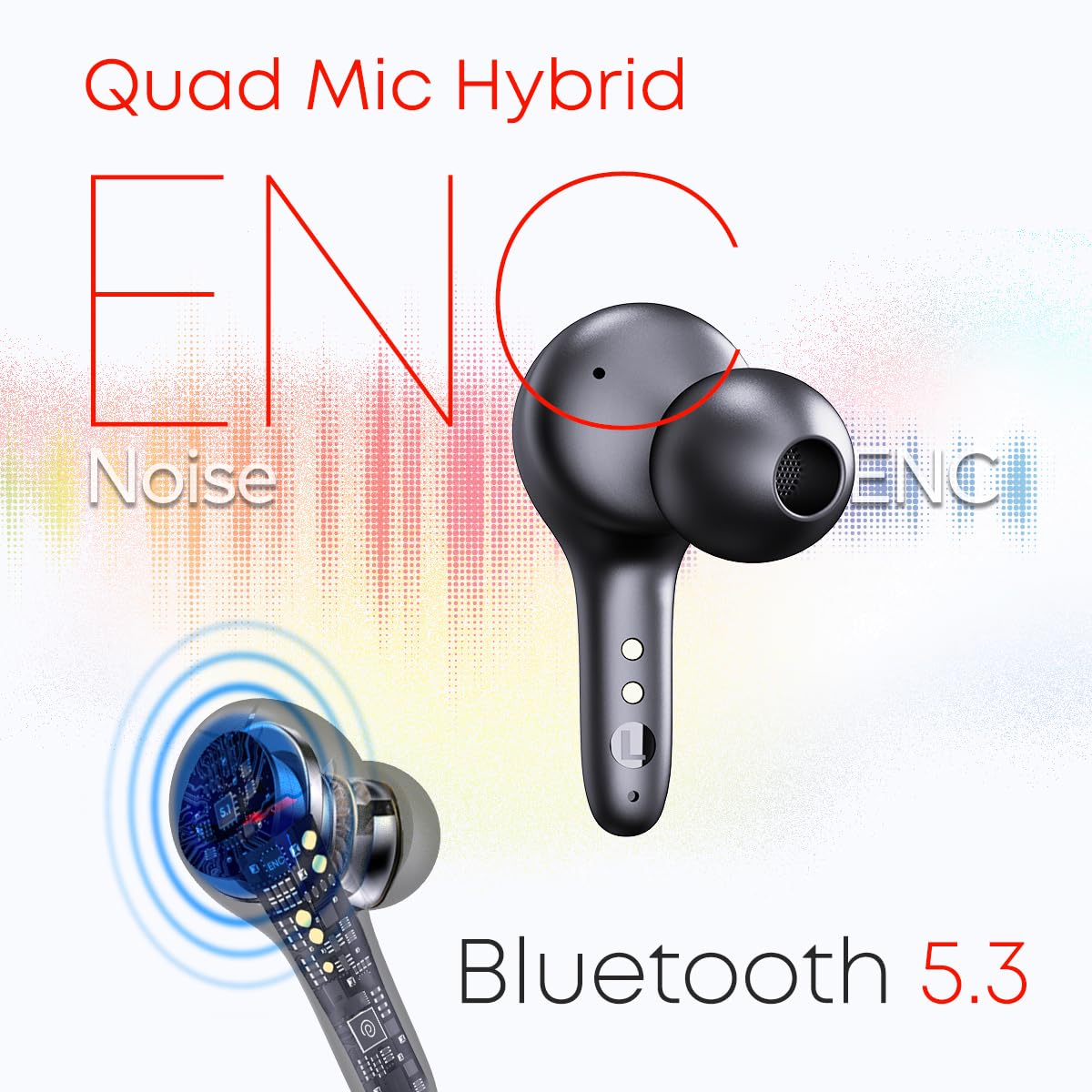
Image: A diagram illustrating the Quad Mic Hybrid ENC technology for noise reduction during calls and the Bluetooth 5.3 connectivity of the earbuds.
5. Maintenance
5.1 Cleaning
- Regularly clean the earbuds and charging case with a soft, dry, lint-free cloth.
- Do not use abrasive cleaners, solvents, or aerosol sprays.
- Gently clean the charging contacts on both the earbuds and the case to ensure proper charging.
5.2 Water Resistance
The pTron PlayBuds 1 Pro are IPX5 water-resistant, meaning they can withstand splashes of water and sweat. They are not designed for submersion in water. Avoid exposing them to heavy rain or showering.
5.3 Storage
When not in use, store the earbuds in their charging case to protect them from dust, damage, and to keep them charged.
6. Troubleshooting
If you encounter any issues with your pTron PlayBuds 1 Pro, please refer to the following common solutions:
- Earbuds not pairing: Ensure both earbuds are charged. Turn off and on your device's Bluetooth. Try resetting the earbuds by placing them in the case, closing it, and then reopening.
- No sound from one earbud: Check if both earbuds are charged. Try re-pairing the earbuds with your device.
- Charging issues: Ensure the charging cable is securely connected to both the case and the power source. Clean the charging contacts on the earbuds and inside the case.
- Low volume: Adjust the volume on both your connected device and through the earbud controls.
- Connection instability: Ensure you are within the 10-meter Bluetooth range and there are no significant obstructions between the earbuds and your device.
If the problem persists, please contact customer support for further assistance.
7. Specifications
| Model Name | PlayBuds |
| Item Model Number | PlayBuds-cr |
| Connectivity Technology | Wireless (Bluetooth 5.3) |
| Audio Latency | 35 Milliseconds (Game Mode) |
| Audio Driver Size | 13 Millimetres Dynamic Driver |
| Microphone Type | Quad HD Mic with TruTalk Hybrid ENC |
| Total Playtime | Up to 50 Hours (with charging case) |
| Charging Port | USB Type-C |
| Water Resistance Level | IPX5 Water Resistant |
| Control Method | Touch, Voice |
| Material | Acrylonitrile Butadiene Styrene (ABS) |
| Item Weight | 52 Grams |
| Product Dimensions | 6 x 5.5 x 2.5 cm |
| UPC | 786513776693 |
8. Warranty and Support
8.1 Warranty Information
This product is backed by a minimum six-month seller warranty. Please retain your proof of purchase for warranty claims. The warranty covers manufacturing defects and malfunctions under normal use conditions.
8.2 Customer Support
For any further assistance, technical support, or warranty inquiries, please contact the seller or pTron customer service through their official channels. Refer to the packaging or official pTron website for contact details.


