
Introduction
Thank you for choosing the litokam 2.5K 4MP QHD Outdoor PTZ Security Camera. This manual provides detailed instructions for setting up, operating, and maintaining your camera to ensure optimal performance and security for your home. This camera features 2.5K 4MP QHD resolution, 360° pan/tilt monitoring, AI motion detection, color night vision, and two-way audio communication.
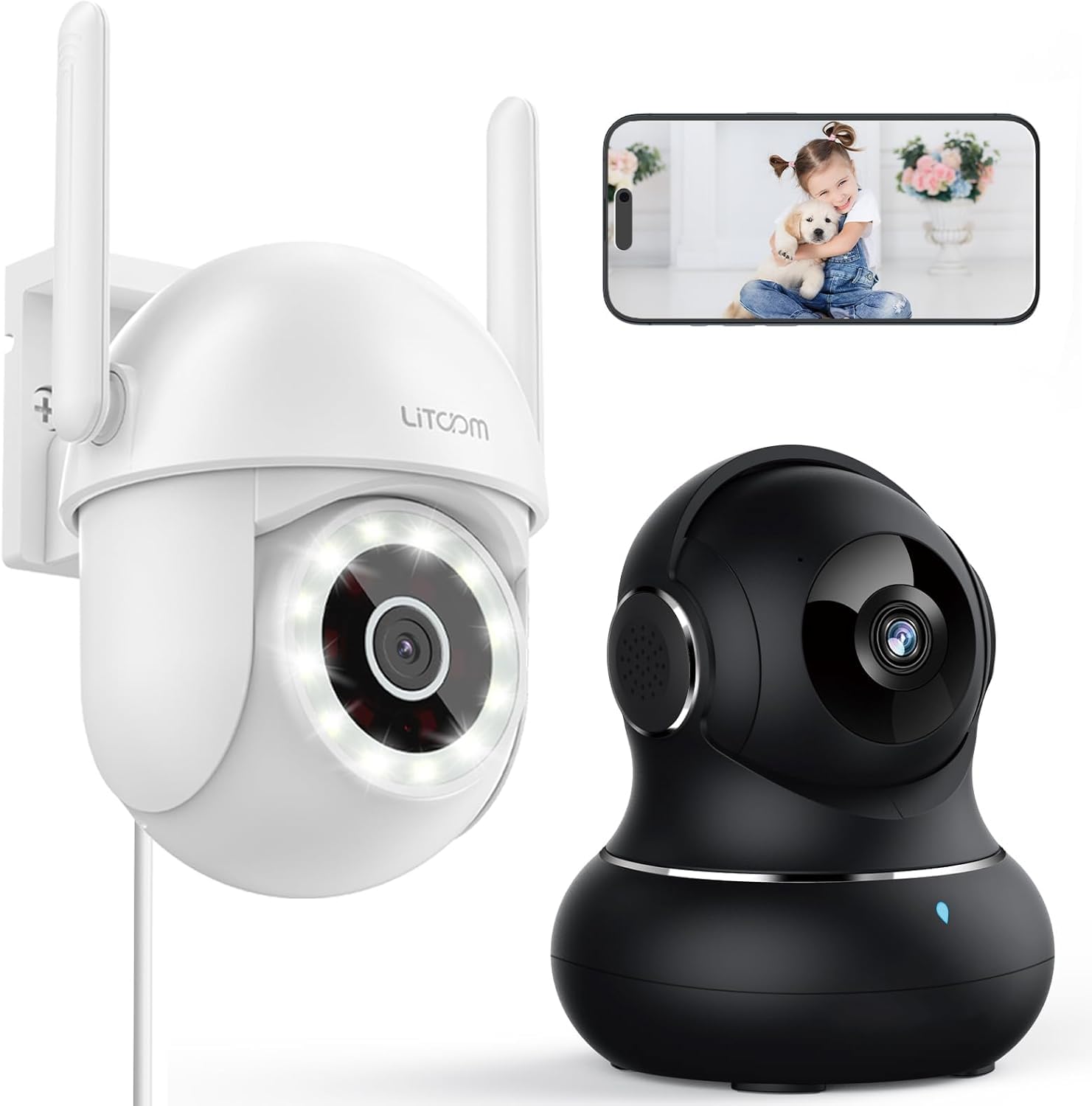
Image: Overview of the litokam 2.5K 4MP QHD Outdoor PTZ Security Camera.
Setup Guide
1. Package Contents
Before installation, please ensure all components are present:
- litokam 2.5K 4MP QHD Outdoor PTZ Security Camera
- Power Adapter
- Mounting Screws and Anchors
- User Manual (this document)
2. Powering the Camera
The camera requires a direct power supply. Connect the provided power adapter to the camera's power input port and then plug it into a standard electrical outlet. Ensure the power source is stable.
3. Mounting the Camera
The camera is designed for wall mounting. Choose a suitable location that provides the desired viewing angle and is within range of your 2.4GHz Wi-Fi network. Use the included screws and anchors to securely mount the camera.
- Mark the drilling points on the wall using the camera's base as a template.
- Drill holes at the marked points.
- Insert the plastic anchors into the drilled holes.
- Align the camera base with the holes and secure it with the screws.
4. App Installation and Wi-Fi Connection
To operate the camera, you need to download the litokam app on your smartphone (compatible with Android and iOS). The camera only works with 2.4GHz Wi-Fi networks.
- Download the litokam app from your device's app store.
- Register or log in to your account.
- Follow the in-app instructions to add your new camera. This typically involves scanning a QR code on the camera or manually selecting the device type and entering Wi-Fi credentials.
- Ensure your phone is connected to a 2.4GHz Wi-Fi network during the setup process.
Operating Instructions
1. Live View and Pan/Tilt Control
Access the live video feed through the litokam app. The camera offers 360° pan and tilt functionality, allowing you to remotely adjust the viewing angle. Use the on-screen controls in the app to pan horizontally and tilt vertically.

Image: Remote Pan/Tilt/Zoom (PTZ) control via the mobile application, showing 360° horizontal viewing angle and 3X digital zoom.
The camera also supports 3X digital zoom to view details more closely within the live feed.
2. AI Motion Detection and Alerts
The camera features PIR motion detection and advanced AI analytics to accurately identify and differentiate between people and vehicles, significantly reducing false alarms. When motion is detected, real-time alerts are sent to your phone.

Image: AI analysis detecting a vehicle in the surveillance area, reducing false alarms.

Image: The camera detecting motion, with options for real-time alerts and app notifications.
You can customize alert settings, including siren activation and flashing white light, to deter unwanted visitors.
3. Two-Way Audio Communication
With a built-in microphone and speaker, the camera enables two-way audio. Use the app to speak with visitors, family members, or pets directly through the camera, or to warn intruders.

Image: Demonstrating two-way audio, allowing communication with a person at the door.
4. Night Vision Modes
The camera offers three night vision options for clear monitoring up to 33 feet in low-light conditions:
- Infrared Mode: Standard black and white night vision using infrared LEDs.
- Full-Color Mode: Utilizes the built-in LED spotlight to provide full-color video even at night.
- Smart Mode: Automatically switches between infrared and full-color mode based on detected motion or light conditions.

Image: Comparison of standard night vision (left) and full-color night vision (right) with LED spotlight activated.

Image: Visual representation of 4MP HD resolution for clearer images, comparing it to lower resolution.
5. Multi-User Sharing
The litokam app allows you to share camera access with multiple users, such as family members. This enables several people to view the live feed and receive alerts simultaneously.

Image: The litokam app interface showing multi-user access and sharing capabilities across different devices (Android, iOS, Tablet, PC Software).
Maintenance
1. Cleaning the Camera
To ensure clear image quality, periodically clean the camera lens and housing. Use a soft, damp cloth to wipe away dust and dirt. Avoid using harsh chemicals or abrasive materials that could damage the lens or finish.
2. Firmware Updates
Keep your camera's firmware updated to benefit from the latest features and security enhancements. Check for available updates within the litokam app and follow the on-screen instructions to install them.
3. Weather Resistance
The camera has an IP65 rating, indicating it is protected against dust and water jets. This allows for efficient, all-weather operation, withstanding rain, snow, and harsh conditions. No special weather-related maintenance is typically required beyond ensuring the power connection remains secure and protected.
Troubleshooting
If you encounter issues with your litokam security camera, refer to the following common solutions:
- Camera Offline:
- Ensure the camera is properly powered and the power adapter is securely connected.
- Verify your Wi-Fi router is working and the camera is within range of a 2.4GHz Wi-Fi signal.
- Restart the camera by unplugging and re-plugging the power adapter.
- Check the litokam app for any network status indicators or troubleshooting guides.
- Cannot Connect to Wi-Fi:
- Confirm your Wi-Fi network is 2.4GHz. The camera does not support 5GHz Wi-Fi.
- Ensure you are entering the correct Wi-Fi password.
- Move the camera closer to your Wi-Fi router during the setup process.
- Reset the camera (refer to the app for specific reset instructions, usually a small button).
- Poor Image Quality:
- Clean the camera lens with a soft cloth.
- Ensure there are no obstructions in front of the lens.
- Check your internet connection speed; a slow connection can affect streaming quality.
- Motion Detection Not Working:
- Verify motion detection settings are enabled in the litokam app.
- Adjust sensitivity levels if necessary.
- Ensure the camera's view is not obstructed.
For further assistance, please contact litokam customer support or refer to the FAQ section within the litokam app.
Specifications
| Feature | Detail |
|---|---|
| Model | 2.5K 4MP QHD Outdoor PTZ Security Camera |
| Video Capture Resolution | 2.5K, 4 MP (2560*1440) |
| Digital Zoom | 3X |
| Pan/Tilt Coverage | 360° |
| Connectivity Protocol | Wi-Fi (2.4GHz only) |
| Power Source | Wired (Direct Power Supply) |
| Motion Detection | PIR Motion Detection, Advanced AI Analytics (Person/Vehicle Differentiation) |
| Night Vision | Full-Color, Infrared, Smart Mode (up to 33ft visible range) |
| Audio | Two-Way Audio (Built-in Microphone & Speaker) |
| Weather Resistance | IP65 Rated |
| Compatible Devices | Smartphone (Android, iOS), PC Software |
| Mounting Type | Wall Mount |
| ASIN | B0CX91MDJ4 |
Warranty and Support
Warranty Information
For detailed warranty information, please refer to the warranty card included with your product or visit the official litokam website. Warranty terms and conditions may vary by region and purchase date.
Customer Support
If you require technical assistance, have questions about your product, or need to report an issue, please contact litokam customer support. You can typically find contact information (email, phone, or support portal) on the official litokam website or within the litokam mobile application.
Please have your product model and ASIN (B0CX91MDJ4) ready when contacting support for faster service.