
1. Product Overview
The Zyerch M01 3-in-1 Wireless Lavalier Microphone System is designed to provide high-quality audio recording for various devices. This system includes two wireless transmitters (microphones) and one universal receiver, offering broad compatibility and ease of use for content creators, interviewers, and anyone needing clear audio capture.

Image 1.1: Overview of the Zyerch M01 Wireless Lavalier Microphone System components, including two transmitters and one receiver.

Image 1.2: The Zyerch M01 system showcasing its versatility with different recording scenarios and devices.
2. Setup Guide
2.1 Package Contents
- 2 x Transmitter (Microphone) with Back Clip
- 1 x Universal Receiver (for iPhone, iPad, Android, Camera)
- 1 x USB A to Type C Charging Cable
- 1 x User Manual
2.2 Initial Charging
Before first use, ensure both the receiver and microphone transmitters are fully charged. Use the provided USB A to Type C charging cable. The charging power is 5V/1A, and a full charge typically takes about 2 hours, providing over 7 hours of battery life.
2.3 Connecting to Your Device
The Zyerch M01 system features a 3-in-1 universal receiver for broad compatibility:
- For iPhone/iPad: Connect the Lightning plug of the receiver directly into your iPhone or iPad.
- For Android Smartphones/Tablets: Connect the USB-C plug of the receiver directly into your Android device.
- For Cameras: Plug the 3.5mm TRRS plug of the receiver directly into your camera's microphone port. Note that some cameras may require a TRS input; this receiver is designed for TRRS compatible camera inputs.
- For Windows Desktop PC/Laptop/MacBook/iMac: Use the USB adapter (not explicitly listed as included, but mentioned in A+ content description for PC connection) to connect the USB-C plug of the receiver, then connect the receiver with the USB plug to your computer.

Image 2.1: The universal receiver with its three connector types: Lightning, USB-C, and 3.5mm TRRS.

Image 2.2: The receiver connected to an iPhone, demonstrating iOS device compatibility.

Image 2.3: The receiver connected to an Android phone, demonstrating Android device compatibility.

Image 2.4: The receiver connected to a camera, demonstrating camera compatibility.
2.4 Automatic Pairing
After plugging the receiver into your device:
- Short press the power button on the transmitter (microphone) for 1 second to turn it on. The indicator light will flash red and green.
- Short press the power button on the receiver for 1 second to turn it on. The receiver will flash green and automatically enter pairing mode.
- Upon successful pairing, the blue indicator lights on both the transmitter and receiver will remain solid.

Image 2.5: Visual guide for the plug-and-play automatic connection process.

Image 2.6: The system supports connecting two microphones to one receiver simultaneously.
3. Operating Instructions
3.1 Noise Reduction
The Zyerch M01 microphones are equipped with professional-grade smart noise reduction chips and high-density anti-spray sponges. This technology helps to minimize ambient noise interference, ensuring clear audio quality regardless of the recording environment. The omnidirectional microphone captures sound from all directions effectively.
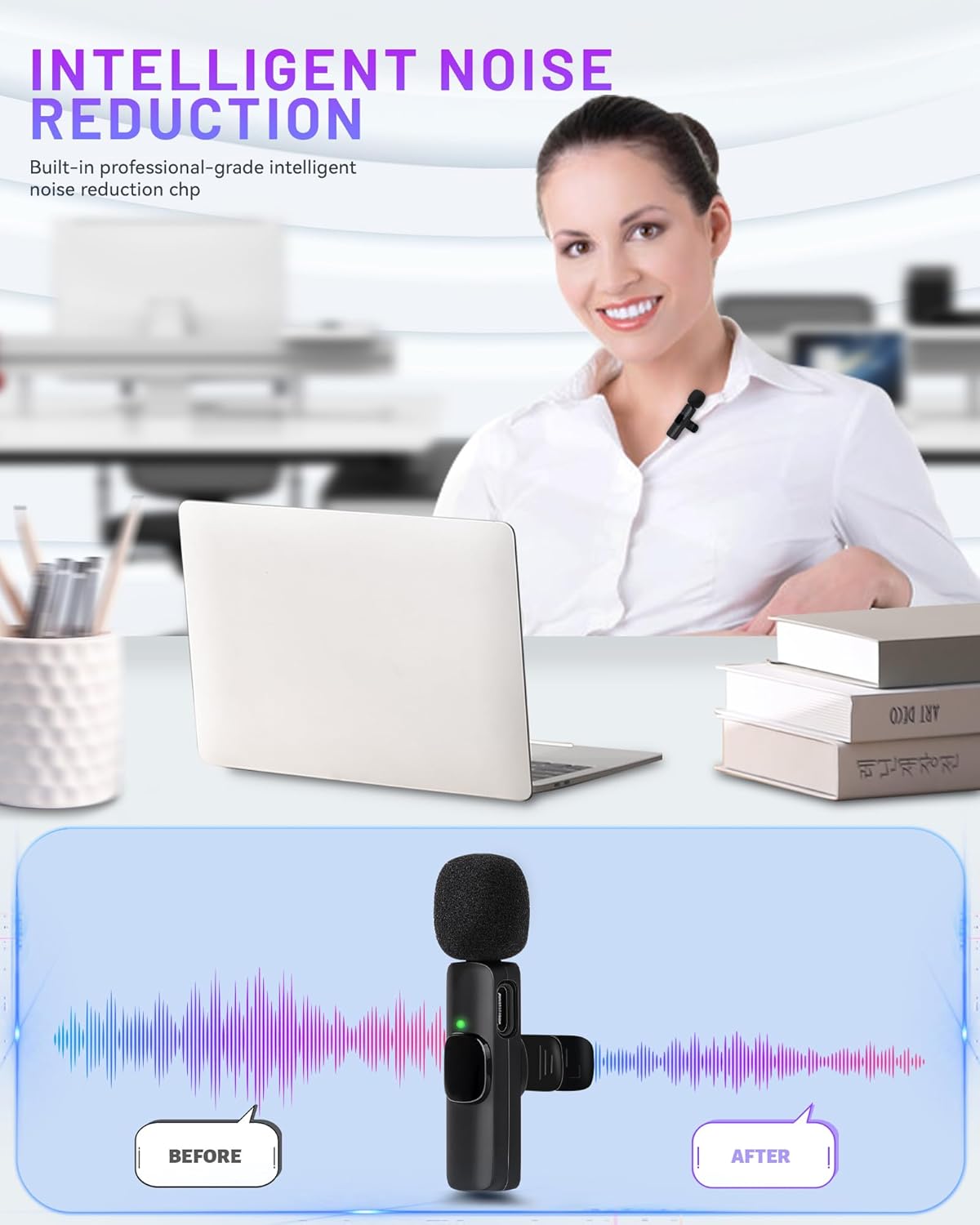
Image 3.1: Demonstration of the intelligent noise reduction capability, showing audio clarity improvement.
3.2 Multiple Audio Modes
The system offers various audio modes suitable for different recording scenarios:
- Noise Cancellation Mode: Ideal for video recording and YouTube content, focusing on clear voice capture by reducing background noise.
- Reverb Mode: Suitable for live streaming, vlogging, and TikTok, adding an echo effect for a more dynamic sound.
- Mute Mode: Useful for interviews, meetings, or reports when you need to temporarily silence the microphone.

Image 3.2: Visual representation of the different audio modes available for diverse recording needs.
3.3 Wireless Transmission Range
The wireless microphone system provides a stable audio signal transmission range of up to 65 feet (20 meters) in open environments, allowing for flexible movement during recording without compromising audio quality.

Image 3.3: Illustration of the 65-foot long-range transmission capability for stable audio.
3.4 Charging While Recording
The system supports charging the receiver and your mobile device simultaneously while recording, using the Type-C charging cable. This ensures uninterrupted recording sessions.
4. Maintenance
To ensure the longevity and optimal performance of your Zyerch M01 Wireless Lavalier Microphone System, follow these maintenance guidelines:
- Cleaning: Use a soft, dry cloth to clean the microphones and receiver. Avoid using harsh chemicals or abrasive materials.
- Storage: Store the devices in a cool, dry place away from direct sunlight and extreme temperatures.
- Handling: Handle the devices with care to prevent physical damage. Avoid dropping or subjecting them to strong impacts.
- Disassembly: Do not attempt to disassemble or repair the devices yourself. This may void the warranty and cause damage.
5. Troubleshooting
If you encounter issues with your Zyerch M01 Wireless Lavalier Microphone System, refer to the following common problems and solutions:
- Pairing Unsuccessful: If the microphone and receiver do not pair automatically, turn off both devices and then turn them back on to re-initiate the pairing process. Ensure they are within the effective transmission range.
- No Audio Recording: Verify that the indicator lights on both the microphone transmitter(s) and the receiver are solid blue, indicating a successful connection. If not, re-pair the devices. Also, ensure the receiver is correctly plugged into your recording device's audio input. Unplug and re-plug the receiver if necessary.
- Audio Distortion or Howling: This can occur if the microphone is too close to the audio source or if the volume levels are set too high. Adjust the microphone's distance from the speaker and check your device's input volume settings to prevent distortion.
- Device Incompatibility: While the receiver is 3-in-1, some Android phones may require specific settings adjustments. Refer to your phone's audio input settings if issues persist. For cameras, ensure the mic input is compatible with TRRS connectors.
6. Specifications
| Brand | Zyerch |
| Model Number | M01 (PWL001) |
| Connectivity Technology | Wireless |
| Connector Type | USB-C / 3.5mm Jack / Lightning |
| Special Features | Clip, 1-Touch Recording, Voice Activated Recording, Noise Reduction |
| Compatible Devices | Laptop, Personal Computer, Tablet, Camera, Smartphone |
| Included Components | 2 x Transmitter with Back Clip, 1 x Receiver, 1 x USB A to Type C Charging Cable, 1 x User Manual |
| Polar Pattern | Omnidirectional |
| Item Weight | 0.09 Kilograms |
| Microphone Form Factor | Lavalier, Mini |
| Power Source | Battery Powered |
| Number of Batteries | 1 Lithium Metal battery required (per unit) |
| Signal-to-Noise Ratio | 70 dB |
| Hardware Platform | Camera, Smartphone |
| Number of Channels | 1 |
| Transmission Range | Up to 65 feet (20 meters) |
7. Warranty & Support
7.1 Product Warranty
The Zyerch M01 Wireless Lavalier Microphone System comes with a 1-year warranty from the date of purchase. This warranty covers manufacturing defects and malfunctions under normal use. Please retain your proof of purchase for warranty claims.
7.2 Customer Support
For any questions, technical assistance, or warranty inquiries, please refer to the official Zyerch website or contact their customer support team. Contact details can typically be found in the included user manual or on the product packaging.