
1. Product Overview
The LivePure Capri Series True HEPA Air Purifier is designed to improve indoor air quality by removing airborne particles. This compact tabletop unit features a powerful True HEPA filtration system capable of capturing 99.9% of particles as small as 0.3 microns, including pollen, smoke, and dust. It also incorporates a coconut carbon pre-filter for larger particles and odor reduction. Key features include whisper-quiet operation in sleep mode, a programmable timer, a filter cleaning indicator, and an accent light.
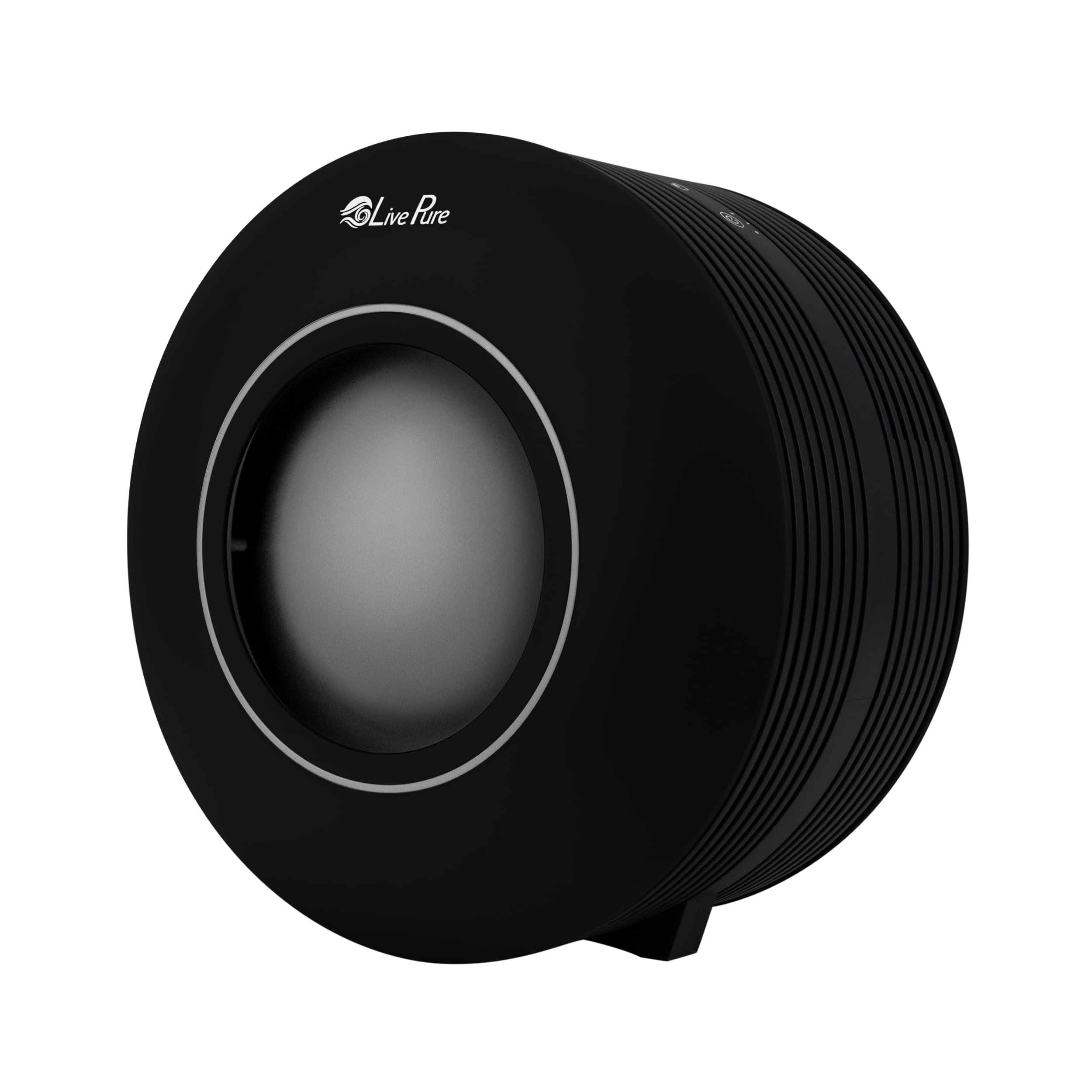
Image 1.1: LivePure Capri Series LP150THP Air Purifier (Black model).
2. Important Safety Instructions
- Read all instructions before operating the appliance.
- Always place the air purifier on a firm, flat, and level surface.
- Keep the cord out of high traffic areas. To avoid fire hazard, never put the cord under rugs or near heat-generating devices.
- Do not operate any appliance with a damaged cord or plug, or if the fan motor fails to rotate.
- Do not use the air purifier in wet environments such as bathrooms or laundries.
- Unplug the air purifier from the power outlet when not in use, when moving it, or before cleaning.
- Do not block air openings or place the unit on a soft surface like a bed or sofa, where openings may become blocked.
- Do not insert foreign objects into any ventilation or exhaust opening.
- This appliance is not intended for use by persons (including children) with reduced physical, sensory or mental capabilities, or lack of experience and knowledge, unless they have been given supervision or instruction concerning use of the appliance by a person responsible for their safety.
- Children should be supervised to ensure that they do not play with the appliance.
3. Product Components
The LivePure Capri Series Air Purifier consists of the main unit, a True HEPA filter, and a coconut carbon pre-filter. The control panel is located on the top surface of the unit.

Image 3.1: Illustration of the two-stage filtration system, showing the coconut carbon pre-filter and the True HEPA filter.

Image 3.2: Detailed view of the control panel with labels for On/Off Power, Filter Indicator Light, Fan Speed & Sleep Mode, LED Accent Light, and Timer.
4. Setup
- Unpack the Unit: Carefully remove the air purifier from its packaging.
- Remove Filters: Before first use, open the unit and remove all packaging from the filters.
- Install Filters: Insert the True HEPA filter first, followed by the coconut carbon pre-filter. Ensure they are seated correctly.
- Close Unit: Securely close the front panel of the air purifier.
- Placement: Place the air purifier on a firm, level surface, ensuring there is adequate space around the air intake and outlet for optimal airflow.
- Power Connection: Plug the power cord into a standard electrical outlet.
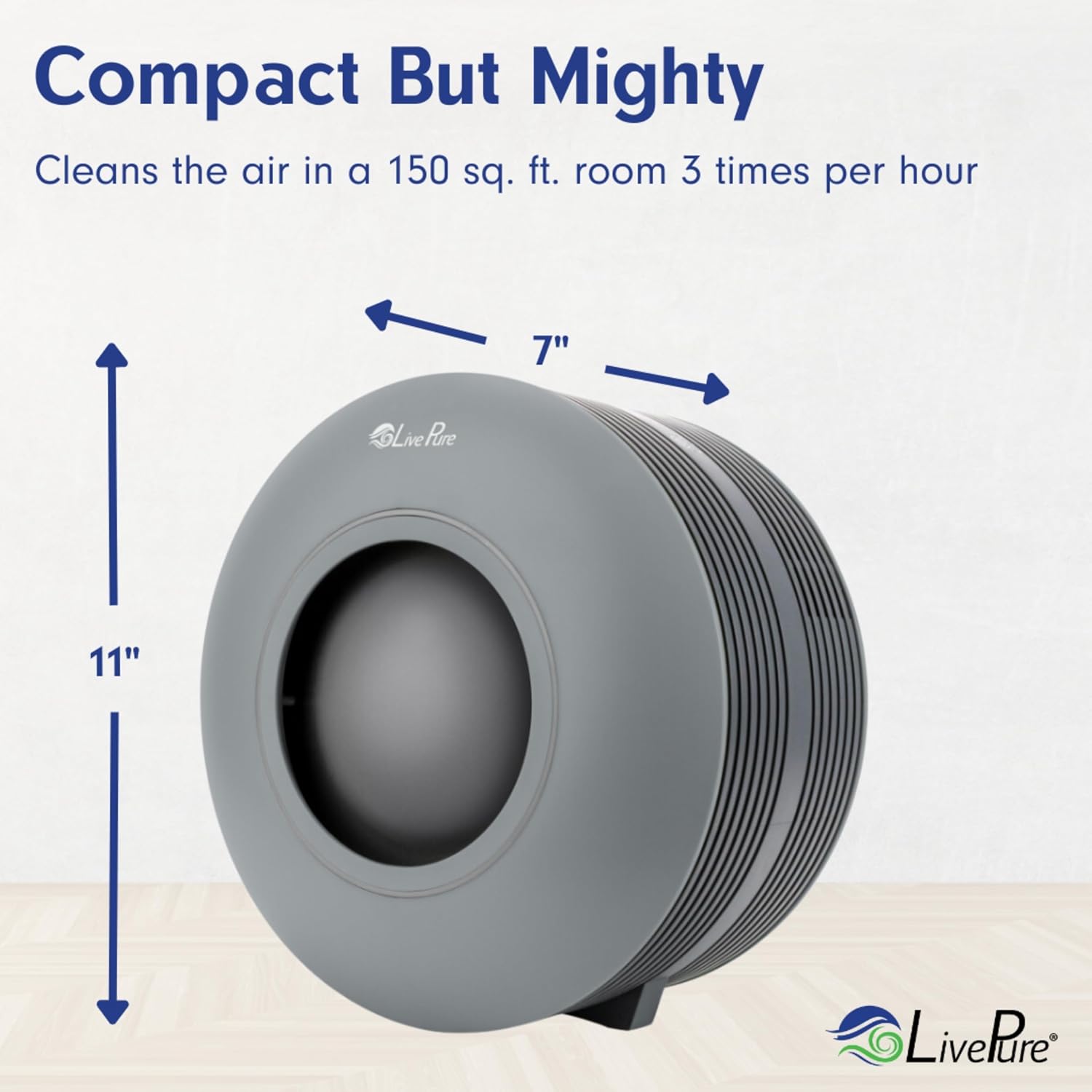
Image 4.1: The air purifier's compact dimensions, approximately 11 inches tall and 7 inches wide, suitable for tabletop use.
5. Operating Instructions
The LivePure Capri Series Air Purifier features a touch control panel for easy operation.
- Power On/Off: Press the Power button to turn the unit on or off.
- Fan Speed/Sleep Mode: Press the Fan Speed button to cycle through different fan speeds (1, 2, 3, Turbo). A dedicated Sleep Mode setting provides whisper-quiet operation.
- Accent Light: Press the Accent Light button to turn the accent light on or off, or to cycle through different color options (Red, Purple, Orange, Blue, Green).
- Timer: Press the Timer button to set the operating duration for 2, 4, or 8 hours. The unit will automatically shut off after the selected time.
- Filter Cleaning Indicator: The Filter Indicator Light will illuminate when it's time to clean or replace the filters.
Video 5.1: LivePure Brand Video, showcasing various LivePure products and features, including air purification and filter maintenance.
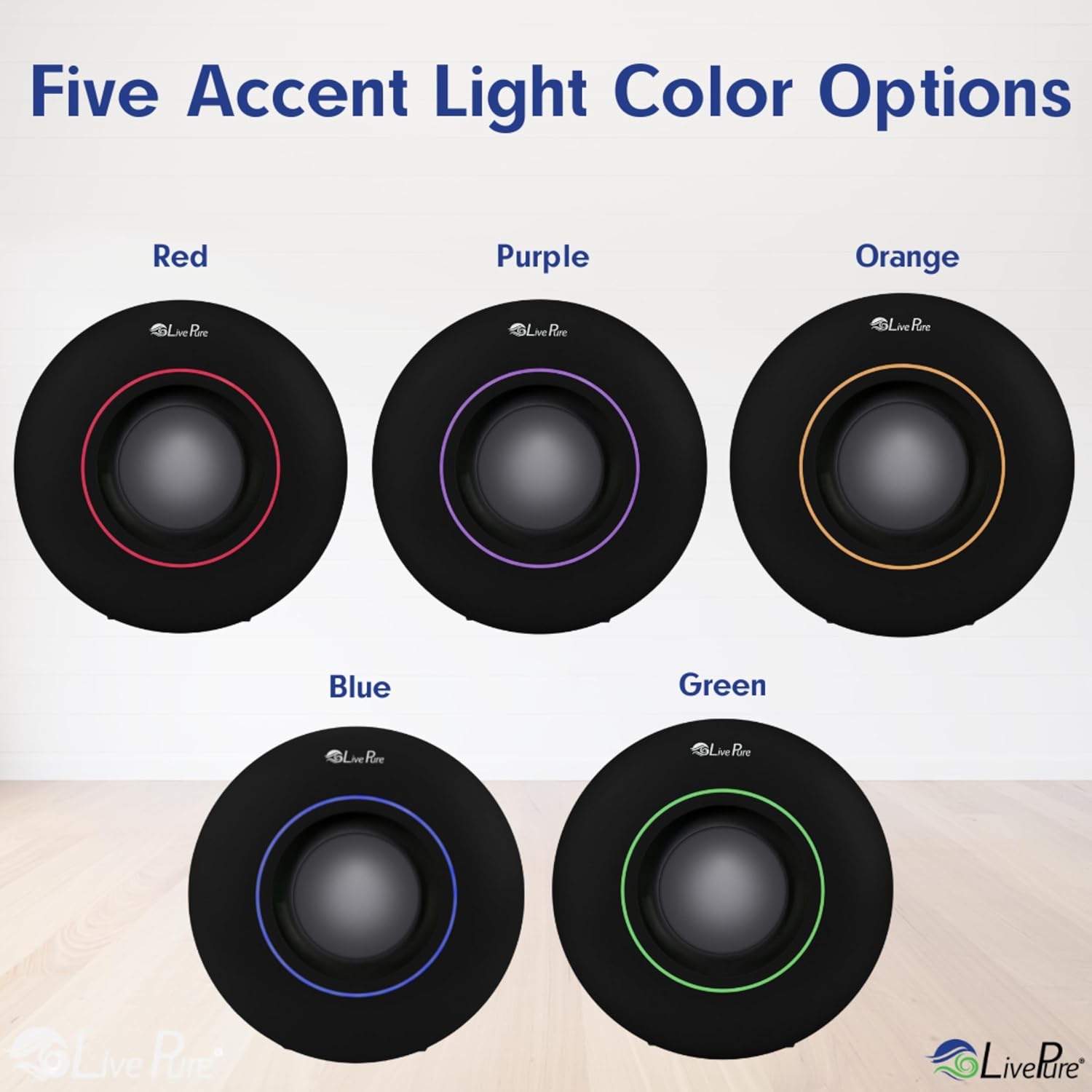
Image 5.1: Visual representation of the five available accent light color options.
6. Maintenance
Regular maintenance ensures optimal performance and extends the life of your air purifier.
6.1 Filter Cleaning and Replacement
- True HEPA Filter: Under normal continuous use, the True HEPA filter should be cleaned every 6-12 months (approximately 4,320 hours), or more frequently depending on air quality.
- Coconut Carbon Pre-filter: The coconut carbon pre-filter is cleanable. Clean it every 3 months using a brush attachment on your vacuum cleaner. Do not immerse filters in water.
- Filter Indicator: The Filter Cleaning Indicator light will signal when maintenance is due. After cleaning/replacing, reset the indicator by pressing and holding the Filter button for 3 seconds.

Image 6.1: Step-by-step guide for easy filter change, showing how to remove the front panel, pull out the old filter, insert the new pre-filter, and secure the unit.
7. Troubleshooting
| Problem | Possible Cause | Solution |
|---|---|---|
| Unit does not turn on. | Not plugged in; Power outage; Front panel not securely closed. | Ensure power cord is securely plugged into a working outlet; Check household circuit breaker; Ensure front panel is properly latched. |
| Reduced airflow or poor purification. | Filters are dirty or clogged; Air intake/outlet blocked. | Clean or replace filters as indicated by the filter light; Ensure no obstructions are blocking the air vents. |
| Unusual noise. | Foreign object in fan; Unit not on a level surface. | Unplug and check for foreign objects; Place unit on a stable, flat surface. |
| Filter indicator light remains on after cleaning. | Indicator not reset. | Press and hold the Filter button for 3 seconds to reset. |
8. Specifications
- Model Number: LP150THP-BLK
- Brand: LivePure
- Product Dimensions: 11.02"D x 7.08"W x 11.02"H
- Item Weight: 4.3 Pounds
- Power Source: AC/DC
- Control Method: Touch
- Filter Type: True HEPA, Coconut Carbon Pre-filter
- Contaminant Filtration Capability: Pollen, Smoke, Dust
- Special Features: Whisper-quiet sleep mode, Timer, Filter Cleaning Indicator, Accent light
- UPC: 810067453776

Image 8.1: Room Size Chart indicating air exchange rates per hour for various room sizes.
9. Warranty and Support
For detailed warranty information and customer support, please refer to the official LivePure website or contact their customer service directly. Keep your purchase receipt for warranty claims.
Manufacturer: LivePure