
MUSE M307BT
MUSE M307BT Portable Bluetooth Speaker User Manual
Model: M307BT
1. Introduction
Thank you for purchasing the MUSE M307BT Portable Bluetooth Speaker. This compact and versatile speaker is designed to provide high-quality audio from your laptop, tablet, or smartphone. It features Bluetooth connectivity, a 5W output, a built-in rechargeable battery, and support for USB and Micro SD card playback. This manual provides essential information for setting up, operating, and maintaining your device.
2. Safety Information
- Do not expose the device to extreme temperatures, direct sunlight, or high humidity.
- Avoid dropping or subjecting the speaker to strong impacts.
- Do not disassemble or attempt to repair the device yourself. Refer all servicing to qualified personnel.
- Keep the speaker away from water and other liquids. This device is not waterproof.
- Use only the provided USB charging cable or a certified equivalent.
- Dispose of the battery and device responsibly according to local regulations.
3. Package Contents
Ensure all items are present in the package:
- MUSE M307BT Portable Bluetooth Speaker
- USB Charging Cable
4. Product Overview
Familiarize yourself with the speaker's components and controls.


Controls and Ports:
- Power Button: Turns the speaker on/off.
- Mode Button (M): Switches between Bluetooth, USB, and Micro SD modes.
- Volume Down / Previous Track (-): Short press for volume down, long press for previous track.
- Play/Pause / Call Button (>): Plays/pauses music, answers/ends calls.
- Volume Up / Next Track (+): Short press for volume up, long press for next track.
- Micro-USB Port: For charging the speaker.
- USB Port: For playing music from a USB flash drive.
- Micro SD (TF) Slot: For playing music from a Micro SD card.
- LED Indicator: Shows charging status and Bluetooth pairing status.
5. Setup
5.1 Charging the Speaker
- Connect the Micro-USB end of the charging cable to the speaker's Micro-USB port.
- Connect the USB-A end of the charging cable to a USB power adapter (not included) or a computer's USB port.
- The LED indicator will illuminate to show charging status. It will typically turn off or change color once fully charged.
- A full charge takes approximately 2-3 hours.
5.2 Powering On/Off
- To Power On: Press and hold the Power button for a few seconds until you hear an audible prompt and the LED indicator flashes.
- To Power Off: Press and hold the Power button for a few seconds until you hear an audible prompt and the LED indicator turns off.
6. Operating Instructions
6.1 Bluetooth Pairing
Pair your speaker with a Bluetooth-enabled device (smartphone, tablet, laptop).

- Ensure the speaker is powered on and in Bluetooth mode. The LED indicator will flash rapidly, indicating it's ready for pairing.
- On your device, enable Bluetooth and search for available devices.
- Select "MUSE M307BT" from the list of devices.
- Once paired, the LED indicator will stop flashing and remain solid, and you will hear a confirmation sound.
- You can now play audio from your device through the speaker.
6.2 USB Playback
- Insert a USB flash drive containing MP3 audio files into the USB port.
- Press the Mode (M) button to switch to USB mode. The speaker will automatically begin playing music from the USB drive.
- Use the + and - buttons for track navigation and volume control.
6.3 Micro SD (TF) Card Playback
- Insert a Micro SD (TF) card containing MP3 audio files into the Micro SD slot.
- Press the Mode (M) button to switch to Micro SD mode. The speaker will automatically begin playing music from the Micro SD card.
- Use the + and - buttons for track navigation and volume control.
6.4 Stereo Pairing (TWS Function)
To achieve a more immersive stereo sound experience, you can pair two MUSE M307BT speakers together.
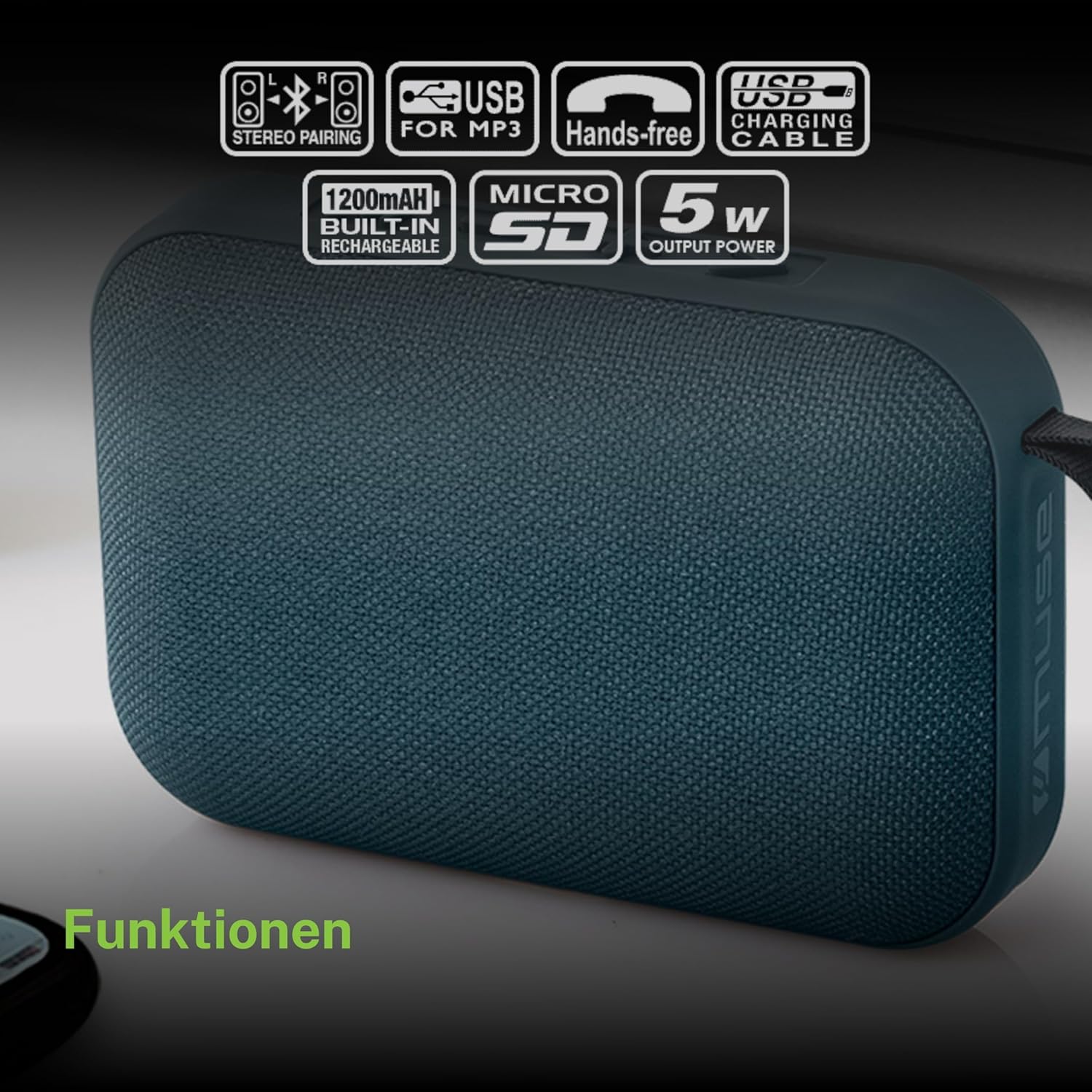
- Ensure both MUSE M307BT speakers are powered on and in Bluetooth pairing mode (LED flashing).
- On one of the speakers (this will be your primary speaker), press and hold the Mode (M) button for a few seconds. You will hear a sound indicating that the speakers are attempting to pair with each other.
- Once successfully paired, you will hear a confirmation sound, and the LED indicator on the primary speaker will flash slowly, while the secondary speaker's LED will remain solid.
- Now, connect your Bluetooth device to the primary speaker as described in section 6.1. Audio will play in stereo through both speakers.
6.5 Hands-free Calling
When connected via Bluetooth to your smartphone, the speaker can be used for hands-free calls.
- Answer Call: Press the Play/Pause (>) button once.
- End Call: Press the Play/Pause (>) button once during a call.
- Reject Call: Press and hold the Play/Pause (>) button for 2 seconds.
7. Maintenance
- Clean the speaker with a soft, dry cloth. Do not use abrasive cleaners or solvents.
- Store the speaker in a cool, dry place when not in use for extended periods.
- Avoid blocking the speaker grille to ensure optimal sound quality.
8. Troubleshooting
| Problem | Possible Cause | Solution |
|---|---|---|
| Speaker does not power on. | Low battery. | Charge the speaker fully. |
| Cannot pair via Bluetooth. | Speaker not in pairing mode; Bluetooth disabled on device; device too far. | Ensure speaker LED is flashing; enable Bluetooth on your device; move device closer to speaker (within 10 meters). |
| No sound. | Volume too low; incorrect mode; device not playing. | Increase speaker and device volume; press Mode button to select correct input; ensure audio is playing on your device. |
| USB/Micro SD playback not working. | Incorrect file format; card/drive not inserted correctly; corrupted files. | Ensure files are MP3 format; reinsert card/drive; try different files or storage device. |
| Stereo pairing fails. | Speakers too far apart; one speaker already paired to a device. | Ensure speakers are close; disconnect any existing Bluetooth connections before attempting stereo pairing. |
9. Specifications

| Feature | Specification |
|---|---|
| Model Name | M307BT |
| Brand | MUSE |
| Output Power | 5 Watts |
| Battery | 1200 mAh / 3.7V Lithium-ion (Rechargeable) |
| Connectivity | Bluetooth, USB, Micro SD (TF) |
| Audio Output Mode | Stereo (with TWS pairing) |
| Dimensions (L x W x H) | 118 x 30 x 76 mm |
| Weight | 200 Grams |
| Color | Blue |
| Included Components | USB Charging Cable |
| Waterproof | No |
| Recommended Uses | For computer, smartphone, or tablet |
| Compatible Devices | Laptop, Tablet, Smartphone |
10. Warranty and Support
10.1 Manufacturer's Warranty
This MUSE M307BT Portable Bluetooth Speaker comes with a 2-year manufacturer's warranty from the date of purchase. This warranty covers manufacturing defects and workmanship under normal use. It does not cover damage caused by misuse, accidents, unauthorized modifications, or normal wear and tear.
10.2 Customer Support
For technical assistance, warranty claims, or further inquiries, please contact your retailer or the official MUSE customer support channel. Please have your proof of purchase and product model number (M307BT) ready when contacting support.
Related documentsM307BT


Ask a question about this manual
Ask about setup, troubleshooting, compatibility, parts, safety, or missing instructions. Manuals+ will review the question and use this page’s manual context to help answer it.