
1. Introduction
Welcome to the uleway T380D 4G Flip Phone user manual. This guide provides detailed instructions on how to set up, operate, and maintain your new phone. Designed for ease of use, the T380D features large buttons, a clear display, and essential functions for reliable communication. Please read this manual thoroughly to ensure optimal performance and longevity of your device.
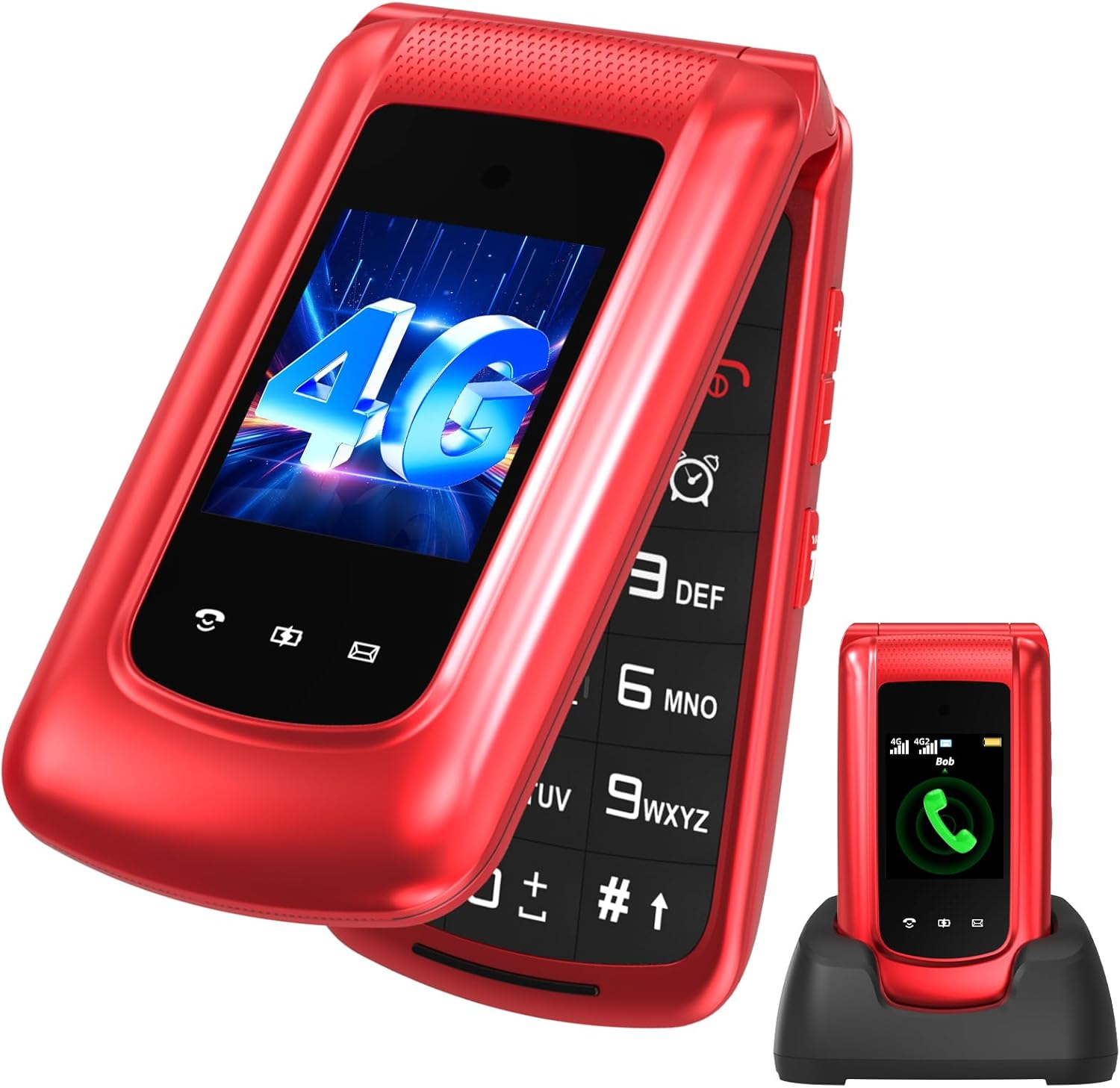
Image 1.1: The uleway T380D 4G Flip Phone in its charging base, showcasing its design and large keypad.
2. Package Contents
Please check the box for the following items:
- 1 x uleway T380D 4G Flip Phone
- 1 x Battery (1000 mAh)
- 1 x USB-C Charger
- 1 x Charging Base
- 1 x User Manual (this document)
3. Device Overview
The uleway T380D is designed with user-friendliness in mind, featuring a clear interface and accessible buttons.

Image 3.1: Key features of the uleway T380D, including messaging, multimedia, alarm, Bluetooth, SOS, camera, quick dial, and calendar.
3.1 Physical Features
- Dual Screens: A 2.4-inch internal QVGA display and an external display for time, date, and notifications.
- Large Keypad: Clearly labeled, large buttons for easy dialing and navigation.
- SOS Button: Located on the back for emergency calls.
- Volume Buttons: On the side for easy adjustment during calls or media playback.
- Flashlight: Integrated for convenience.
- USB-C Port: For charging and data transfer.
4. Setup
4.1 Inserting SIM Card and Micro SD Card
The uleway T380D supports dual Nano SIM cards and a Micro SD card for expanded storage (up to 16GB).
- Open the back cover of the phone.
- Remove the battery.
- Carefully slide your Nano SIM card(s) into the designated SIM slots (SIM1 and SIM2).
- If desired, insert a Micro SD card into the Micro SD slot.
- Replace the battery and the back cover.

Image 4.1: Location of Nano SIM and Micro SD card slots inside the phone.
4.2 Battery Installation
After inserting the SIM and SD cards, place the 1000 mAh battery into its compartment, ensuring the contacts align correctly. Then, replace the back cover until it clicks securely into place.
4.3 Charging the Device
Your uleway T380D offers two convenient charging methods:
- Charging Base: Place the phone into the charging base. Ensure the charging contacts on the phone align with those on the base. The charging indicator will illuminate.
- USB-C Cable: Connect the USB-C cable directly to the phone's USB-C port and to a power adapter. The reversible USB-C connector allows for easy insertion.
A full charge typically takes a few hours. Avoid using the phone during the initial charge to maximize battery life.
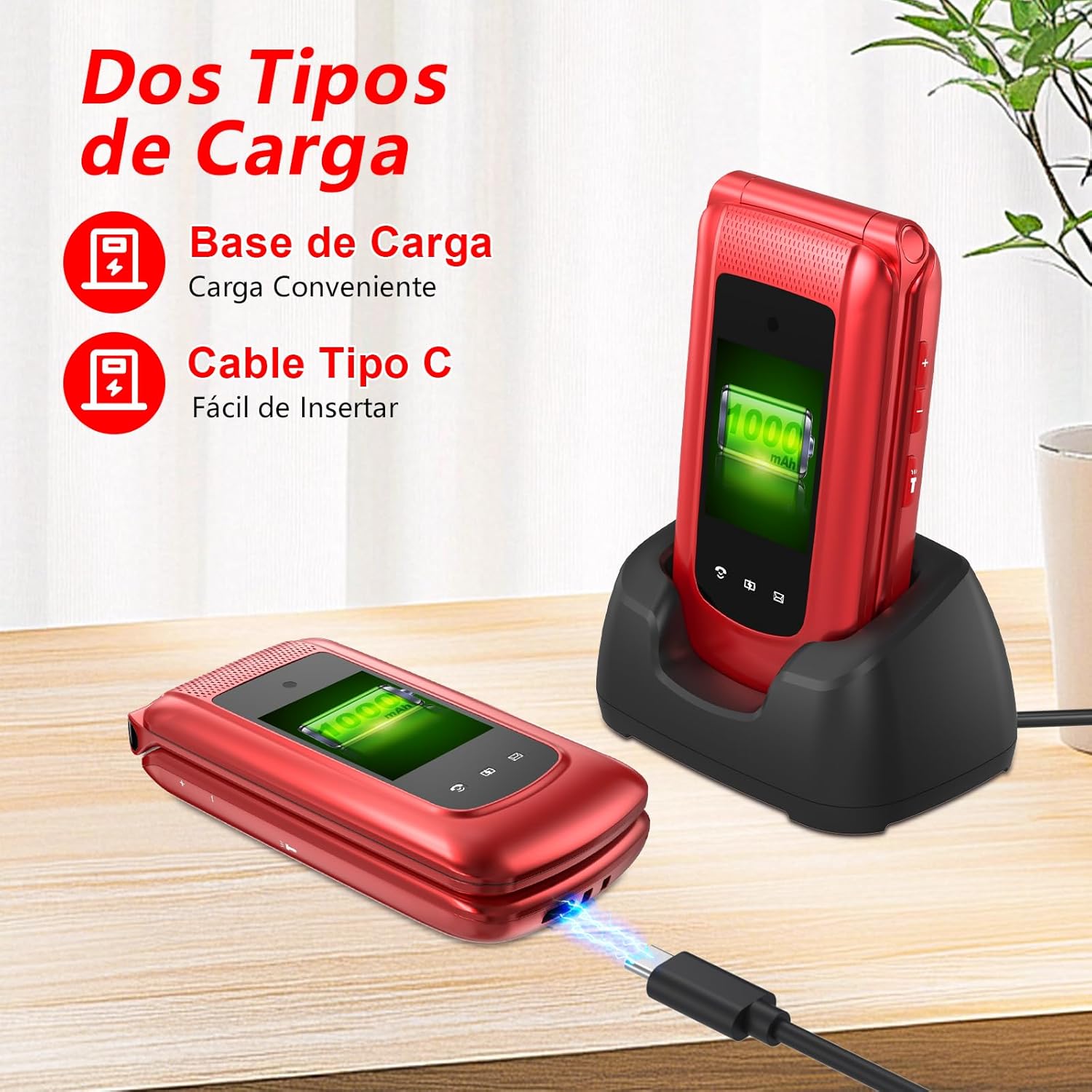
Image 4.2: The two charging options for the uleway T380D: via charging base or USB-C cable.
4.4 Powering On/Off
- To Power On: Press and hold the red 'End Call' button (usually marked with a power icon) until the screen lights up.
- To Power Off: Press and hold the red 'End Call' button until the power-off options appear on the screen. Select 'Power Off' and confirm.
5. Basic Operations
5.1 Making and Receiving Calls
- Making a Call: Dial the number using the keypad and press the green 'Call' button.
- Receiving a Call: When the phone rings, open the flip to answer the call, or press the green 'Call' button. Close the flip or press the red 'End Call' button to end the call.
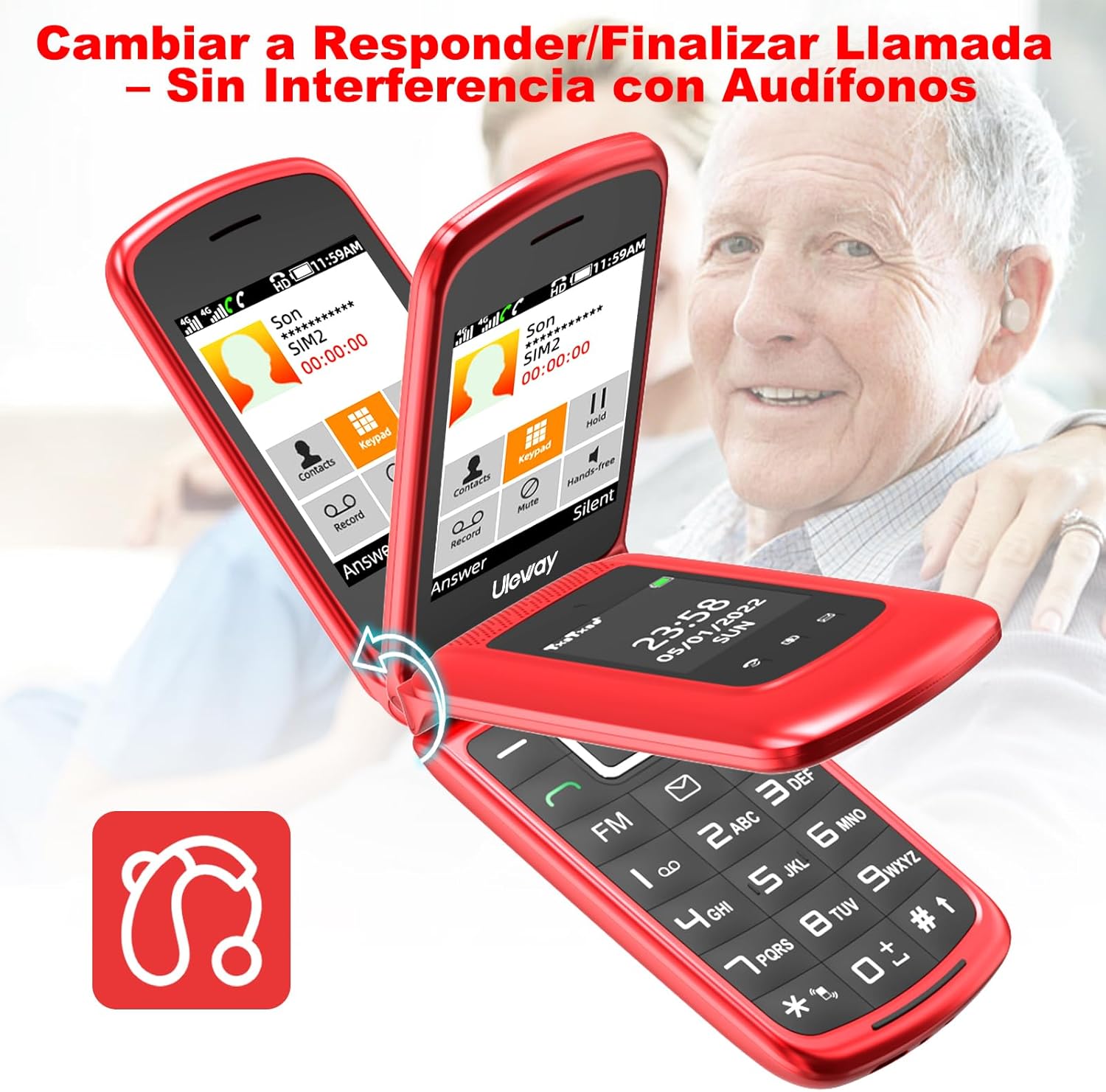
Image 5.1: Answering and ending calls by flipping the phone open or closed, with HAC compatibility shown.
5.2 Sending and Receiving SMS/MMS
To access messages, navigate to the 'Messages' menu. You can compose new messages, read incoming messages, and manage your inbox. The phone supports both text (SMS) and multimedia (MMS) messages.
5.3 Speed Dial
The T380D allows you to set up speed dial numbers for quick access to frequently called contacts.
- Go to 'Settings' or 'Contacts' menu.
- Locate the 'Speed Dial' option.
- Assign contacts to number keys 2-9.
- To use, simply press and hold the assigned number key.
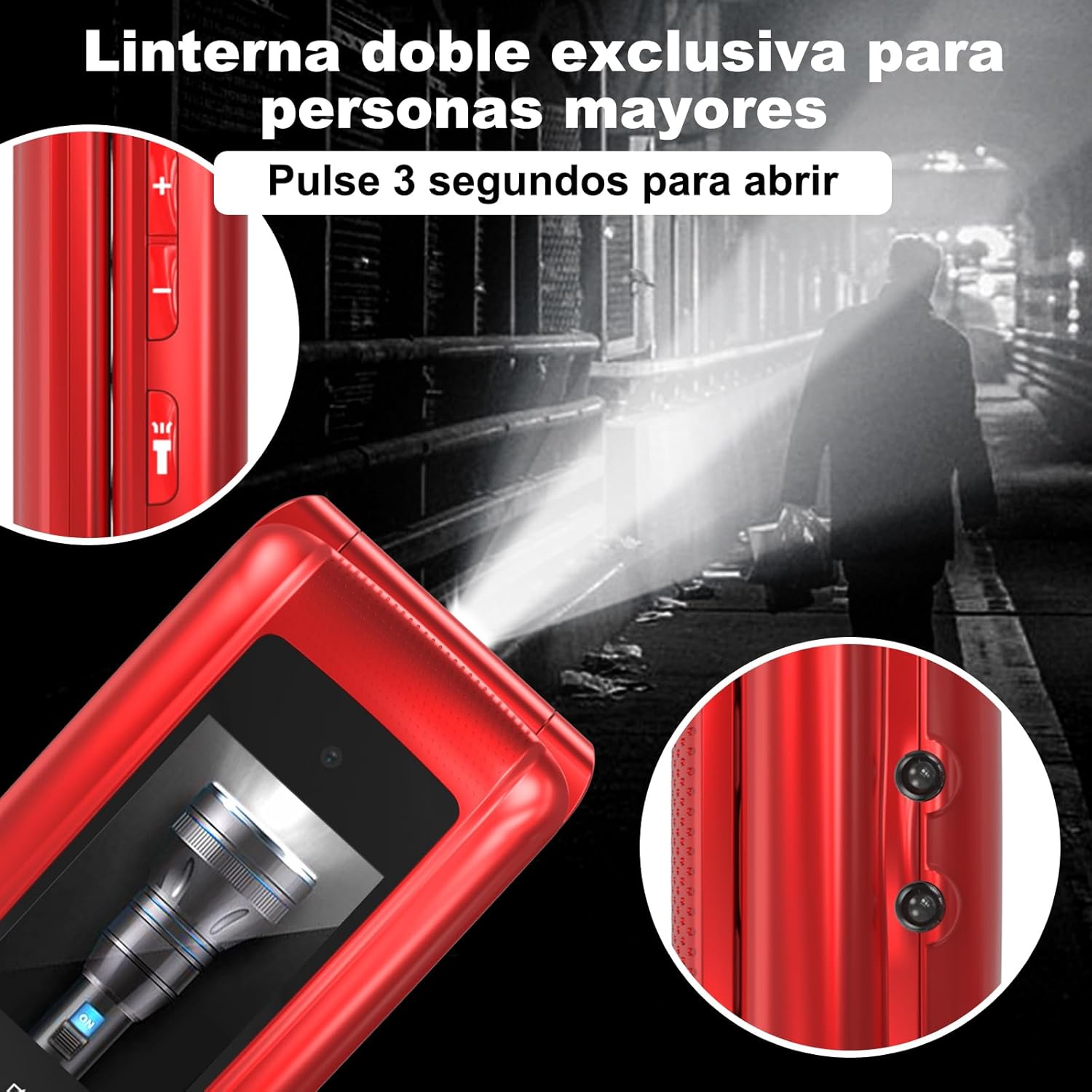
Image 5.2: The keypad showing numbers 2-9 can be configured for speed dial.
5.4 SOS Emergency Button
The SOS button is a critical safety feature. It allows you to quickly contact pre-set emergency numbers.
- Setup: In the 'SOS Settings' menu, you can configure up to 5 emergency contact numbers and an emergency SMS message.
- Activation: In an emergency, press and hold the SOS button on the back of the phone for 3 seconds. The phone will automatically call the pre-set numbers in sequence and send the emergency SMS.

Image 5.3: The SOS emergency button, supporting up to 5 emergency contacts.
5.5 Adjusting Volume
Use the dedicated volume buttons on the side of the phone to adjust call volume, ringtone volume, and media playback volume.
5.6 Flashlight
To activate the flashlight, press and hold the dedicated flashlight button (often combined with a side button) for 3 seconds. Repeat the action to turn it off.
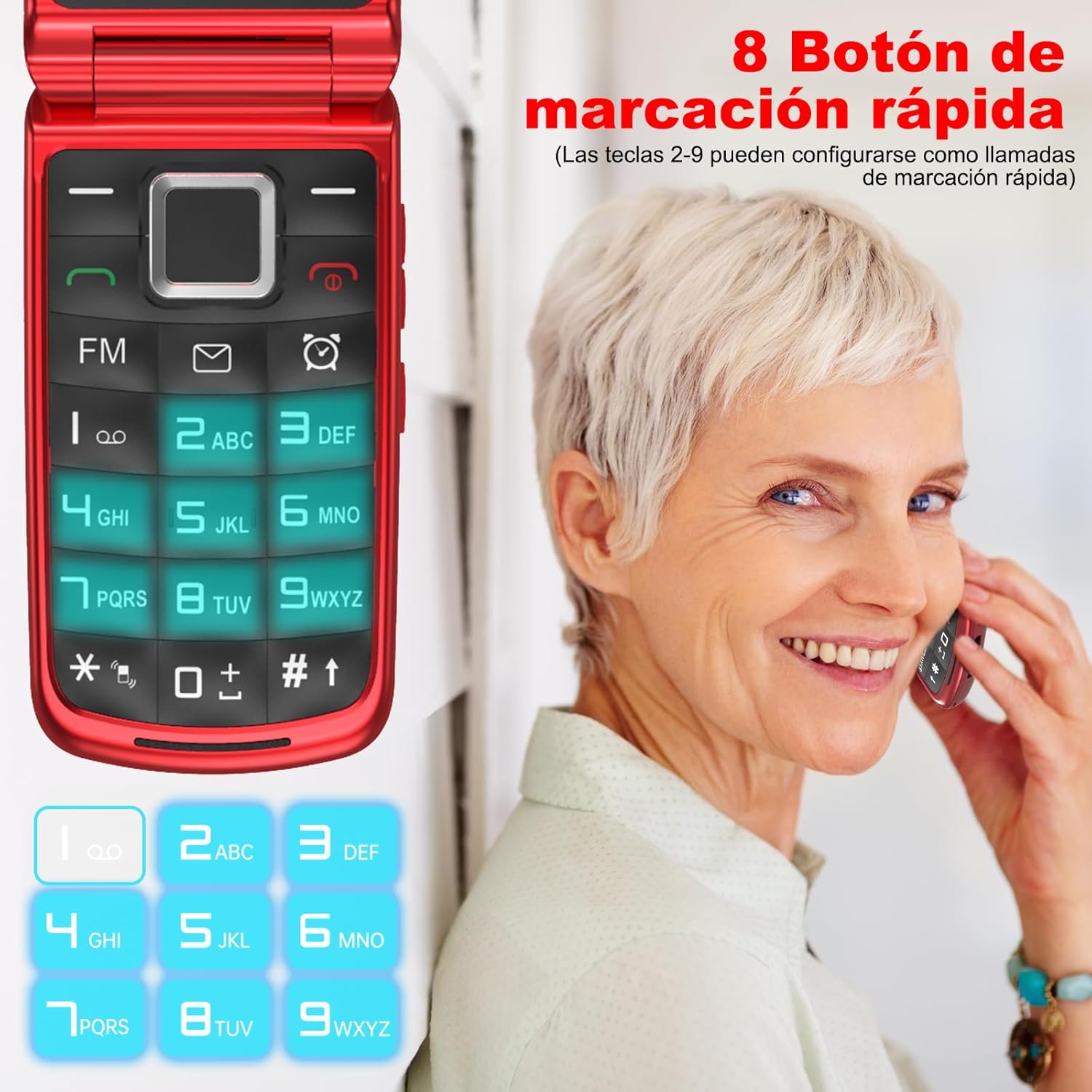
Image 5.4: Activating the dual flashlight by pressing a side button for 3 seconds.
6. Advanced Features
6.1 Bluetooth
The phone supports Bluetooth connectivity for pairing with wireless headsets or other compatible devices. Navigate to 'Settings' > 'Bluetooth' to enable and manage connections.
6.2 FM Radio
Enjoy your favorite radio stations. Access the FM Radio application from the main menu. A headset may be required to act as an antenna for optimal reception.
6.3 Camera
The integrated camera allows you to capture photos. Access the 'Camera' application from the menu. Photos are saved to the phone's internal memory or the inserted Micro SD card.
6.4 Multimedia Player
The phone includes a multimedia player for audio and video files. Transfer compatible files to your phone's storage or Micro SD card to play them.
6.5 Alarm, Calculator, Calendar
These standard utility applications are available in the phone's menu. Use the 'Alarm' to set reminders, 'Calculator' for basic arithmetic, and 'Calendar' to keep track of dates and events.
6.6 Language Settings
The uleway T380D supports multiple languages, including English, French, German, Italian, and Spanish. To change the language, go to 'Settings' > 'Language' and select your preferred option.
7. Maintenance and Care
- Cleaning: Use a soft, dry cloth to clean the phone's screen and body. Avoid liquid cleaners.
- Battery Care: Do not expose the battery to extreme temperatures. Charge the phone regularly, but avoid overcharging for extended periods.
- Storage: Store the phone in a cool, dry place away from direct sunlight and moisture.
- Avoid Impact: While durable, avoid dropping the phone or subjecting it to strong impacts.
8. Troubleshooting
If you encounter issues with your uleway T380D, please refer to the following common problems and solutions:
| Problem | Solution |
|---|---|
| Phone does not power on | Ensure the battery is correctly installed and charged. Connect the charger and try again. |
| Cannot make or receive calls | Check if the SIM card is properly inserted and activated. Verify network signal strength. |
| Charging issues | Ensure the charger and cable are undamaged and properly connected. Try a different power outlet or charging method (base vs. cable). |
| No sound or low volume | Adjust the volume using the side buttons. Check sound settings in the menu. |
| SOS button not working | Verify that emergency contacts are correctly configured in the SOS settings. |
9. Specifications
| Feature | Specification |
|---|---|
| Model | T380D |
| Brand | uleway |
| Network Technology | 4G VoLTE, 3G WCDMA, 2G/GSM |
| Display Size | 2.4 Inches (internal) |
| Display Resolution | 240 x 320 |
| RAM | 32 MB |
| Internal Storage | 32 MB |
| Expandable Memory | Micro SD up to 16 GB |
| Battery Capacity | 1000 mAh |
| Standby Time | Up to 240 hours |
| Talk Time | Up to 250 minutes |
| SIM Card Type | Nano SIM (Dual SIM support) |
| Charging Port | USB-C |
| Dimensions | 104 x 53.5 x 21.1 mm |
| Weight | 103 g (incl. battery) |
| Supported Languages | English, French, German, Italian, Spanish |
10. Warranty and Support
Your uleway T380D phone comes with a standard manufacturer's warranty. Please refer to the warranty card included in your package for specific terms and conditions. For technical support or further assistance, please contact your retailer or the uleway customer service department.
