
Formuler Z Mini
Formuler Z Mini Android OTT Media Streamer User Manual
Model: Z Mini
1. Introduction
The Formuler Z Mini is a compact and powerful Android OTT Media Streamer designed to deliver a high-quality entertainment experience. This device features MyTV Online 3, runs on Android 12, and supports 4K HDR 10+ content, providing stunning visuals and smooth performance. With 2GB DDR4 RAM and 8GB of internal storage, it offers efficient operation and ample space for essential applications. This manual provides comprehensive instructions for setting up, operating, maintaining, and troubleshooting your Formuler Z Mini.

Image 1.1: The Formuler Z Mini media streamer, its remote control, and the product packaging, showcasing the compact design and included accessories.
2. Safety Information
Please read all safety instructions carefully before using the device. Failure to follow these instructions may result in electric shock, fire, or damage to the device.
- Do not expose the device to water, moisture, or extreme temperatures.
- Avoid placing the device near heat sources such as radiators, heat registers, stoves, or other apparatus (including amplifiers) that produce heat.
- Use only the power adapter supplied with the device.
- Do not block any ventilation openings. Install in accordance with the manufacturer's instructions.
- Protect the power cord from being walked on or pinched, particularly at plugs, convenience receptacles, and the point where they exit from the device.
- Unplug this apparatus during lightning storms or when unused for long periods of time.
- Refer all servicing to qualified service personnel. Servicing is required when the apparatus has been damaged in any way.
3. Package Contents
Verify that all items listed below are included in your package. If any items are missing or damaged, please contact your retailer.
- Formuler Z Mini Android OTT Media Streamer
- Bluetooth Remote Control (BT1)
- HDMI Extension Cable
- USB-C Power Cable
- Power Adapter
- 2 x AAA Batteries (for remote control)
- Quick Setup Guide

Image 3.1: Contents of the Formuler Z Mini package laid out on a wooden surface, including the streamer, remote, and box.
4. Setup Guide
Follow these steps to set up your Formuler Z Mini for the first time.
- Connect to TV: Insert the HDMI connector of the Formuler Z Mini directly into an available HDMI port on your television. If direct connection is difficult due to space, use the provided HDMI extension cable.
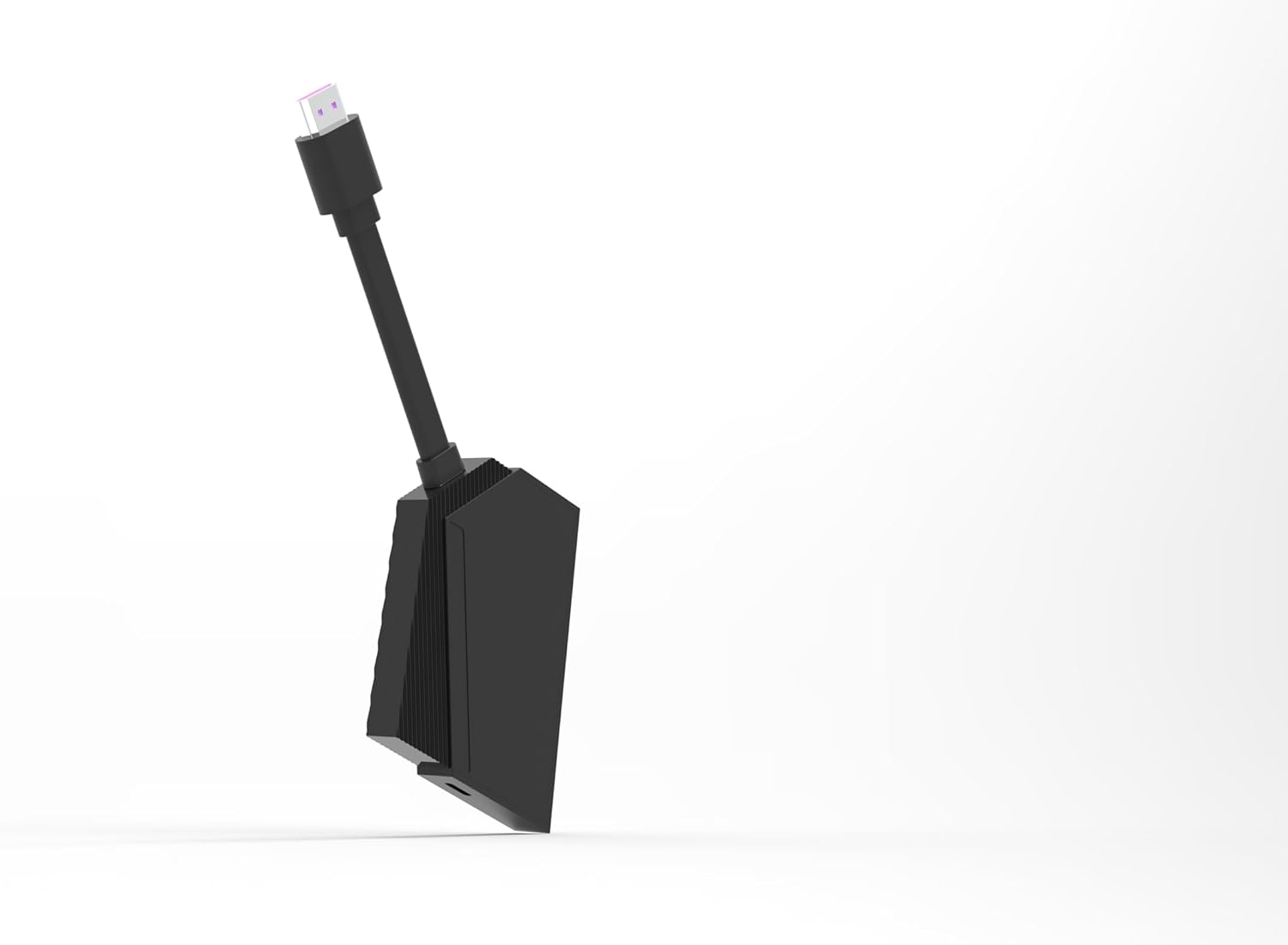
Image 4.1: The Formuler Z Mini device, highlighting its HDMI connector ready for TV connection.
- Power Connection: Connect the USB-C power cable to the Formuler Z Mini and then plug the other end into the supplied power adapter. Plug the power adapter into a wall outlet. Alternatively, if your TV has a powered USB port, you may be able to power the device directly from the TV's USB port.
- Insert Batteries into Remote: Open the battery compartment on the back of the Bluetooth Remote Control and insert the two AAA batteries, ensuring correct polarity (+/-).

Image 4.2: The Formuler Z Mini streamer alongside its BT1 Bluetooth remote control.
- Initial Boot-up and Network Configuration:
Turn on your television and select the correct HDMI input. The Formuler Z Mini will boot up. Follow the on-screen instructions to complete the initial setup, which includes:
- Language selection.
- Connecting to your Wi-Fi network (enter your network password when prompted).
- Signing in with your Google account (optional, but recommended for app downloads).
- Enjoy Streaming: Once the setup is complete, you can begin using your Formuler Z Mini to access various streaming services and applications.

Image 4.3: The side of the Formuler Z Mini packaging illustrating the four easy setup steps: Connect to TV, Insert USB-C Power, Configure Network, and Enjoy Streaming.
5. Operating Instructions
The Formuler Z Mini operates on Android 12, providing a user-friendly interface for accessing your favorite content.
5.1. Basic Navigation
Use the included Bluetooth Remote Control to navigate the interface. The directional pad (D-pad) allows you to move through menus, and the 'OK' button confirms selections. The 'Back' button returns to the previous screen, and the 'Home' button takes you to the main Android home screen.

Image 5.1: A detailed view of the Formuler Z Mini streamer and its Bluetooth remote, showing the button layout for navigation and control.
5.2. MyTV Online 3 Application
MyTV Online 3 is the primary application for accessing IPTV services and other media content.
- Launching MyTV Online 3: Locate and select the MyTV Online 3 icon from the home screen or app drawer.
- Content Navigation: Within MyTV Online 3, you can browse live TV channels, video-on-demand (VOD), and TV series. Use the D-pad to navigate and 'OK' to select.
- Channel Zapping: The remote control allows for fast channel zapping, enhancing the live TV viewing experience.
5.3. 4K HDR 10+ Playback
The Formuler Z Mini supports 4K Ultra HD resolution with HDR 10+, providing vibrant colors and incredible detail. Ensure your television is 4K and HDR compatible to fully utilize these features.
5.4. USB Recording (DVR)
The device supports USB Recording (DVR) functionality. To use this feature, you will need an external USB storage device (e.g., USB flash drive or external hard drive) connected to a compatible USB port on your television or a USB hub connected to the Formuler Z Mini (if available). Refer to the MyTV Online 3 application settings for recording options and scheduling.
6. Maintenance
Proper maintenance ensures the longevity and optimal performance of your Formuler Z Mini.
- Cleaning: Use a soft, dry cloth to clean the device. Do not use liquid cleaners or aerosol sprays.
- Ventilation: Ensure the device has adequate ventilation. Do not cover the ventilation openings.
- Software Updates: Periodically check for software updates through the device's settings menu to ensure you have the latest features and security patches.
- Storage: When not in use for extended periods, store the device in a cool, dry place.
7. Troubleshooting
If you encounter issues with your Formuler Z Mini, refer to the following common problems and solutions.
| Problem | Possible Cause | Solution |
|---|---|---|
| No power/Device not turning on | Power cable not connected properly; Power adapter faulty; Wall outlet not working. | Check all power connections. Try a different wall outlet. Ensure the USB-C cable is fully inserted. |
| No signal on TV screen | Incorrect HDMI input selected on TV; HDMI cable loose or faulty; Device not powered on. | Ensure your TV is set to the correct HDMI input. Check HDMI cable connections. Verify the device is powered on. |
| Remote control not responding | Batteries are low or incorrectly inserted; Remote not paired (for Bluetooth remote). | Replace batteries, ensuring correct polarity. If it's a Bluetooth remote, re-pair it according to the device's on-screen instructions (usually found in settings). |
| Wi-Fi connection issues | Incorrect Wi-Fi password; Router too far or signal interference; Router issues. | Double-check Wi-Fi password. Move the device closer to the router or reduce interference. Restart your Wi-Fi router. |
| Applications crashing or freezing | Insufficient memory; App specific issue; Outdated software. | Close background applications. Clear app cache/data in settings. Update the app or device firmware. Restart the device. |
8. Specifications
Detailed technical specifications for the Formuler Z Mini Android OTT Media Streamer.
- Brand: Formuler
- Model Name: Z Mini
- Color: Black
- Form Factor: Stick TV
- Operating System: Android 12
- RAM: 2GB DDR4
- Storage: 8GB
- Resolution: 4K Ultra HD, HDR 10+
- Connectivity Technology: HDMI, Wi-Fi
- Connector Type: HDMI, USB-C (for power)
- Special Features: USB Recording (DVR)
- Supported Internet Services: MyTV
- Controller Type: Bluetooth Remote Control (BT1), App Control
- Compatible Devices: Television
- Batteries: 2 x AAA (for remote, included)
- ASIN: B0CWYY5JYT
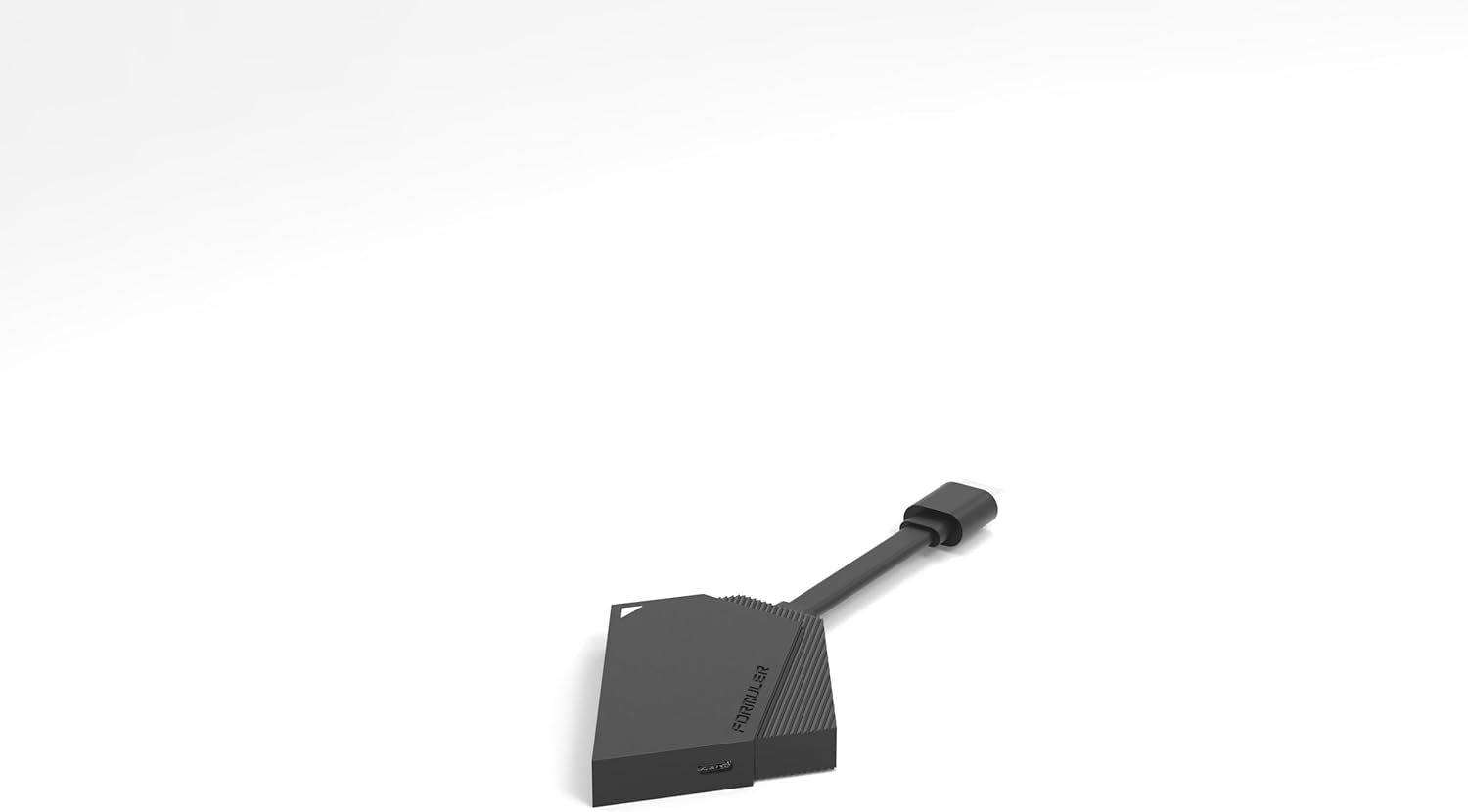
Image 8.1: A side view of the compact Formuler Z Mini device, illustrating its small form factor.
9. Warranty and Support
For detailed warranty information, please refer to the warranty card included with your product or visit the official Formuler website.
If you require technical support or have questions not covered in this manual, please contact Formuler customer support or your authorized retailer.
- Manufacturer: Formuler
- Official Website: www.formuler.tv (Example link, actual link may vary)
Ask a question about this manual
Ask about setup, troubleshooting, compatibility, parts, safety, or missing instructions. Manuals+ will review the question and use this page’s manual context to help answer it.