
Introduction
This manual provides instructions for the proper installation and maintenance of your HD Switch Ultimate Ignition Protection Kit. This kit is designed to protect your ignition switch from environmental contaminants, which are a primary cause of ignition switch failure. Adhering to these instructions will help ensure the longevity and reliable operation of your equipment's ignition system.
Product Components
The HD Switch Ultimate Ignition Protection Kit includes the following parts:
- Upgraded Umbrella Key: Designed to shield the ignition cylinder from debris and moisture.
- Protective Cover: A durable rubber cap that fits over the ignition switch, creating a barrier against external elements.
- Mounting Nut: Used to secure the ignition switch in place.
- Rubber Grommet: Provides a tight seal around the ignition switch shaft, preventing ingress of dirt and water.

Image: The complete HD Switch Ultimate Ignition Protection Kit, showing two umbrella keys, a mounting nut, and a protective cover.
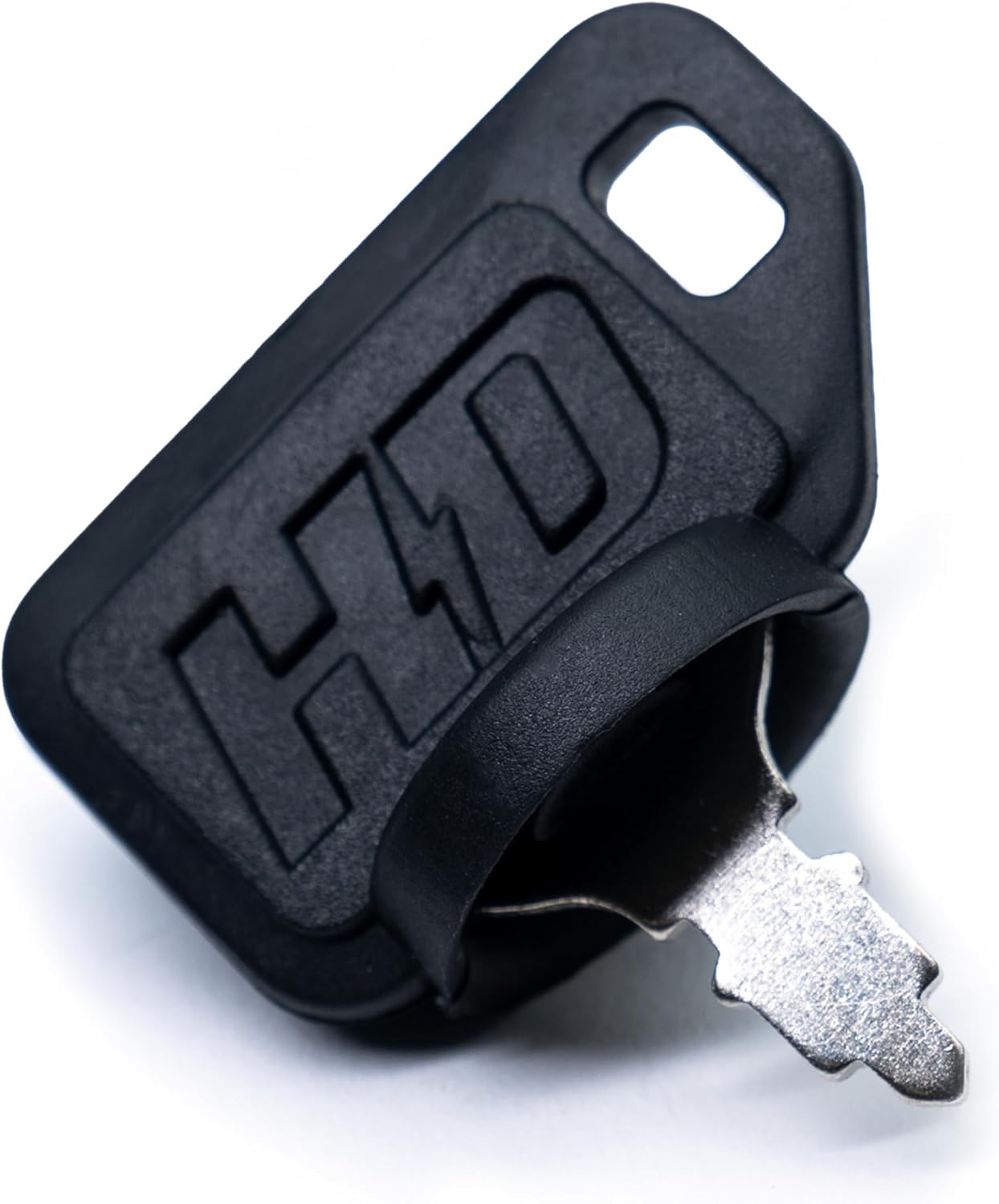
Image: A close-up view of the upgraded umbrella key, featuring the HD Switch logo.

Image: A detailed view of the rubber protective cover, designed to fit over the ignition switch.
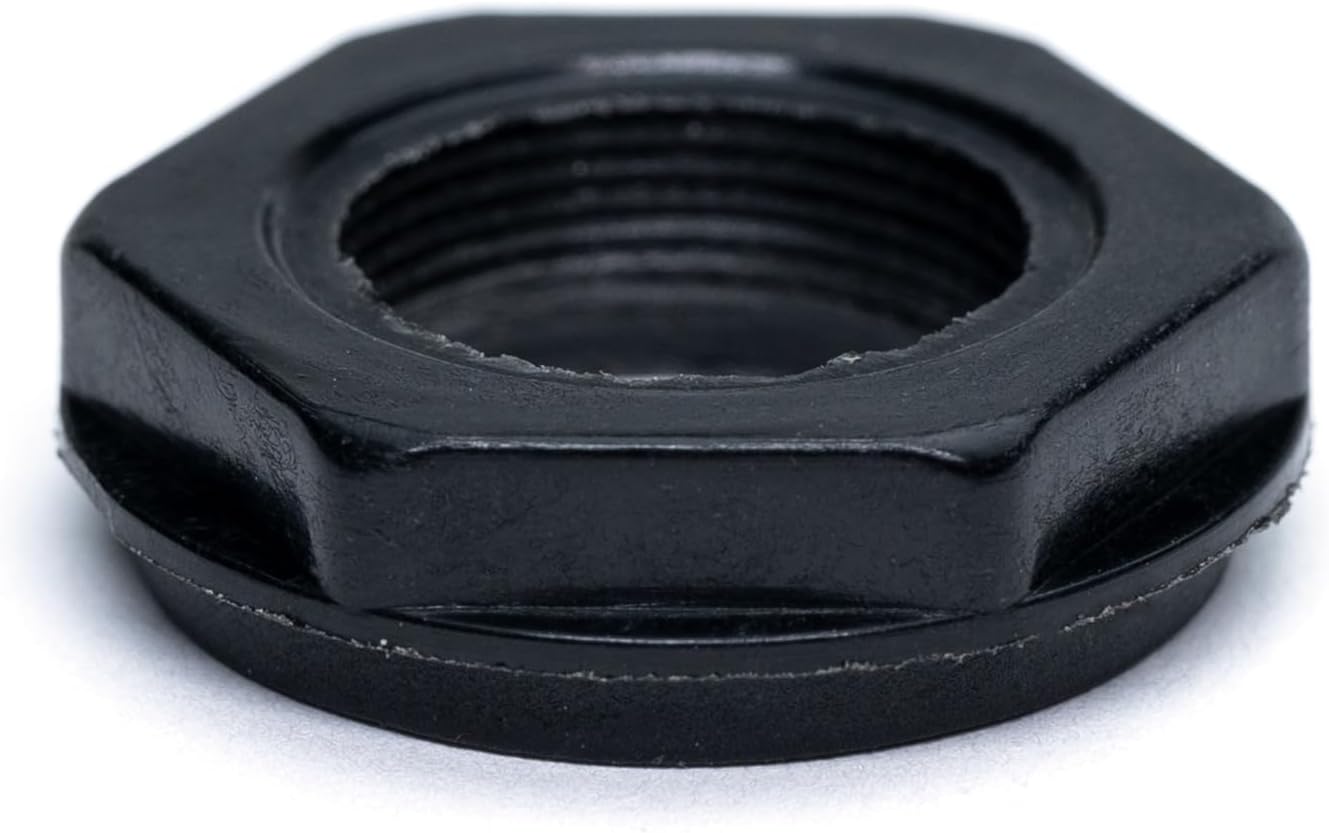
Image: A close-up of the mounting nut, used to secure the ignition switch.
Important Compatibility Information
This kit is specifically designed for use with INDAK switches only. Verify your ignition switch type before attempting installation to ensure proper fit and function. Using this kit with incompatible switches may result in improper protection or damage.

Image: Two ignition switches, highlighting the warning: 'FOR USE WITH INDAK SWITCHES ONLY'. Ignition switch not included with kit.
Installation Instructions
Safety Precautions
Before beginning installation, ensure the vehicle or equipment is turned off and the battery is disconnected. This prevents accidental starting, electrical shock, or damage to the electrical system.
Installation Steps
- Step 1: Remove Existing Components
Carefully remove the existing ignition switch nut and any old protective covers or keys from the ignition switch shaft. - Step 2: Install Rubber Grommet
Place the new rubber grommet over the ignition switch shaft. Ensure it sits flush against the mounting surface of the equipment. - Step 3: Secure Ignition Switch
Thread the new mounting nut onto the ignition switch and tighten it securely. Avoid overtightening, which can damage the switch or mounting surface. - Step 4: Apply Protective Cover
Place the protective cover over the ignition switch, ensuring it forms a tight seal around the base of the switch. - Step 5: Use Umbrella Key
Insert the upgraded umbrella key into the ignition. The design of the key provides an additional layer of protection against debris and moisture when inserted.

Image: The umbrella key inserted into an ignition switch, demonstrating the protective grommet's seal against water.
Operating Instructions
The HD Switch Ultimate Ignition Protection Kit operates seamlessly with your existing ignition switch. Simply insert the umbrella key to start the equipment and remove it when finished. The protective cover and grommet are designed to remain in place, continuously shielding the ignition from environmental factors.
Maintenance
To ensure optimal performance and longevity of your ignition protection kit, follow these maintenance guidelines:
- Regular Inspection: Periodically inspect the rubber grommet and protective cover for any signs of wear, cracking, or damage. Replace components immediately if damage is observed to maintain effective protection.
- Keep Clean: Keep the key and the area around the ignition switch clean from excessive dirt, dust, or debris.
- Cleaning: Avoid using harsh chemicals or solvents for cleaning the rubber components; a damp cloth with mild soap is sufficient.
Troubleshooting
If you encounter issues with your HD Switch Ultimate Ignition Protection Kit, refer to the following troubleshooting guide:
- Key Does Not Turn Smoothly
Possible Cause: Debris in the ignition cylinder or a worn key.
Solution: Clean the ignition cylinder with a suitable electrical contact cleaner. If the key appears worn or damaged, replace it with a new HD Switch umbrella key. - Protective Cover Does Not Fit Snugly
Possible Cause: Incorrect installation or an incompatible ignition switch.
Solution: Re-check the installation steps to ensure the cover is seated correctly. Confirm that your ignition switch is an INDAK type, as this kit is designed specifically for these switches. If the cover is damaged, replace it. - Water or Dirt Entering Ignition
Possible Cause: Damaged grommet or cover, or improper installation.
Solution: Inspect the rubber grommet and protective cover for any tears, cracks, or improper seating. Ensure all components are installed correctly and form a tight, continuous seal around the ignition switch.
Specifications
| Feature | Detail |
|---|---|
| Brand | HD Switch |
| Compatibility | Sears Craftsman 2K4B3A, 2P4C3A, 3363, 4200, 95189, 95194, AYP, 8208A39, CP1238 (for INDAK switches only) |
| Kit Components | Upgraded Umbrella Key, Protective Cover, Mounting Nut, Rubber Grommet |
| Material | Premium Rubber (for key, cover, grommet) |
Warranty and Support
For warranty information or technical support regarding your HD Switch Ultimate Ignition Protection Kit, please contact HD Switch directly. Refer to the product packaging or the official HD Switch website for the most current contact details and warranty terms.
