
1. Introduction
This manual provides comprehensive instructions for the Ddidbi P66D2 Smart Watch. It covers initial setup, operational guidance, feature explanations, maintenance tips, and troubleshooting steps to ensure optimal use of your device. The Ddidbi P66D2 is a versatile fitness tracker with a 1.85-inch TFT-color touch screen, offering call functionality, various sport modes, and health monitoring features.
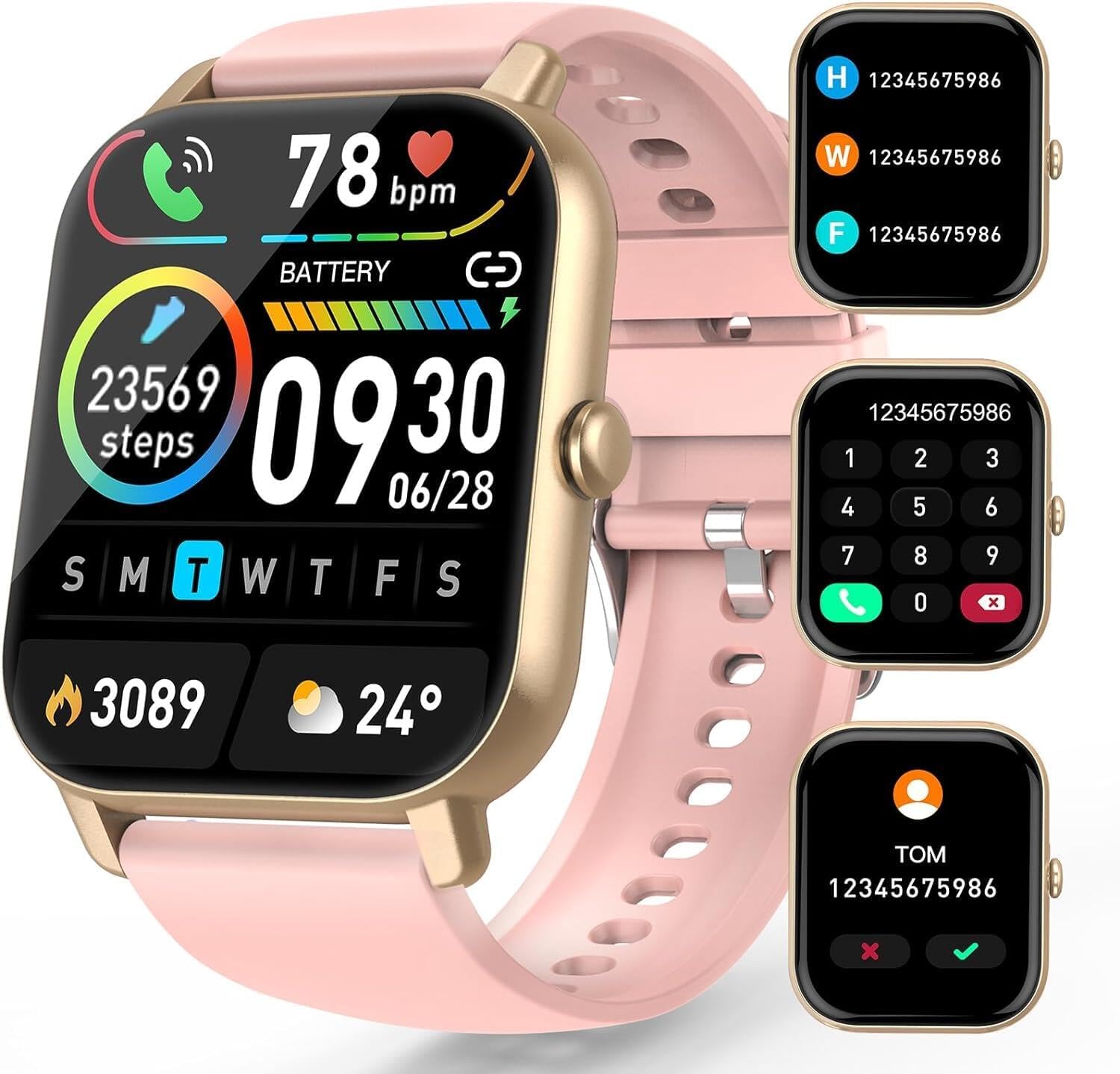
Image 1.1: Overview of the Ddidbi P66D2 Smart Watch display and call features.
2. What's in the Box
Please verify that all items are present upon unboxing:
- Smart watch (1 unit)
- Pink watch band (1 unit)
- Magnetic charger (1 unit)
- User manual (1 unit)
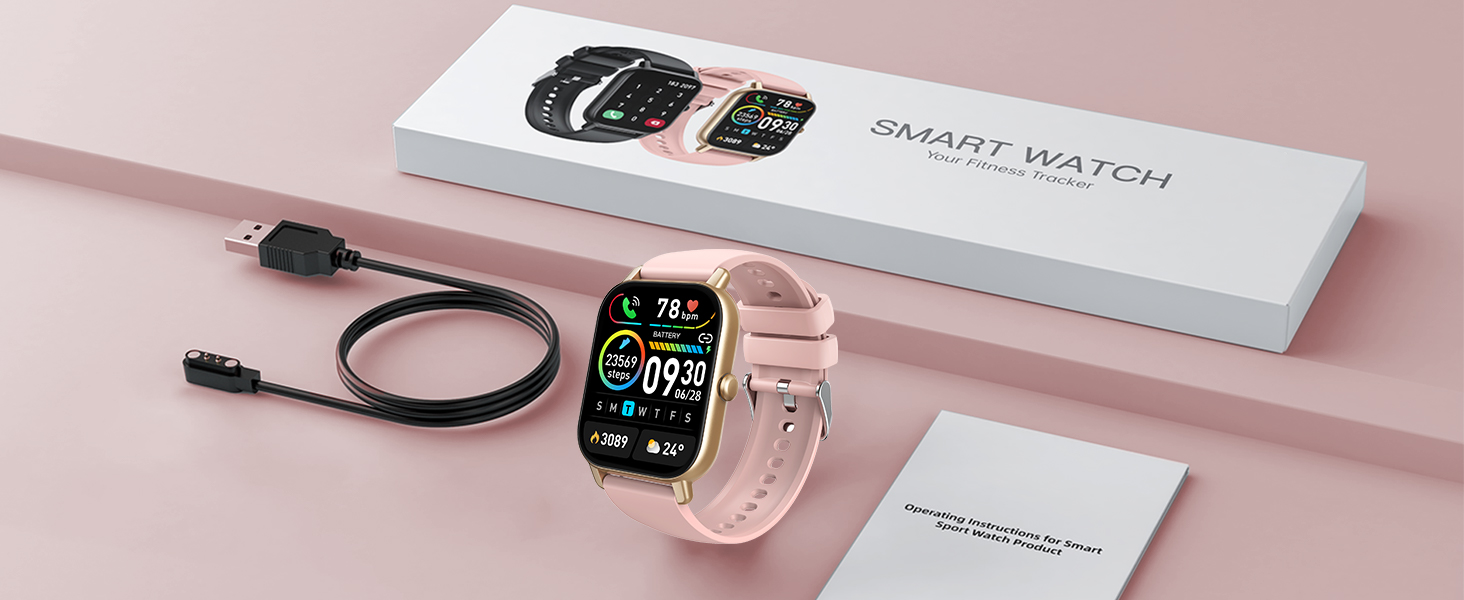
Image 2.1: The Ddidbi P66D2 Smart Watch, magnetic charger, and user manual.
3. Initial Setup
3.1 Charging the Device
Before first use, fully charge your Ddidbi P66D2 Smart Watch. Connect the magnetic charger to the charging points on the back of the watch and plug the USB end into a power source. A full charge typically takes 1.5 to 2 hours.

Image 3.1: Magnetic charging process and battery status.
3.2 Pairing with Your Smartphone
To unlock the full functionality of your smart watch, pair it with your smartphone via the dedicated application. Follow these general steps:
- Download the companion app from your smartphone's app store (e.g., Google Play Store or Apple App Store).
- Ensure Bluetooth is enabled on your smartphone.
- Open the app and follow the on-screen instructions to search for and connect to your Ddidbi P66D2 Smart Watch.
- Grant necessary permissions to the app for features like notifications and health data synchronization.
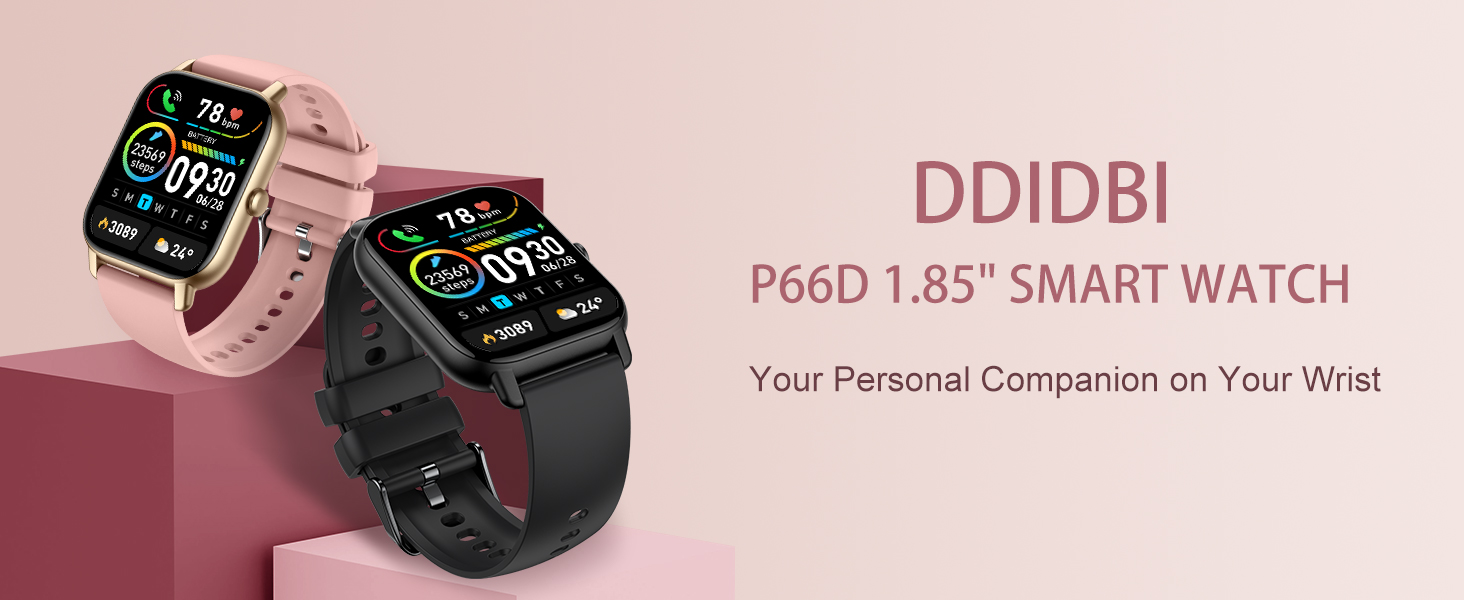
Image 3.2: Step-by-step guide for app connection and notification settings.
4. Operating Your Smart Watch
4.1 Touch Screen Navigation
The 1.85-inch TFT-color touch screen allows for intuitive navigation. Swipe left, right, up, or down to access different menus and features. Tap to select options or confirm actions.
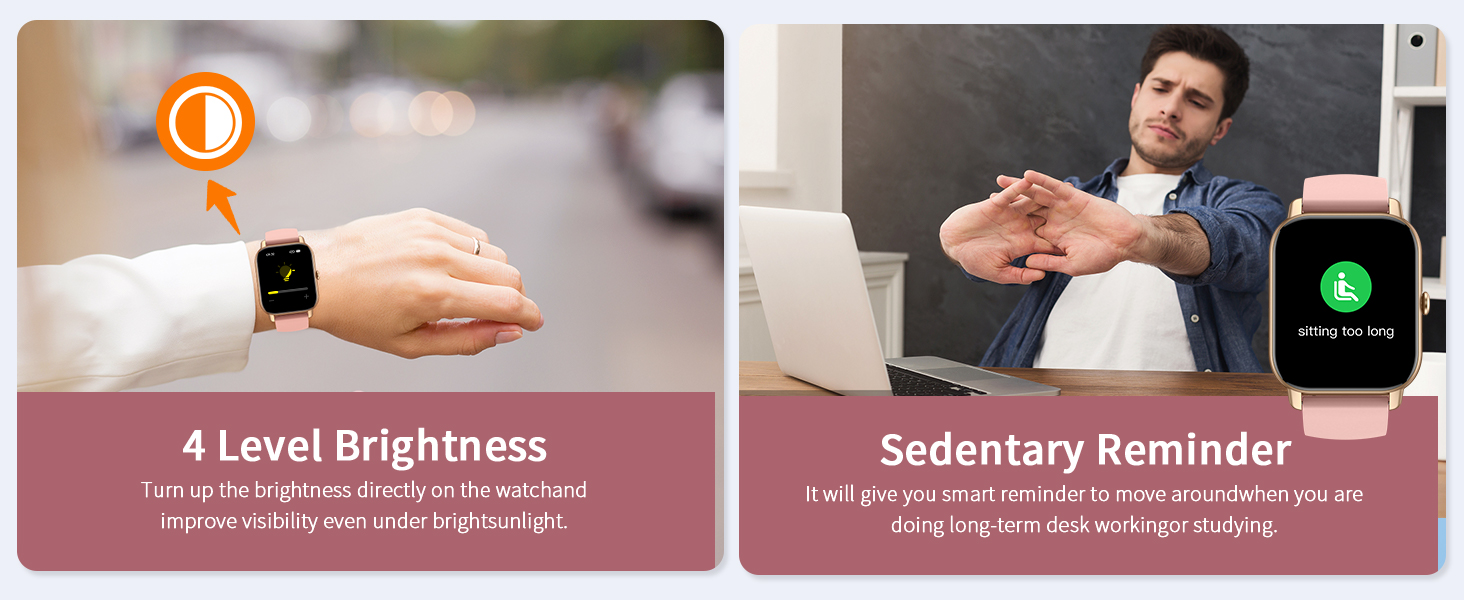
Image 4.1: The watch's large touch screen and customizable watch faces.
4.2 Call Functionality
Once paired with your smartphone, you can make and receive calls directly from your watch. The watch features a built-in speaker and microphone. You can dial numbers, answer incoming calls, and view your call history on the device.

Image 4.2: Call interface on the smart watch.
4.3 Notifications
Receive notifications for calls, text messages, and alerts from various social media applications (e.g., Facebook, WhatsApp, Instagram) directly on your watch. Ensure notification permissions are enabled in the companion app.

Image 4.3: Smart watch displaying message notifications.
4.4 Customizing Watch Faces
Personalize your watch by choosing from a variety of pre-installed watch faces or by uploading your favorite photos through the companion app to create custom dials.
4.5 Music and Camera Control
Control music playback on your smartphone and remotely trigger your phone's camera directly from your smart watch.
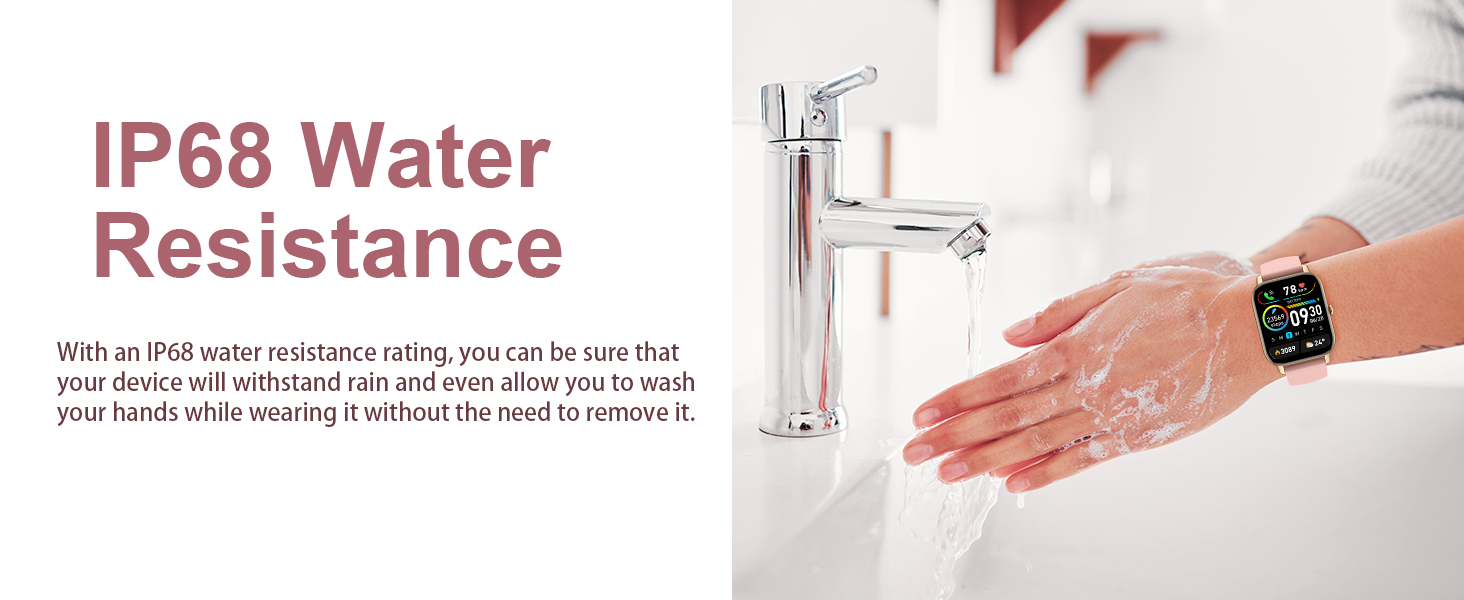
Image 4.4: Camera and music control features.
5. Key Features
5.1 Health Monitoring
- Heart Rate Monitoring: The integrated HR sensor provides accurate, real-time heart rate monitoring throughout the day.
- Sleep Tracking: The watch records your sleep patterns, including deep sleep, light sleep, and awake times, to help you understand and improve your sleep quality.

Image 5.1: All-day heart rate monitoring.
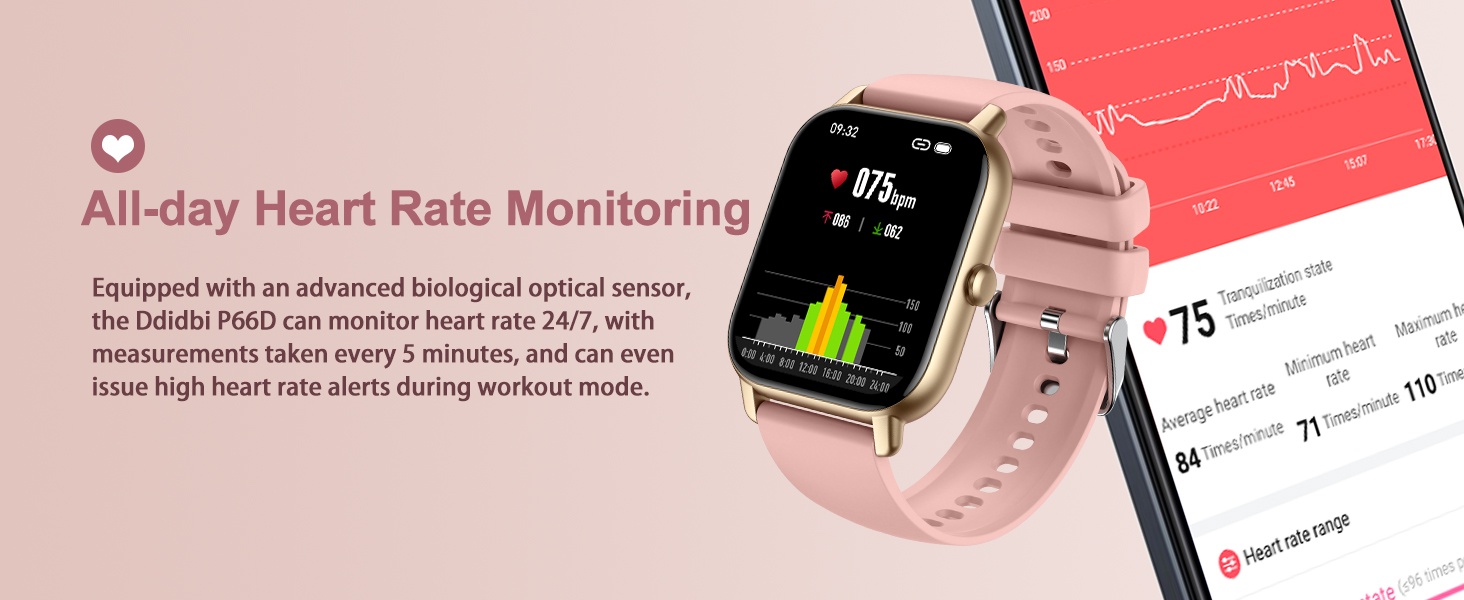
Image 5.2: Sleep quality monitoring.
5.2 Activity Tracking and Sport Modes
The Ddidbi P66D2 offers 112 different exercise modes to track your fitness activities. It monitors calories burned, activity time, distance, and step count. Whether you are hiking, cycling, or practicing yoga, the watch provides real-time data to help you achieve your fitness goals.

Image 5.3: 112+ built-in sports modes.
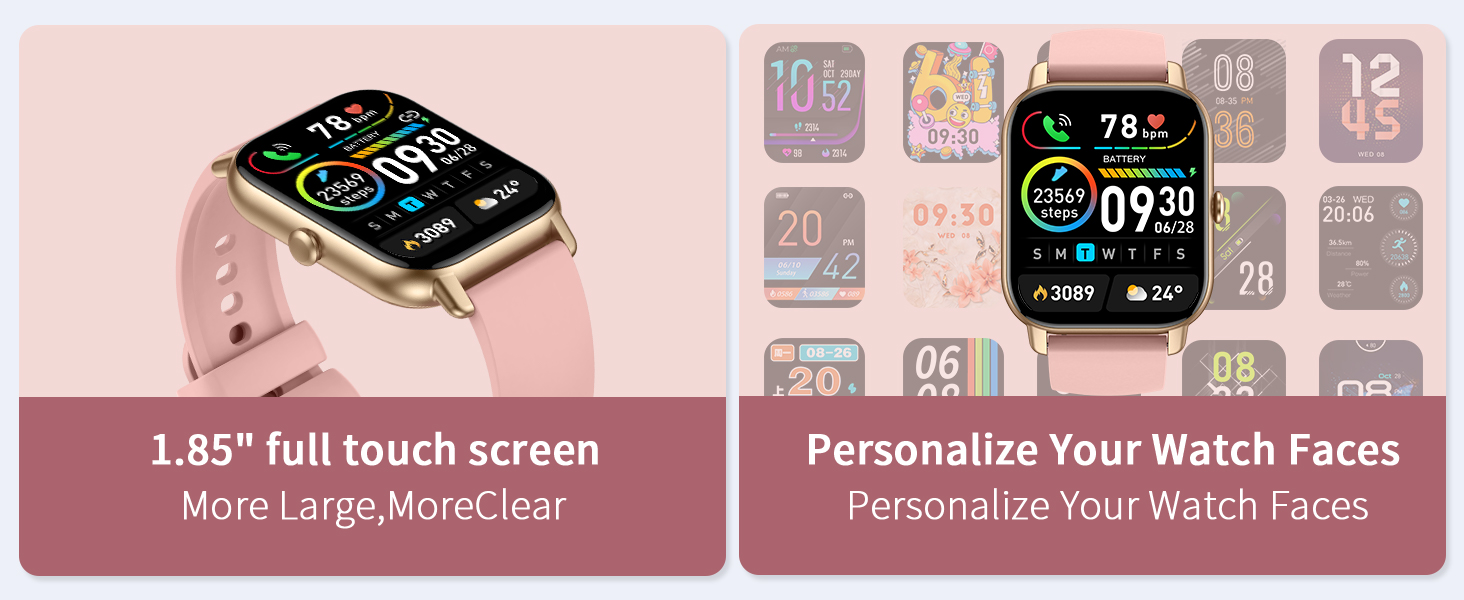
Image 5.4: GPS and 112 sports modes tracking.
5.3 Additional Smart Features
- Weather Forecast: Stay informed about current weather conditions directly on your watch when connected to the app.
- Sedentary Reminders: Receive alerts to move around if you have been inactive for too long.
- Alarm Clock: Set vibration alarms to remind you without disturbing others.
- Stopwatch & Countdown: Utilize these tools for timing workouts or other activities.
- Adjustable Brightness: The screen brightness can be adjusted to improve visibility in various lighting conditions, including direct sunlight.
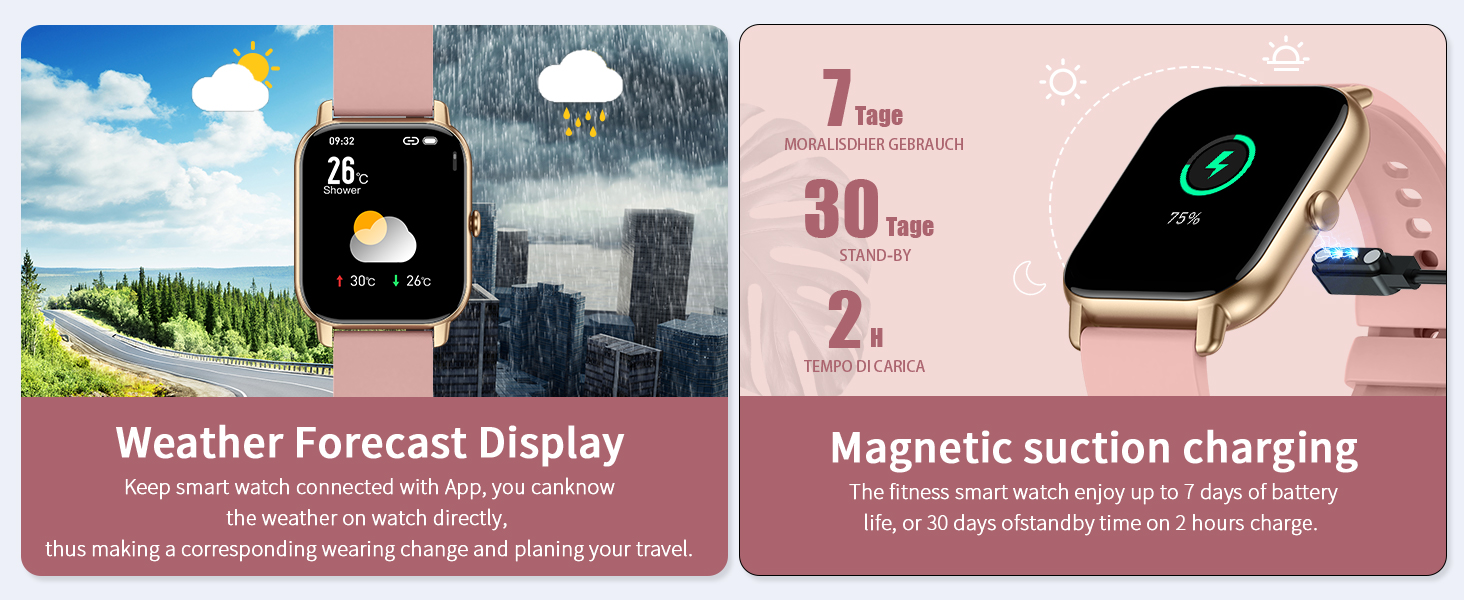
Image 5.5: Brightness control and sedentary reminder.
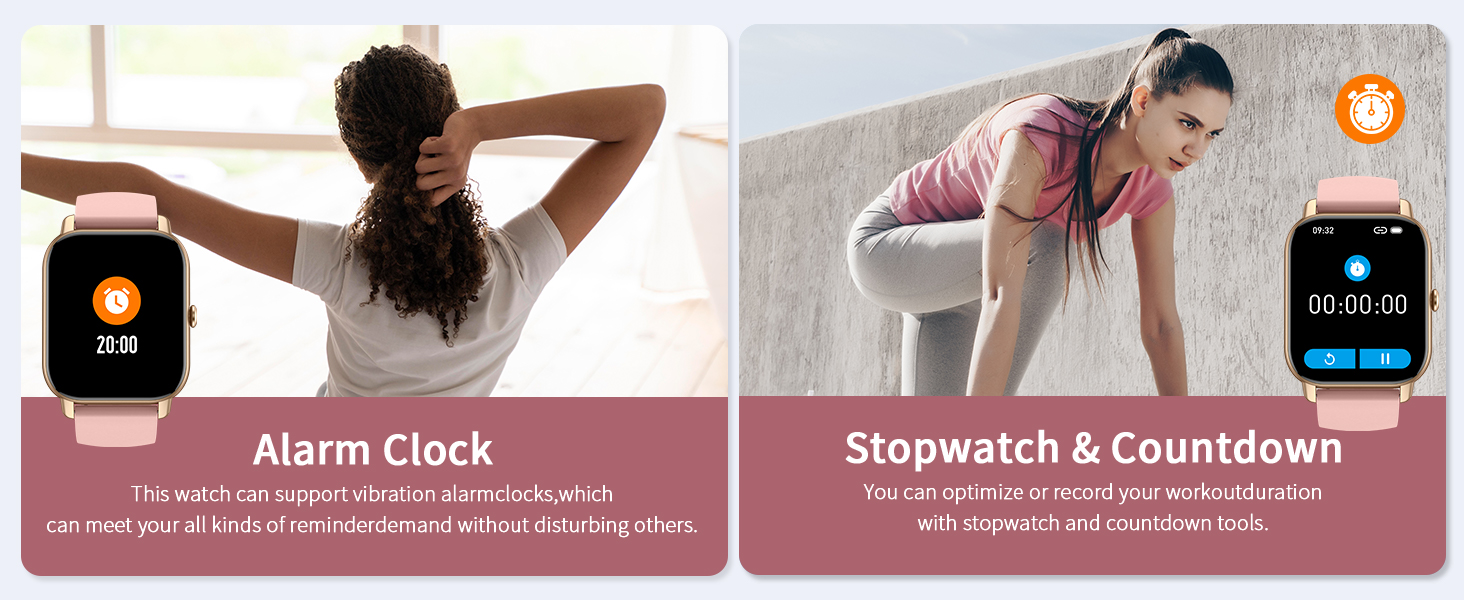
Image 5.6: Weather forecast display and magnetic charging.
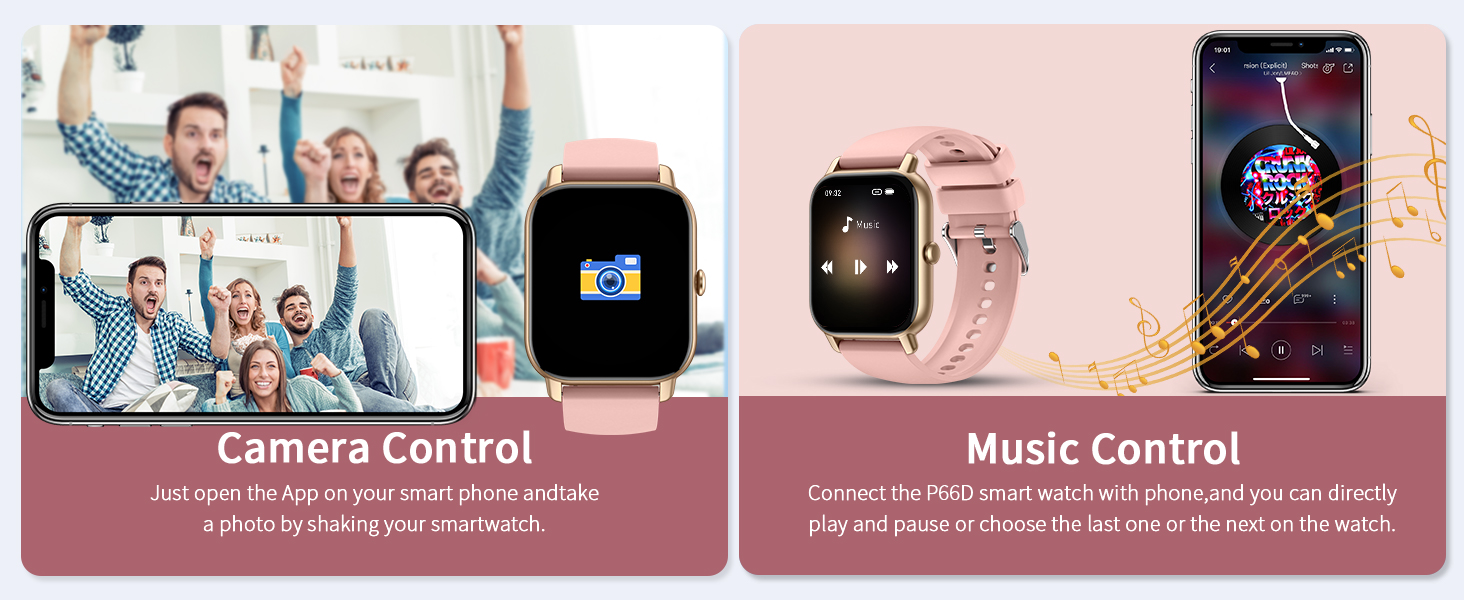
Image 5.7: Alarm clock and stopwatch features.
6. Maintenance
6.1 Water Resistance
The Ddidbi P66D2 Smart Watch has an IP68 waterproof rating, meaning it is resistant to dust and can withstand immersion in water up to 1.5 meters for 30 minutes. It is suitable for daily use, including hand washing and exposure to rain. However, it is not recommended for use in hot water, saunas, or seawater, as these conditions may compromise the seal.
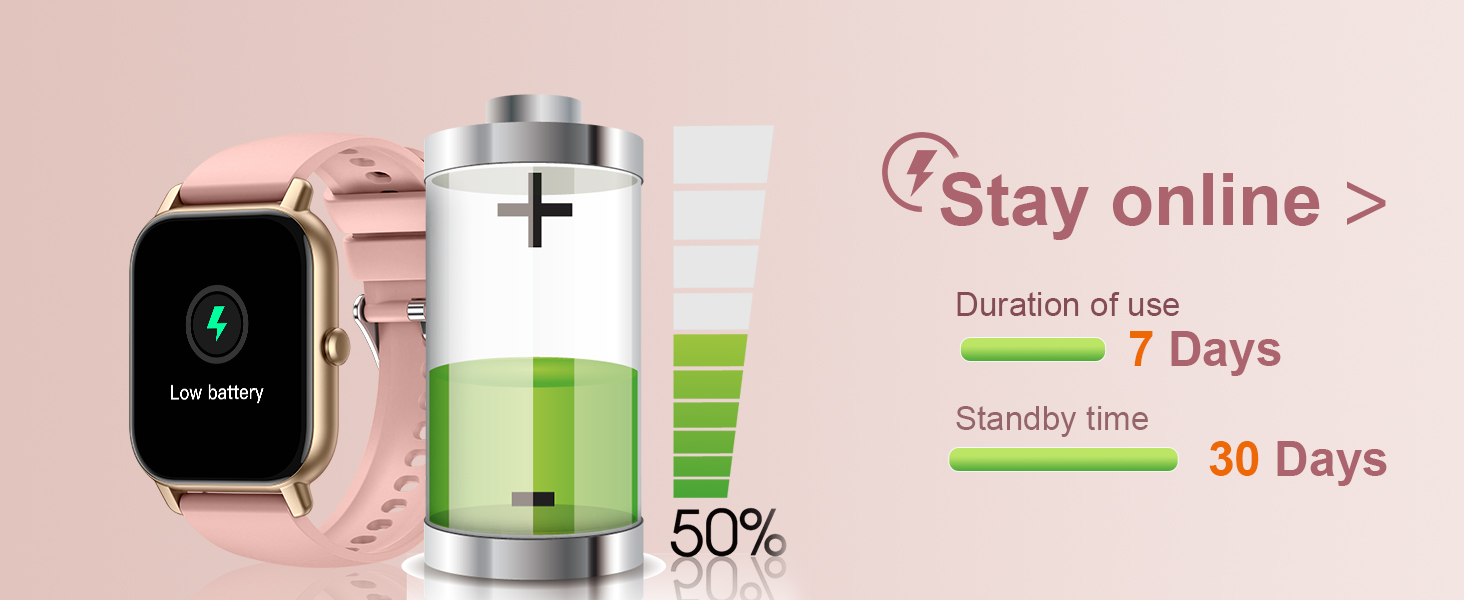
Image 6.1: IP68 water resistance demonstration.
6.2 Cleaning and Care
To maintain your smart watch, regularly wipe the screen and strap with a soft, dry cloth. Avoid using harsh chemicals or abrasive materials. Ensure the charging contacts are clean and dry before charging.
7. Battery Information
The Ddidbi P66D2 Smart Watch is equipped with a Lithium Polymer battery. A full charge takes approximately 1.5 to 2 hours and provides up to 7 days of typical use. The standby time can extend up to 30 days.
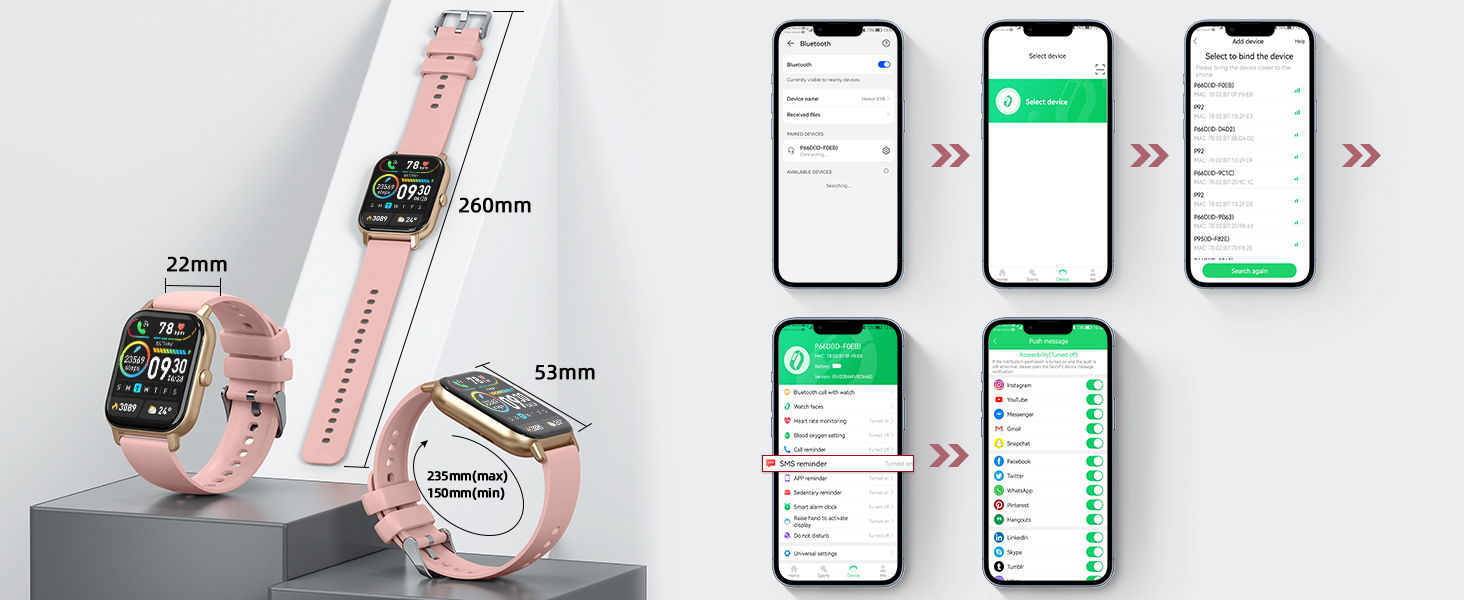
Image 7.1: Battery duration and charging details.
8. Specifications
| Feature | Specification |
|---|---|
| Model Name | P66D2 |
| Screen Size | 1.85 Inches |
| Display Type | TFT-Touch Screen |
| Connectivity | Bluetooth |
| Water Resistance | IP68 |
| Battery Type | Lithium Polymer |
| Charging Time | 1.5 - 2 hours |
| Battery Life (Typical Use) | Up to 7 days |
| Standby Time | Up to 30 days |
| Item Weight | 4.2 ounces |
| Special Features | Activity Tracker, Notifications, Phone Call, Sedentary Reminder, Weather Forecast |
9. Troubleshooting
If you encounter issues with your Ddidbi P66D2 Smart Watch, please refer to the following common solutions:
- Watch not turning on: Ensure the watch is fully charged. Connect it to the magnetic charger and check for the charging indicator.
- Cannot pair with smartphone:
- Make sure Bluetooth is enabled on your phone.
- Ensure the watch is within Bluetooth range of your phone.
- Restart both your watch and your phone.
- Check if the companion app is installed and has necessary permissions.
- Notifications not appearing:
- Verify that notification permissions are granted to the app on your phone.
- Ensure the watch is connected via Bluetooth.
- Check the app's settings to confirm which notifications are enabled.
- Inaccurate health data: Ensure the watch is worn snugly on your wrist, not too tight or too loose. Clean the sensor regularly.
- Short battery life: Reduce screen brightness, disable unnecessary notifications, and limit continuous heart rate monitoring if not needed.
10. Warranty and Support
For warranty information and customer support, please refer to the documentation included with your purchase or contact the manufacturer directly. Keep your proof of purchase for warranty claims.
