
Introduction
Welcome to your new Panana Vanity Desk. This manual provides detailed instructions for assembly, operation, maintenance, and troubleshooting to ensure you get the most out of your product. Please read carefully before use.
Safety Information
Please observe the following safety guidelines to prevent injury or damage to the product:
- Always assemble according to the provided instructions.
- Do not use wet cloths to clean the vanity.
- Keep sharp objects away from the vanity area.
- Do not place heavy objects on the vanity to avoid damage or injury.
Ensure all components are securely fastened before use.
Package Contents
Please verify that all parts are present before beginning assembly:
- Vanity Tabletop
- Vanity Mirror with LED Lights
- Large Drawer components
- Cabinet components
- Shelves (4 total)
- Assembly Hardware (screws, dowels, etc.)
- Power Adapter for LED Lights
Setup and Assembly
Assembly is required for this vanity desk. It is recommended to have two people for assembly. Please follow the step-by-step instructions provided in the separate assembly guide included with your product.
Ensure all screws and fasteners are tightened securely. Do not overtighten.

Features Overview
Ample Storage
The vanity desk is designed with multiple storage options to keep your items organized:
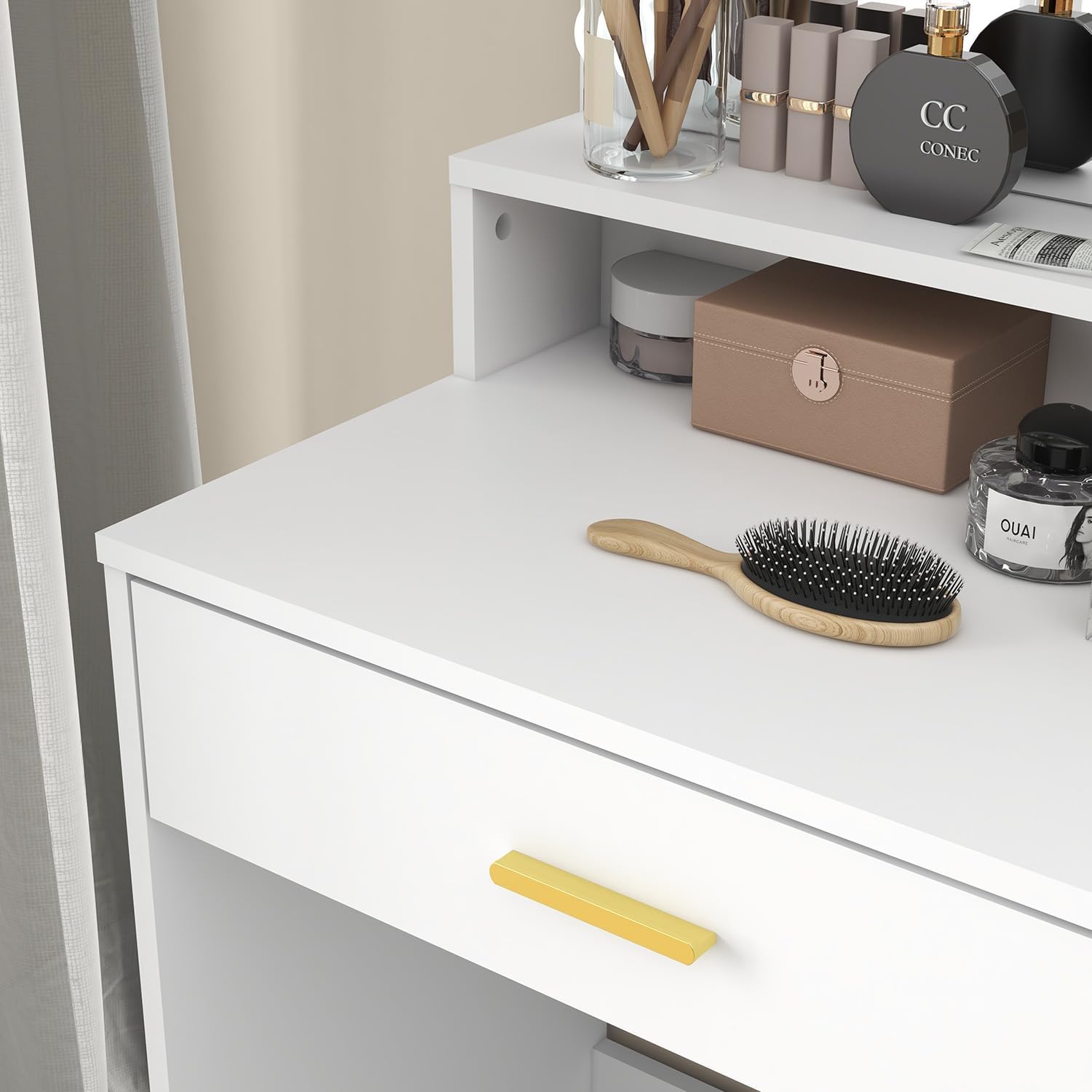
- Large Drawer: A spacious drawer located below the tabletop provides ample space for makeup, skincare products, and accessories.
- Convenient Cabinet: A three-tier cabinet with a door on the right-hand side offers additional storage for larger items, ensuring easy access and a neat appearance.
- Integrated Mirror with Storage: The expansive mirror includes a storage compartment beneath it, ideal for frequently used items or decorative pieces.
- Versatile Shelving: Three open shelves adjacent to the mirror provide convenient storage for beauty tools, perfumes, or decorative accents.


Adjustable LED Lighting
The built-in LED lights enhance your makeup application experience:
- Three Lighting Modes: Choose from warm white, natural light, and cool white to suit different environments or moods.
- Brightness Adjustable: Each mode offers adjustable brightness for optimal illumination.


Operating Instructions
LED Mirror Lights
To operate the LED lights, connect the power adapter to a suitable power outlet. Use the inline controller to:
- Turn the lights On/Off.
- Cycle through the three lighting modes (warm white, natural light, cool white).
- Adjust the brightness of the lights.
Refer to the controller for specific button functions (e.g., '+' for brighter, '-' for dimmer, 'M' for mode change).
Maintenance
Cleaning
To clean the vanity desk, wipe surfaces with a dry cloth. Avoid using wet cloths or harsh chemical cleaners, as these may damage the finish.
- For the mirror, use a glass cleaner sprayed onto a soft cloth, then wipe the mirror surface. Do not spray cleaner directly onto the mirror or LED bulbs.
- Regularly dust all surfaces to prevent buildup.
General Care
- Periodically check all screws and fasteners to ensure they remain tight. Retighten if necessary.
- Avoid exposing the vanity to direct sunlight or extreme temperature changes to prevent warping or discoloration.
- Do not place hot items directly on the tabletop without protection.
Troubleshooting
LED Lights Not Working
- Ensure the power adapter is securely plugged into both the vanity and a working electrical outlet.
- Check if the outlet is functional by plugging in another device.
- Verify that the inline controller is not damaged and the power button is pressed.
- If the issue persists, contact customer support.
Drawer/Cabinet Not Opening Smoothly
- Check for any obstructions inside the drawer or cabinet.
- Ensure the drawer slides or cabinet hinges are properly aligned and lubricated if necessary.
- Verify that the assembly was completed correctly and all hardware is secure.
Instability
- Confirm that the vanity is placed on a flat, level surface.
- Re-check all assembly hardware to ensure everything is tightened.
- If the vanity includes adjustable feet, ensure they are properly adjusted to stabilize the unit.
Specifications
| Feature | Detail |
|---|---|
| Brand | Panana |
| Model | Vanity Desk |
| Product Dimensions | 15.7"D x 35.4"W x 53.9"H |
| Material | Wood |
| Color | White |
| Number of Drawers | 1 |
| Lighting Modes | 3 (Warm White, Natural Light, Cool White) |
| Brightness | Adjustable |
| Assembly Required | Yes |
| Care Instructions | Wipe with Dry Cloth |
Warranty Information
For warranty details, please refer to the documentation included with your purchase or contact Panana customer support directly.
Customer Support
If you have any questions, require assistance, or need to report a problem, please contact Panana customer support through your retailer or the official Panana website.