
1. Product Overview
The Runleader Digital Vibration Hour Meter RL-HM019E is a cordless, waterproof device designed to track the operating hours of various equipment by detecting vibrations. It features adjustable sensitivity, total and partial hour recording, maintenance reminders, and a display lock function.
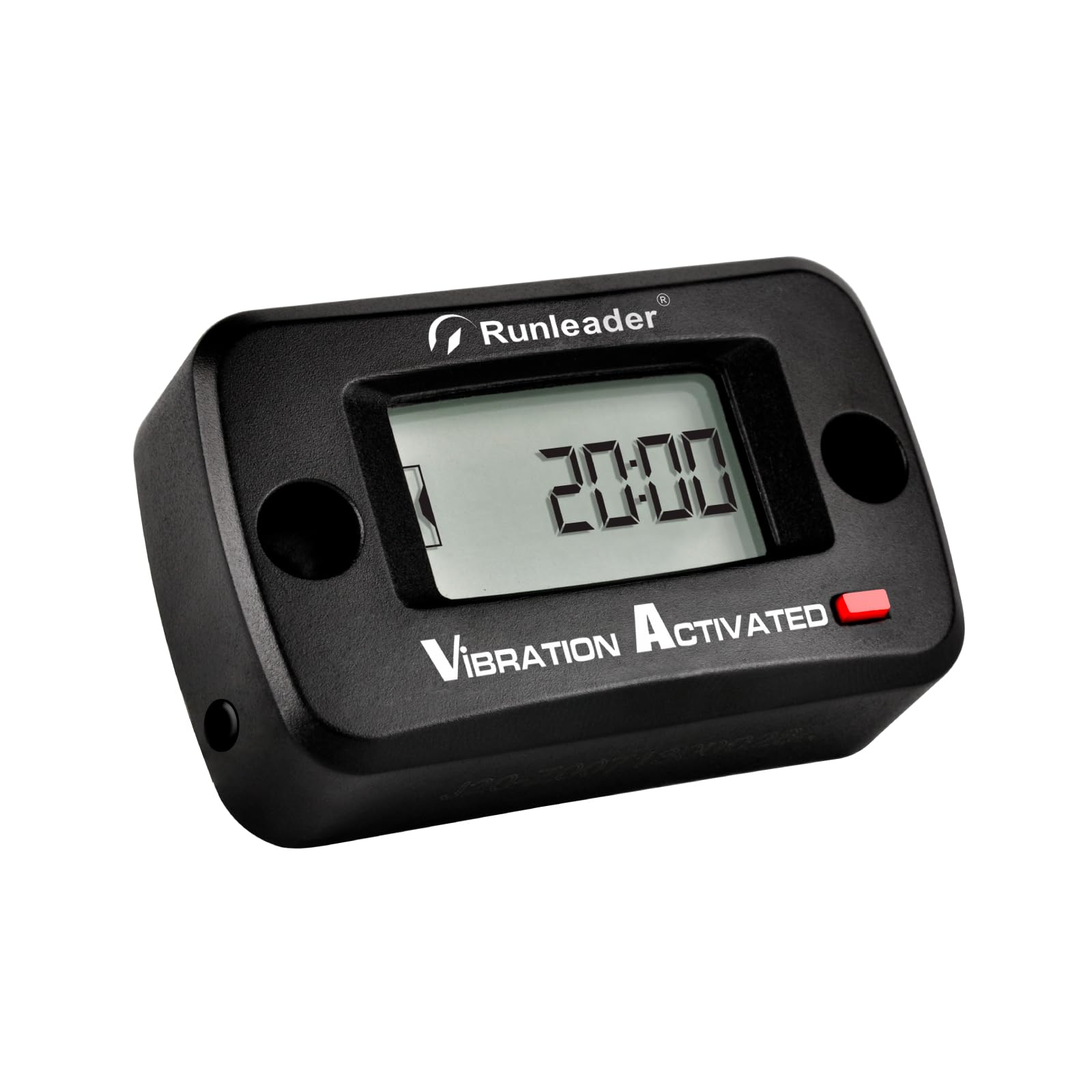
Figure 1: Runleader Digital Vibration Hour Meter RL-HM019E.
2. Setup and Installation
2.1 Mounting the Hour Meter
The hour meter can be installed using either stick-on or screw-on methods, providing flexibility for various applications.
Figure 2: Illustration of stick-on and screw-on mounting methods.
2.1.1 Stick-on Mounting
Clean the surface where the meter will be attached. Remove the protective backing from the double-sided tape (included) and firmly press the hour meter onto the desired location.
2.1.2 Screw-on Mounting
Position the hour meter and mark the locations for the two mounting screws. Drill pilot holes if necessary, then secure the meter using the provided screws.
2.2 Battery Information
The device comes with a built-in CR2450 lithium metal battery. This battery is designed for long standby time and is included with the product.
2.3 Adjusting Vibration Sensitivity
The hour meter features three adjustable sensitivity levels (Low, Medium, High) to accommodate different machine vibration frequencies. This ensures accurate tracking across various equipment types.
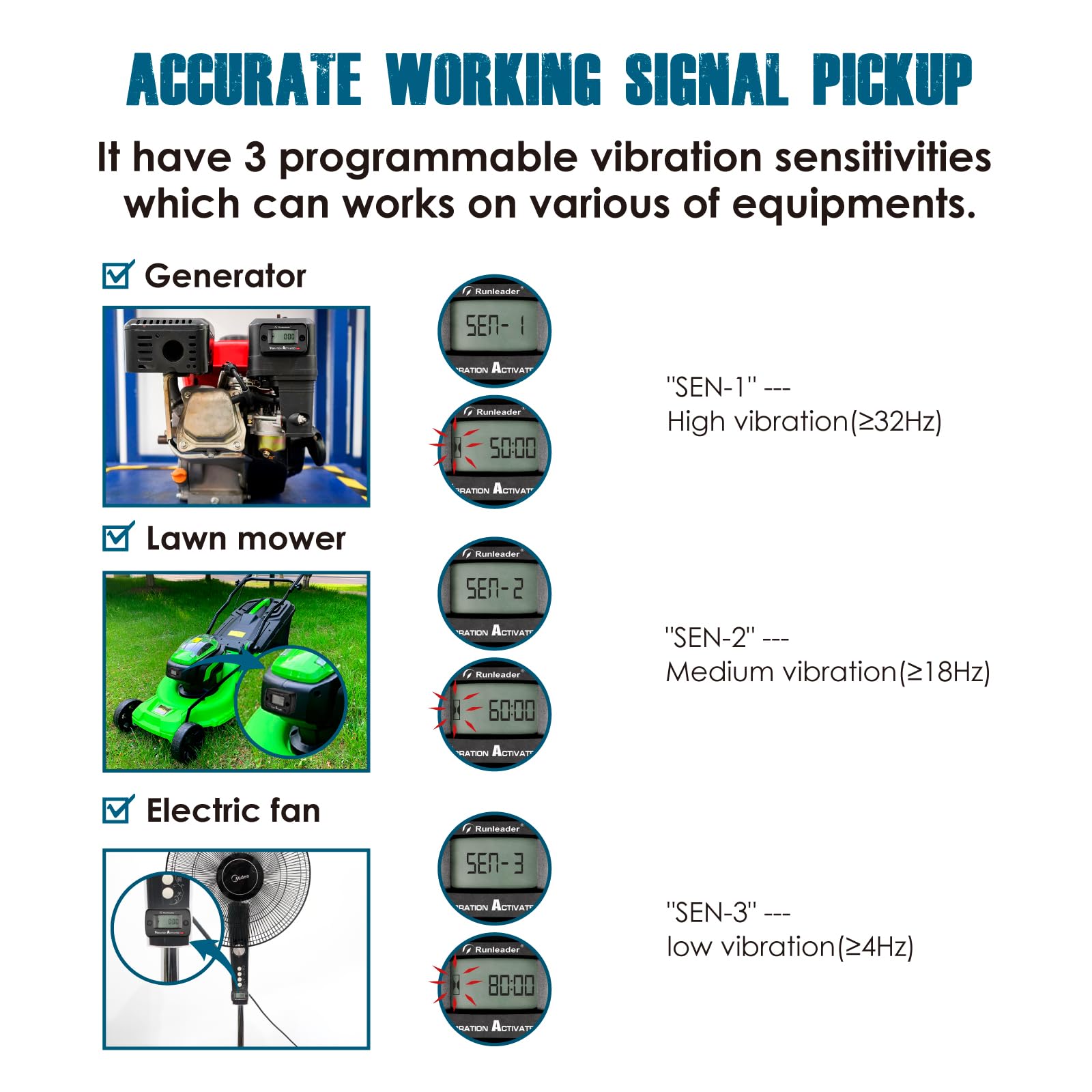
Figure 3: Examples of sensitivity settings for different equipment types (Generator, Lawn Mower, Electric Fan).
- SEN-1 (High Vibration): Suitable for equipment with strong vibrations (e.g., ≥32Hz).
- SEN-2 (Medium Vibration): Suitable for equipment with moderate vibrations (e.g., ≥18Hz).
- SEN-3 (Low Vibration): Suitable for equipment with low vibrations (e.g., ≥4Hz).
Refer to the specific instructions included with your product for details on how to change the sensitivity setting.
3. Operating Instructions
3.1 Total Hours (TOT) Recording
The meter automatically begins tracking total running hours (TOT) once it detects vibration from the machine. The total hours range from 0 to 999,999 hours.
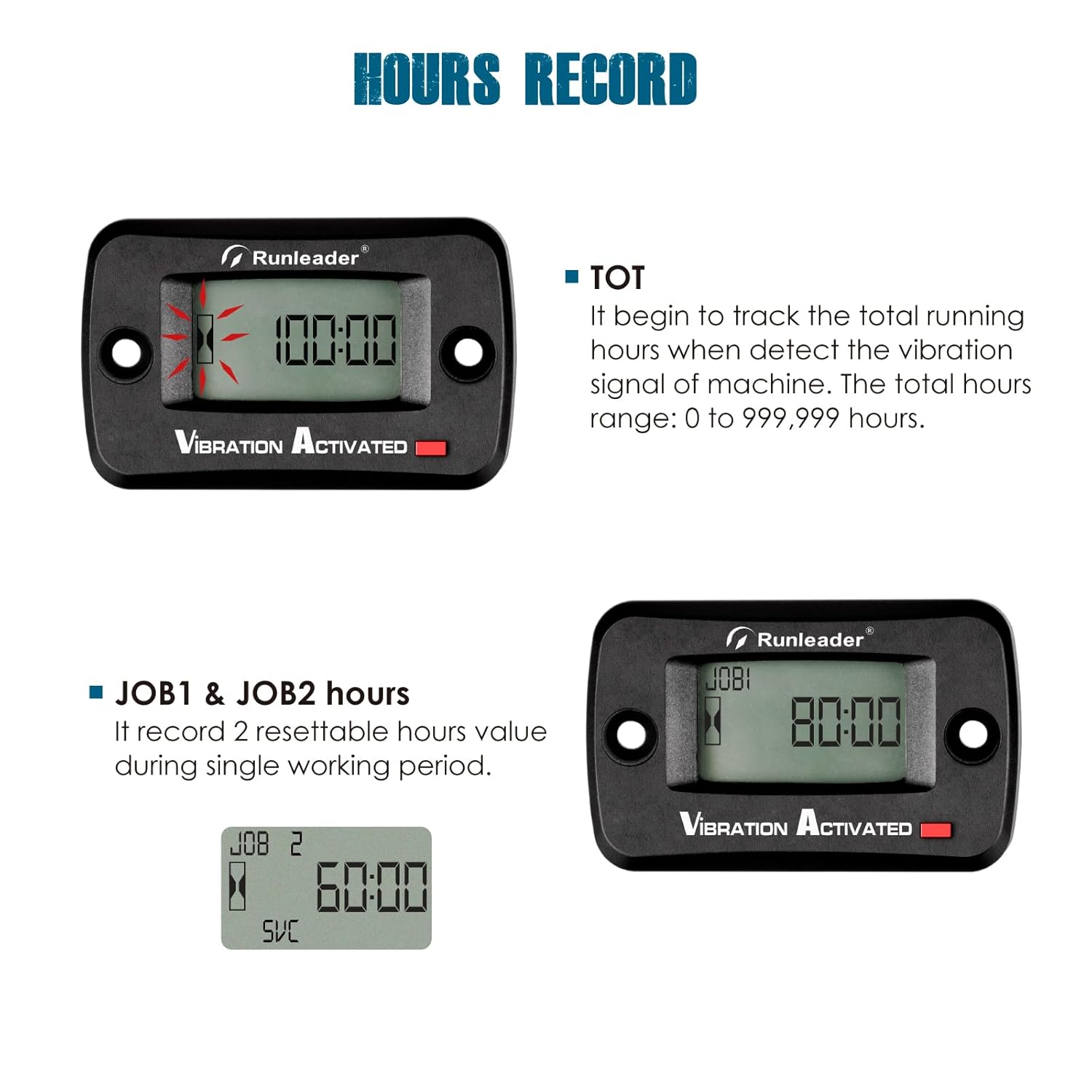
Figure 4: Display showing Total Hours (TOT).
3.2 Partial Hours (JOB) Recording
The device can record two resettable partial hour values (JOB1 and JOB2) during a single working period. These can be reset for individual task tracking.
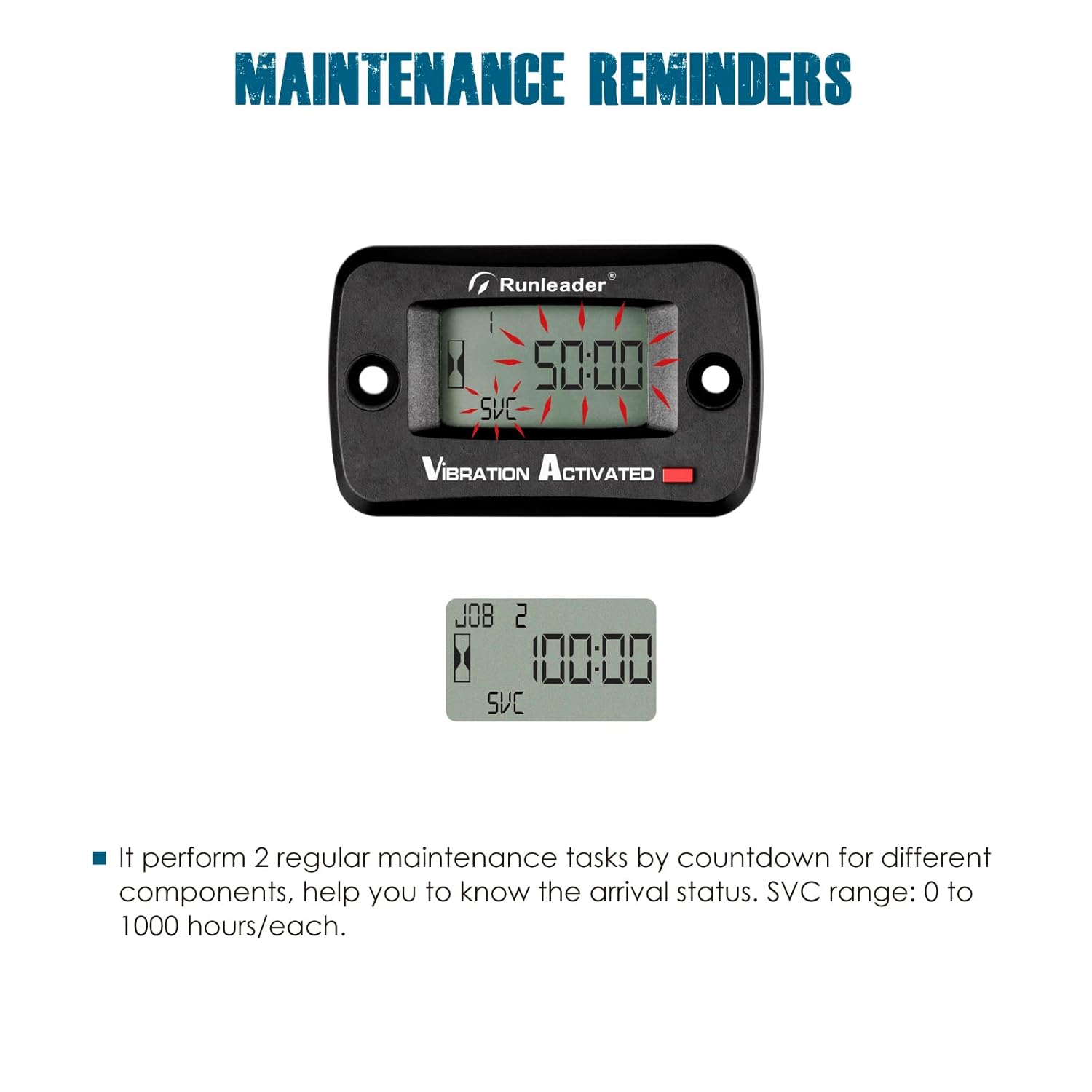
Figure 5: Display showing Partial Hours (JOB).
3.3 Maintenance Reminders (SVC)
The hour meter allows you to set two regular maintenance tasks (SVC) with a countdown timer. This feature helps you monitor and perform timely maintenance for different components. The SVC timer range is 0 to 1000 hours per group.
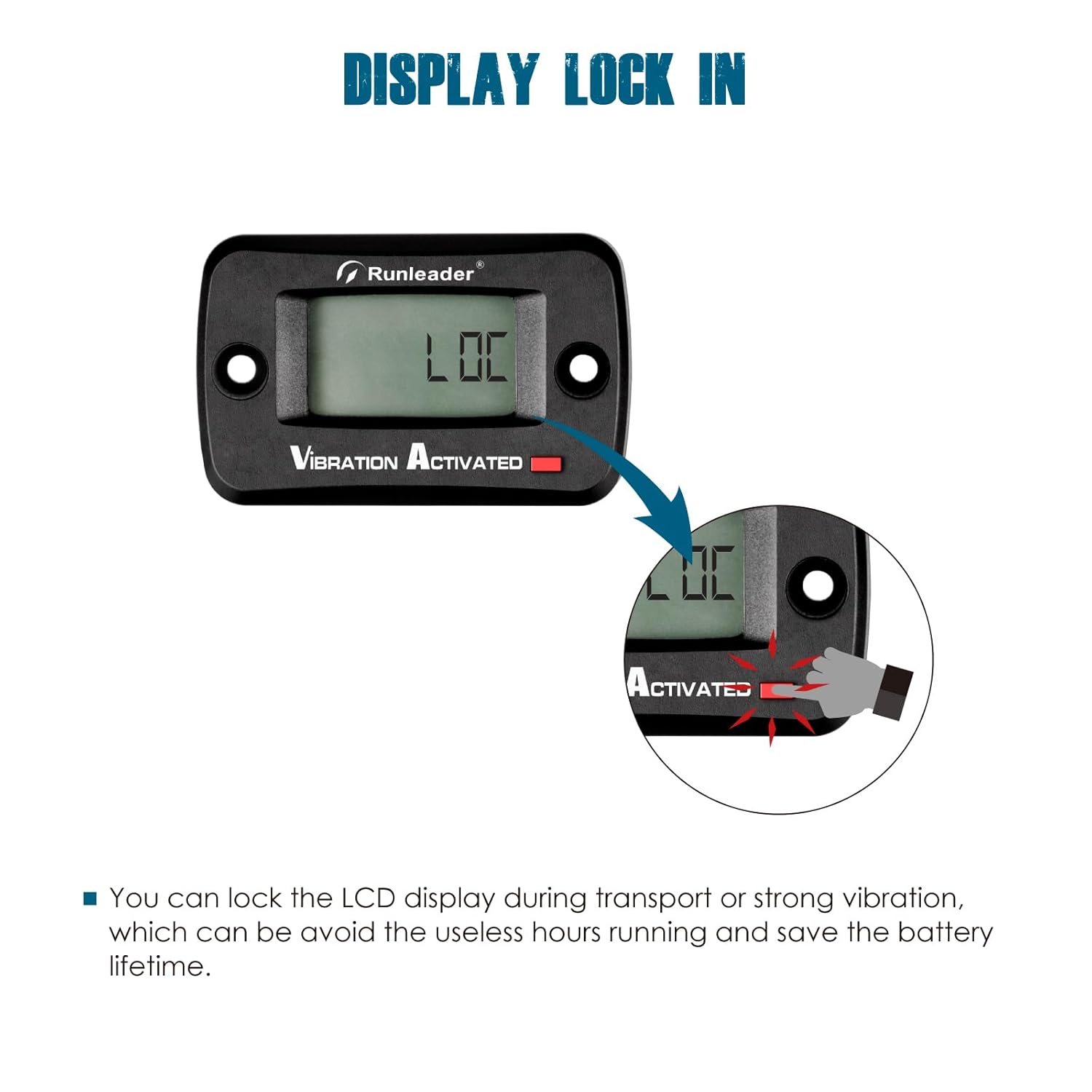
Figure 6: Display showing Maintenance Reminders (SVC).
3.4 Display Lock Function
The display lock feature allows you to lock the LCD display. This prevents unintended hour accumulation during transportation or periods of strong, non-operational vibration, thereby conserving battery life.
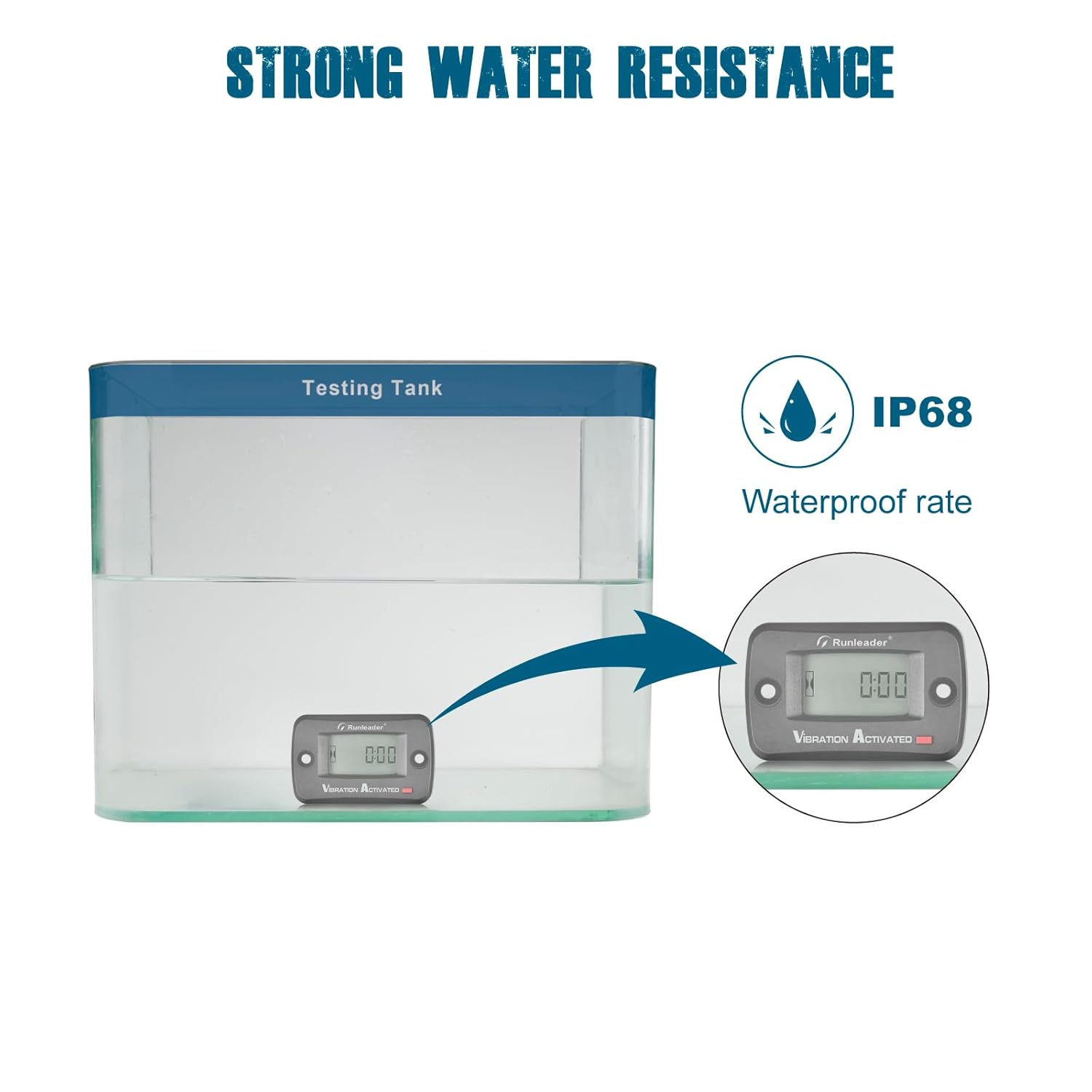
Figure 7: Illustration of the display lock function.
4. Maintenance
The Runleader Digital Vibration Hour Meter is designed for durability and minimal maintenance. It is constructed with 100% epoxy resin craft, providing strong water resistance up to IP68.
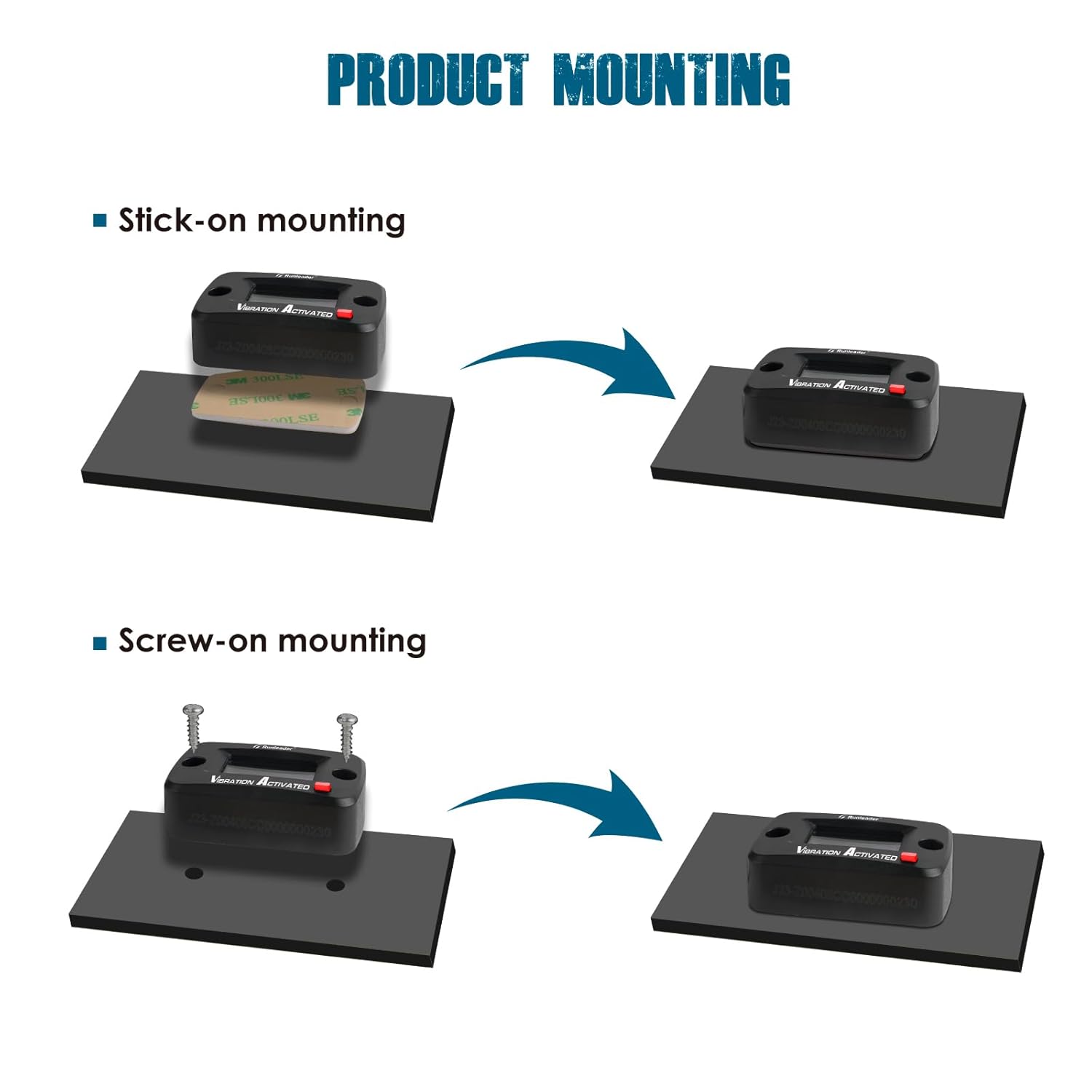
Figure 8: Demonstration of the IP68 waterproof rating.
Regularly check the device for any physical damage. Keep the display clean for optimal readability. The built-in CR2450 battery has a long lifespan and typically does not require user replacement. Utilize the SVC maintenance reminders to schedule and perform routine service on your equipment.
5. Troubleshooting
If you encounter issues with your Runleader Digital Vibration Hour Meter, consider the following:
- Meter not recording hours: Ensure the device is securely mounted and the vibration sensitivity is set appropriately for your equipment. Adjust the sensitivity if necessary.
- Display not working: Check if the display lock function is activated. If the display remains blank, the internal battery may be depleted. While designed for long life, extreme conditions or prolonged storage may affect it.
- Inaccurate readings: Verify the sensitivity setting. Too high or too low sensitivity can lead to inaccurate hour tracking.
For persistent issues, please contact Runleader customer support.
6. Specifications
Below are the technical specifications for the Runleader Digital Vibration Hour Meter RL-HM019E:
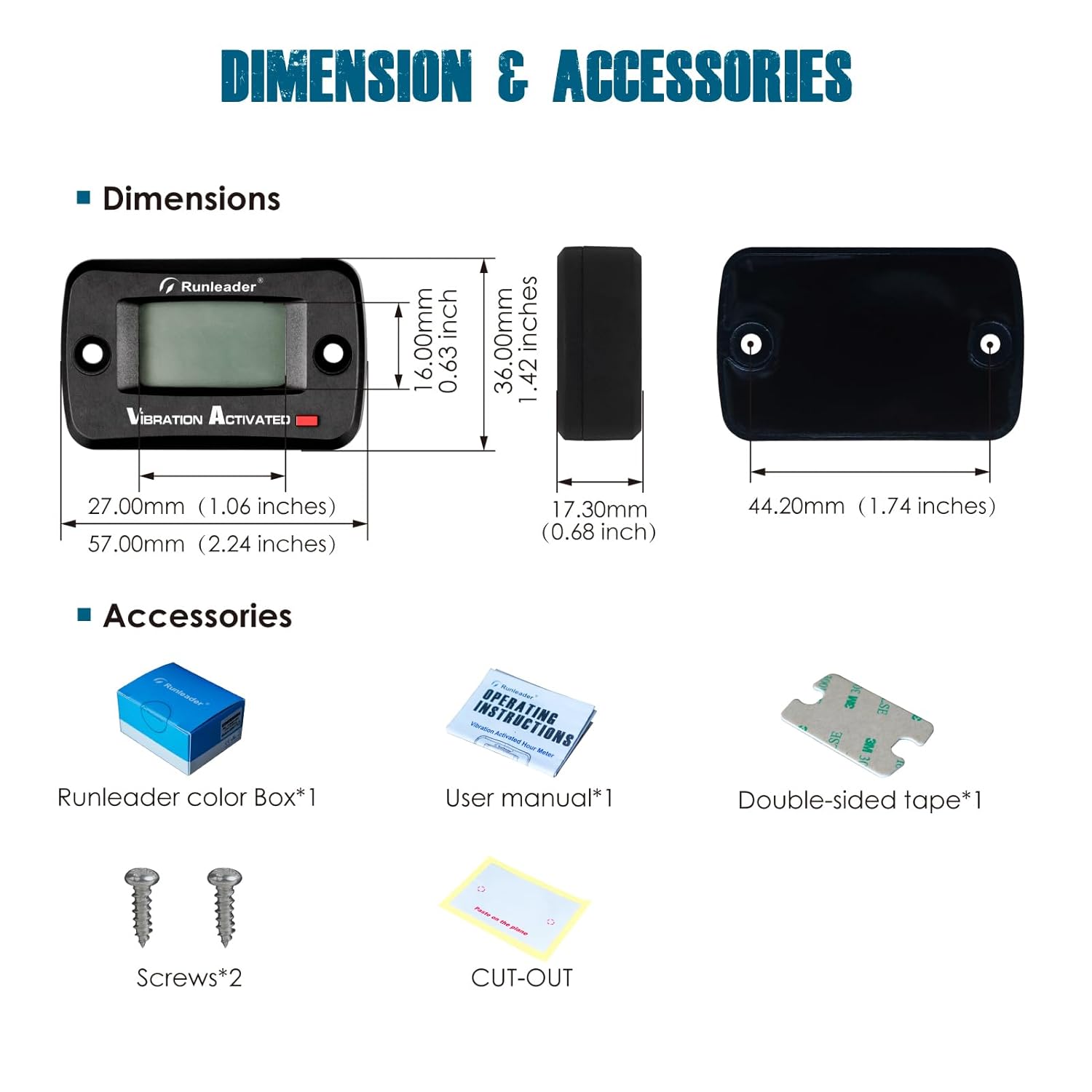
Figure 9: Product dimensions and included accessories.
| Specification | Value |
|---|---|
| Model Number | RL-HM019E |
| Item Weight | 55 g |
| Batteries | 1 Lithium Metal battery (CR2450), included |
| Material | Acrylonitrile Butadiene Styrene (ABS) |
| Measurement Accuracy | 0.1 hours |
| Dimensions (L x W x H) | 56.98 mm x 36 mm x 17.3 mm (approx. 2.24 x 1.42 x 0.68 inches) |
| Waterproof Rating | IP68 |
| Total Hours Range | 0 to 999,999 hours |
| SVC Timer Range | 0 to 1000 hours per group |
| Mounting Options | Stick-on, Screw-on |
7. Warranty and Support
7.1 Warranty Information
This Runleader Digital Vibration Hour Meter RL-HM019E comes with a 2-year warranty from the date of purchase, covering manufacturing defects. Please retain your proof of purchase for warranty claims.
7.2 Customer Support
For technical assistance, troubleshooting, or warranty inquiries, please visit the official Runleader website or contact their customer service department. Contact information can typically be found on the product packaging or the manufacturer's website.
You can also refer to the Runleader Store on Amazon for additional resources and product information.