
1. Introduction
This manual provides detailed instructions for the proper use and maintenance of your QUANSHENG UVK5(99) Two-Way Radio. Please read this manual thoroughly before operating the device to ensure safe and efficient communication. Keep this manual for future reference.
2. Product Overview
2.1. Components Included
- QUANSHENG UVK5(99) Two-Way Radio Unit
- Antenna
- Rechargeable Battery
- Charging Cable (Type-C)
2.2. Key Features
- Frequency Range: 20-1000 MHz (Receive), 20-1000 MHz (Transmit)
- Channels: 200 programmable channels
- Modes: AM/FM/DTMF reception
- Weather Alerts: NOAA Weather Forecast functionality (10 NOAA channels)
- Quick Frequency Copy: Flash Copy Frequency feature
- Display: Clear LCD screen
- Charging: Type-C USB charging port
- Battery: 1600mAh capacity
- Power Output: 5W transmission power
- Security: Startup password protection
- Firmware: Supports firmware updates for enhanced functionality

Figure 2.2.1: QUANSHENG UVK5(99) Two-Way Radio highlighting key features like 200 channels, 20-1000MHz RX, 5W TX, 1600mAh battery, LCD, AM/FM, DTMF, and Type-C charging.
3. Setup
3.1. Battery Installation
- Ensure the radio is powered off.
- Locate the battery compartment on the back of the radio.
- Align the battery with the contacts and gently push it into the compartment until it clicks into place.
- Close the battery cover securely.
3.2. Antenna Attachment
- Screw the antenna clockwise onto the connector at the top of the radio until it is finger-tight. Do not overtighten.
3.3. Charging the Battery
- Connect the Type-C charging cable to the radio's charging port.
- Plug the other end of the cable into a compatible USB power adapter (not included) or a computer USB port.
- The charging indicator on the radio will illuminate. Charging is complete when the indicator changes color or turns off (refer to specific model behavior).

Figure 3.3.1: Quick Start Guide illustrating the initial steps: Charge, Select Channel, Set Frequency, and Save Memory.
4. Operating Instructions
4.1. Power On/Off and Volume
- To power on, rotate the power/volume knob clockwise.
- To power off, rotate the knob counter-clockwise until it clicks.
- Adjust the volume by rotating the same knob.
4.2. Channel Selection and Frequency Setting
- Use the keypad to directly input channel numbers or frequencies.
- Navigate through channels using the up/down arrow buttons.
- The radio supports 200 channels and a frequency range of 20-1000MHz.
4.3. AM/FM/DTMF Reception
- The radio can receive AM and FM broadcasts. Refer to the on-screen menu for mode selection.
- DTMF (Dual-Tone Multi-Frequency) functions are available for specific communication needs. Consult the advanced settings menu for configuration.
4.4. NOAA Weather Forecast
- Access the NOAA weather channels through the menu to receive local weather forecasts and alerts. The device supports 10 NOAA channels.
4.5. Flash Copy Frequency
- This feature allows for quick copying of frequencies from another radio. Follow the on-screen prompts or refer to the detailed menu options for this function.
4.6. Advanced Functions
- Scanning: The radio can scan through frequencies or channels to find active transmissions.
- Memory: Save frequently used frequencies or channels into memory for quick access.
- Firmware Updates: The device supports firmware updates, which can introduce new features or improve performance. Visit the official QUANSHENG website for the latest firmware and instructions.
- Password Protection: Enable a startup password for enhanced security.

Figure 4.6.1: User operating the QUANSHENG UVK5(99) radio during an outdoor activity.

Figure 4.6.2: Detailed view of the radio's interface, including the LCD screen and keypad for operation.
5. Maintenance
5.1. Cleaning
- Wipe the radio's surface with a soft, damp cloth. Do not use harsh chemicals or abrasive cleaners.
- Ensure the charging port and other connectors are free from dust and debris.
5.2. Battery Care
- Charge the battery fully before first use.
- Avoid overcharging or completely draining the battery to prolong its lifespan.
- Store the radio and battery in a cool, dry place when not in use for extended periods.
5.3. Environmental Considerations
- The QUANSHENG UVK5(99) is not waterproof. Avoid exposure to water or heavy rain.
- Operate the device in dry conditions to prevent damage.
- Protect the radio from extreme temperatures and direct sunlight.

Figure 5.3.1: Important notice regarding the radio's water resistance: it is not waterproof and should be used in dry conditions, avoiding heavy rain.
6. Troubleshooting
6.1. Common Issues and Solutions
| Problem | Possible Cause | Solution |
|---|---|---|
| Radio does not power on | Low or dead battery; incorrect battery installation | Charge the battery; re-install battery correctly |
| No signal or poor reception | Antenna not attached; out of range; interference; incorrect frequency/channel | Attach antenna; move to an open area; check frequency/channel settings |
| Poor audio quality | Low volume; interference; damaged speaker/microphone | Adjust volume; move away from interference sources; contact support if hardware issue |
| Cannot transmit | Incorrect frequency; low battery; transmission lockout (TOT) | Verify frequency; charge battery; check TOT settings |
If problems persist after attempting these solutions, consider performing a factory reset (refer to the radio's menu for this option) or checking for available firmware updates.
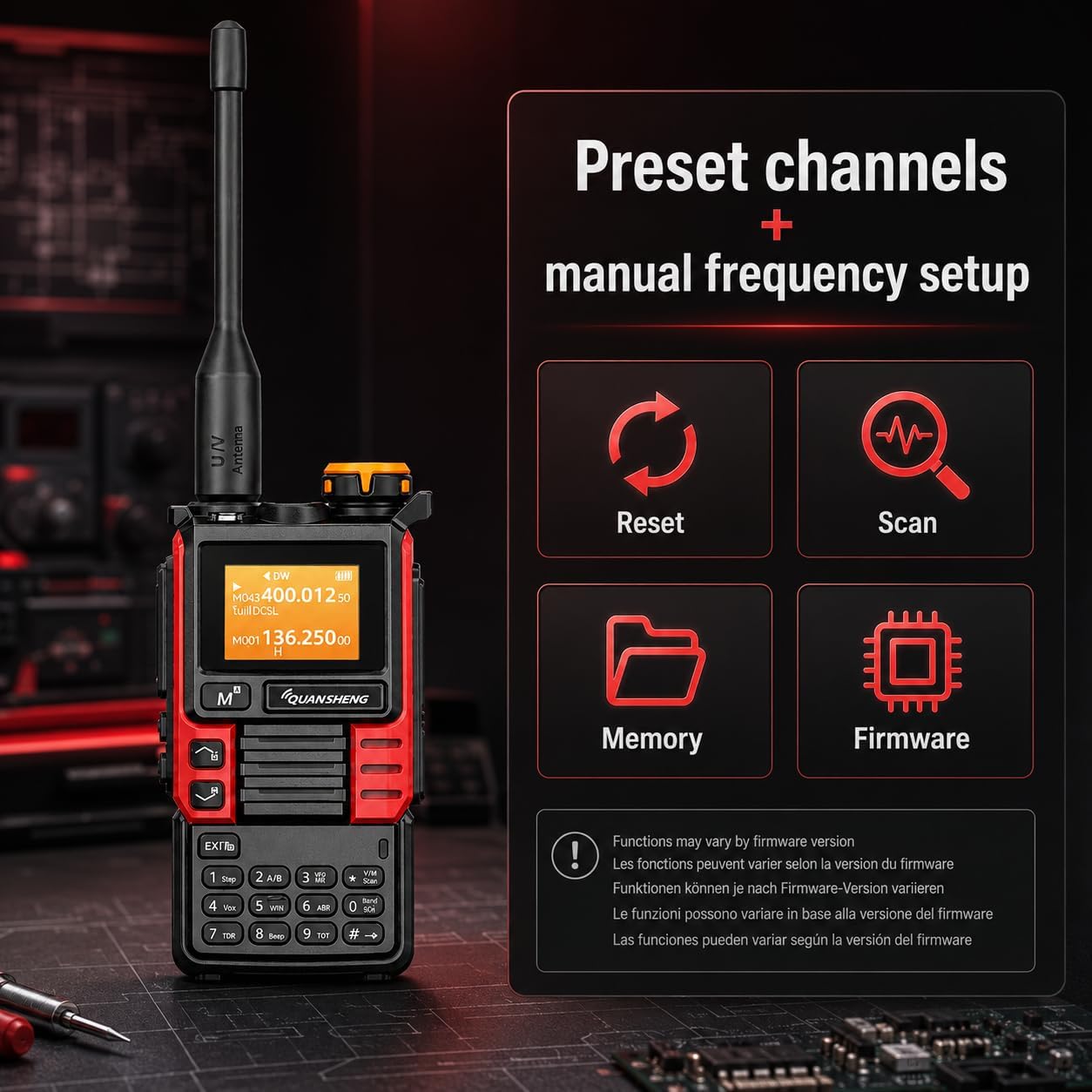
Figure 6.1.1: Radio display showing options for Reset, Scan, Memory, and Firmware, which can be useful for troubleshooting and customization.
7. Specifications
| Feature | Specification |
|---|---|
| Brand | QUANSHENG |
| Model Number | UVK5(99) |
| Number of Channels | 200 |
| Frequency Range | 20-1000 MHz |
| Maximum Range | 10 Kilometers (approx. 6.2 miles) |
| Water Resistance Level | Not waterproof |
| Battery Type | 1 AAA (included, likely refers to internal battery type, not external AAA cells) |
| Battery Capacity | 1600mAh |
| Transmission Power | 5W |
| Transmission Current | ≤1.5A |
| Max Frequency Deviation | ≤5KHz (25KHz) and ≤2.5KHz (12.5KHz) |
| Modulation Distortion | ≤5% |
| Audio Power | ≥0.5W |
| Audio Distortion | ≤10% |
| Connectivity Protocol | UHF |
| Compatible Devices | Other two-way radios on the same frequency band (20-1000 MHz) and channel (200CH), earphones and standard two-way radio accessories using Type-C connector. |
| UPC | 717206452785 |
| Country of Origin | China |
8. Warranty and Support
8.1. Warranty Information
This product comes with a 2-year warranty from the date of purchase. Please retain your proof of purchase for warranty claims. The warranty covers manufacturing defects but does not cover damage caused by misuse, accidents, unauthorized modifications, or normal wear and tear.
8.2. Responsible Use and Legal Compliance
The QUANSHENG UVK5(99) is designed for amateur radio use and other licensed communication purposes. It is not a toy. Users are responsible for understanding and complying with all local laws and regulations regarding radio frequency usage in their respective regions. In many areas, operating this device for transmission may require a valid amateur radio license. A programming cable (optional, not included unless sold separately) may be required for advanced configuration.
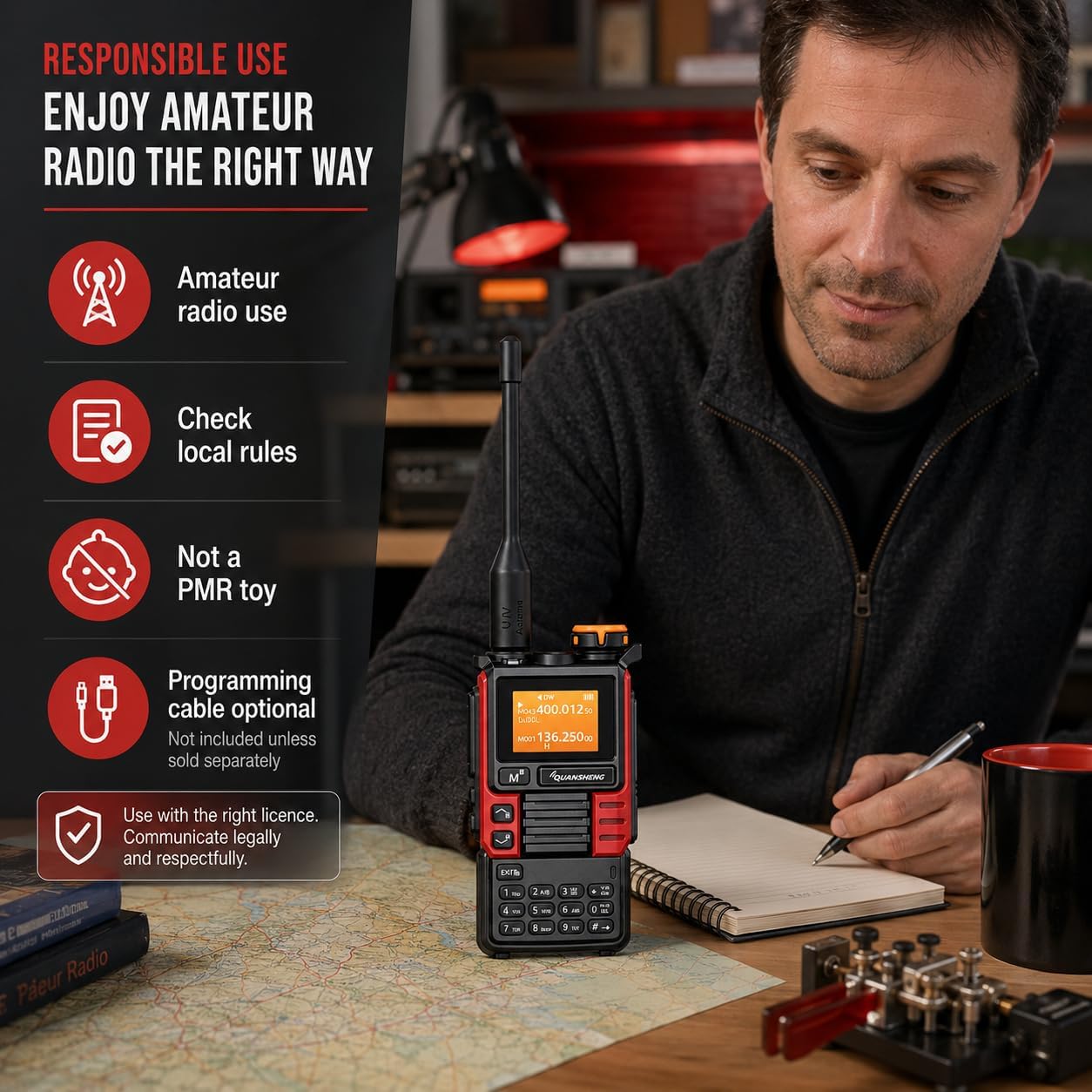
Figure 8.2.1: Guidelines for responsible amateur radio use, emphasizing checking local rules and communicating legally.
8.3. Customer Support
For technical assistance, warranty claims, or further inquiries, please contact your retailer or visit the official QUANSHENG website for support resources.

Figure 8.3.1: Certification documents confirming compliance with relevant standards for the two-way radio.


