
Rebluum RB-3B1
Rebluum 2K WiFi Outdoor Solar Security Camera RB-3B1 User Manual
Model: RB-3B1
1. Introduction
This manual provides detailed instructions for the installation, operation, and maintenance of your Rebluum 2K WiFi Outdoor Solar Security Camera, model RB-3B1. Please read this manual thoroughly before using the product to ensure proper functionality and safety.

Image 1.1: Rebluum 2K WiFi Outdoor Solar Security Camera (Model RB-3B1)
2. What's in the Box
Verify that all components are present in the package:
- Camera body
- Solar panel
- Bracket
- Screw bag (includes screws and wall anchors)
- Type C charging cable
- Positioning stickers
- Warning sticker
- User Manual (this document)

Image 2.1: Included components of the Rebluum RB-3B1 camera system.
3. Product Overview
The Rebluum RB-3B1 is a 2K WiFi outdoor solar security camera designed for home security. It features an embedded solar panel for continuous power, color night vision, two-way audio, and is IP67 waterproof.
3.1. Camera Dimensions
Image 3.1: Diagram showing the dimensions of the Rebluum RB-3B1 camera.
The camera measures approximately 7.8 x 2.6 x 2.2 inches (L x W x H).
4. Setup Guide
Follow these steps to set up your Rebluum RB-3B1 camera.
4.1. Download the CloudEdge App
The Rebluum camera operates with the CloudEdge application. Download it from your smartphone's app store (App Store for iOS or Google Play Store for Android).
- Open your device's app store.
- Search for "CloudEdge".
- Download and install the application.
4.2. Register an Account
If you are a new user, you will need to register an account within the CloudEdge app.
- Open the CloudEdge app.
- Tap "Sign up now" or "Register".
- Select your region.
- Enter your email address.
- Agree to the "User Agreement & Privacy Agreement".
- Tap "Next".
- Enter a nickname and create a password (8-16 digits, including two types of numbers, upper/lower case letters, and characters).
- Tap "Done" to automatically log in.
4.3. Connect the Camera to Your Smartphone
Before connecting, ensure the camera is fully charged using the provided Type C charging cable. The camera requires a 2.4GHz WiFi network; 5GHz networks are not supported.
- Open the CloudEdge app.
- Tap the "+" icon or "Add Device" in the upper right corner.
- Select "Battery Camera" from the device list.
- Press the power button on the camera to turn it on. You will hear a tone and see a flashing red light when it turns on successfully.
- Press the reset button on the camera for 3-5 seconds. You will hear a "bugu" tone followed by "deng, deng, deng".
- Follow the in-app prompts and tap "Next".
- Select your 2.4GHz WiFi network and enter the password. Confirm the details.
- Remove any protective film from the camera lens. Tap "Next" to display a QR code on your phone.
- Position your camera to scan the QR code on your phone at a distance of 5-8 inches. A tone will be heard upon successful scanning.
- Tap "Next" after hearing the "bugu" sound from the camera.
- Continue following the prompts and tapping "Next" until the device is successfully added.
For a visual guide, please refer to the setup video below:
Video 4.1: Step-by-step guide on how to set up the Rebluum RB-3B1 camera.
5. Operation
5.1. Efficient Power Supply
The camera features an embedded solar panel and a 5000mAh battery. With approximately two hours of direct sunlight daily, the camera can maintain continuous operation, reducing the need for frequent manual recharging.
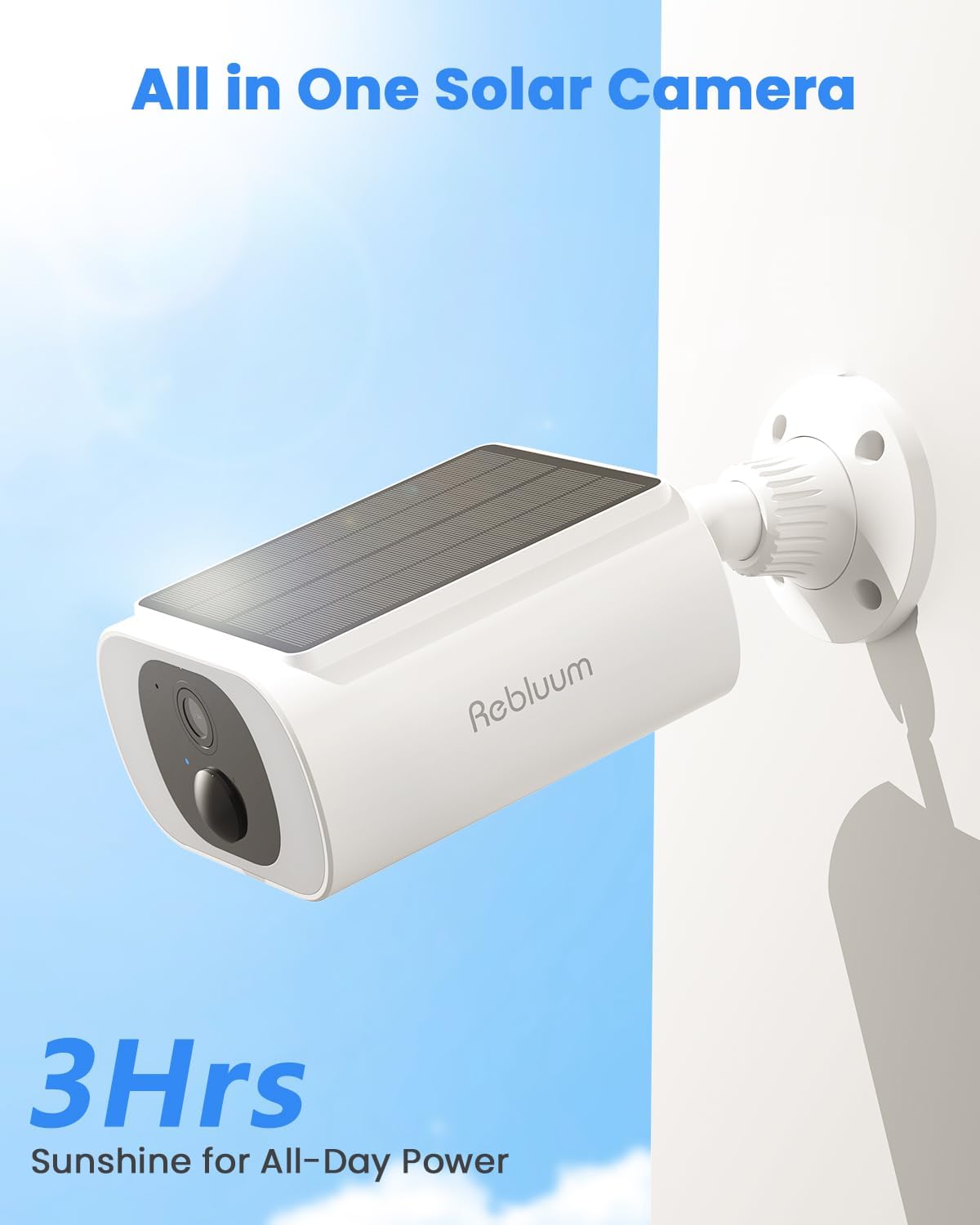
Image 5.1: The camera's integrated solar panel provides efficient power.
5.2. Day and Night Clarity
Equipped with 3MP high-definition resolution and infrared night vision, the camera provides clear visuals in various lighting conditions. It supports both color night vision and black & white night vision, ensuring details are captured day and night.
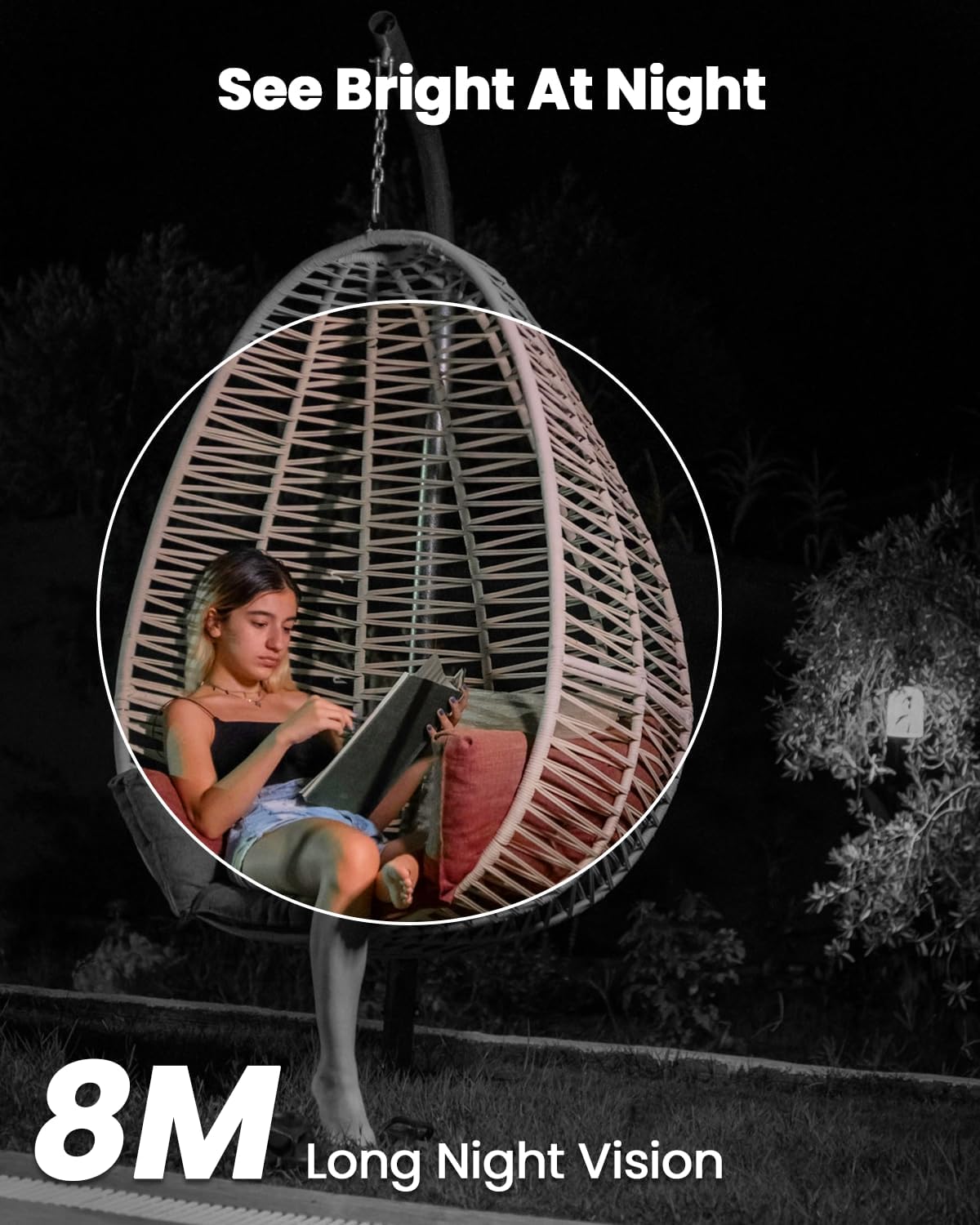
Image 5.2: The camera offers clear night vision up to 8 meters.

Image 5.3: The camera supports both color and black & white night vision modes.
5.3. Motion Detection and 2-Way Audio
The integrated high-precision PIR sensor accurately detects motion and initiates recording. Instant alerts are sent to your app. The built-in microphone and speaker enable seamless two-way audio communication through the app, allowing you to interact with visitors or deter unwanted individuals.

Image 5.4: The camera's motion detection system minimizes false alarms.

Image 5.5: Two-way audio allows for direct communication through the camera.
5.4. Smart Home Integration
The camera is compatible with Alexa and Google Assistant, allowing for effortless integration into your smart home setup. You can use voice commands to view camera feeds on compatible smart displays.

Image 5.6: Seamless integration with Alexa for smart home control.

Image 5.7: The camera supports both Alexa and Google Assistant.
5.5. Storage Options
The camera offers flexible storage solutions:
- Local Storage: Supports 32GB to 128GB local SD card video recording (SD card not included).
- Cloud Storage: Includes 6 seconds of motion detection video recording for 30 days of free cloud storage.
All captured moments are stored via advanced encryption.

Image 5.8: Overview of local and cloud storage options.

Image 5.9: Visual representation of CloudEdge Cloud and Micro SD Card storage capabilities.
6. Maintenance
6.1. Weatherproof and Durability
The camera is designed with an IP65/IP67 waterproof rating and operates within a wide temperature range of -10°C to 50°C (14°F to 122°F). This ensures reliable security monitoring in various outdoor weather conditions, including rain and snow.

Image 6.1: The camera's IP67 rating ensures durability in harsh weather.

Image 6.2: The camera is designed to withstand various weather conditions.
6.2. Cleaning
To ensure optimal performance, periodically clean the camera lens and solar panel. Use a soft, damp cloth to gently wipe away dust and debris. Avoid using harsh chemicals or abrasive materials that could damage the surfaces.
7. Troubleshooting
This section addresses common issues you might encounter with your Rebluum RB-3B1 camera.
7.1. Camera Not Connecting to WiFi
- Ensure your WiFi network is 2.4GHz. The camera does not support 5GHz networks.
- Verify the WiFi password is entered correctly in the CloudEdge app.
- Make sure the camera is within range of your WiFi router.
- Reset the camera by pressing the reset button for 3-5 seconds and attempt the connection process again.
- Ensure there are no obstructions between the camera and your phone when scanning the QR code during setup.
7.2. Battery Not Charging or Draining Quickly
- Ensure the solar panel is exposed to direct sunlight for at least 2 hours daily.
- Check for any obstructions (e.g., leaves, dirt) on the solar panel and clean it if necessary.
- Verify the Type C charging cable is securely connected if charging manually.
- Extreme cold temperatures can affect battery performance.
7.3. Poor Image Quality or Night Vision
- Clean the camera lens to remove any smudges or dirt.
- Ensure there are no strong light sources directly facing the camera at night, which can interfere with night vision.
- Check your network connection; a weak signal can affect streaming quality.
7.4. Motion Detection Issues
- Adjust the detection sensitivity settings in the CloudEdge app.
- Ensure the camera's field of view covers the desired monitoring area.
- Avoid placing the camera where moving objects like tree branches or busy streets might trigger false alarms.
8. Specifications
| Feature | Detail |
|---|---|
| Model Name | RB-3B1 |
| Indoor/Outdoor Usage | Outdoor |
| Video Capture Resolution | 1440p (2K) |
| Power Source | Solar Powered |
| Battery Capacity | 5000 mAh Lithium Ion (included) |
| Connectivity Protocol | Wi-Fi (2.4GHz only) |
| Controller Type | CloudEdge App |
| Mounting Type | Wall Mount |
| International Protection Rating | IP65, IP67 |
| Operating Temperature | -10°C to 50°C (14°F to 122°F) |
| Material | EVA, Monocrystalline silicon, Plastic |
| Item Dimensions (L x W x H) | 7.8 x 2.6 x 2.2 inches |
| Item Weight | 1.2 pounds |
| Alert Type | Motion Only |
| Special Features | 2-Way Audio, HD Resolution, Motion Sensor, Night Vision |
| Compatible Devices | Smartphone (Alexa, Google Assistant) |
9. Warranty and Support
Rebluum is committed to providing high-quality products and customer service.
- Warranty: The product comes with a 1-year warranty.
- Technical Support: Lifetime technical support is available.
- Contact: For any inquiries or support, please contact us via email at support@szrebluum.com.


Image 9.1: Rebluum customer support and lifetime technical support.
Related documentsRB-3B1


Ask a question about this manual
Ask about setup, troubleshooting, compatibility, parts, safety, or missing instructions. Manuals+ will review the question and use this page’s manual context to help answer it.