
Introduction
The LogiLink AA0169 foldable and clip-on smartphone holder is designed for versatile use, providing a convenient way to position your smartphone. It can be used freestanding on a flat surface or securely clipped onto shelves and other objects up to 4 cm thick. This holder allows for 360-degree rotation, ensuring an optimal viewing angle for various activities such as watching videos, following recipes while cooking, or participating in video calls.
Setup Instructions
- Unfolding the Holder: Gently unfold the holder from its compact, folded state. The joints are designed to articulate, allowing the holder to extend into its operational positions.
- Inserting Your Smartphone:
Extend the smartphone grip to accommodate your device. The holder is compatible with smartphones ranging from 4.7 to 6.9 inches. Carefully place your smartphone into the grip, ensuring it is held securely.

Figure 1: The holder accommodates smartphones between 4.7 and 6.9 inches. Ensure your device fits within these dimensions for a secure hold.
- Freestanding Use: For freestanding use, position the holder on a flat, stable surface. Adjust the joints to achieve your desired viewing angle.
- Clipping onto a Surface:
To use the clip-on feature, open the clamp at the base of the holder. Attach it to a shelf, table edge, or other suitable surface. The clamp can securely grip surfaces up to 4 cm (approximately 1.57 inches) thick. Ensure the clamp is firmly attached before releasing your hand.
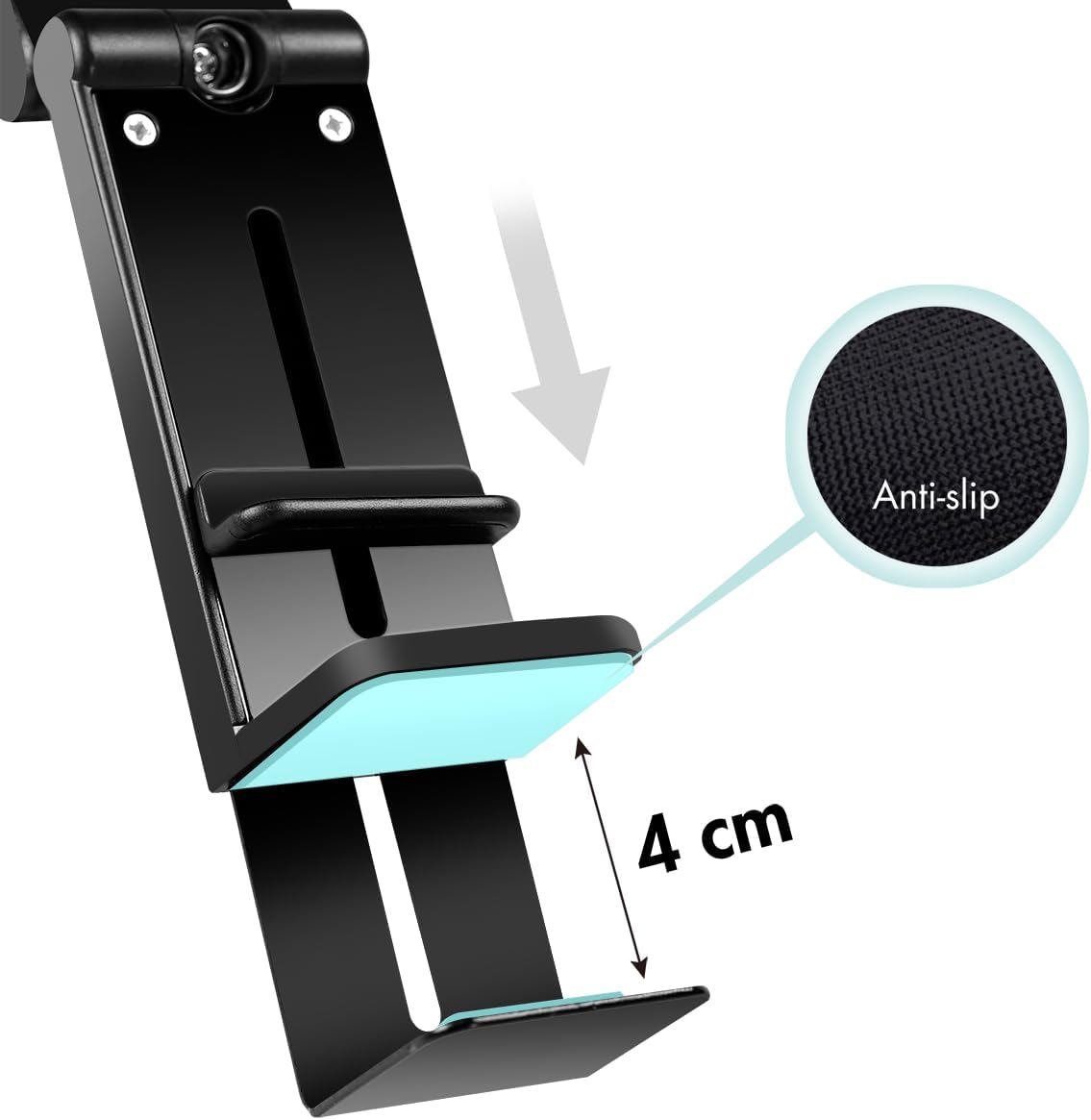
Figure 2: The clip features anti-slip pads and can attach to surfaces up to 4 cm thick, providing a stable mounting point.
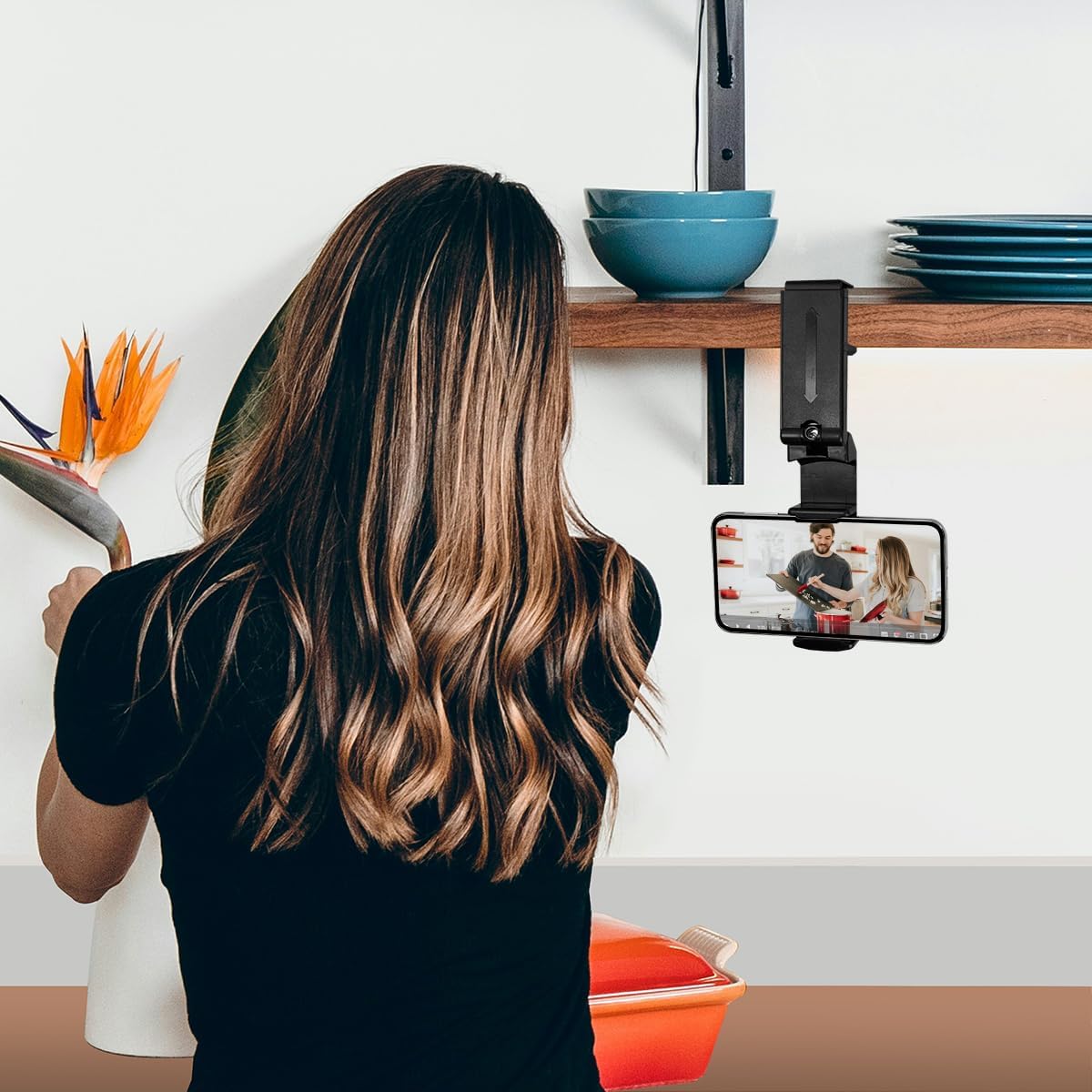
Figure 3: Example of the holder clipped to a kitchen shelf, ideal for hands-free viewing while cooking.
- Adjusting Viewing Angle and Rotation: The holder features multiple adjustable joints and a 360-degree rotatable head. Adjust these to achieve the most comfortable and functional viewing angle for your activity.
Operating Instructions
Once your smartphone is securely placed in the holder and the holder is positioned as desired, you can enjoy hands-free use of your device. The 360-degree rotation allows for quick switching between portrait and landscape modes without removing the phone. This is particularly useful for:
- Watching videos or movies.
- Following recipes or tutorials.
- Participating in video calls or conferences.
- Reading e-books or documents.

Figure 4: The holder provides a convenient viewing solution, such as clipping to an airplane seat back for entertainment.
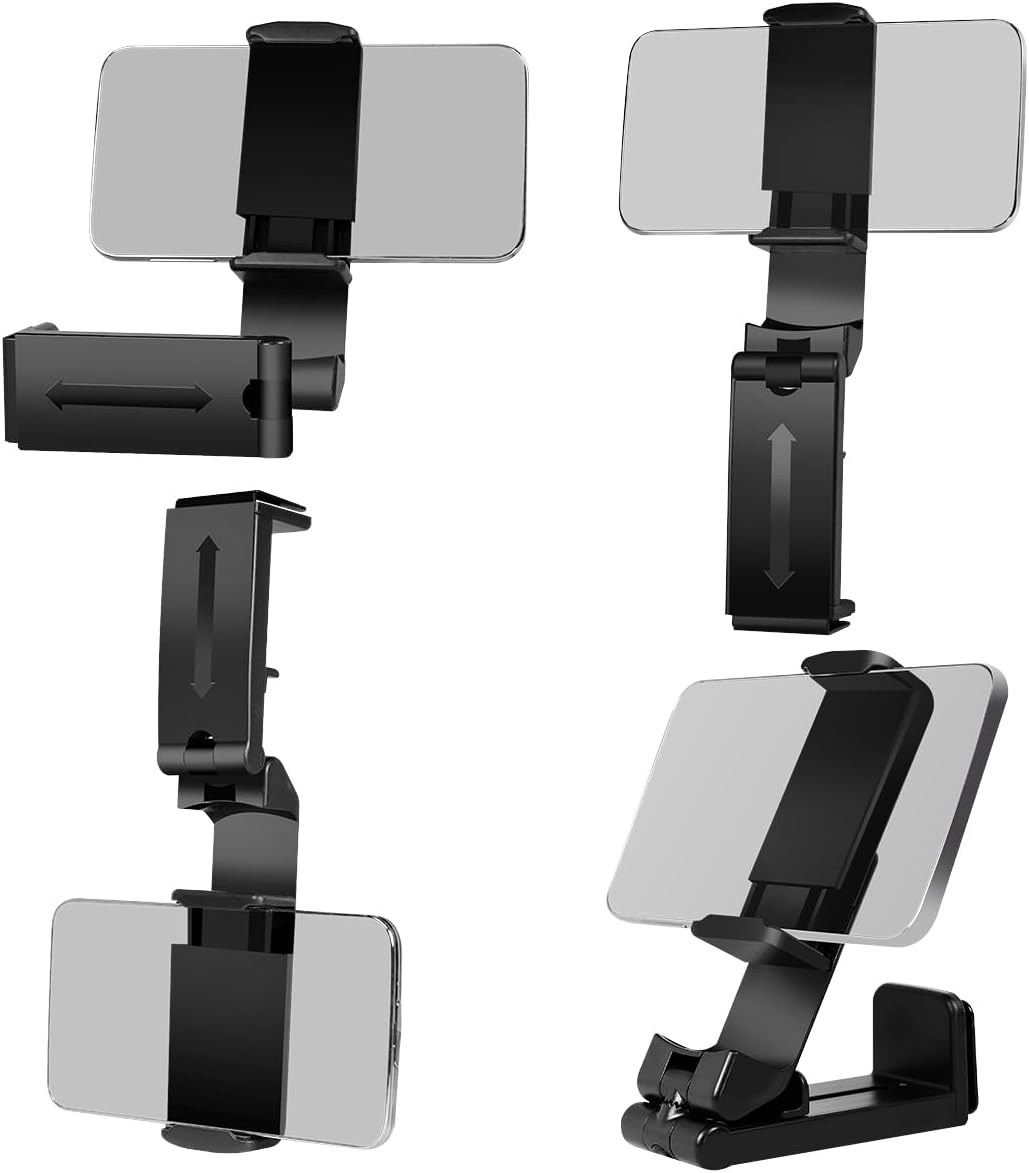
Figure 5: The holder's multi-angle adjustment and 360-degree rotation allow for diverse viewing configurations.
Maintenance
To ensure the longevity and proper function of your LogiLink AA0169 smartphone holder, follow these simple maintenance guidelines:
- Cleaning: Wipe the holder with a soft, slightly damp cloth. Avoid using harsh chemicals or abrasive cleaners, as these can damage the material.
- Storage: When not in use, fold the holder into its compact form for easy storage and portability. Store it in a dry place away from extreme temperatures.
- Inspection: Periodically check all joints and the clamping mechanism for any signs of wear or damage. Ensure the anti-slip pads are intact.
Troubleshooting
- Problem: Smartphone does not fit securely.
- Solution: Ensure your smartphone's screen size is between 4.7 and 6.9 inches. The grip is designed to expand, but devices outside this range may not be held properly. Check that the phone is centered and fully inserted into the grip.
- Problem: Holder is unstable when clipped.
- Solution: Verify that the surface you are clipping to is no thicker than 4 cm. Ensure the clamp is fully engaged and tightened. The surface should be stable and not prone to vibrations. Check that the anti-slip pads on the clamp are clean and intact.
- Problem: Difficulty adjusting the viewing angle or rotation.
- Solution: The joints are designed to be firm to maintain position. Apply gentle but firm pressure when adjusting. If a joint feels excessively stiff, ensure no debris is obstructing its movement. Do not force the joints beyond their intended range of motion.
Specifications
| Feature | Specification |
|---|---|
| Model Number | AA0169 |
| Material | ABS |
| Color | Black |
| Dimensions (Folded) | 9.3 x 3.5 x 3.7 cm |
| Weight | 95 g |
| Compatible Smartphone Size | 4.7 to 6.9 inches |
| Maximum Clamping Thickness | 4 cm |
| Rotation | 360 degrees |

Figure 6: The compact dimensions of the holder when folded, highlighting its portability.
Warranty and Support
For warranty information or technical support regarding your LogiLink AA0169 smartphone holder, please refer to the documentation included with your purchase or visit the official LogiLink website. Contact details for customer service are typically available on the manufacturer's website.