
1. Introduction
Thank you for purchasing the Dowinx LS-665501 White Cat Ear Gaming Chair. This manual provides detailed instructions for assembly, operation, maintenance, and troubleshooting to ensure you get the most out of your new chair. Please read this manual carefully before assembly and use, and keep it for future reference.
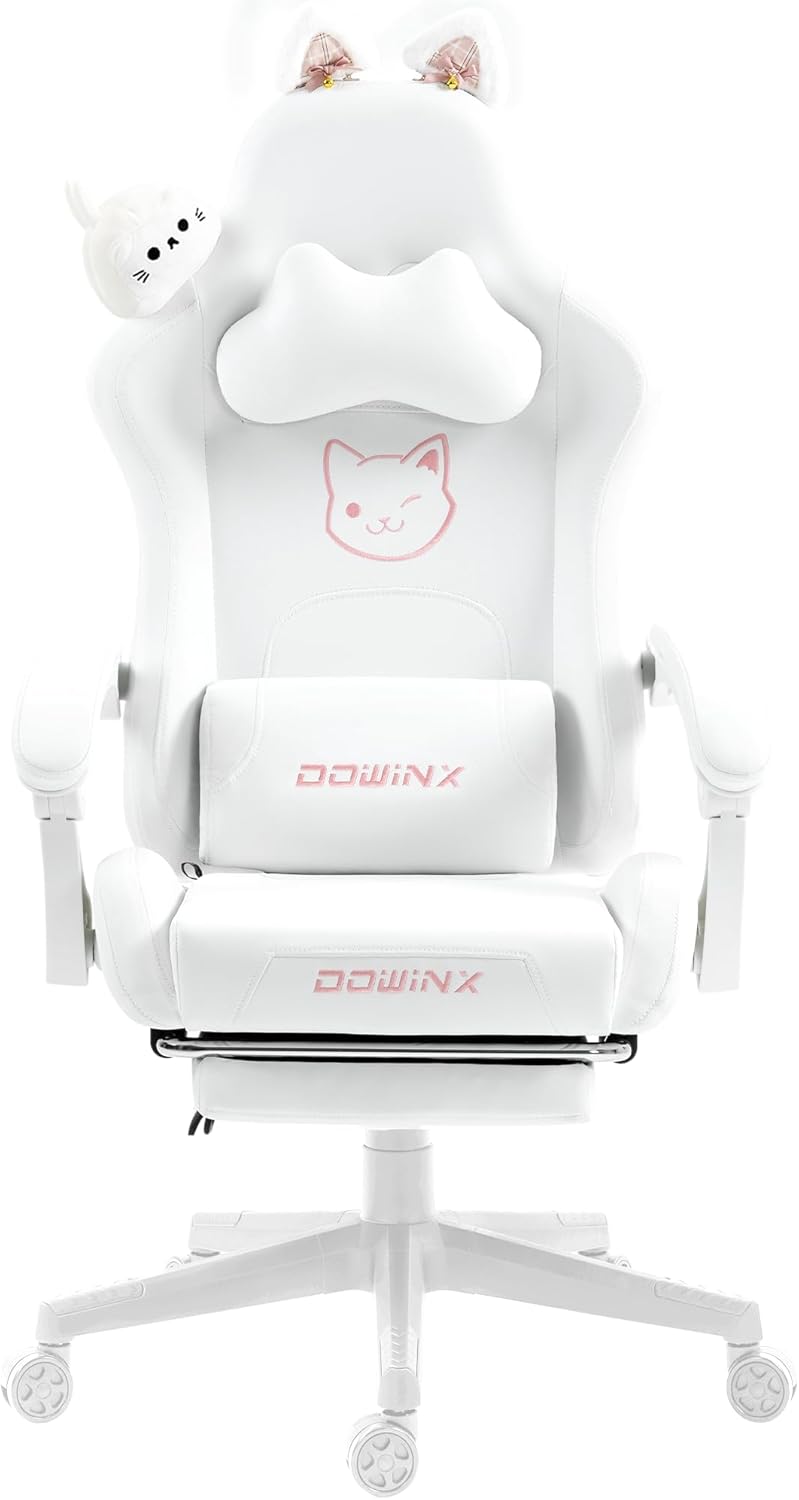
Figure 1: Dowinx LS-665501 White Cat Ear Gaming Chair
2. Safety Information
- Always follow the assembly instructions carefully.
- Do not stand on the chair.
- Do not use the chair if any parts are missing, damaged, or worn.
- Keep children away from moving parts during assembly.
- Ensure all bolts and screws are tightened securely before use. Periodically check and re-tighten all fasteners.
- Avoid exposing the chair to direct sunlight or extreme temperatures.
- Maximum weight capacity: 130 kg (286 lbs).
3. Package Contents
Before beginning assembly, please ensure all parts listed below are present and undamaged. Specialized tools for assembly are included.
- Backrest
- Seat Base
- Armrests (2)
- Star Base
- Casters (5)
- Gas Lift Cylinder with Cover
- Tilt Mechanism
- Headrest Pillow (Cat-shaped)
- Lumbar Support Pillow
- Footrest Assembly
- Cat Ear Hairpins (2)
- Assembly Tools (Allen wrench, screws)
- Instruction Manual

Figure 2: Overview of chair components.
4. Assembly Instructions
Follow these steps to assemble your Dowinx gaming chair. It is recommended to have a clear, spacious area for assembly.
- Attach Casters to Star Base: Insert the five casters into the holes at the end of each leg of the star base. Push firmly until they click into place.
- Install Gas Lift: Place the gas lift cylinder into the center hole of the star base. Cover it with the telescopic cover.
- Attach Tilt Mechanism to Seat Base: Align the tilt mechanism with the pre-drilled holes on the underside of the seat base. Ensure the 'FRONT' arrow on the mechanism points towards the front of the seat. Secure with screws using the provided Allen wrench.
- Attach Armrests: Secure the armrests to the seat base using the provided screws. Ensure they are firmly attached.
- Attach Backrest to Seat Base: Align the backrest with the metal brackets on the seat base. Secure with screws on both sides.
- Install Footrest: Slide the footrest assembly into the designated slots under the seat. Secure it with the provided bolts.
- Connect Seat to Gas Lift: Carefully place the assembled seat onto the gas lift cylinder, ensuring the center hole of the tilt mechanism aligns with the top of the gas lift.
- Attach Headrest and Lumbar Support: Secure the headrest and lumbar support pillows using their elastic straps, threading them through the openings in the backrest.
- Attach Cat Ear Hairpins: Insert the cat ear hairpins into the designated slots at the top of the backrest.
Video 1: Assembly Guide for a similar gaming chair model. This video demonstrates the general steps for putting together a gaming chair, including attaching the base, gas lift, seat, backrest, and armrests.
5. Operating Instructions
Your Dowinx gaming chair offers several adjustable features for personalized comfort.
5.1. Height Adjustment
To adjust the chair's height, pull the lever located on the right side of the seat base upwards. While pulling the lever, apply pressure to the seat to lower it, or lift your weight off the seat to raise it. Release the lever to lock the height.
5.2. Reclining Function
The backrest can recline from 90° to 140°. Pull the recline lever (usually on the left side of the seat) upwards and lean back to your desired angle. Release the lever to lock the backrest in position.
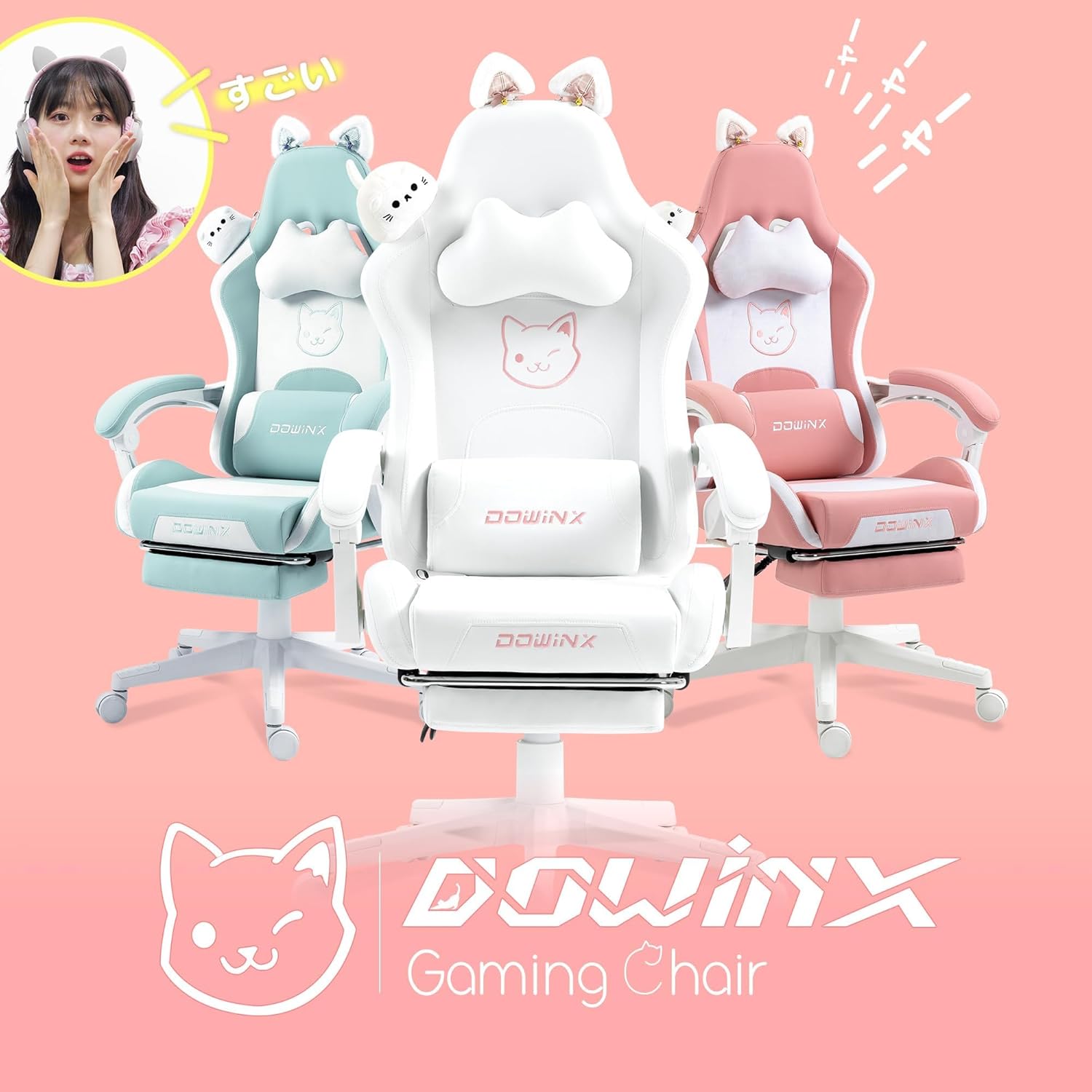
Figure 3: Chair in a reclined position with footrest extended.
5.3. Armrest Adjustment
The armrests are designed to lift and lower with the recline of the backrest, providing continuous support. They are not independently adjustable for height or rotation.
5.4. Footrest Operation
To extend the footrest, pull it out from under the seat. To retract, push it back in until it is fully stored under the seat. The footrest provides additional comfort when reclining.
Video 2: Demonstration of recline and footrest features on a similar gaming chair. This video shows how to adjust the chair's recline and extend the footrest for relaxation.
5.5. Headrest and Lumbar Support
The cat-shaped headrest is height-adjustable by sliding it along the straps. The lumbar support pillow can also be adjusted vertically to provide optimal support for your lower back.
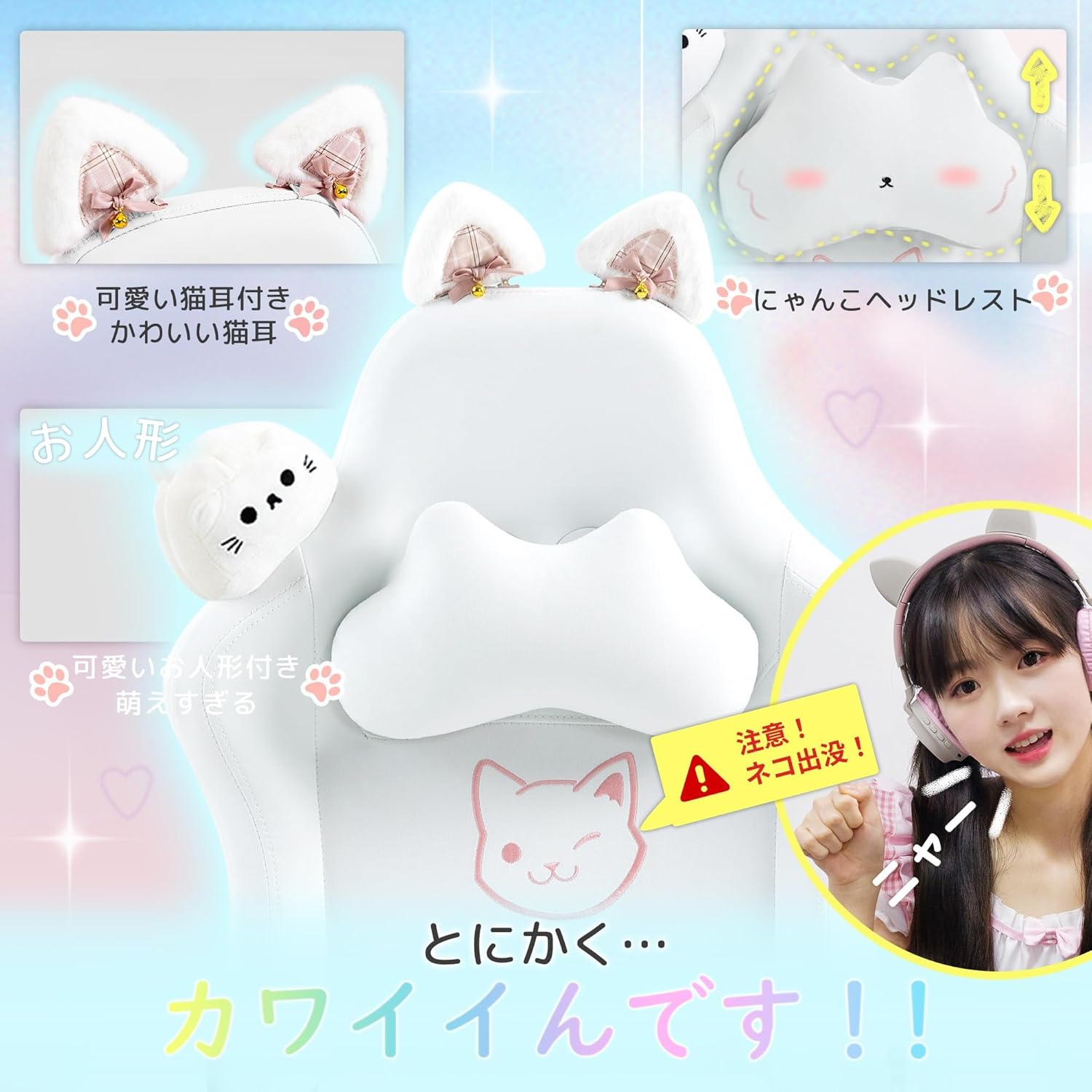
Figure 4: Close-up view of the adjustable cat-shaped headrest and lumbar support pillow.
6. Maintenance
Proper care will extend the life and appearance of your gaming chair.
- Cleaning: Wipe the PU leather and suede surfaces with a soft, damp cloth. For stubborn stains, use a mild soap solution and wipe dry immediately. Avoid harsh chemicals or abrasive cleaners.
- Inspection: Periodically check all bolts and screws to ensure they are tight. Re-tighten as necessary.
- Avoid Direct Sunlight: Prolonged exposure to direct sunlight can cause the material to fade or crack.
- Weight Distribution: Avoid placing excessive or uneven weight on the chair.
7. Troubleshooting
If you encounter any issues with your chair, refer to the following common problems and solutions:
- Chair does not adjust height:
- Ensure the gas lift lever is fully engaged.
- Check if the gas lift cylinder is properly inserted into the star base and seat mechanism.
- Chair wobbles:
- Check all assembly screws and bolts, especially those connecting the seat, backrest, and armrests. Tighten any loose fasteners.
- Ensure the casters are fully inserted into the star base.
- Backrest does not recline or lock:
- Verify that the recline lever is functioning correctly and not obstructed.
- Check the connection of the recline mechanism to the backrest and seat.
- Squeaking noises:
- Apply a small amount of lubricant to moving parts or connection points if necessary.
- Ensure all bolts are tightened.
8. Specifications
| Feature | Specification |
|---|---|
| Model Number | LS-6655 |
| Material | Faux Leather, Alloy Steel, Memory Foam |
| Color | White |
| Size | Medium |
| Recline Angle | 90° to 140° |
| Max Weight Capacity | 130 kg (286 lbs) |
| Special Features | Cushioned, Lumbar Adjustment, Reclining, Cat Design, Height Adjustment, Footrest |

Figure 5: Detailed dimensions of the Dowinx LS-665501 Gaming Chair.
9. Warranty and Support
Dowinx provides a 1-year quality guarantee for this product. If you experience any issues or have questions regarding your LS-665501 gaming chair, please contact Dowinx customer support through your purchase platform or the official Dowinx website for assistance.


