
JVC LT-32VAF3355
JVC LT-32VAF3355 Android TV 32-inch Full HD Smart TV Instruction Manual
Model: LT-32VAF3355
Introduction
This manual provides essential information for the safe and efficient operation of your JVC LT-32VAF3355 32-inch Full HD Android Smart TV. Please read this manual thoroughly before using the product and retain it for future reference.
The JVC LT-32VAF3355 combines an elegant design with modern television technology. It features a 32-inch Full HD display, an integrated triple tuner (DVB-C/T2/S2), and the Android operating system for smart TV functionalities, including access to the Google Play Store.

Image: Front view of the JVC LT-32VAF3355 32-inch Full HD Android Smart TV, showcasing its display and branding.
Important Safety Information
Always observe the following safety precautions to prevent electric shock, fire, or injury:
- Do not expose the TV to rain or moisture.
- Do not open the TV casing; refer all servicing to qualified personnel.
- Ensure proper ventilation around the TV.
- Do not place the TV on unstable surfaces.
- Unplug the TV during lightning storms or when unused for long periods.
- Keep batteries away from children.
Package Contents
Verify that all items are present in the box:
- JVC LT-32VAF3355 Android TV
- Remote Control (with 2 AAA batteries)
- TV Stands
- Instruction Manual (this document)
Setup
1. Attaching the TV Stands
Carefully place the TV face down on a soft, flat surface. Attach the two TV stands to the designated slots at the bottom of the TV using the provided screws. Ensure they are securely fastened.

Image: Diagram illustrating the dimensions of the JVC LT-32VAF3355 TV, including its width (72.8 cm), height with stand (46.7 cm), depth with stand (16.7 cm), and screen diagonal (80 cm / 32 inches). VESA mount points (M4 75x75) are also shown.
2. Connecting External Devices
Your JVC TV offers various connection options for external devices:
- HDMI: Connect Blu-ray players, game consoles, or set-top boxes. The TV has 2 HDMI ports (CEC + ARC).
- USB: Connect USB storage devices to play media files. The TV has 1 USB port.
- Antenna (RF/F): Connect your terrestrial or satellite antenna cable.
- Digital Audio Out: For connecting to external audio systems.
- Headphones: For private listening.
- LAN: For a wired internet connection.
- CI Slot: For conditional access modules (CAM) from your service provider.

Image: Close-up view of the rear panel of the JVC LT-32VAF3355 TV, highlighting all available connection ports including 2x HDMI, 1x USB, Digital Audio Out, Antenna (RF/F), Headphones, Bluetooth, CI Slot, and LAN.
3. Initial Power-On and First-Time Setup
- Connect the power cord to the TV and then to a power outlet.
- Press the power button on the TV or remote control.
- Follow the on-screen instructions to complete the initial setup, which includes language selection, network connection (Wi-Fi or LAN), and channel scanning.
- Sign in with your Google account to access Android TV features and the Google Play Store.
Operating Instructions
1. Remote Control Overview
The remote control allows you to navigate the TV's functions. Insert the 2 AAA batteries into the remote control, ensuring correct polarity.

Image: The JVC TV remote control, featuring standard navigation buttons, number pad, volume and channel controls, and dedicated quick access buttons for YouTube, Netflix, and Prime Video.
- Power Button: Turns the TV on/off.
- Number Buttons: Select channels directly.
- Volume +/-: Adjust the volume level.
- Channel P +/-: Change channels.
- Navigation Buttons (Up/Down/Left/Right/OK): Navigate menus and confirm selections.
- Back/Exit: Return to the previous screen or exit a menu.
- Home: Access the Android TV home screen.
- App Buttons: Direct access to popular streaming services like YouTube, Netflix, and Prime Video.
2. Smart TV Features (Android TV)
Your JVC TV runs on Android TV, providing access to a wide range of applications and services:
- Google Play Store: Download and install your favorite apps, games, and streaming services.
- Google Assistant: Control your TV with voice commands. Say "OK Google" to change channels, adjust volume, open apps, and more. (Note: The remote control must have a built-in microphone for voice commands, or an external smart speaker can be used).
- Google Chromecast: Cast content from your mobile devices (smartphone, tablet) directly to your TV screen.
- Streaming Services: Access popular platforms such as Prime Video, Netflix, DAZN, Disney+, YouTube, Twitch, ARD, ZDF, etc. (Subscription fees may apply for certain services).
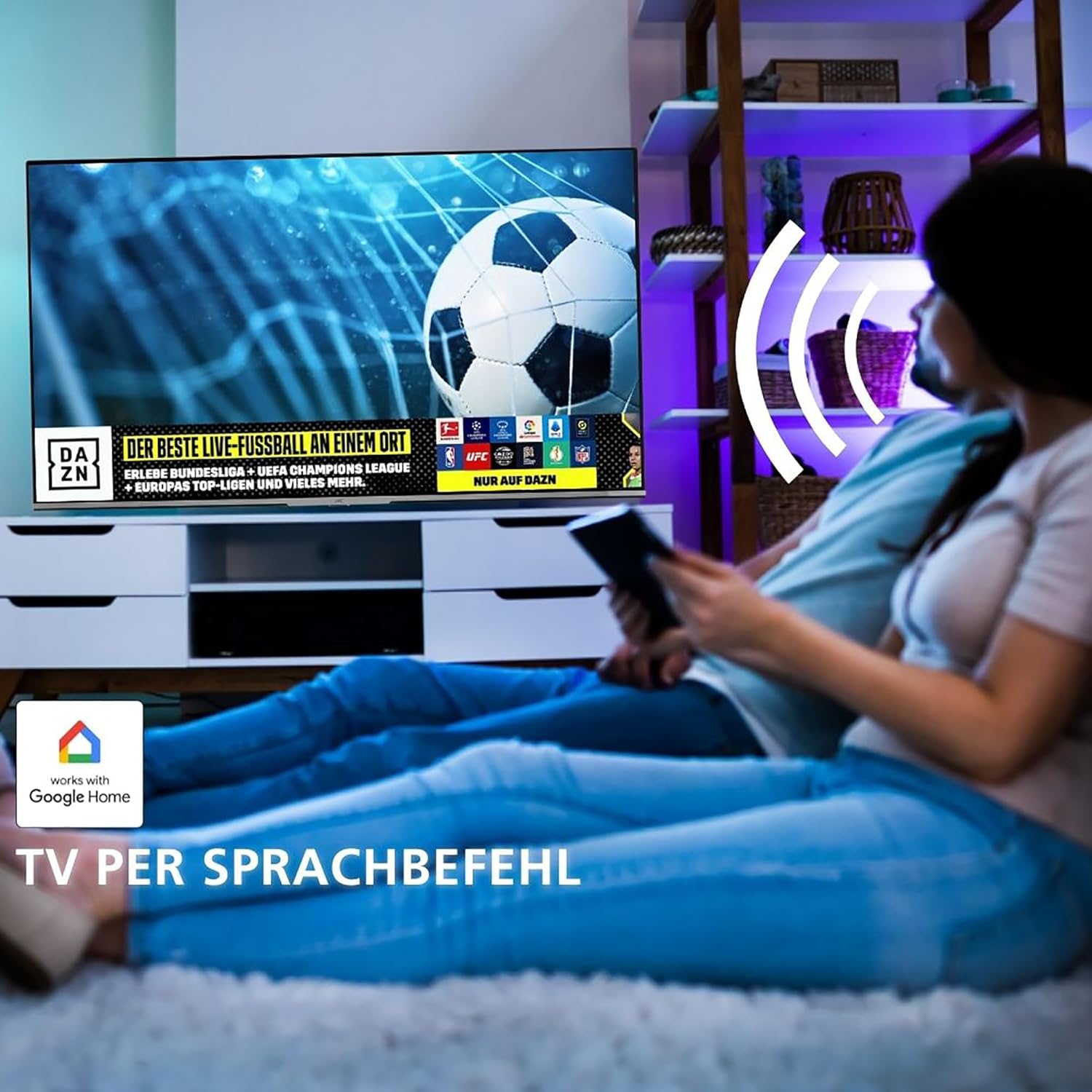
Image: A couple relaxing on a couch, watching a football match on the JVC TV, with a "works with Google Home" logo indicating voice control capabilities.
3. Picture and Sound Enhancement
The TV supports advanced picture technologies for an enhanced viewing experience:
- HDR10 (High Dynamic Range): Provides superior contrast, brightness, and color accuracy, including HLG support.
- Super Resolution: Enhances image clarity and detail.
- Micro Dimming: Improves contrast by analyzing and adjusting brightness in different areas of the screen.

Image: A JVC TV displaying vibrant, high-contrast content, with the HDR10 logo indicating High Dynamic Range capability.

Image: A JVC TV displaying a colorful underwater scene, highlighting the benefits of Super Resolution and Micro Dimming for breathtaking picture quality.
Maintenance
Cleaning the TV
- Always unplug the TV before cleaning.
- Use a soft, dry cloth to wipe the screen and cabinet.
- For stubborn marks, lightly dampen the cloth with water or a mild, non-abrasive screen cleaner.
- Do not use alcohol, benzene, thinners, or other volatile substances.
Software Updates
Your Android TV may receive software updates periodically. Ensure your TV is connected to the internet to receive these updates, which can improve performance and add new features. You can usually check for updates in the TV's settings menu.
Troubleshooting
If you encounter issues, try the following solutions before contacting support:
| Problem | Possible Solution |
|---|---|
| No power | Check if the power cord is securely connected and the power outlet is working. Try a different outlet. |
| No picture, but sound is present | Ensure the correct input source is selected. Check cable connections to external devices. |
| No sound, but picture is present | Check volume level and mute status. Verify audio cable connections. Check TV audio settings. |
| Remote control not working | Replace batteries. Ensure no obstructions between remote and TV. Point remote directly at the TV's IR sensor. |
| Cannot connect to Wi-Fi | Check Wi-Fi password. Restart your router. Ensure the TV is within range of the Wi-Fi signal. |
| Smart TV apps not loading | Check internet connection. Restart the TV. Clear app cache or reinstall the app. |
Specifications
| Feature | Detail |
|---|---|
| Brand | JVC |
| Model Number | LT-32VAF3355 |
| Screen Size | 32 Inches (80 cm diagonal) |
| Display Technology | LED |
| Resolution | 1080p (Full HD, 1920x1080 pixels) |
| Refresh Rate | 50 Hz |
| Operating System | Android TV |
| Special Features | Android TV, Google Assistant, Google Play Store, Micro Dimming, Super Resolution, HDR10, HLG |
| Connectivity | Bluetooth, HDMI (2 ports, CEC+ARC), USB (1 port), Wi-Fi, LAN |
| Tuner Type | Triple Tuner (DVB-C/T2/S2) |
| Color | Black |
| Product Dimensions (with stand) | 16.7D x 72.8W x 46.7H cm |
| Power Consumption (SDR) | 26.0 W |
| Power Consumption (HDR) | 45.0 W |
| Energy Efficiency Class (SDR) | E |
| Energy Efficiency Class (HDR) | G |
| Spare Parts Availability | 7 Years |

Image: The EU Product Data Sheet for the JVC LT-32VAF3355, detailing various technical parameters and energy consumption figures. For more details, refer to the EPREL database (QR code 1880370).

Image: The EU Energy Label for the JVC LT-32VAF3355, showing an energy efficiency class of E for SDR and G for HDR, with consumption figures of 26 kWh/1000h and 45 kWh/1000h respectively.
Optimal Viewing Distance
For the best viewing experience, consider the recommended viewing distances:

Image: A diagram illustrating a person watching TV from an optimal distance, accompanied by a table recommending viewing distances for various screen sizes (24" to 70") and resolutions (4K, Full HD, HD). For a 32" Full HD TV, the recommended distance is approximately 160 cm.
Warranty and Support
Warranty Information
This product comes with a standard manufacturer's warranty. Please refer to the warranty card included in your package for specific terms and conditions, including warranty duration and coverage details. Keep your proof of purchase for warranty claims.
Spare parts for this model are guaranteed to be available for 7 years from the date of purchase.
Customer Support
For technical assistance, troubleshooting beyond this manual, or warranty inquiries, please contact JVC customer support. Contact details can typically be found on the JVC official website or on the warranty card.
Online resources and FAQs may also be available on the JVC support portal.