
Introduction
Welcome to your new Lichico Walking Pad Under Desk Treadmill. This manual provides essential information for the safe and efficient operation, maintenance, and troubleshooting of your device. Designed for both home and office environments, this portable treadmill allows you to integrate physical activity into your daily routine.
Included Components
Before beginning, please ensure all components are present in the package:
- Lichico Walking Pad
- Lubricant
- Remote Control
- Tool Kit
- User Manual

Setup
Your Lichico Walking Pad is designed for immediate use with no assembly required. Follow these simple steps to get started:
- Carefully remove the walking pad from its packaging.
- Place the walking pad on a flat, stable surface. Ensure there is adequate space around the device for safe operation.
- Plug the power cord into a suitable electrical outlet.
- Remove the battery tab from the remote control to activate it.
Operating Instructions
Power On/Off
Press the power button on the remote control to turn the walking pad on or off. The display will illuminate upon activation.
Adjusting Speed
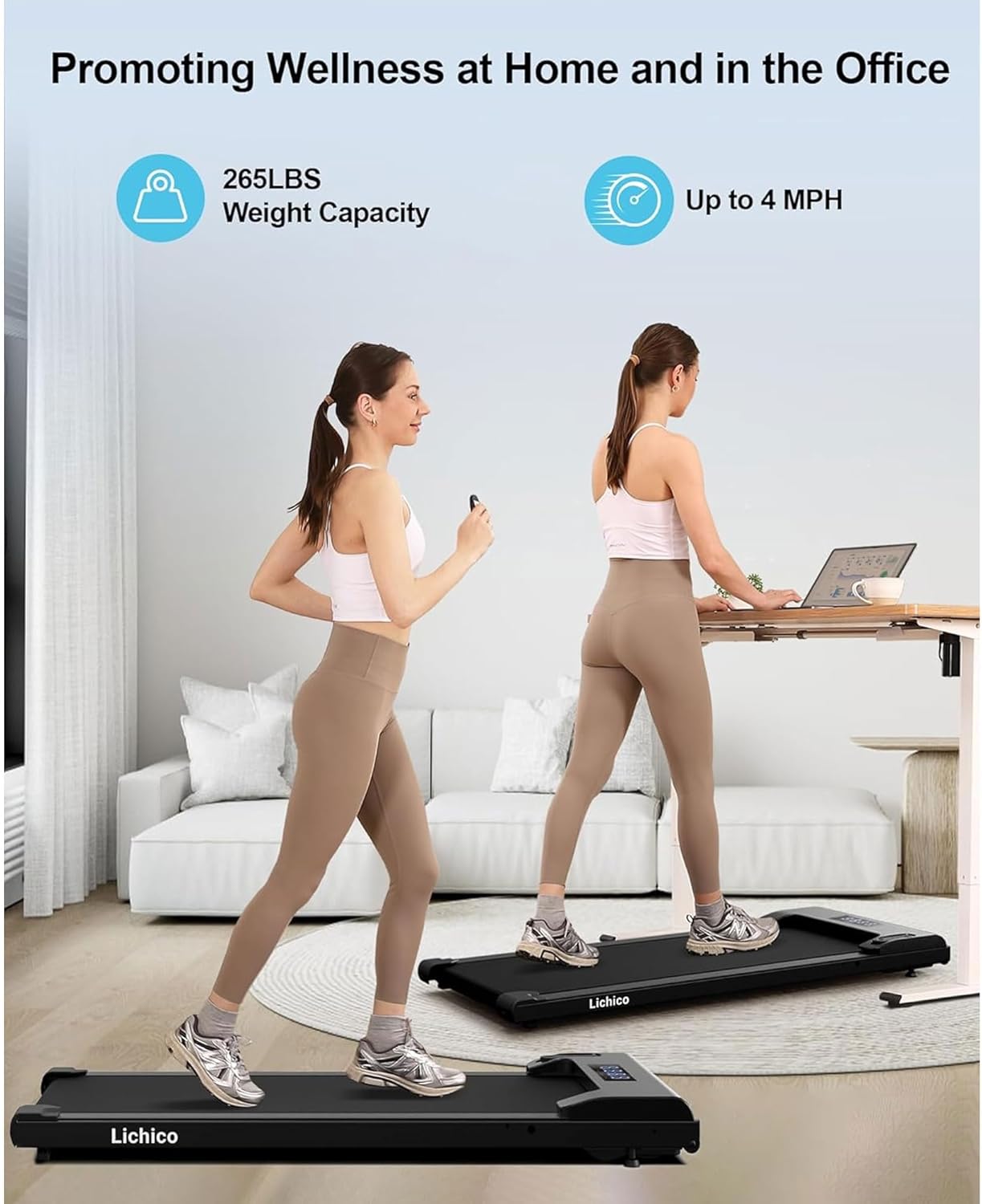
Use the '+' and '-' buttons on the remote control to adjust the speed. The speed range is from 0.5 to 4 miles per hour (MPH), allowing for various walking and light jogging paces.
Display Metrics
The integrated LED display provides real-time data to help you monitor your workout progress:
- TIME: Duration of your workout.
- SPEED: Current walking/jogging speed.
- DIST: Distance covered during your session.
- CAL: Estimated calories burned.

Remote Control Storage
The walking pad features a convenient, integrated slot to securely store the remote control when not in use, preventing it from getting lost.

Key Features
Whisper-Quiet Brushless Motor
The Lichico Walking Pad is equipped with an advanced 2.5HP brushless motor, ensuring whisper-quiet operation (under 30 dB). This design minimizes noise, allowing you to work or relax without disturbance. Brushless motors also offer enhanced efficiency, longer lifespan, and are maintenance-free, avoiding common overheating issues found in brushed motor treadmills.

Dual Shock Absorption System
The walking pad incorporates both a suspended shock-absorbing deck and a high-performance TPR cushioning pad. This dual system effectively reduces impact on your ankles and knees, promoting comfortable and injury-free workouts, especially during extended use.

Compact and Portable Design
With its lightweight and compact design, this under desk treadmill is easy to transport and store. Featuring two front wheels for effortless mobility, the portable treadmill can be easily stored under sofas, beds, or in small spaces, saving room in your home or office.

Versatile Speed Range
The treadmill offers a speed range from 0.5 to 4 MPH, catering to various fitness needs. Whether you prefer a gentle walk while working at your desk or a brisk jog for cardio, this device is versatile and adaptable to your lifestyle.

Smart App Connectivity
Enhance your workout experience by connecting your Lichico Walking Pad to popular fitness apps such as Besyfit, Zwift, and Kinomap via Bluetooth. This allows you to track your progress, participate in virtual workouts, and stay motivated.
Maintenance
Belt Adjustment
To ensure optimal performance and prevent belt misalignment, periodic adjustment of the walking belt may be necessary. Use the provided Allen wrench to make small, quarter-turn adjustments to the bolts at the rear of the treadmill. Turn clockwise to tighten and counter-clockwise to loosen. Always perform adjustments while the treadmill is running at a low speed (e.g., 0.5 MPH) to observe the belt's movement.
Lubrication
Apply the included lubricant to the running deck as instructed in the separate user manual to maintain smooth operation and extend the life of the belt. Regular lubrication is essential for preventing friction and wear.
Troubleshooting
If you encounter any issues with your Lichico Walking Pad, please refer to the detailed troubleshooting section in the full user manual. Common issues often relate to belt alignment or remote control connectivity. For persistent problems or technical assistance, please contact Lichico customer support.
Product Specifications
| Feature | Detail |
|---|---|
| Brand | Lichico |
| Model Number | DK-38AB-2 |
| Product Dimensions (D x W x H) | 47.2" x 20" x 4" |
| Item Weight | 37.5 Pounds |
| Material | Alloy Steel |
| Maximum Speed | 4 Miles per Hour |
| Minimum Speed | 0.5 Miles per Hour |
| Maximum Weight Recommendation | 265 Pounds |
| Motor Horsepower | 2.5 HP |
| Display | LED |
| Connectivity | Bluetooth |
| Metrics Measured | Calories Burned, Distance, Speed, Time |
| Assembly Required | No |
Warranty and Customer Support
Your Lichico Walking Pad comes with a 12-month warranty. For warranty claims, product inquiries, or technical support, please contact Lichico customer service. Refer to the contact information provided in your original purchase documentation.
Lichico is committed to providing 100% satisfaction and prompt resolution to any inquiries.

