
AeroCool LUXPRO1000
Aerocool LUXPRO1000 Power Supply User Manual
Model: LUXPRO1000 | Brand: AeroCool
1. Introduction
This manual provides essential information for the proper installation, operation, and maintenance of your Aerocool LUXPRO1000 1000W 80Plus Gold Certified Power Supply. The LUXPRO1000 is designed to deliver stable and efficient power to your PC components, featuring 105°C Japanese capacitors, a 14cm FDB fan, ATX 3.0, and PCIe 5.0 support with a 12VHPWR connector.

Figure 1: Aerocool LUXPRO1000 Power Supply Unit
2. Safety Information
Always observe the following safety precautions to prevent injury or damage to your system:
- Ensure the power supply is disconnected from the AC outlet before installation or maintenance.
- Do not open the power supply casing. High voltages are present inside, even when disconnected.
- Install the power supply in a well-ventilated area, away from heat sources and direct sunlight.
- Avoid exposing the power supply to moisture or liquids.
- Use only the cables provided with the power supply.
- Ensure proper grounding of your computer system.
- If you are unsure about any installation steps, consult a qualified technician.
3. Product Features
The Aerocool LUXPRO1000 Power Supply offers advanced features for reliable performance:
- 80 PLUS Gold Certification: Guarantees over 90% efficiency at typical loads, reducing energy consumption and heat generation.
- ATX 3.0 and PCIe 5.0 Support: Ensures compatibility with the latest high-end graphics cards and system architectures, including a dedicated 12VHPWR connector.
- 105°C Japanese Capacitors: Provides enhanced durability, stability, and reliability, especially under varying temperature conditions.
- 14cm FDB Fan with Thermal Control: Features a fluid dynamic bearing fan for quiet operation and optimized cooling, starting at less than 700 RPM up to 40% load at 25°C ambient temperature.
- Flat Black Cables: Designed for easy installation and improved internal airflow within your PC case.
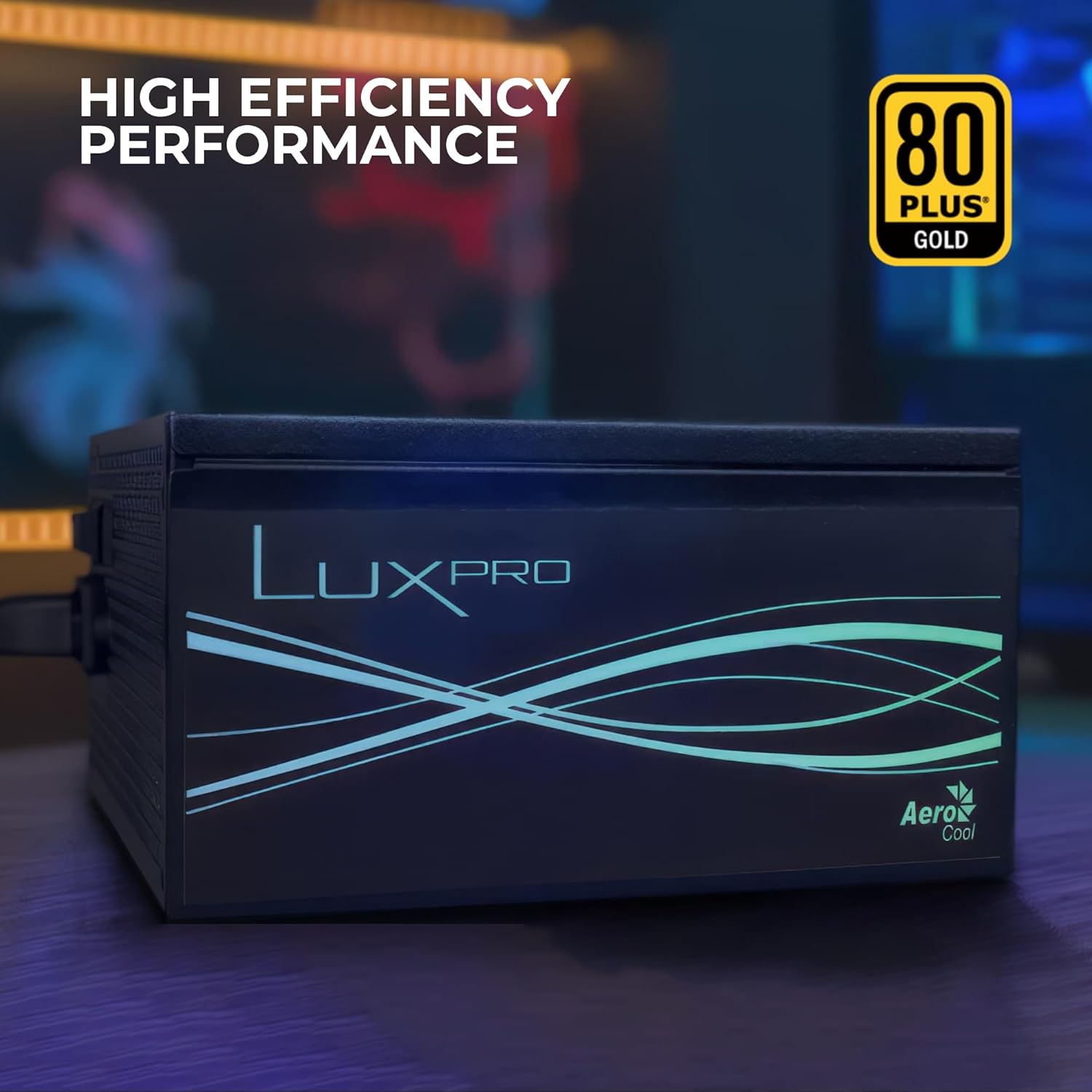
Figure 2: High Efficiency Performance with 80 PLUS Gold Certification

Figure 3: 105°C Japanese Brand Primary Capacitor for enhanced reliability

Figure 4: 14cm FDB Fan with Optimized Thermal Speed Control for quiet and efficient cooling

Figure 5: Dual CPU Connectors and PCIe 5.0 12VHPWR Connector for modern GPUs
4. Setup and Installation
Follow these steps to install your Aerocool LUXPRO1000 Power Supply:
- Preparation: Ensure your computer is completely powered off and unplugged from the wall outlet. Open your PC case.
- Mounting: Secure the power supply into the designated PSU bay in your PC case using the provided screws. Ensure the fan is oriented correctly for optimal airflow (usually facing down or up, depending on case design).
- Motherboard Connection: Connect the 24-pin ATX power cable from the PSU to the corresponding port on your motherboard. Ensure it clicks into place.
- CPU Power: Connect the 4+4 pin (EPS) CPU power cable(s) to the CPU power connector(s) on your motherboard. Modern motherboards may require one or two such connectors.
- GPU Power: For modern high-end graphics cards, connect the 12VHPWR PCIe 5.0 connector. For older or less demanding GPUs, use the 6+2 pin PCIe power cables. Connect all necessary cables to your graphics card(s).
- Peripheral Power: Connect SATA power cables to your SSDs, HDDs, and other SATA-powered devices. Use Molex connectors for older peripherals if needed.
- Cable Management: Utilize the flat black cables and your case's cable management features to route cables neatly, improving airflow and aesthetics.
- Final Checks: Double-check all connections to ensure they are secure. Close your PC case.
- Power On: Connect the AC power cord to the power supply and then to a wall outlet. Flip the power switch on the PSU to the 'ON' position. You can now power on your computer.
5. Operating Instructions
The Aerocool LUXPRO1000 operates automatically once installed and powered on. The 14cm FDB fan is thermally controlled, meaning it will adjust its speed based on the power supply's internal temperature and load. At low loads (up to 40% at 25°C ambient), the fan may operate at very low RPMs (below 700 RPM) or even remain static for silent operation. As the load increases or temperature rises, the fan speed will increase to maintain optimal cooling.
6. Maintenance
Proper maintenance ensures the longevity and performance of your power supply:
- Dust Removal: Periodically clean dust from the power supply's fan intake and exhaust vents using compressed air. Ensure the system is powered off and unplugged before cleaning.
- Airflow: Ensure that the PC case has adequate airflow and that the power supply's vents are not obstructed.
- Do Not Disassemble: Never attempt to open the power supply unit. There are no user-serviceable parts inside, and doing so will void your warranty and poses a risk of electric shock.
7. Troubleshooting
If you encounter issues with your power supply, refer to the following common problems and solutions:
| Problem | Possible Cause | Solution |
|---|---|---|
| System does not power on. | Power cable loose, PSU switch off, faulty wall outlet, internal short. | Check AC power cable connection. Ensure PSU switch is ON. Test wall outlet. Verify all internal power connections. |
| System powers on but shuts down immediately. | Overload, overheating, short circuit. | Ensure total wattage draw does not exceed 1000W. Check for proper ventilation. Inspect components for shorts. |
| Fan is noisy or not spinning. | Dust accumulation, fan malfunction, low load (fan may be off). | Clean fan and vents. Note that the FDB fan may not spin at low loads. If noise is excessive or fan never spins under load, contact support. |
| System instability or random reboots. | Insufficient power, loose connections, faulty components. | Verify all power connections are secure. Ensure PSU wattage is sufficient for all components. Test components individually if possible. |
If the problem persists after attempting these solutions, please contact Aerocool customer support.
8. Specifications
| Feature | Detail |
|---|---|
| Model Name | LUXPRO1000 |
| Wattage | 1000 Watts |
| Efficiency | 80 PLUS Gold Certified (>90%) |
| Form Factor | ATX |
| Capacitors | 105°C Japanese Capacitors |
| Fan Size | 14cm FDB (Fluid Dynamic Bearing) Fan |
| PFC | Active PFC |
| ATX Version | ATX 3.0 |
| PCIe Support | PCIe 5.0 (with 12VHPWR connector) |
| Dimensions (LxWxH) | 6.3 x 5.91 x 3.35 inches (160 x 150 x 85 mm) |
| Weight | 4.62 pounds (2.1 kg) |
| Color | Black |
9. Warranty and Support
The Aerocool LUXPRO1000 Power Supply comes with a 5-year warranty from the date of purchase. This warranty covers defects in materials and workmanship under normal use. Please retain your proof of purchase for warranty claims.
For technical support, warranty claims, or any inquiries regarding your Aerocool product, please visit the official AeroCool website or contact their customer service department. Contact information can typically be found on the AeroCool official website's support section.
Ask a question about this manual
Ask about setup, troubleshooting, compatibility, parts, safety, or missing instructions. Manuals+ will review the question and use this page’s manual context to help answer it.