
Energizer UE10055PQ
Energizer 10000mAh Portable Charger (Model UE10055PQ) Instruction Manual
Your guide to safe and efficient use of your portable power bank.
1. Product Overview
The Energizer UE10055PQ is a 10,000mAh portable power bank designed to provide on-the-go charging for various electronic devices. It features multiple output ports for versatile charging and incorporates safety mechanisms to protect your devices and the power bank itself.
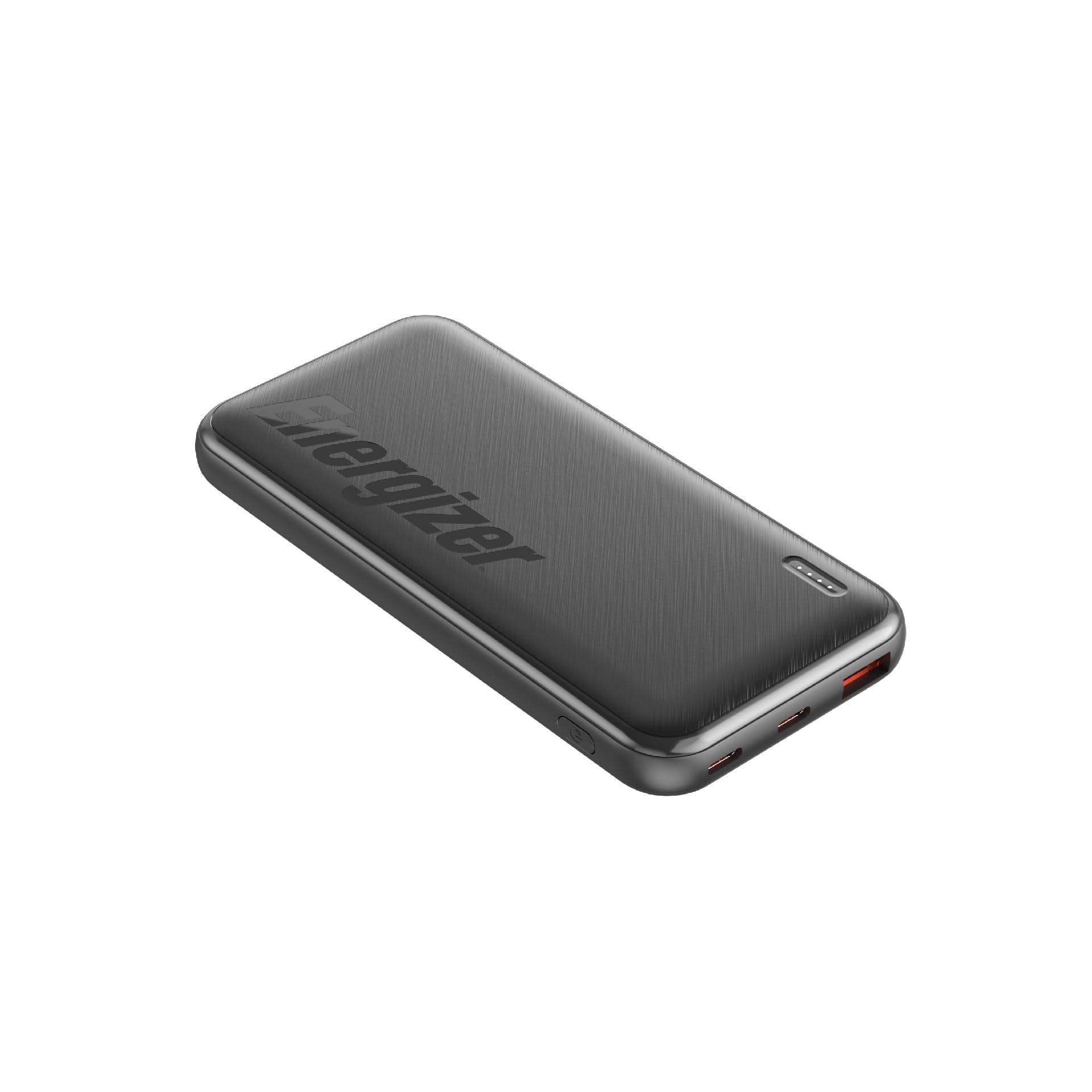
Image: The Energizer UE10055PQ power bank connected to a smartphone and wireless earbuds, demonstrating its charging capability.
Video: An overview of the Energizer UE10055PQ power bank, highlighting its key features and specifications.
2. Key Features
- High Capacity: 10,000mAh (37Wh Max) battery, providing extended power for smartphones and tablets.
- Triple Fast Charging Outputs: Includes one USB-A port (22.5W) and two USB-C ports (up to 20W Power Delivery) for simultaneous charging of up to three devices.
- Rapid Recharge Capability: Supports USB-C Power Delivery 18W fast recharge for quick power bank replenishment. The USB-C port functions as both input and output.
- LED Indicator: Four LED lights clearly show the battery charging status and remaining power level.
- Portable Design: Lightweight (215g / 0.47 lbs) and slim, making it suitable for travel.
- PowerSafe Management: Built-in Smart Circuit Chip technology provides protection against over-current, over-temperature, overcharging, and short circuits.
- Airline Approved: Meets international airline safety standards with a rating under 100Wh.

Image: Illustration of the 10,000mAh capacity, indicating approximate extra usage hours for smartphones, small tablets, and large tablets.
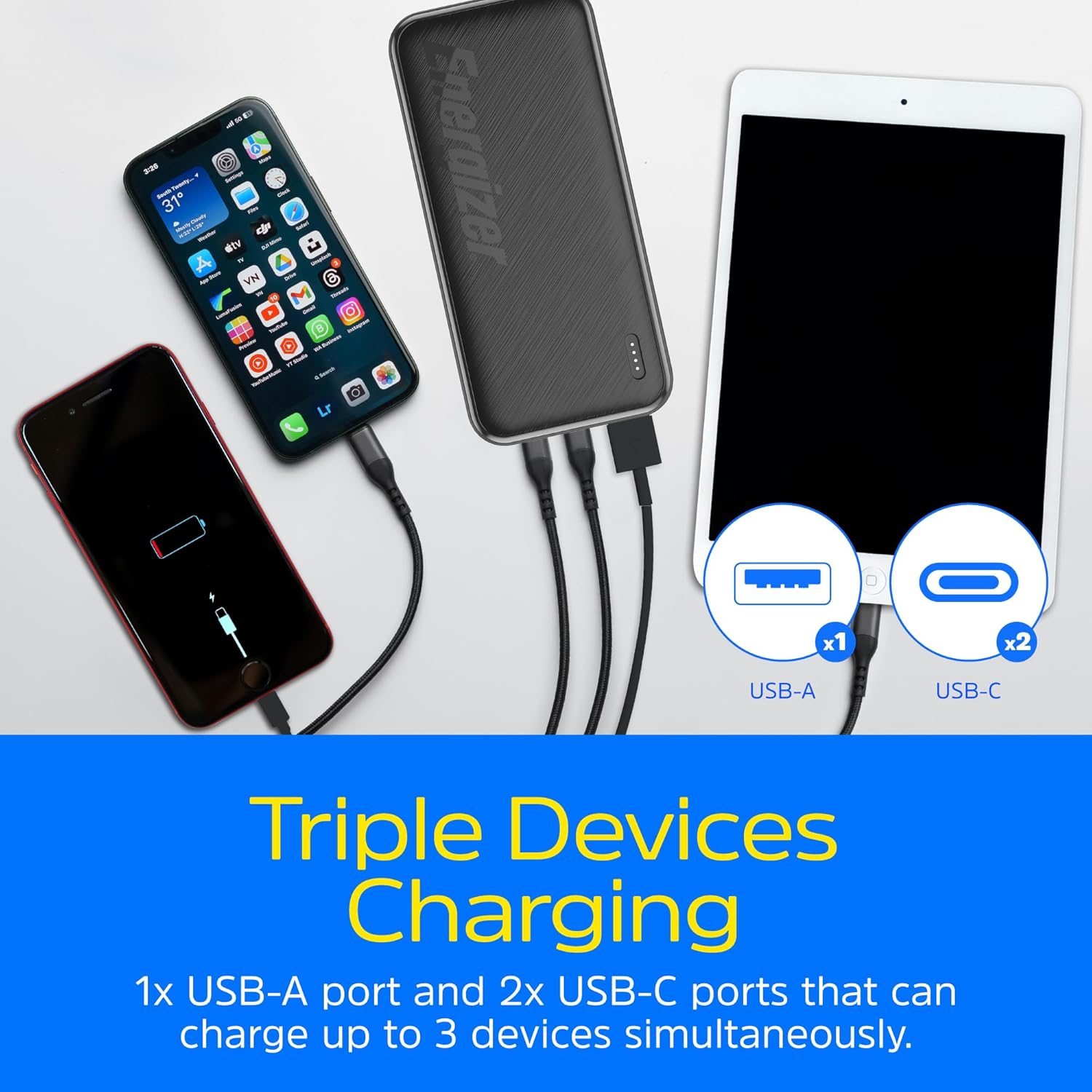
Image: The power bank demonstrating simultaneous charging of three devices using its USB-A and two USB-C ports.
3. Setup and Charging the Power Bank
- Initial Charge: Before first use, fully charge the power bank.
- Connecting to Power: Use a USB-C cable to connect the power bank's USB-C input/output port to a compatible USB wall charger (not included). For optimal charging speed, use an 18W Power Delivery charger.
- Charging Indication: The LED indicator lights will flash during charging. All four lights will be solid when the power bank is fully charged.

Image: A close-up view of the LED battery life indicator on the power bank, showing its current charge status.
4. Operating Instructions: Charging Your Devices
- Connect Your Device: Use a compatible charging cable to connect your device to one of the power bank's output ports (USB-A or USB-C).
- Start Charging: The power bank will automatically begin charging your device. The LED indicators will show the remaining battery level.
- Multiple Devices: You can charge up to three devices simultaneously using the available USB-A and USB-C ports.
- Fast Charging:
- For Android devices, use the 22.5W USB-A port for fast charging (0% to 80% in approximately 35 minutes).
- For iPhones and other USB-C Power Delivery compatible devices, use a USB-C port for 20W fast charging (0% to 50% in approximately 30 minutes).
- Check Battery Level: Press the power button (if available, not explicitly mentioned but common) or observe the LED indicators to check the power bank's remaining charge.
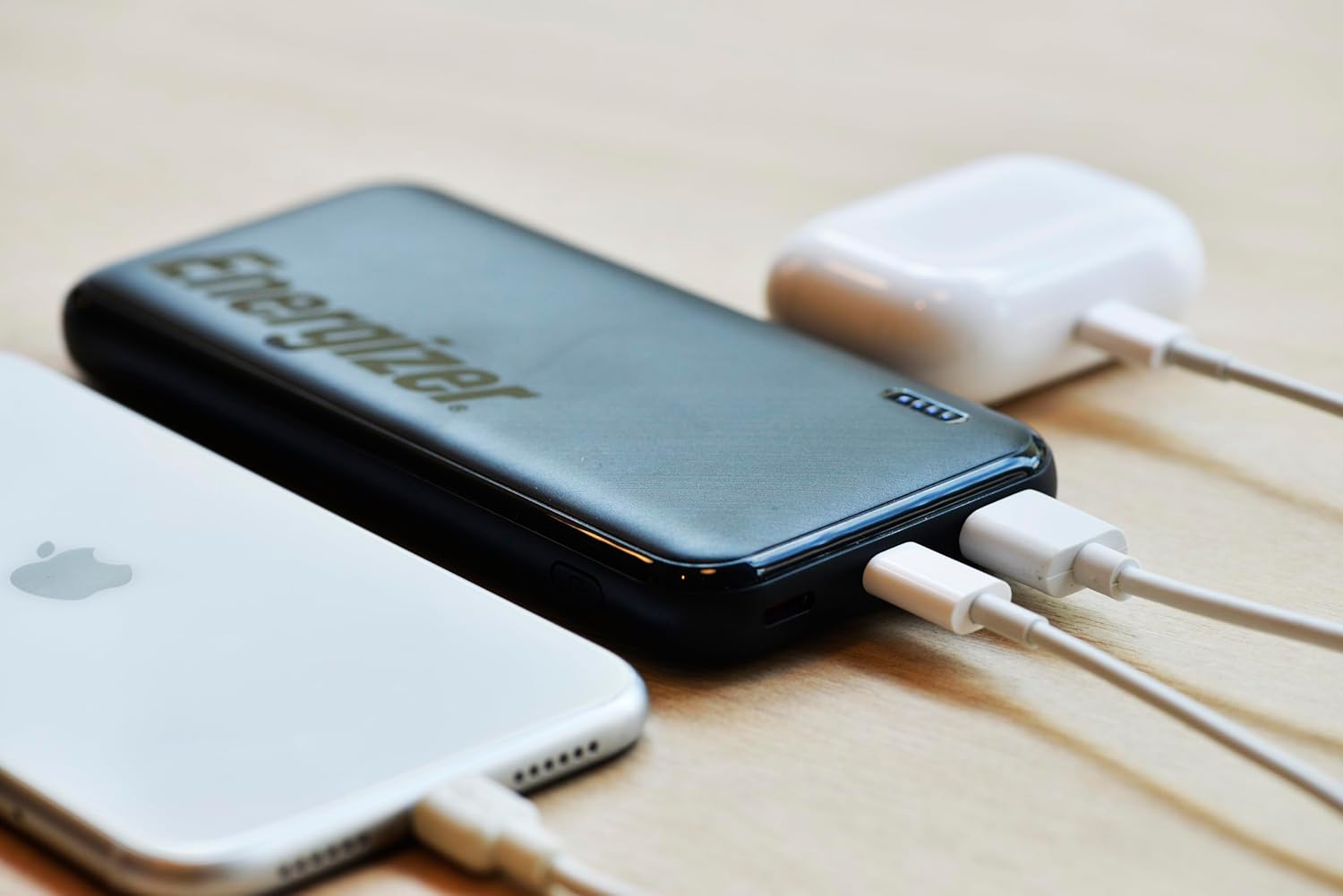
Image: The power bank actively charging a smartphone and wireless earbuds, illustrating its use.

Image: A visual representation of 22.5W Smart USB-A fast charging for Android devices.
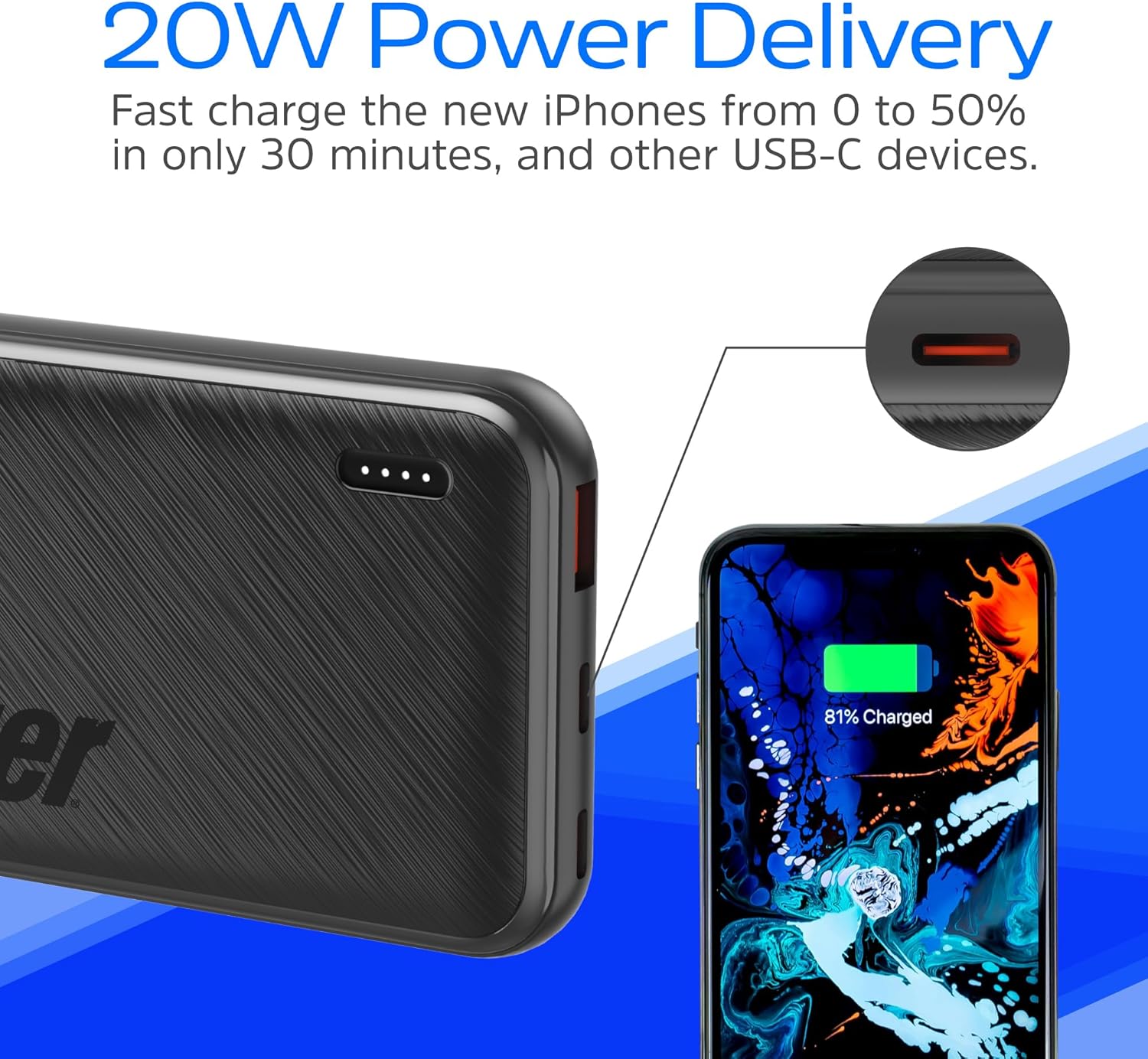
Image: A visual representation of 20W Power Delivery fast charging for iPhones and other USB-C devices.
5. Safety Information and Precautions
- Do not expose the power bank to extreme temperatures (hot or cold), direct sunlight, or fire.
- Avoid dropping, disassembling, or attempting to repair the power bank yourself.
- Keep the power bank away from water and other liquids.
- Use only certified charging cables and adapters.
- The power bank features built-in protections against over-current, over-temperature, overcharging, and short circuits.
- This device is safe for air travel as it is rated under 100Wh.

Image: An illustration detailing the PowerSafe Management features, including various protections for safe operation.
6. Product Specifications
| Specification | Detail |
|---|---|
| Model Number | UE10055PQ |
| Battery Capacity | 10,000 mAh (37 Wh Max) |
| Product Dimensions | 5.72 x 2.71 x 0.64 inches |
| Item Weight | 9.9 ounces (280g) |
| Input (USB-C) | 18W Power Delivery (Fast Recharge) |
| Output 1 (USB-A) | 22.5W Fast Charging |
| Output 2 & 3 (USB-C) | Up to 20W Power Delivery |
| Connector Type | USB Type A, USB Type C |
| Special Features | Fast Charging, LED Indicator Lights, Lightweight, Over Charging Protection, Pocket Size |
7. Troubleshooting
- Power Bank Not Charging:
- Ensure the charging cable is securely connected to both the power bank and the wall charger.
- Verify that the wall charger is functioning correctly and connected to a live power outlet.
- Try a different USB-C cable and/or wall charger.
- Device Not Charging from Power Bank:
- Check if the power bank has sufficient charge (indicated by the LED lights).
- Ensure the charging cable is securely connected to both the power bank and your device.
- Try a different charging cable or a different output port on the power bank.
- Confirm your device is compatible with the power bank's output specifications.
- Slow Charging:
- Ensure you are using a fast-charging compatible cable and your device supports fast charging.
- Charging multiple devices simultaneously may reduce the charging speed for individual devices.
- Environmental factors (e.g., extreme temperatures) can affect charging efficiency.
8. Warranty and Support
For warranty information or technical support, please refer to the official Energizer website or contact their customer service directly. Keep your purchase receipt for warranty claims.
Manufacturer: Tennrich International Corp.
Related documentsUE10055PQ


Ask a question about this manual
Ask about setup, troubleshooting, compatibility, parts, safety, or missing instructions. Manuals+ will review the question and use this page’s manual context to help answer it.