
1. Introduction
This manual provides essential information for the safe and efficient operation of your Energizer UE30050C 30,000mAh Portable Charger Power Bank. Please read this manual thoroughly before using the device and retain it for future reference.
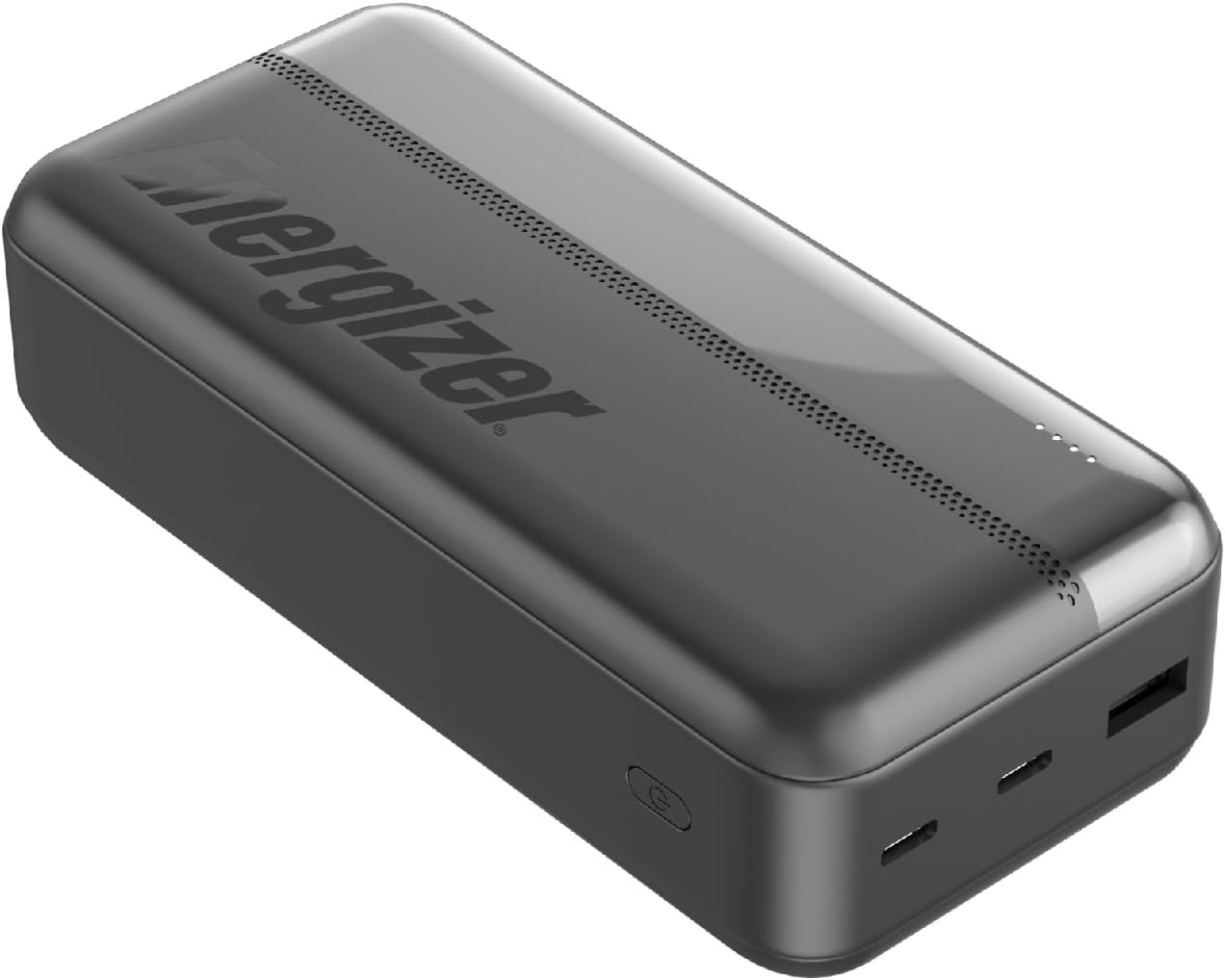
Image 1.1: The Energizer UE30050C 30,000mAh Portable Charger Power Bank, a compact and powerful external battery pack.
2. Product Features
- High Capacity: 30,000mAh lithium polymer battery provides extended power for multiple devices.
- Triple Output: Equipped with two USB-C ports and one USB-A port, allowing simultaneous charging of up to three devices.
- Versatile USB-C: The USB-C ports support both input (for charging the power bank) and output (for charging devices).
- PowerSafe Management: Integrated safety system protects against short circuits, overcurrent, overvoltage, and over-discharge.
- LED Indicator: Four LED lights clearly display the remaining battery level and charging status.
- Compact Design: Designed for portability, making it an ideal travel companion.
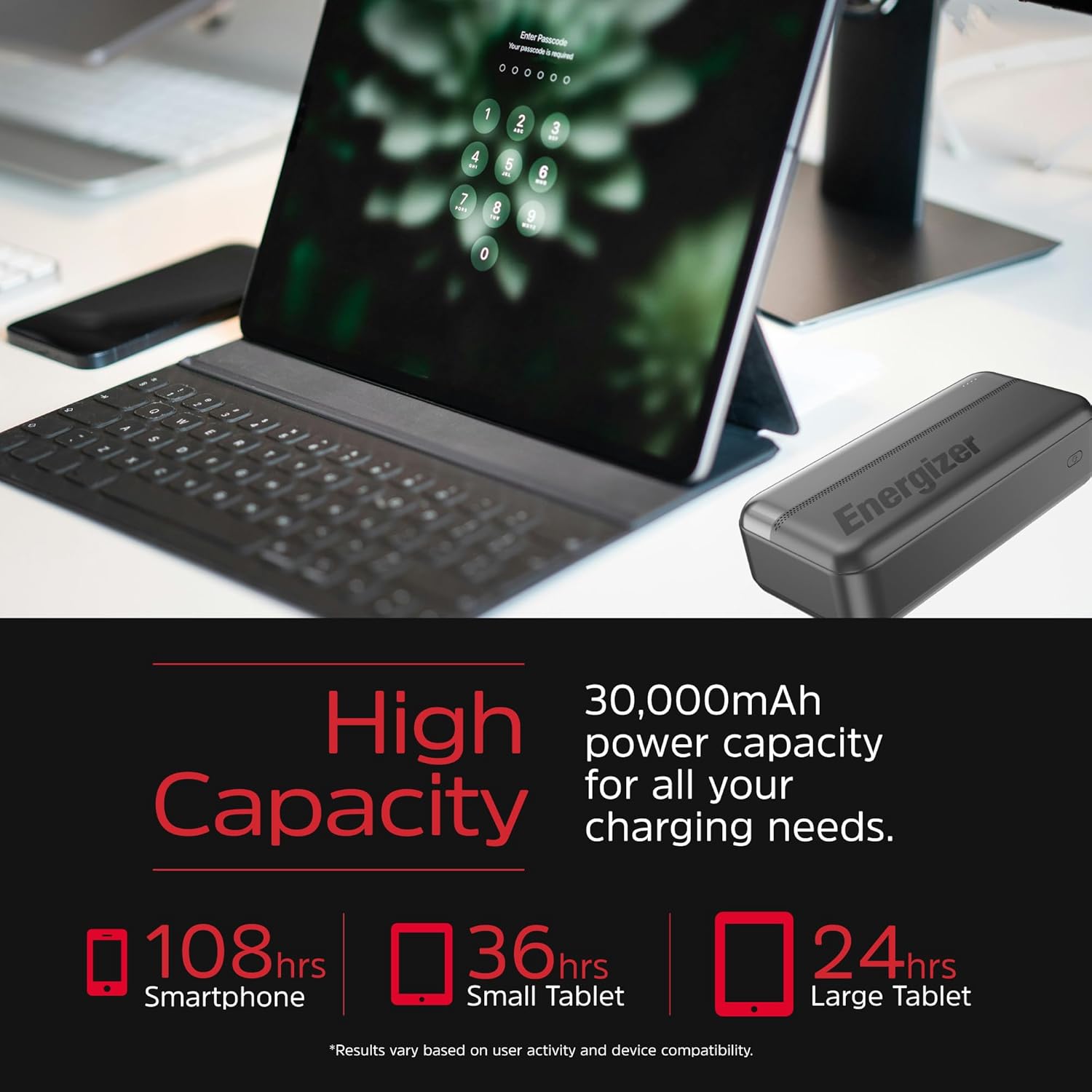
Image 2.1: Visual representation of the 30,000mAh capacity, indicating approximate extra hours for smartphones and tablets.

Image 2.2: Diagram illustrating the PowerSafe Management system, highlighting protections against over-current, temperature, over-charging, and short circuits.
3. Package Contents
Please check the package contents upon unboxing:
- Energizer UE30050C 30,000mAh Power Bank x 1
- USB-C Charging Cable x 1
- User Manual x 1
Note: A power adapter for charging the power bank is not included and must be purchased separately.
4. Setup
Before first use, it is recommended to fully charge your Energizer Power Bank.
- Connect the Power Bank: Use the provided USB-C cable to connect the power bank's USB-C input port to a compatible USB wall charger (not included) or a computer's USB port.
- Charging Indication: The LED indicator lights on the power bank will illuminate to show the charging progress. When all four LEDs are solid, the power bank is fully charged.
- Disconnect: Once fully charged, disconnect the power bank from the charging source.
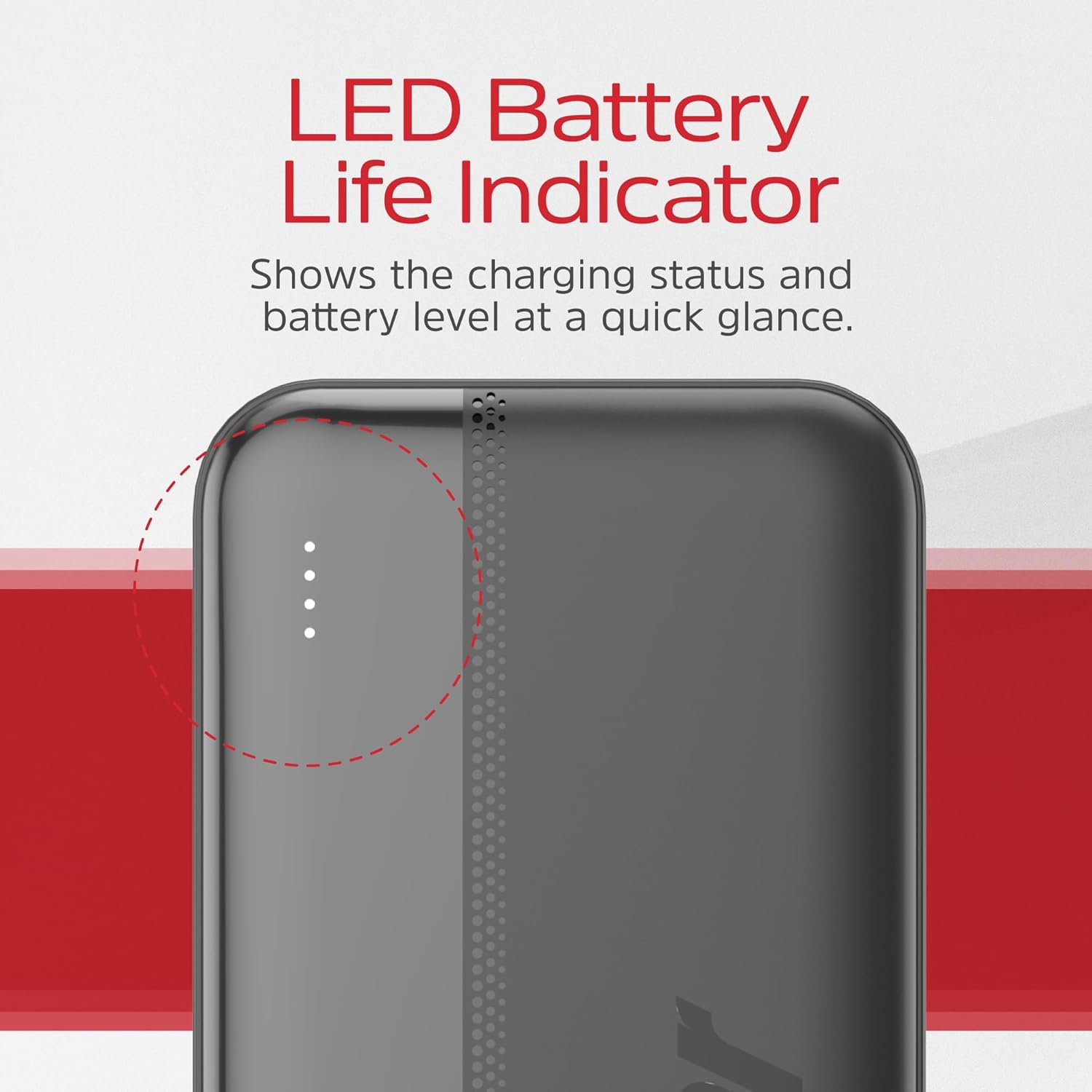
Image 4.1: Close-up view of the LED battery life indicator on the power bank, showing four white dots indicating charge level.
5. Operating Instructions
5.1 Charging the Power Bank
To recharge your power bank:
- Connect the supplied USB-C cable to one of the USB-C input/output ports on the power bank.
- Connect the other end of the USB-C cable to a USB wall adapter or a powered USB port.
- The LED indicators will flash during charging and remain solid when fully charged.
5.2 Charging Your Devices
The power bank can charge smartphones, tablets, and other USB-powered devices.
- Connect Your Device: Use your device's original charging cable or the provided USB-C cable to connect your device to one of the power bank's output ports (USB-A or USB-C).
- Initiate Charging: The power bank will automatically begin charging your device. If not, press the power button once to activate charging.
- Monitor Charging: The LED indicators on the power bank will show the remaining battery level. Your device's screen will indicate its charging status.
- Disconnect: Once your device is fully charged, disconnect it from the power bank.

Image 5.1: The power bank connected to and charging three different devices (two smartphones and a separate charging hub) simultaneously, demonstrating its triple output capability.

Image 5.2: A person holding a smartphone connected to the power bank, illustrating efficient 10.5W fast charging with the included USB-C and USB-A cables.
6. Maintenance
- Cleaning: Wipe the power bank with a soft, dry cloth. Do not use harsh chemicals or abrasive materials.
- Storage: Store the power bank in a cool, dry place away from direct sunlight, extreme temperatures, and humidity.
- Battery Life: To prolong battery life, fully charge and discharge the power bank at least once every three months if not in regular use.
- Avoid Drops: Do not drop or subject the power bank to strong impacts.
7. Troubleshooting
| Problem | Possible Cause | Solution |
|---|---|---|
| Power bank not charging | Charging cable is faulty or not properly connected. Wall adapter is not working or insufficient. | Ensure cable is securely connected. Try a different USB-C cable or wall adapter. |
| Device not charging from power bank | Power bank battery is depleted. Cable is faulty or not properly connected. Device is incompatible. | Recharge the power bank. Try a different charging cable. Ensure your device is USB-powered. Press the power button on the power bank. |
| Slow charging | Cable is not suitable for fast charging. Device requires higher input. | Use a high-quality cable. Ensure the device is connected to the appropriate port (USB-C for faster charging if supported). |
| LED indicators not working | Power bank is completely discharged. Internal fault. | Attempt to charge the power bank for several hours. If problem persists, contact customer support. |
8. Specifications
| Feature | Detail |
|---|---|
| Model Number | UE30050C |
| Battery Type | Lithium Polymer |
| Battery Capacity | 30,000 mAh |
| Input (USB-C) | 5V / 2A |
| Output 1 (USB-A) | 5V / 2.1A (10.5W Max) |
| Output 2 (USB-C) | 5V / 2A (10W Max) |
| Output 3 (USB-C) | 5V / 2A (10W Max) |
| Total Output | 10.5W Max |
| Dimensions (L x W x H) | 5.77 x 2.79 x 0.62 inches (14.66 x 7.09 x 1.57 cm) |
| Weight | 1.54 pounds (0.7 kg) |
9. Safety Information
Please observe the following safety precautions to prevent damage to the power bank or injury to yourself:
- Do not expose the power bank to water, moisture, or extreme temperatures.
- Do not disassemble, modify, or attempt to repair the power bank.
- Keep out of reach of children.
- Do not use the power bank if it is damaged, swollen, or leaking.
- Avoid dropping or subjecting the power bank to strong impacts.
- Dispose of the power bank responsibly according to local regulations.
10. Warranty and Support
Your Energizer UE30050C Power Bank comes with a 1-year limited warranty from the date of purchase. This warranty covers manufacturing defects and workmanship under normal use.
The warranty does not cover:
- Damage caused by misuse, abuse, or accident.
- Unauthorized repair or modification.
- Normal wear and tear.
For warranty claims or technical support, please contact Energizer customer service through their official website or the retailer where the product was purchased. Please have your proof of purchase and the product model number (UE30050C) ready.


