
Introduction
This instruction manual provides detailed guidance for the installation, use, and maintenance of your Bruni Screen Protector for the Akuvox E16 device. Designed for precise fit and optimal protection, this film helps safeguard your device's screen from scratches and impacts while maintaining touch sensitivity and display clarity.
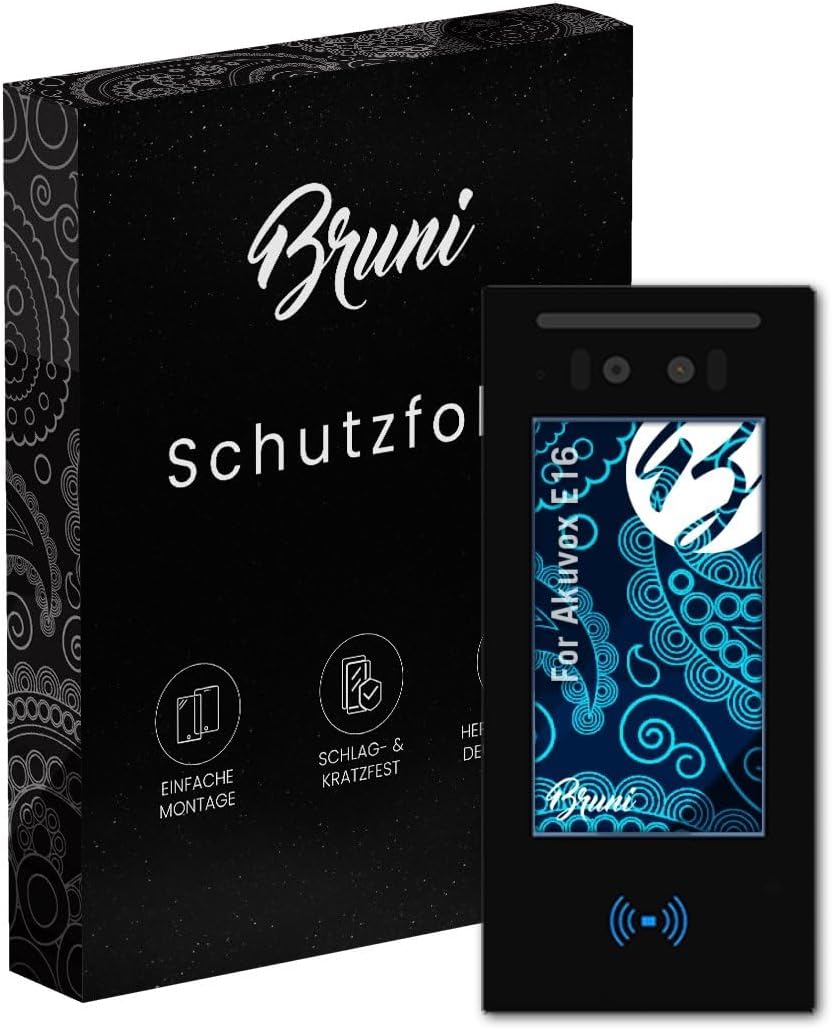
Image: Bruni Screen Protector packaging and the protector applied to an Akuvox E16 device. This illustrates the product's appearance and its intended application.
Package Contents
Before beginning installation, please verify that all components are present in your package:
- Bruni Screen Protector Film (2X)
- Mounting Tool (Squeegee)
- Microfiber Cleaning Cloth
- Installation Instructions (this manual)

Image: An illustration detailing the items included in the Bruni screen protector package, such as the film, cleaning cloth, and installation tools.
Installation Guide
Follow these steps carefully for a bubble-free and secure application of the Bruni Screen Protector:
- Prepare the Workspace: Ensure you are in a clean, dust-free environment. Wash your hands thoroughly to avoid transferring oils or dirt to the screen or protector.
- Clean the Akuvox E16 Screen: Use the provided microfiber cloth to meticulously clean the Akuvox E16 screen. Remove all dust, smudges, and fingerprints. For stubborn marks, a screen cleaner (not included) can be used, ensuring the screen is completely dry before proceeding.
- Align the Screen Protector: Carefully peel back a small portion of the protective layer (usually marked "Step 1" or similar) from one end of the screen protector. Align the exposed edge of the protector with the corresponding edge of your Akuvox E16 screen. Pay close attention to cutouts for cameras, sensors, or speakers.
- Apply and Smooth: Slowly peel off the remaining protective layer while simultaneously applying the screen protector to the device. Use the included mounting tool (squeegee) to gently push out any air bubbles towards the edges as you apply. Work from one end to the other.
- Remove Remaining Bubbles: If any small bubbles remain, use the squeegee to push them towards the nearest edge. For very small bubbles, they may dissipate naturally over 24-48 hours.
- Final Cleaning: Once the protector is fully applied and smoothed, use the microfiber cloth to gently wipe down the newly protected screen.
The Bruni Screen Protector is designed for easy, bubble-free application and can be removed without leaving residue, allowing for repositioning if needed during installation.

Image: A visual representation of the screen protector installation process, showing hands carefully applying the film to a device screen.
Operating Instructions
Once installed, the Bruni Screen Protector requires no special operation. It is designed to seamlessly integrate with your Akuvox E16, providing protection without compromising functionality.
- Touch Sensitivity: The protector is optimized for touch displays, ensuring that your Akuvox E16's touch screen remains fully responsive, sensitive, and precise.
- Display Clarity: The highly transparent PET material ensures an unadulterated display of screen contents, preserving the original color and brightness of your device's screen.
- Protection: The film provides a durable layer against scratches, scuffs, and minor impacts, extending the lifespan of your Akuvox E16's display.

Image: A finger touching a screen with the protector applied, demonstrating fast and sensitive touch response.

Image: A device screen showcasing vibrant colors through the clear protective film, indicating no color distortion.
Maintenance
To ensure the longevity and clarity of your Bruni Screen Protector, follow these simple maintenance guidelines:
- Cleaning: Use a soft, lint-free microfiber cloth (like the one provided) to gently wipe the screen protector. For smudges or fingerprints, lightly dampen the cloth with water or a screen-safe cleaning solution. Avoid harsh chemicals or abrasive materials.
- Avoid Sharp Objects: While the protector is scratch-resistant, excessive force or contact with extremely sharp objects can still cause damage.
- Replacement: If the screen protector becomes heavily scratched or damaged, it can be easily removed without residue and replaced with a new one to maintain optimal screen protection and visual quality.

Image: A visual demonstration of the screen protector's scratch-resistant properties, showing a key unable to damage the surface.
Troubleshooting
Here are solutions to common issues you might encounter during or after installation:
| Issue | Possible Cause | Solution |
|---|---|---|
| Bubbles under the protector | Dust particles or trapped air during application. | Gently lift the nearest edge of the protector and use the squeegee to push the bubble towards the edge. For dust, carefully lift the protector, use a dust-removal sticker (not included) to remove the particle, and reapply. |
| Protector not adhering properly | Screen not thoroughly cleaned, or protector misaligned. | Ensure the screen is free of oils and dirt. If misaligned, carefully peel off the protector and reapply, ensuring proper alignment from the start. |
| Reduced touch sensitivity | Rare, but could be due to improper application or a faulty protector. | Ensure the protector is fully adhered without air gaps. If the issue persists, consider replacing the protector. |
Specifications
| Feature | Detail |
|---|---|
| Brand | Bruni |
| Compatible Device | Akuvox E16 |
| Material | Polyethylenterephthalat (PET) |
| Item Hardness | 4H |
| Special Features | Crystal clear, scratch-resistant, residue-free removable, easy to apply, optimized for touch displays, Made in Germany |
| Product Dimensions | 7.4"L x 3.3"W (approximate for Akuvox E16 screen) |
| Item Model Number | Bruni Basics-Clear 4052225732729 |
| Manufacturer | atFoliX GmbH |

Image: An infographic summarizing the key features and benefits of the Bruni screen protector, including its origin and protective qualities.
Warranty and Support
Bruni screen protectors are manufactured in Germany, adhering to high-quality standards. While specific warranty details are not provided in this manual, for any product-related inquiries, support, or concerns, please contact the manufacturer, atFoliX GmbH, or your point of purchase. Ensure you have your product model number (Bruni Basics-Clear 4052225732729) and purchase details available when seeking support.