
IAGREEA DS-258
IAGREEA Shower Scrubber User Manual
Model: DS-258
Product Overview
The IAGREEA Shower Scrubber is a versatile, cordless power cleaning brush designed to simplify your cleaning tasks. Featuring an adjustable extension handle and a 45° rotating brush shaft, it allows for comfortable cleaning of various surfaces and hard-to-reach areas without bending or kneeling. It comes with multiple replaceable brush heads to suit different cleaning needs.

Image: The IAGREEA Shower Scrubber main unit with several interchangeable brush heads displayed, illustrating its versatility for different cleaning tasks.
Included Components
Your IAGREEA Shower Scrubber package includes the main unit, an adjustable extension handle, and a set of replaceable brush heads designed for various cleaning applications. The specific brush heads included are:
- Large Brush: Ideal for flat floors.
- Sponge Brush: Suitable for kitchen surfaces and car cleaning.
- Pointed Brush: Designed for cleaning corners and narrow spaces.
- Coarse Fiber Brush: Effective for oily areas.
- Semi Circular Brush: Best for bathtubs, toilets, and sinks.
- Small Brush: Useful for stoves and sinks.

Image: A visual guide illustrating each brush head type and its primary cleaning application, such as the large brush for floors and the pointed brush for corners.

Image: An illustration detailing the product's dimensions at different extension lengths and a visual list of all included brush accessories.
Setup and Assembly
- Attaching a Brush Head: Align the desired brush head with the axis on the main machine. Gently push and twist the brush head clockwise until it clicks securely into place.
- Adjusting the Extension Handle: To extend the handle, twist the telescopic rod counter-clockwise to unlock it. Pull the handle to your desired length. Once the desired length is achieved, twist the rod clockwise to lock it firmly in position.

Image: Step-by-step visual instructions for attaching a brush head to the main unit and adjusting the length of the extension handle.
Operating Instructions
Charging the Device
The IAGREEA Shower Scrubber is equipped with a 2000mAh rechargeable battery. Before first use, or when the power indicator light shows low battery, charge the device using the provided Type-C charging cable.
- Locate the Type-C charging port, usually covered by a protective flap to ensure IPX6 waterproofing.
- Open the flap and insert the Type-C cable.
- Connect the other end of the cable to a suitable USB power adapter (not included).
- A power indicator light will illuminate during charging.
- Full charging typically takes 4-5 hours and provides approximately 100 minutes of continuous operation.

Image: A close-up view of the Type-C charging port, indicating battery capacity (2000mAh), operating range (100 minutes), and charging duration (4-5 hours).
Using the Scrubber
- Ensure a brush head is securely attached and the handle is adjusted to a comfortable length.
- Press the power button to turn on the scrubber. The device offers two rotation speeds; press the button again to switch between speeds.
- Apply appropriate cleaning solution to the surface or brush head as needed.
- Guide the rotating brush over the surface to be cleaned. The 45° rotatable brush shaft allows you to easily adjust the angle for optimal cleaning, especially in corners or hard-to-reach areas.
- After cleaning, press the power button to turn off the device.

Image: A diagram demonstrating the two available rotation speeds and the ability of the brush head to rotate up to 45 degrees for flexible cleaning.
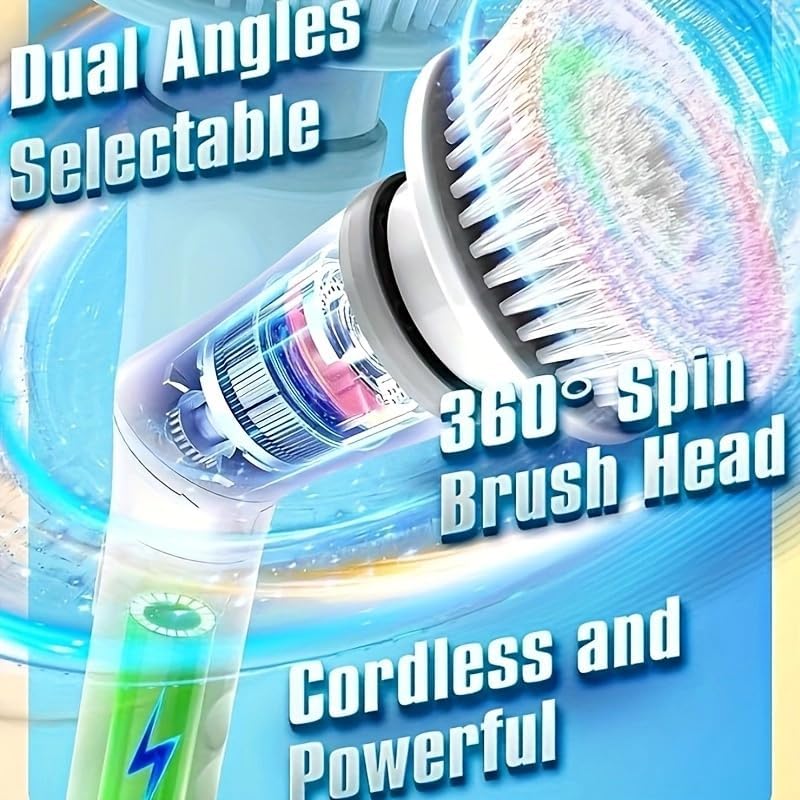
Image: A graphic highlighting the cordless design and the 360-degree spinning capability of the brush head for efficient cleaning.
Maintenance and Care
- Cleaning the Brush Heads: After each use, remove the brush head and rinse it thoroughly under running water to remove any dirt or cleaning solution residue. Allow brush heads to air dry completely before storing.
- Cleaning the Main Unit: The main unit is IPX6 waterproof, allowing it to withstand water jets. Wipe the main unit with a damp cloth to clean its surface. Ensure the charging port cover is securely closed before rinsing or exposing to water. Do not submerge the entire unit in water for extended periods.
- Storage: Store the scrubber and its accessories in a clean, dry place away from direct sunlight and extreme temperatures.
- Battery Care: To prolong battery life, avoid fully discharging the battery frequently. Charge the device regularly, even if not in use for extended periods.
Troubleshooting
| Problem | Possible Cause | Solution |
|---|---|---|
| Scrubber does not turn on. | Battery is depleted. | Charge the scrubber for 4-5 hours using the Type-C cable. |
| Brush head is not spinning or spinning weakly. | Brush head not securely attached; Low battery; Obstruction. | Ensure brush head is clicked into place; Recharge battery; Remove any debris from the brush or shaft. |
| Handle does not lock at desired length. | Telescopic rod not twisted clockwise to lock. | Twist the telescopic rod firmly clockwise after adjusting length. |
| Charging indicator light not on. | Cable not properly connected; Faulty charger/cable. | Ensure Type-C cable is fully inserted; Try a different Type-C cable and USB power adapter. |
Specifications
| Brand | IAGREEA |
| Model Number | DS-258 |
| Color | White&gray-6 Heads Replacement |
| Handle Material | Polypropylene |
| Product Dimensions (L x W x H) | 5.9" x 3.54" x 44.5" (Extended) |
| Special Features | Extendable, Rotatable (45° shaft), Reusable, Portable, Ergonomic |
| Battery Capacity | 2000mAh |
| Operating Time | Approx. 100 minutes |
| Charging Time | Approx. 4-5 hours |
| Waterproof Rating | IPX6 |
| Item Weight | 1.07 Kilograms (2.35 pounds) |
| UPC | 793101405859 |
Warranty and Support
For warranty information and customer support, please refer to the documentation included with your purchase or visit the official IAGREEA website. Keep your purchase receipt for warranty claims.
For further assistance, you may contact IAGREEA customer service through their official channels.
Ask a question about this manual
Ask about setup, troubleshooting, compatibility, parts, safety, or missing instructions. Manuals+ will review the question and use this page’s manual context to help answer it.